 NexBrowser指纹浏览器-官方博客Blog
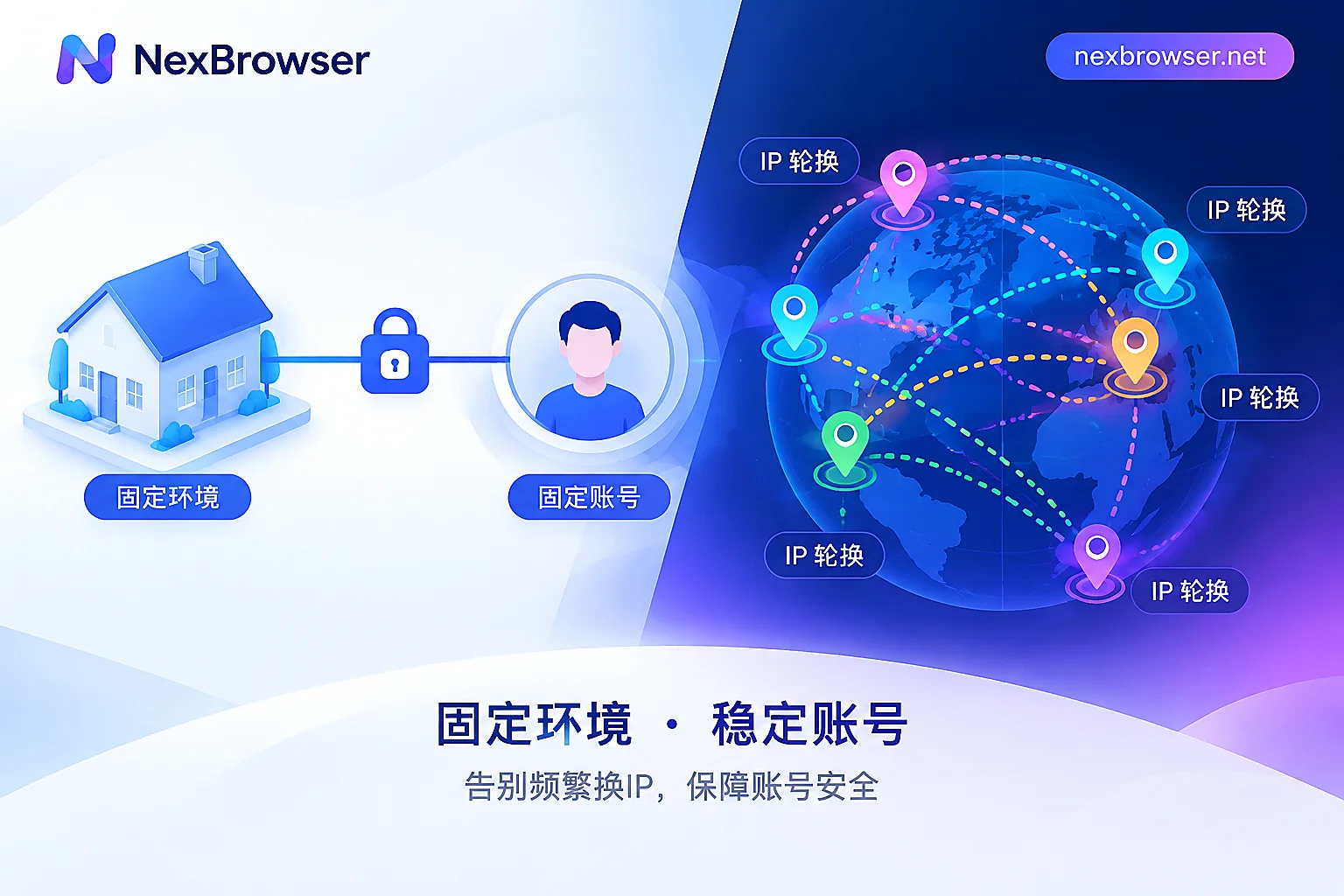
Direct conclusion: For accounts that need to stay logged in long-term and be continuously operated, choose a static residential IP (often called an ISP IP). Social media profiles, e-commerce stores, and ad accounts all fall into this category. Dynamic residential IPs (rotating per request, or sticky sessions that change every few minutes to tens of minutes) are better suited to tasks like public data scraping and price monitoring that don't require staying logged in.
Choosing the right IP only solves the network exit layer. Whether an account remains stable also depends on whether the browser environment is independent, whether fingerprint parameters match the IP, and whether operation habits look normal. Below, we first cover the selection criteria, then how to confirm the configuration has taken effect.
Why long-term login accounts are better suited to static residential IPs
Platforms like Facebook, LinkedIn, TikTok, Amazon, and eBay all consider whether the network environment is stable and the region is consistent when judging whether a login is abnormal. Static residential IPs have two characteristics that fit these requirements:
- The source looks like ordinary home broadband. These IPs are assigned by real consumer broadband operators (ISPs), and the IP ownership information shows the operator, not a data center or cloud provider.
- The address remains unchanged long-term. The same account logs in from the same exit every time, so the platform sees a user at a fixed location. The longer it's used, the more likely this "device + network" combination is treated as a familiar environment.
The problem with dynamic IPs lies in the "changing." If used to maintain a login, the account may switch to different cities or even different operators' nodes within a short time. Normal users rarely access the internet this way, so the platform may trigger unusual login alerts, require two-factor verification, or in severe cases restrict the account.
Per-request rotation carries the highest risk. Sticky sessions can keep the same exit for a period, but they will still change after expiration, so they are also not suitable for long-term logins. If you only have dynamic proxies and must use them for login scenarios short-term, you can first read Will dynamic rotating proxies cause account login drops and How to use sticky sessions when fingerprint browsers connect to dynamic proxies to understand the impact of rotation duration and mid-session exit changes.
Choose based on your task
| What you need to do | Recommendation | Reason |
|---|---|---|
| Long-term operation of social media accounts, store backends, ad accounts | Static residential IP | Fixed exit, consistent login records |
| Multiple accounts operated separately long-term | One static residential IP per account | Avoid multiple accounts sharing an exit |
| Public page scraping, price monitoring, search result scraping | Dynamic residential IP | High request volume, no login state needed |
| Occasional login to check, short operations | Prefer static; if only dynamic is available, use a sticky session and complete within the session period | Reduce the chance of IP changes mid-session |
Billing models also affect the choice. Static residential IPs are usually charged per IP per month, with unlimited or fairly generous traffic. Daily operation accounts consume little traffic, stay online for long periods, and need a fixed exit, so this billing model is cost-effective. Dynamic residential IPs are usually billed by traffic consumed (GB), making them better for high-concurrency, short-duration, high-request scraping tasks. Using dynamic IPs to keep accounts online long-term may not save money, and the exit is unstable.
Static IP alone is not enough
Platform detection usually has several layers: network (IP), browser fingerprint (timezone, language, Canvas, WebGL, WebRTC, etc.), and operational behavior. In the following two cases, switching to a static residential IP won't have the intended effect:
- Multiple accounts switch within the same browser. These accounts share Cookies and local storage, so even with a clean exit, associations between accounts already exist.
- IP and environment parameters don't match. For example, the IP is in the US but the browser timezone is Beijing time and the language is Simplified Chinese; this contradiction itself easily draws platform attention. For how to align them specifically, see Troubleshooting IP and browser timezone/language mismatch.
Therefore, a more reliable approach is: 1 independent browser environment = 1 dedicated static residential IP = 1 account. This reduces the possibility of environments affecting each other, but no configuration can guarantee an account will never be associated.
Configuration steps: bind first, then detect, finally log in
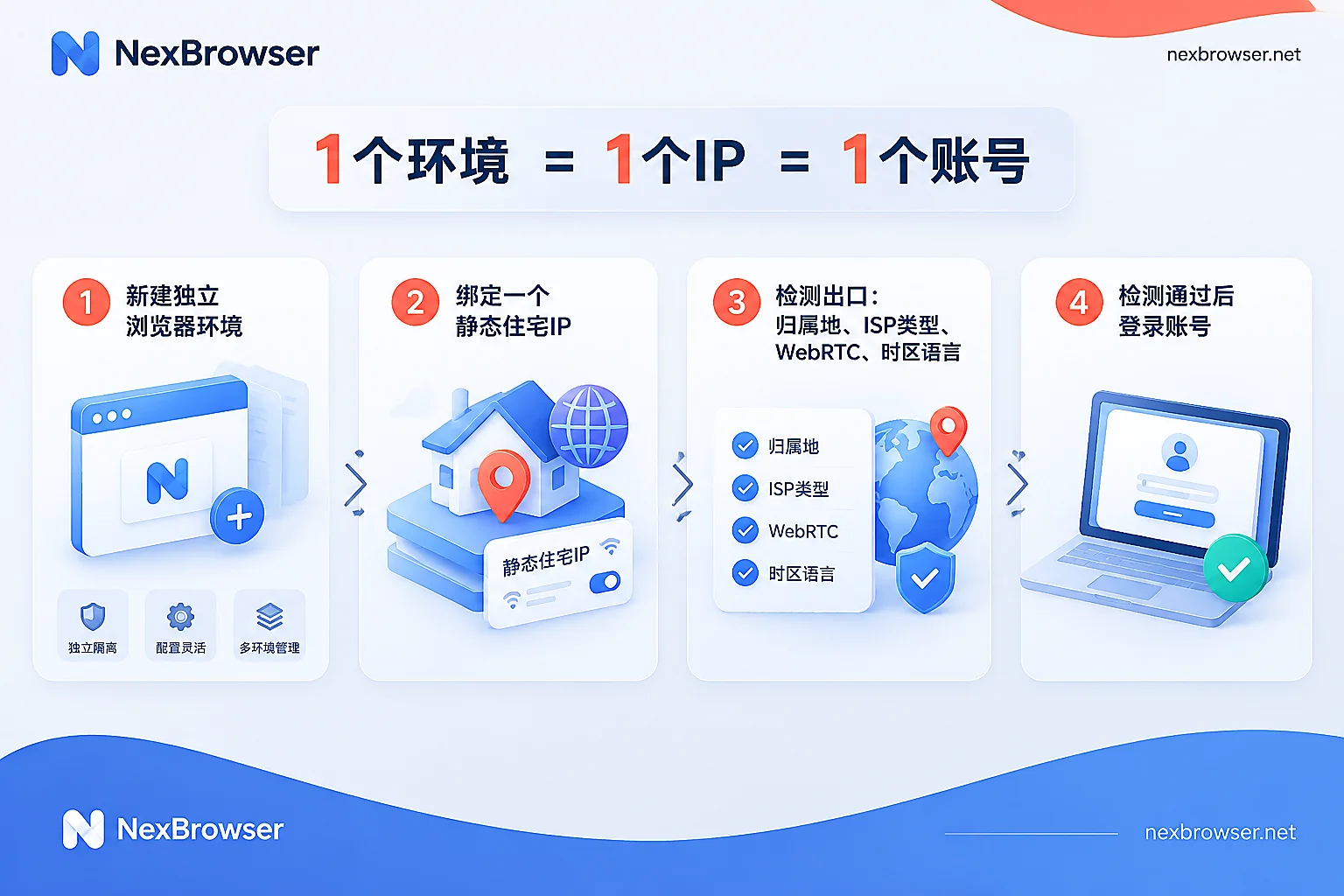
Step 1: Create an independent environment for each account. Each environment must have independent Cookies, cache, and local storage; do not log in to different accounts back and forth in the same environment.
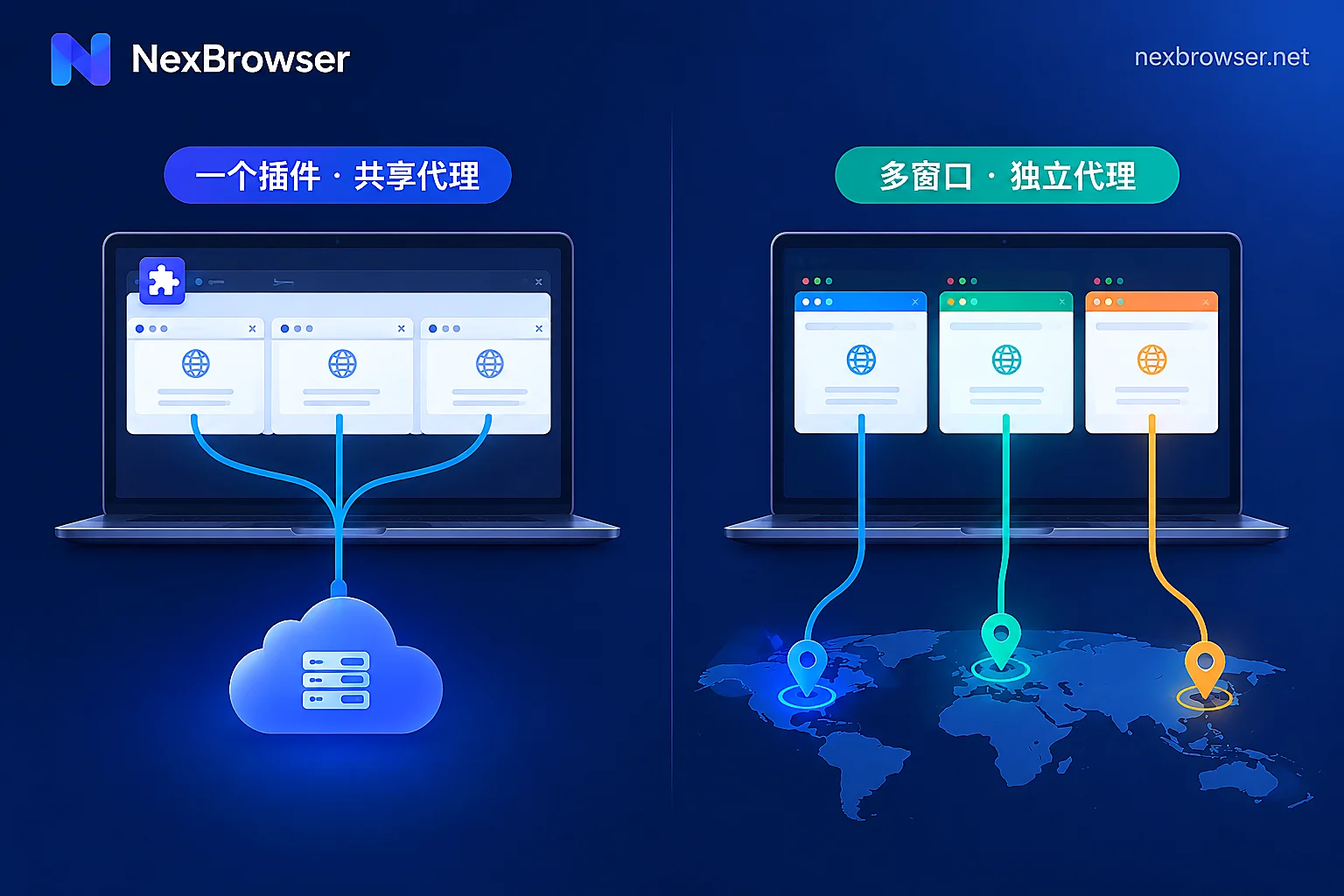
Step 2: Bind the static residential IP in the environment. The proxy should be bound to a single environment, not switched globally or via a browser extension. For the difference, see Comparison of extension proxies and built-in software proxies. In NexBrowser, each environment can separately fill in HTTP, HTTPS, or SOCKS5 proxies, and bulk import is available for many accounts. You can also directly bind NexIP residential IPs or use proxies you purchased yourself. For specific operations, see Binding proxies and verifying exits.
Step 3: Detect the exit before the first login. First use the one-click detection to confirm the proxy is connected, then open an IP detection page in the environment and check each item:
- Exit IP and location: Whether it's the IP you purchased, and whether the city and country match the account's operating region;
- ISP and IP type: It should show a broadband operator. If it's labeled as Hosting or DataCenter, the effect will be reduced for platforms with strict detection;
- WebRTC: Your real local IP must not appear in the detection results;
- Timezone and language: Whether they match the IP's location.
If the IP shown on the detection page doesn't match the proxy, first confirm which field doesn't match, then handle it item by item according to this troubleshooting guide. SOCKS5 and HTTP proxies differ little in web scenarios; mainly check DNS and WebRTC, as explained in this note.
Step 4: Log in to the account only after everything passes. After logging in, recheck the exit periodically to confirm the proxy hasn't expired or been replaced by the provider. For the complete process of "fill in proxy, detect, align fingerprint, review after going live," see Set up a separate proxy for each environment.
A few notes for daily operations
- Don't change IPs casually. The value of a static IP is its fixedness. When you really need to change (e.g., the provider reclaimed the IP), try to switch to an IP in the same country, same city, and same type of operator, then redo Step 3 detection after the change.
- When a colleague takes over, use the original environment and IP. Hand over the entire environment (including the bound proxy) to them; don't let colleagues log in directly on their own network and browser. NexBrowser's environment configurations are encrypted and synced to the cloud, and team members can share environments without passwords, so the successor still opens the original exit and fingerprint configuration.
- Manage scraping tasks and operation accounts separately. Use dynamic IPs for scraping and static IPs for accounts, grouping them into different environment groups to avoid misbinding.
- Different platforms have different strictness. Some platforms check IP type (operator vs data center) more strictly. Before going live, check your platform's login and security documentation, and take the platform's official rules as the standard.
Once you have static residential IPs ready, you can download NexBrowser (currently a Windows client is available) and follow the steps above to create an environment for each account, bind the IP, and log in only after detection passes.


Comments(0)