 NexBrowser指纹浏览器-官方博客Blog
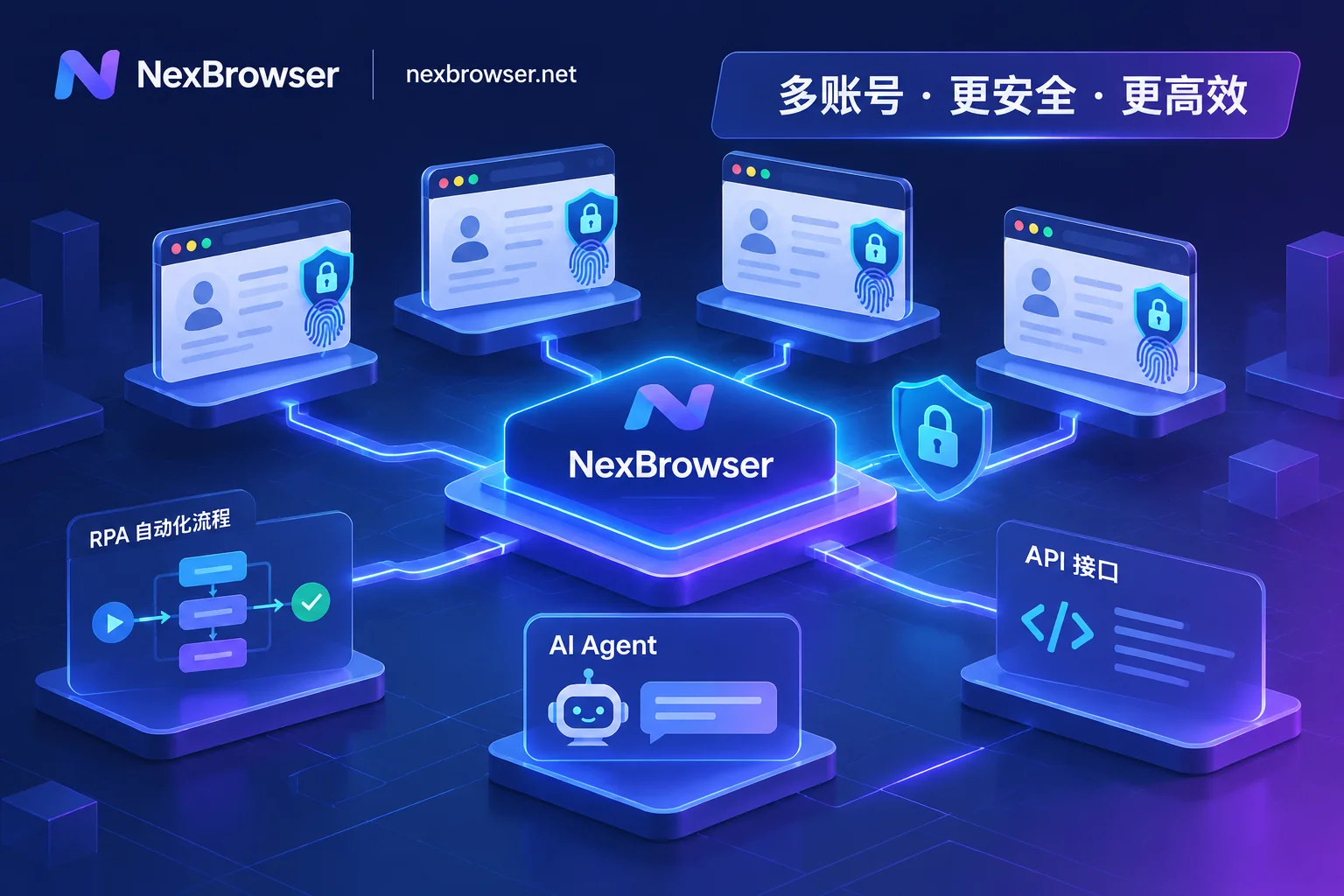
How to Avoid Mass Account Bans in Fingerprint Browser Automation: A Practical Guide from Signal Drift Prevention to Multi-Pipeline Coordination
As platform risk controls cross-check fingerprints, behavior, and network signals, crude automation focused only on getting scripts to run now faces mass bans. This article breaks down how to build a low-loss fingerprint browser automation workflow with NexBrowser across four dimensions: environment continuity, choosing among four automation pipelines, proxy and CAPTCHA closed loops, and human-machine safety boundaries.

TikTok Multi-Account Management Challenges? NexBrowser Builds an Automated Matrix Anti-Detection Defense
TikTok's risk control is escalating—how can multi-account operations break through? This article explores the pain points of TikTok matrix operations and introduces how NexBrowser enables efficient and secure multi-account matrix management through底层 fingerprint isolation, automated AI Agents, and RPA technology.
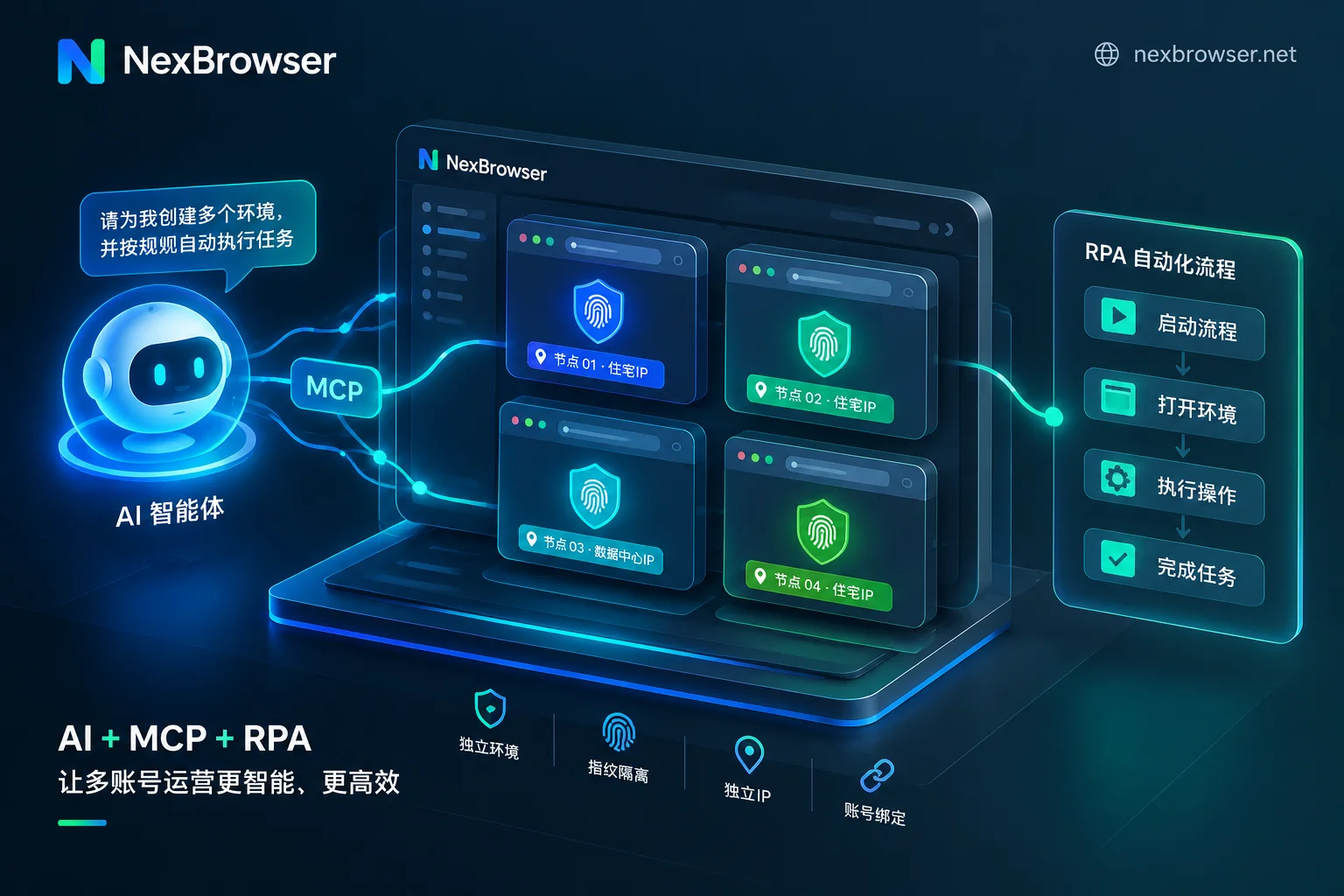
How to Implement AI Browser Automation for Multi-Account Business: Practical Division of Labor Between Built-in AI Agent, RPA, and Window Synchronizat
In 2026, AI browser automation has moved from experimentation to production, but many teams find that running AI agents on bare browsers leads to login loss and risk control triggers, while delegating all repetitive tasks to large models causes token costs to soar and slow execution. Based on industry best practices in 2026, this article explains how to build a multi-account automation workflow that prevents association and saves costs by using isolated fingerprint environments as the foundation and combining AI agents, RPA scripts, window synchronization, and MCP interfaces.
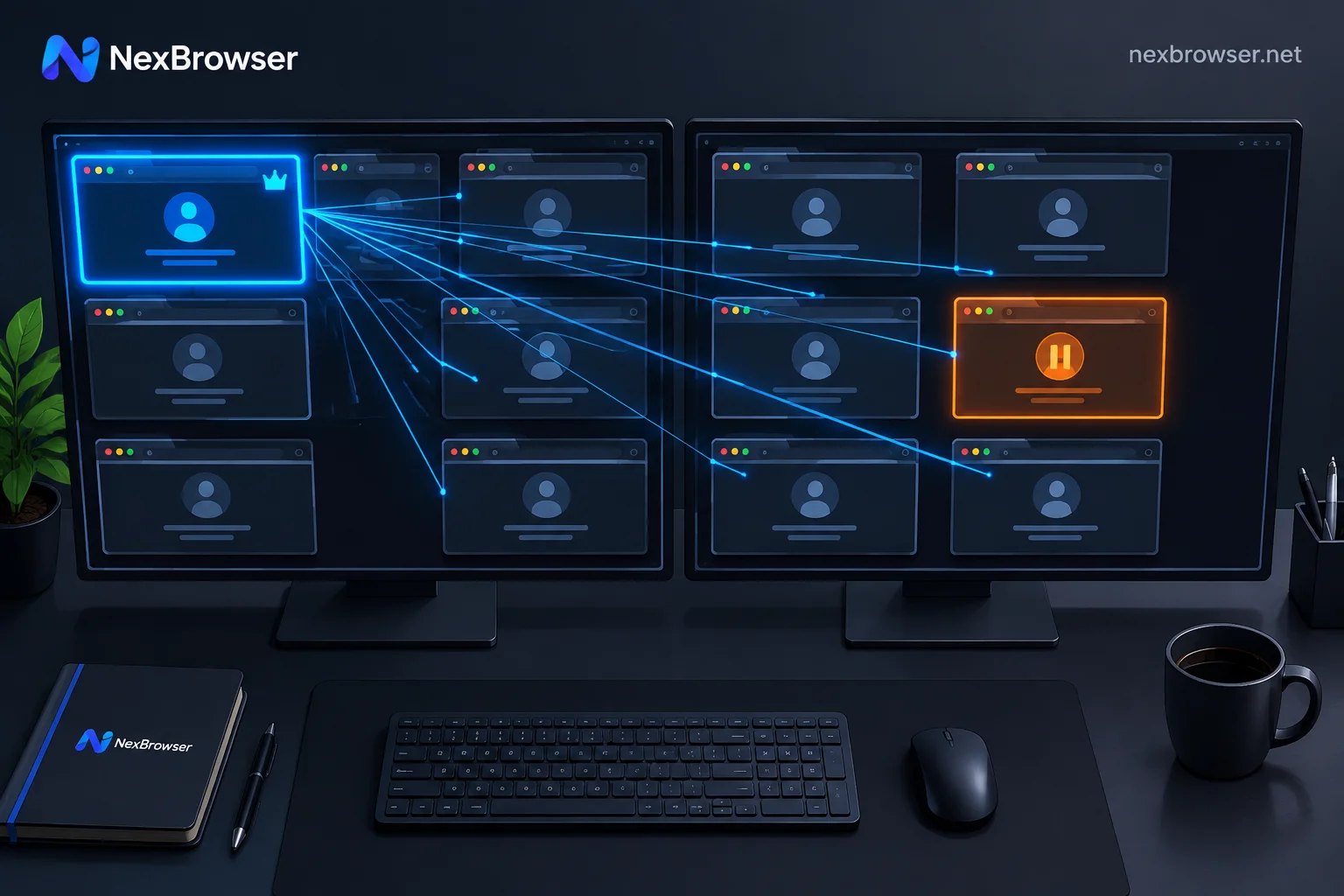
How to Operate Multiple Accounts with Window Sync Without Mistakes: Alignment, Baseline, and Circuit Breaker
Window sync is blind synchronization that copies mouse and keyboard events from the master window to controlled windows by coordinates and doesn't check page content. Misoperations almost always stem from the same issue: the element you see in the master window and the element at that coordinate in the controlled window are not the same. This guide explains, in hands-on order, window alignment, page baseline calibration, delay settings, how to fill differentiated data, how to set up a circuit breaker for exceptions, and when to stop and switch to RPA or script takeover.

How to Build an RPA Robot and Fingerprint Browser Collaborative Workflow? 5 Essential Checkpoints
Learn the five critical steps to integrate RPA robots with fingerprint browsers, including environment startup, task orchestration, and exception handling, to ensure efficient and secure automation.