NexBrowser指纹浏览器-官方博客Blog
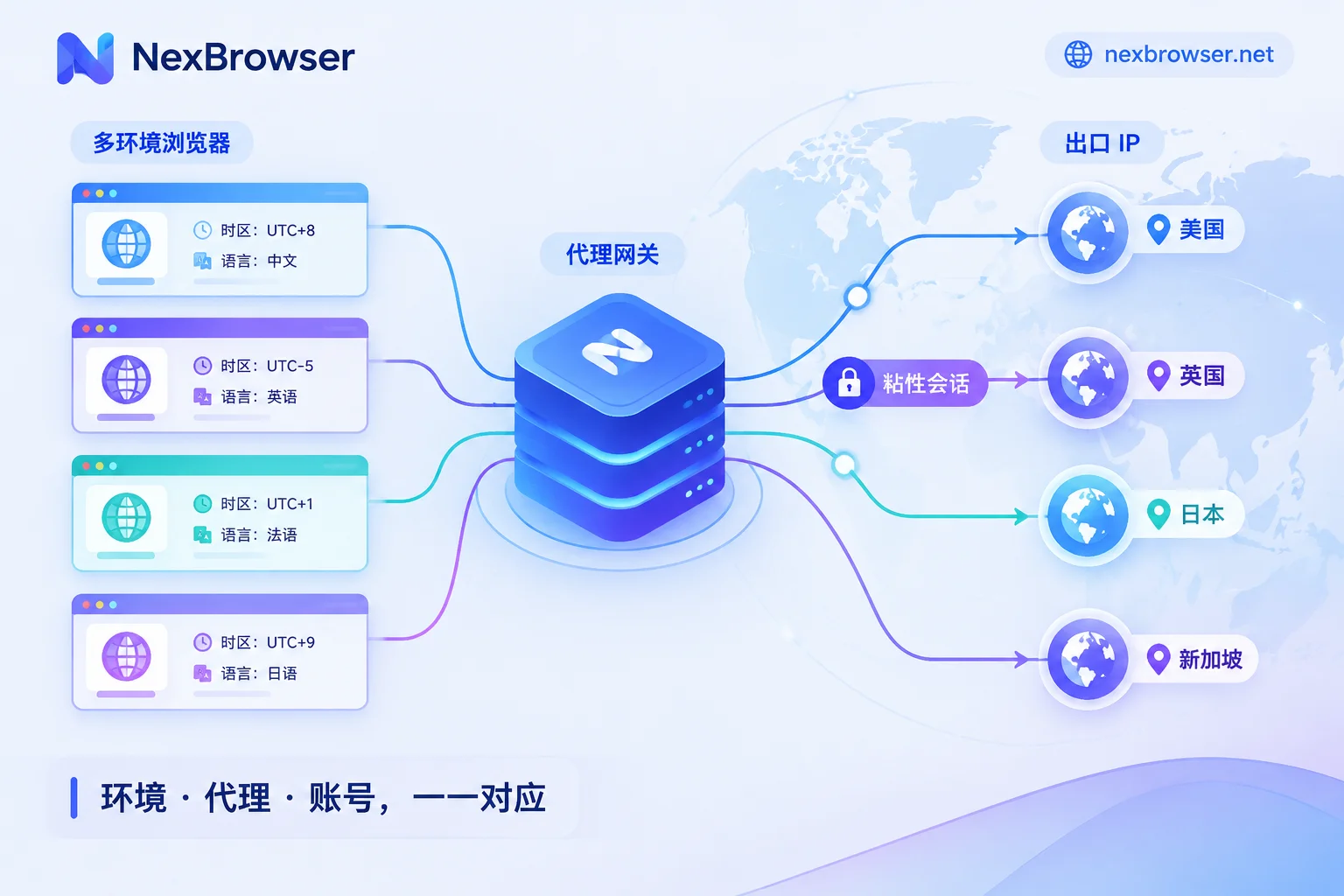
How to Use Rotating Proxies with Antidetect Browsers: Choose Rotation Mode by Task, Then Bind Sessions and Verify Egress
Antidetect browsers isolate each environment's local data and fingerprint, while rotating proxies provide the egress IP; whether they work well together depends on matching the rotation mode to the task, so add sticky sessions or static IPs for logged-in accounts, and verify egress, timezone, language, and WebRTC inside each environment.
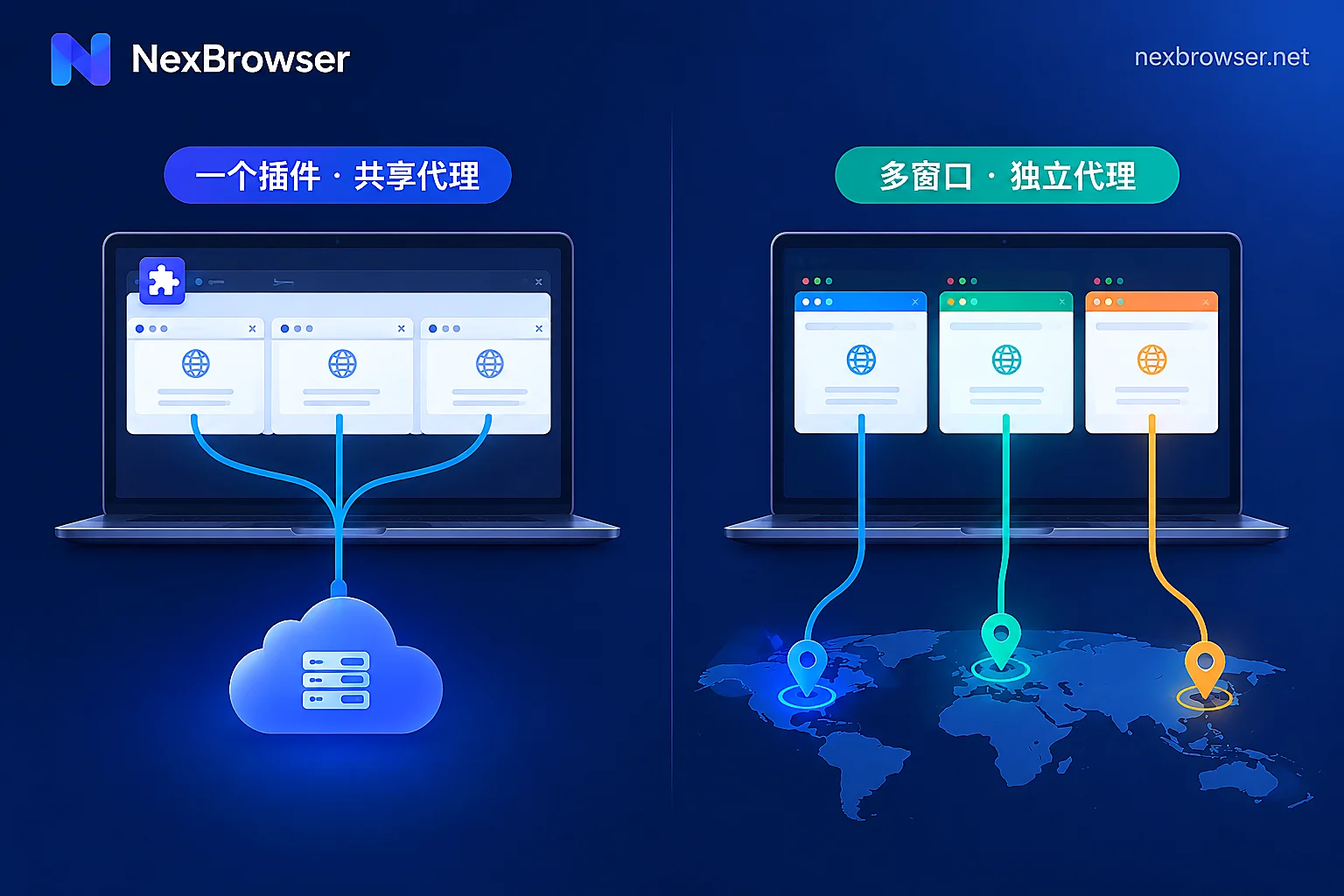
Browser Extension Proxy vs. Built-in App Proxy: Choose by How Many Accounts You Manage
The difference between extension proxies and built-in app proxies isn't which one "changes IPs better" but at which layer the proxy takes effect: extensions modify requests sent by the browser, while built-in proxies lock down the network exit when the environment starts—so one browser with occasional routing only needs an extension, but running multiple independent accounts on one machine calls for built-in proxies with per-environment exit verification.
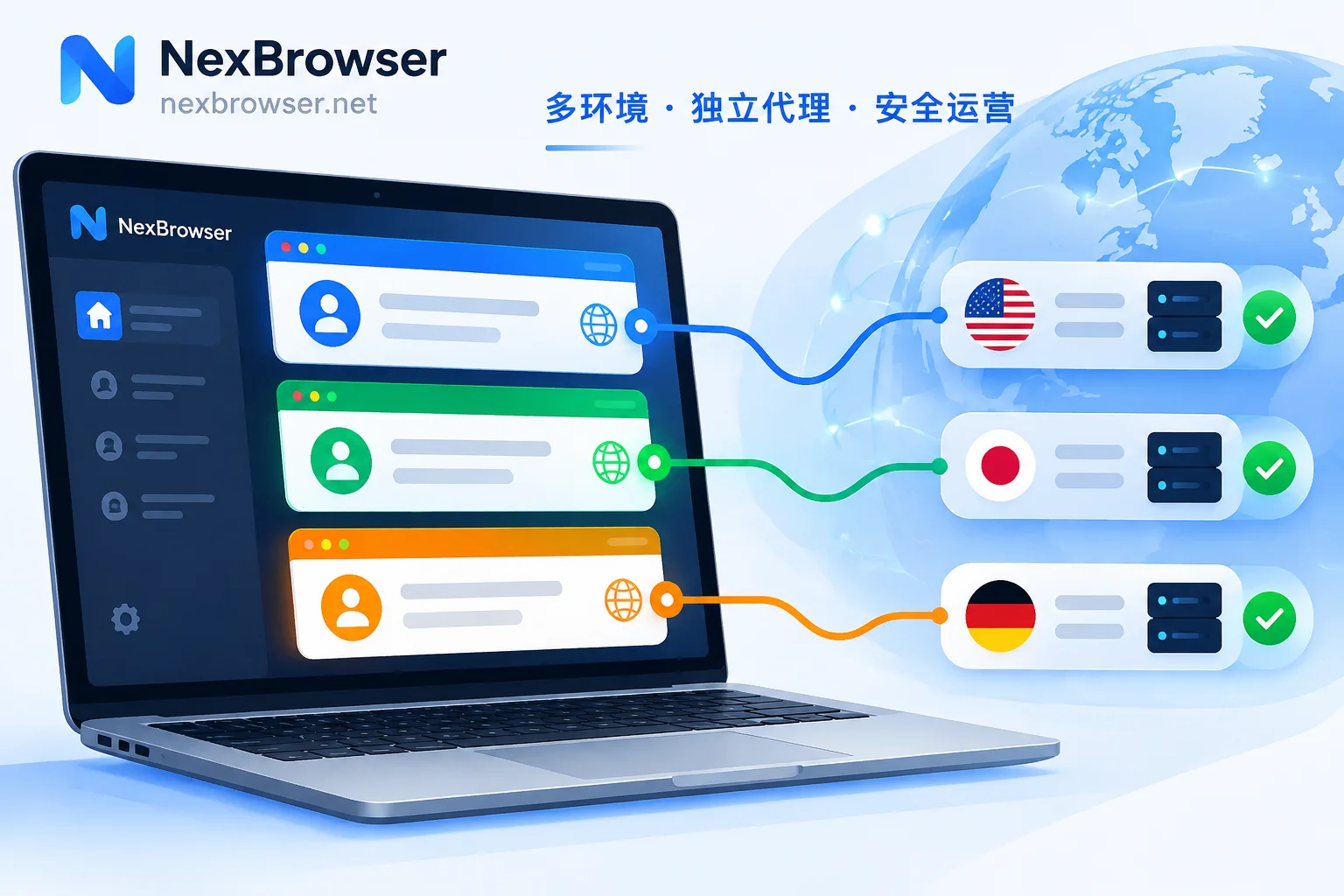
How to Set a Separate Proxy for Each Fingerprint Browser Profile: Fill, Test, Align, and Verify
A step-by-step guide to binding one proxy per browser profile: fill in the proxy, test connectivity, align timezone, language and WebRTC with the exit, and verify the exit IP after launch.

Fingerprint Browser Download and Installation to First Working Environment: Five Steps and Three Verifications
From downloading the Windows client to building your first isolated browser environment: naming and grouping, binding and testing proxies per environment, aligning fingerprint parameters with the exit location, and verifying exit IP and WebRTC before logging into accounts. Includes common pitfalls and how to restore on a new machine.
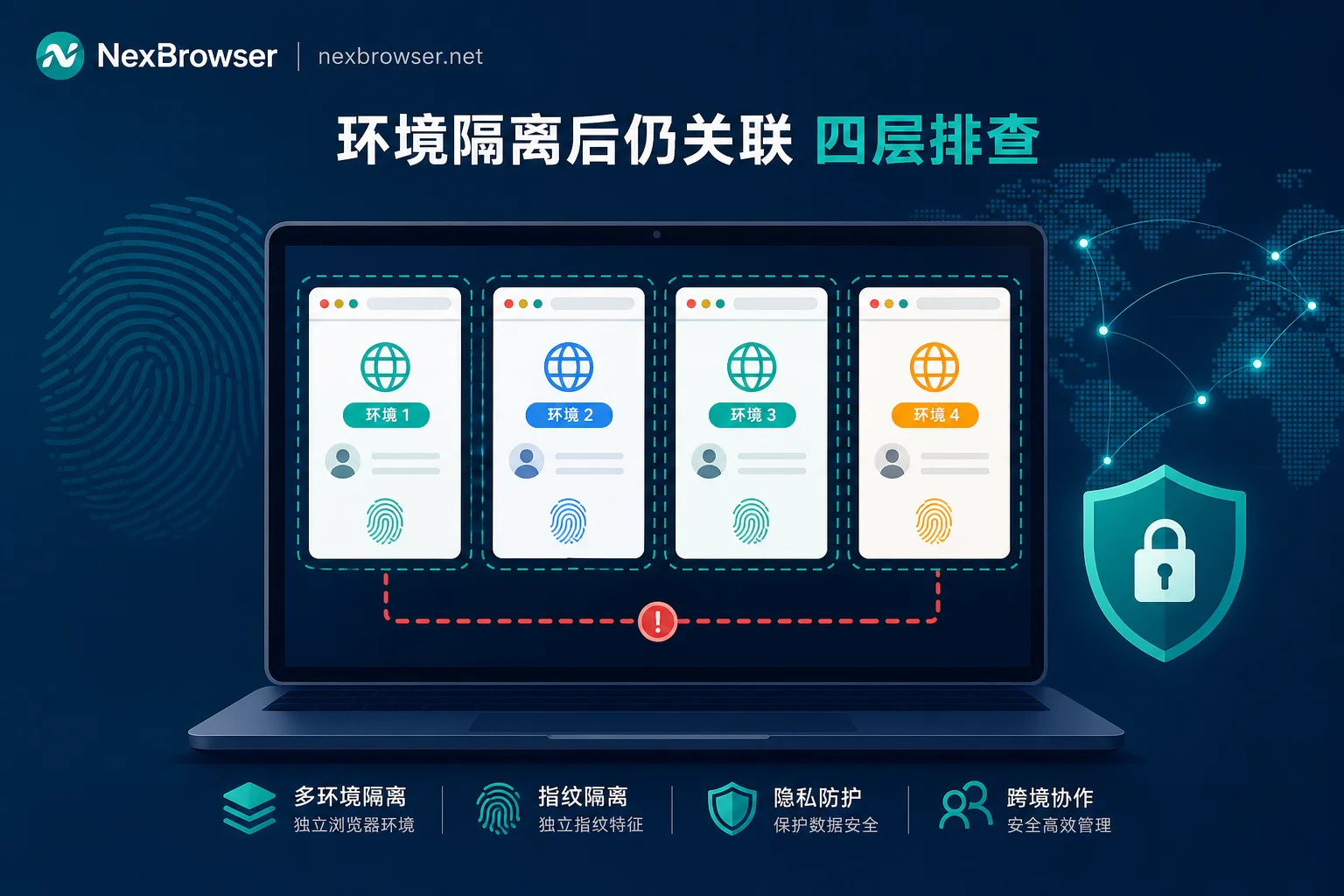
Still Getting Account Associations After Browser Environment Isolation? Troubleshoot in Four Layers
Environment isolation ensures runtime container independence, but account associations often occur at network egress, proxy quality, fingerprint logic, and business metadata. This article provides a step-by-step troubleshooting order from low to high cost, including methods for checking WebRTC and DNS leaks, proxy C-class subnet and reputation, UA and WebGL conflicts, timezone and language consistency, and reuse of payment and verification channels.