 NexBrowser指纹浏览器-官方博客Blog
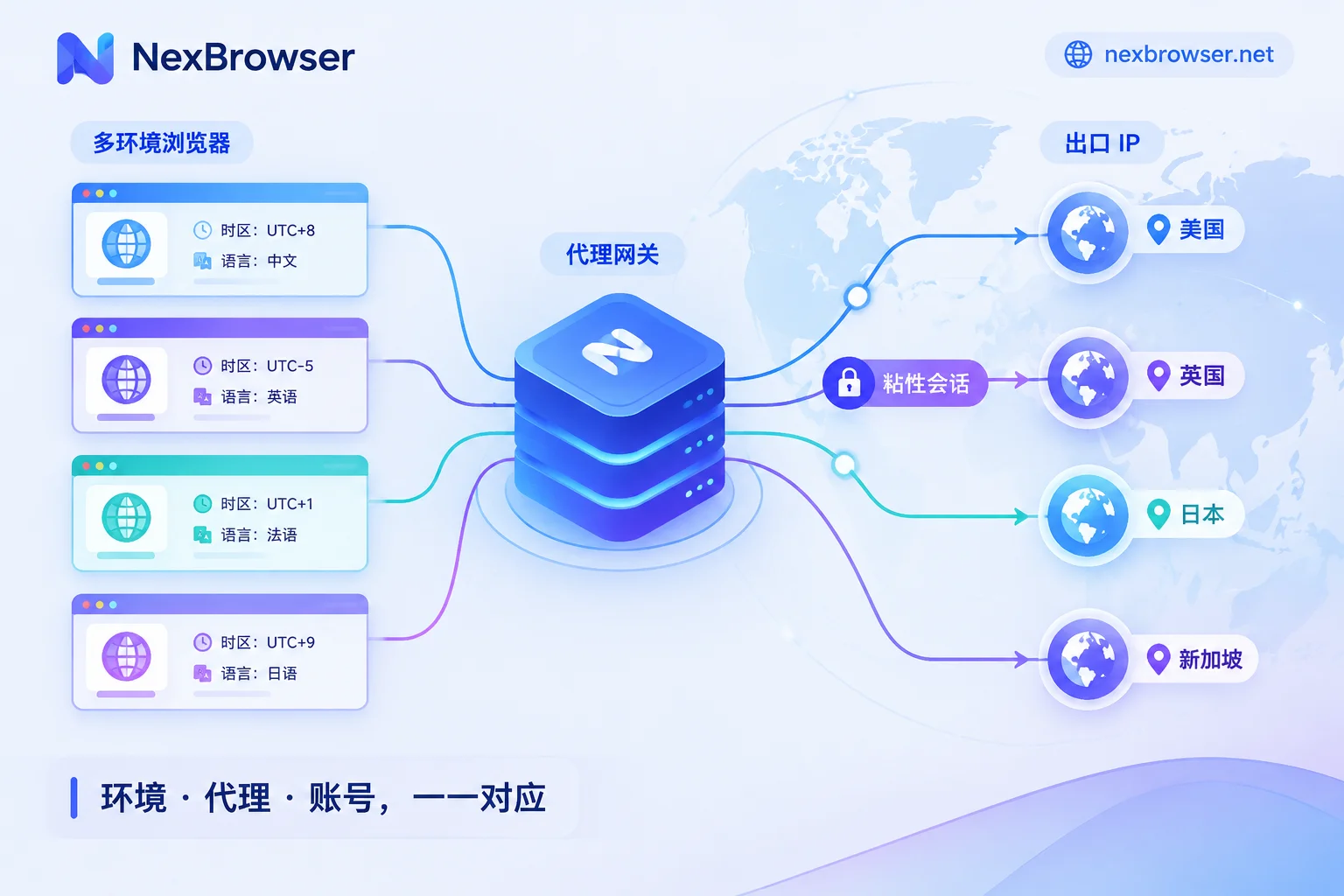
How to Use Rotating Proxies with Antidetect Browsers: Choose Rotation Mode by Task, Then Bind Sessions and Verify Egress
Antidetect browsers isolate each environment's local data and fingerprint, while rotating proxies provide the egress IP; whether they work well together depends on matching the rotation mode to the task, so add sticky sessions or static IPs for logged-in accounts, and verify egress, timezone, language, and WebRTC inside each environment.
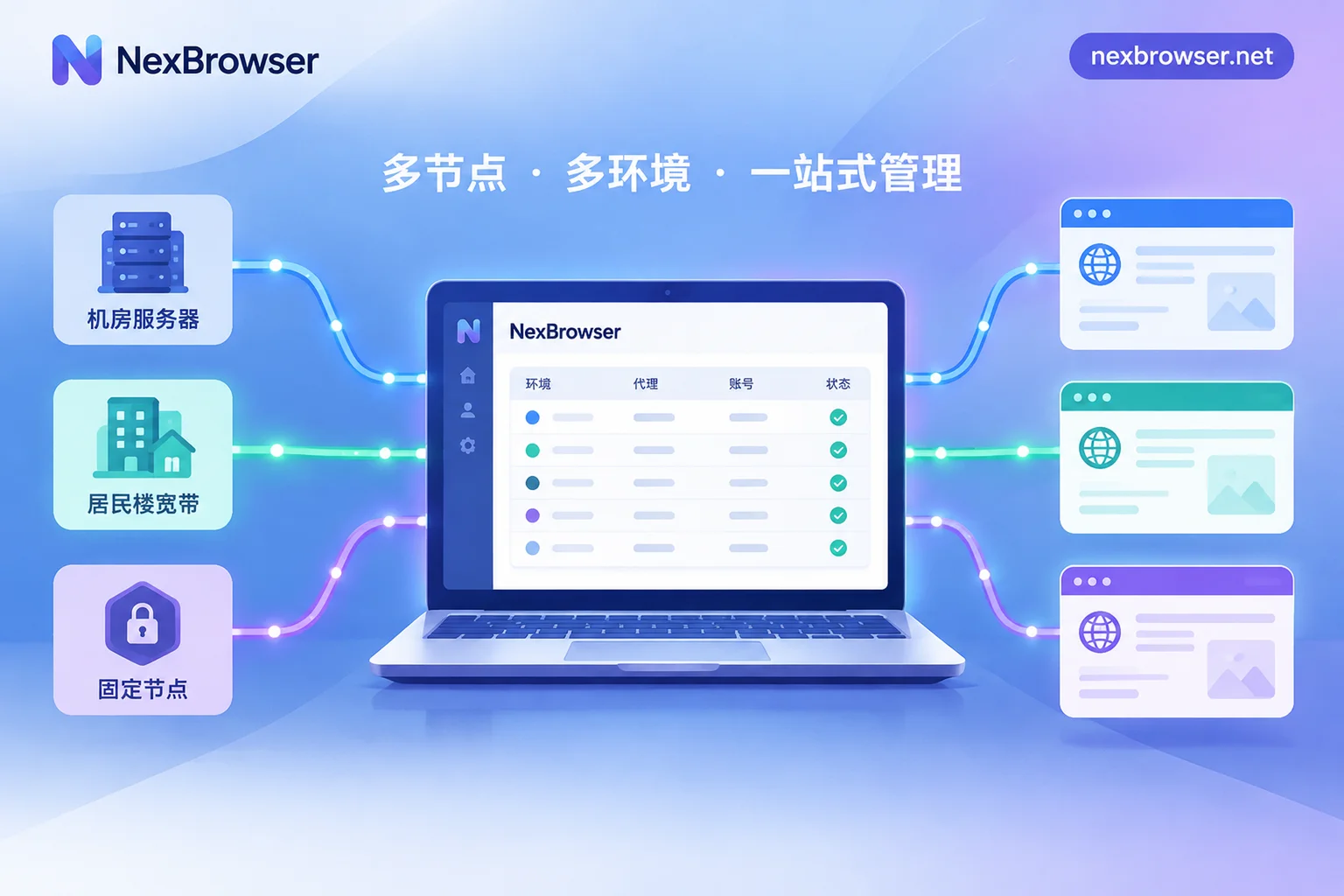
Which Proxy Is Right for Scraping? First Check Site Blocking, Then Session Persistence
Choosing a scraping proxy depends on two things: how aggressively the target site blocks traffic, and whether the task needs a persistent login or continuous session.
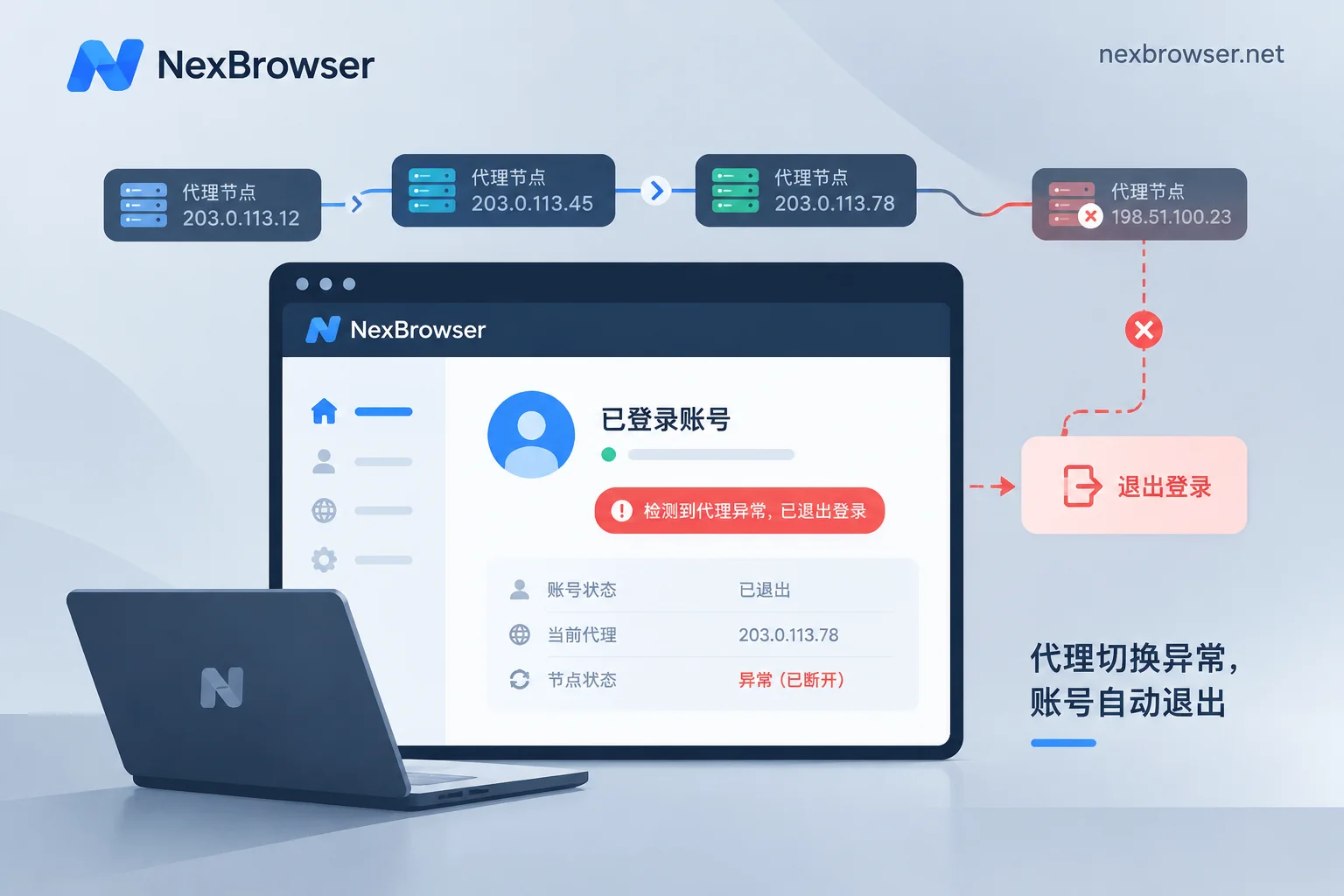
Does Dynamic Rotating Proxy Cause Account Login Drops: Rotation Method Determines Risk, Static IP Recommended for Long-Term Logins
Dynamic rotating proxies can indeed cause account login drops, with risk depending on rotation method and platform rules. Per-request rotation is unsuitable for logged-in accounts; sticky sessions last a while but IP still changes upon expiration or node offline. Accounts needing long-term login are better off with static IPs. This article explains causes, troubleshooting, and configuration order.
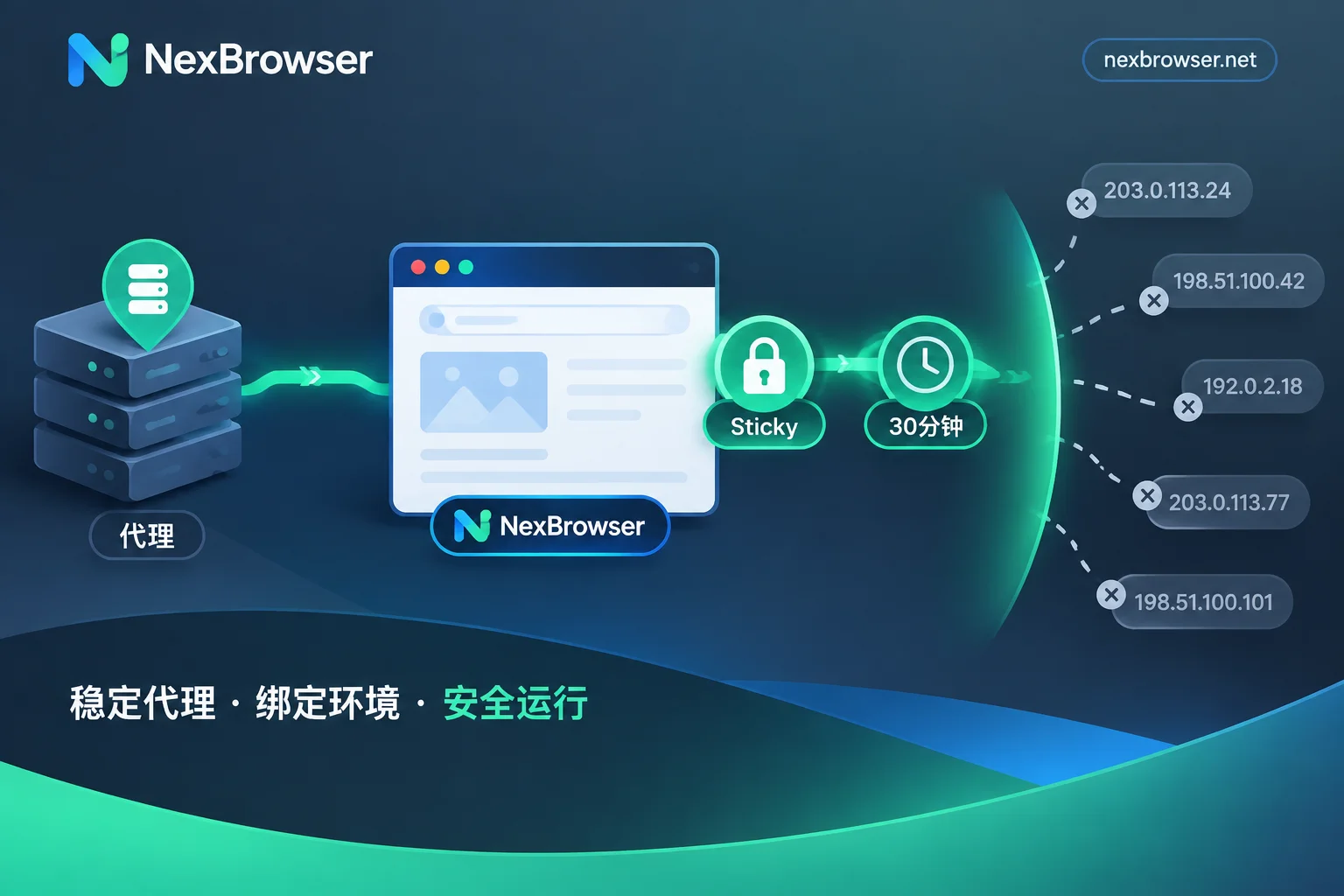
Do Antidetect Browsers Support Rotating Proxies? Yes, But Use Sticky Sessions and Verify the Exit Doesn't Change Mid-Session
Antidetect browsers can connect to rotating proxies over HTTP/HTTPS/SOCKS5, but per-request rotation breaks browser environments; use sticky sessions and verify exit consistency.