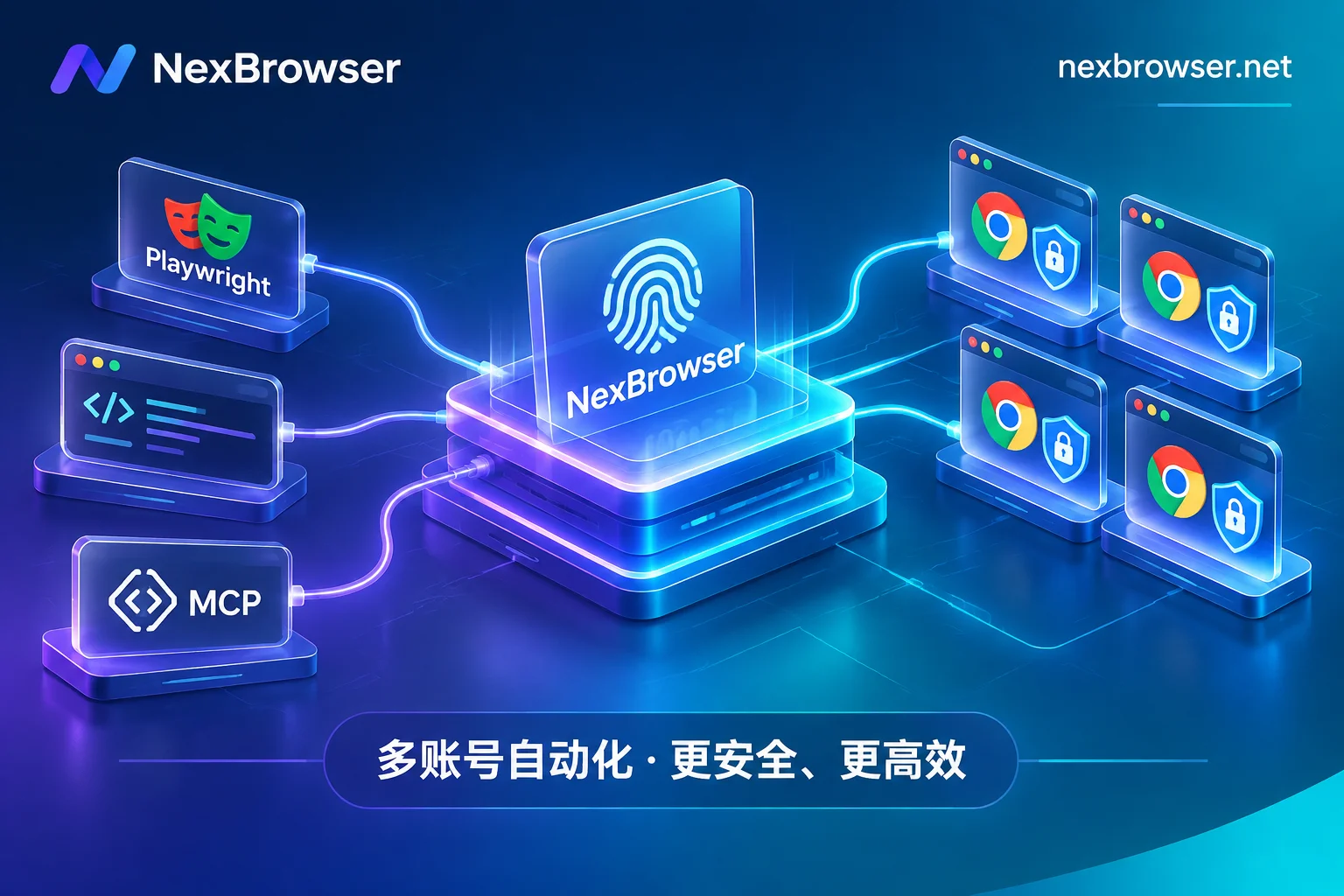
 NexBrowser指纹浏览器-官方博客Blog
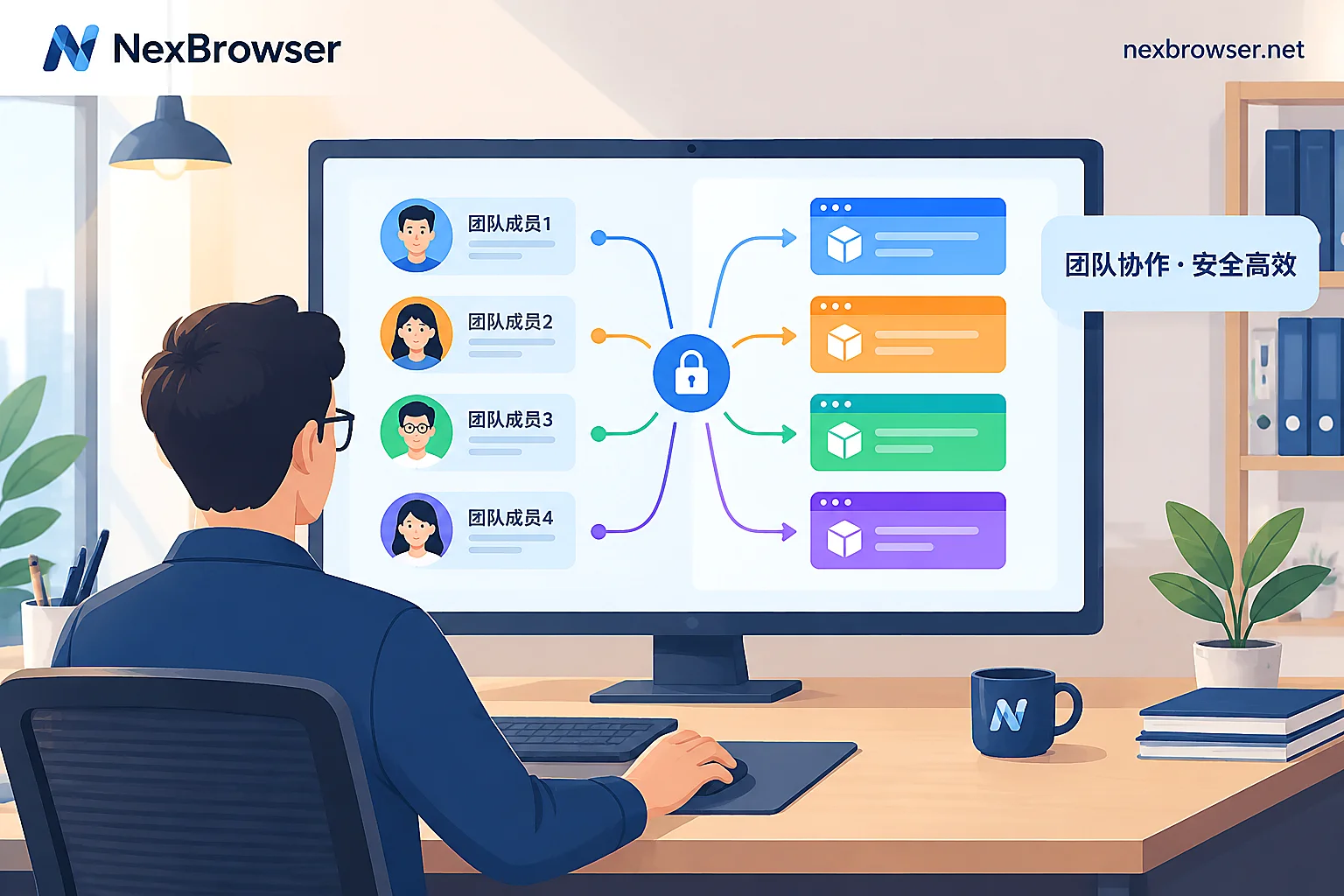
How to Assign Sub-Account Permissions in an Antidetect Browser: Group First, Then Define Roles, with Sensitive Items Off by Default
Sub-account permissions have two layers: roles determine what members can do in the software, and environment groups determine which environments they can access. This article follows the order of grouping, defining roles, adding members, and login verification, offering opening suggestions for different positions, explaining why sensitive items like exporting cookies and viewing proxy plaintext are off by default, and how to confirm permissions take effect after assignment.
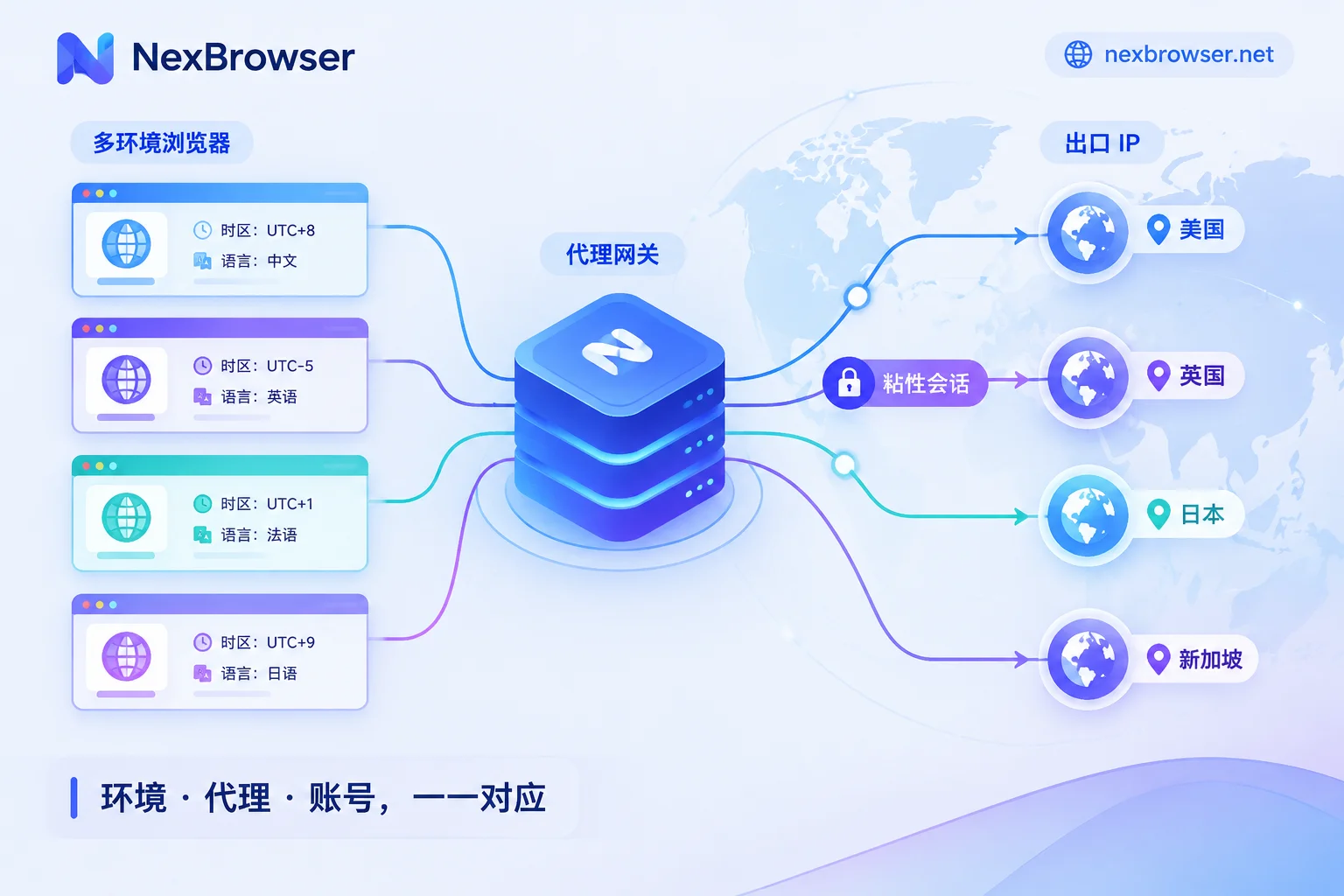
How to Use Rotating Proxies with Antidetect Browsers: Choose Rotation Mode by Task, Then Bind Sessions and Verify Egress
Antidetect browsers isolate each environment's local data and fingerprint, while rotating proxies provide the egress IP; whether they work well together depends on matching the rotation mode to the task, so add sticky sessions or static IPs for logged-in accounts, and verify egress, timezone, language, and WebRTC inside each environment.
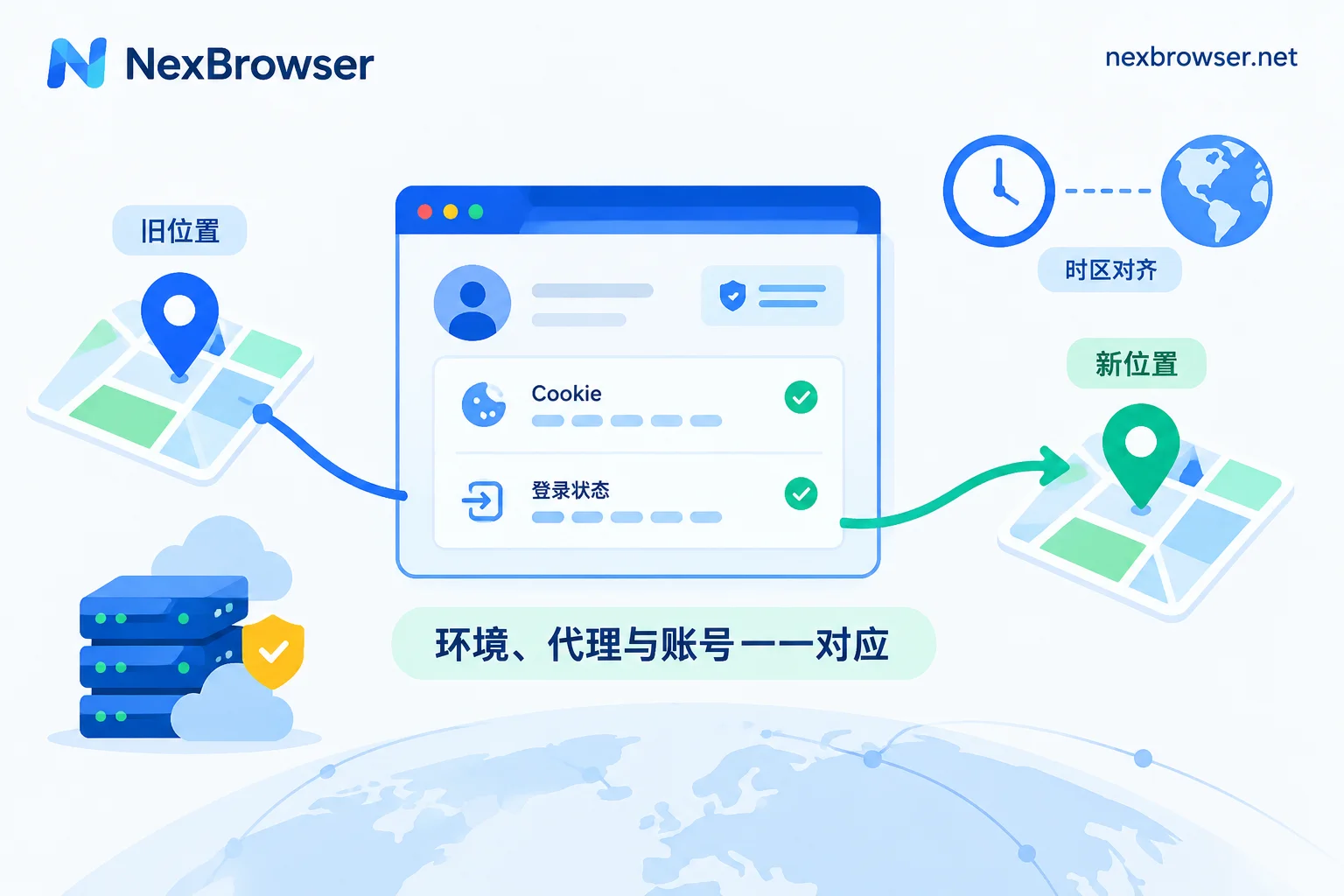
Can You Switch Proxies Mid-Account? Yes, If It Looks Like a Normal Network Change
In an antidetect browser environment, you can switch proxies mid-account operation. It won't clear login sessions; platforms care about IP hop magnitude, IP type, history, and whether fingerprint (timezone, language) matches the new IP. This article explains when to switch, how to choose a new IP, offline rebinding and verification, and risky scenarios like cross-country changes.
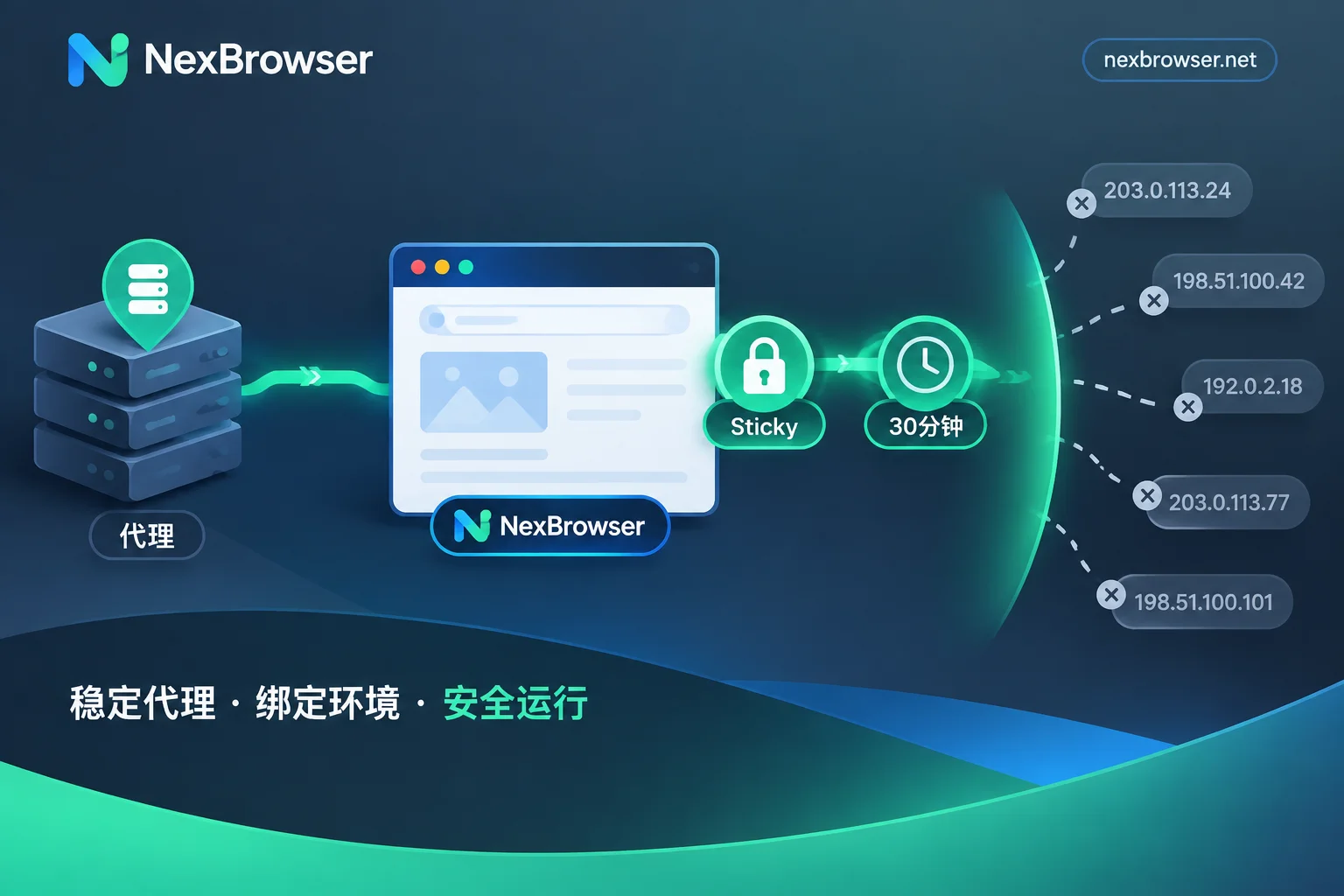
Do Antidetect Browsers Support Rotating Proxies? Yes, But Use Sticky Sessions and Verify the Exit Doesn't Change Mid-Session
Antidetect browsers can connect to rotating proxies over HTTP/HTTPS/SOCKS5, but per-request rotation breaks browser environments; use sticky sessions and verify exit consistency.
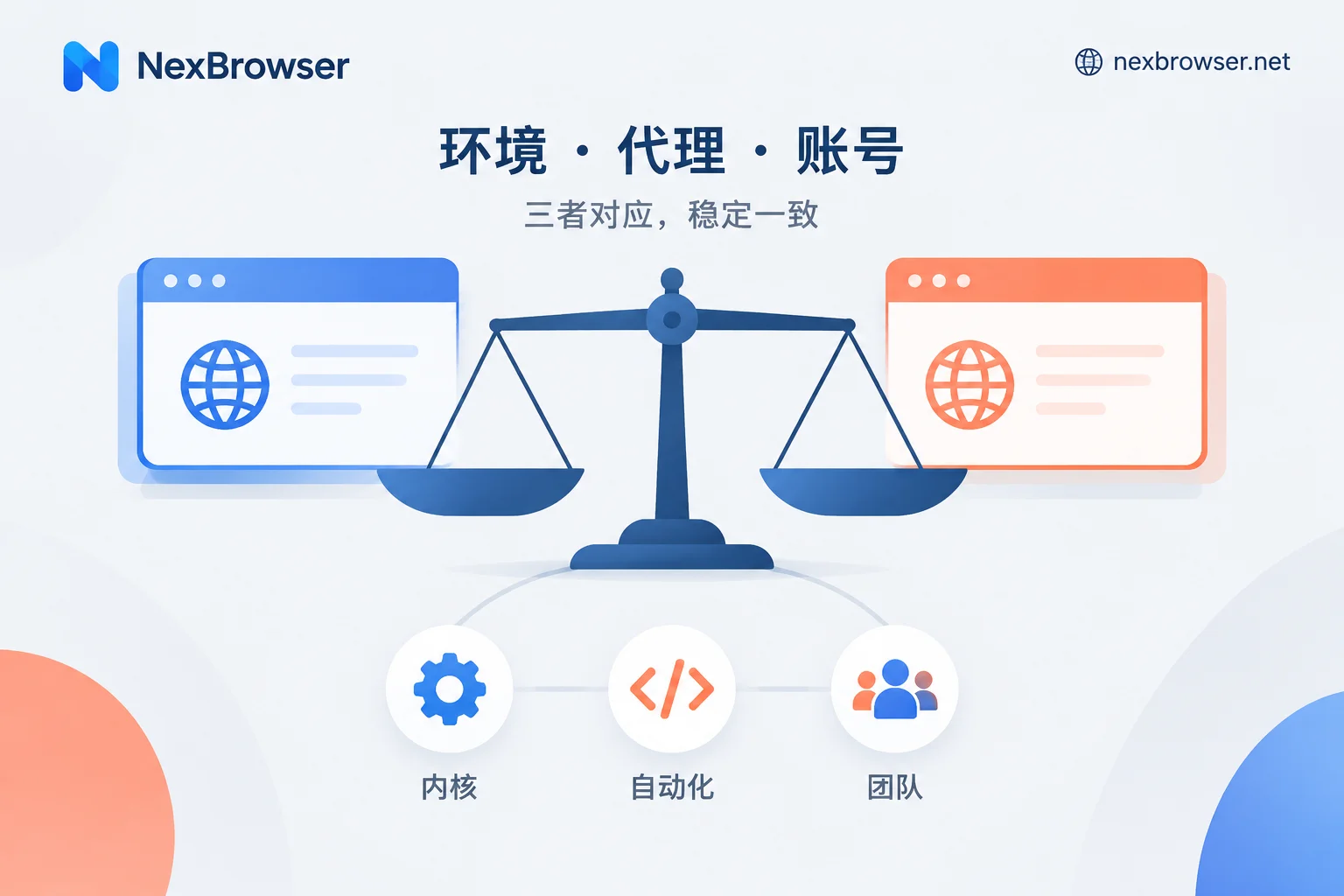
AdsPower vs RoxyBrowser: Choose by Kernel, Automation, and Team Needs, Then Verify with a Trial
AdsPower offers dual Chromium and Firefox kernels, a mature RPA template ecosystem, granular team permissions and auditing, and Windows, macOS, and Linux clients, while RoxyBrowser is Chromium-based, has a simpler interface, targets individuals and small teams, and supports AI control via MCP. This article compares them item by item across kernel, automation, team collaboration, and system platform, and provides a checklist you can complete during a trial to decide which one suits you.