 NexBrowser指纹浏览器-官方博客Blog
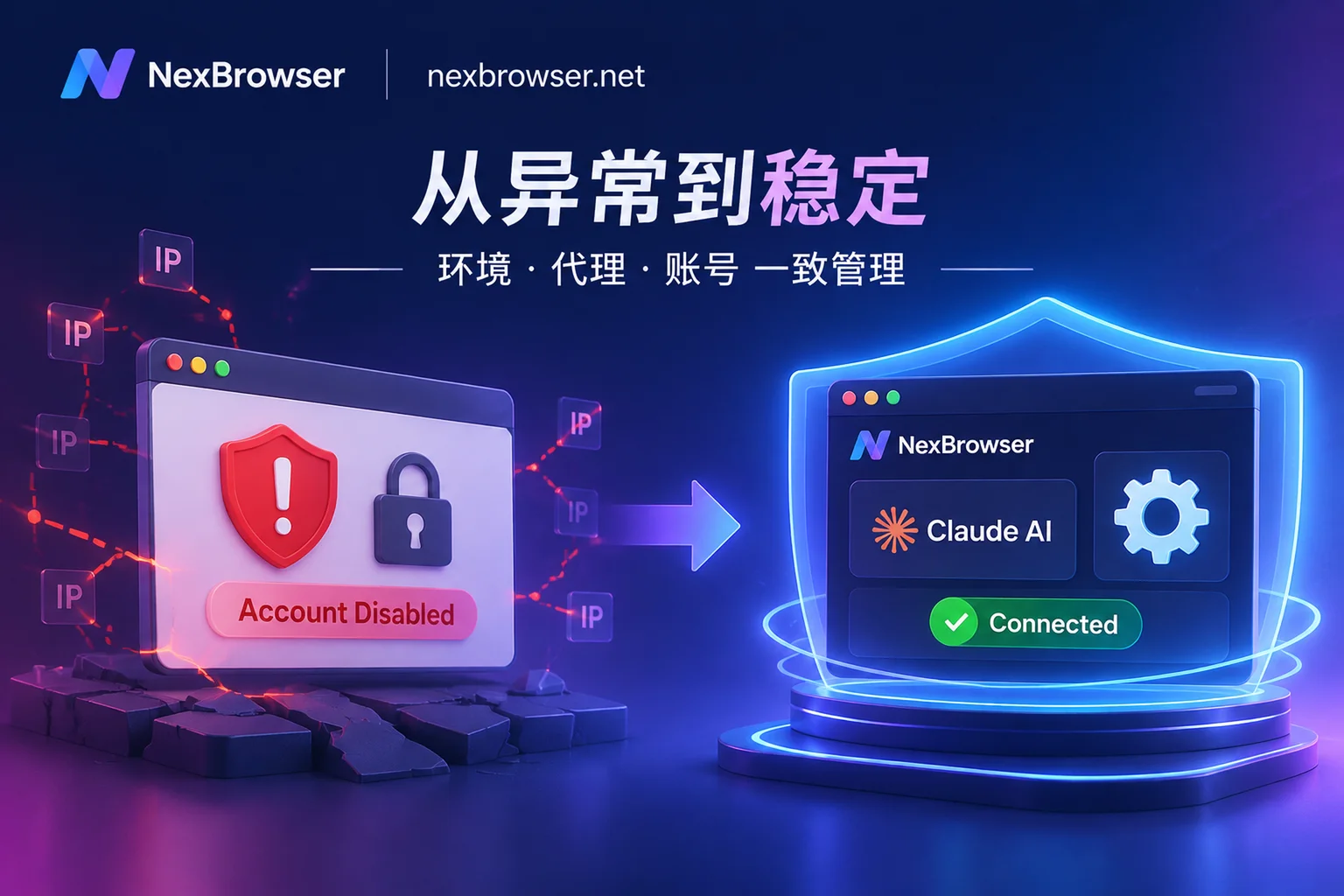
Many developers, cross-border operators, and content teams are complaining about the same thing: they are just writing code, running scripts, handling daily copywriting as usual, or even just renewed their subscription, but when they wake up, their Claude account pops up a Your account has been disabled ban notice.
What's even more frustrating is that colleagues who also use Claude intensively every day, or even run AI browser automation tasks, have accounts that are as stable as a rock. Everyone uses Claude, so why is it that your account gets banned so easily?
In fact, Anthropic's risk control system no longer only looks at "what prompts you send", but has shifted its detection focus to the underlying environment consistency, network purity, and automation invocation traces. Most "banned for no reason" accounts actually had red flags on the risk control radar the moment they logged in.
This article will break down the 4 core risk areas that trigger Claude's ban mechanism, and combined with NexBrowser's multi-account isolation and automation foundation, teach you how to build a long-term stable Claude usage environment that does not trigger risk control.
1. Breaking Down Claude's Risk Control Mechanism: Why Is Your Account Always Precisely Blocked?
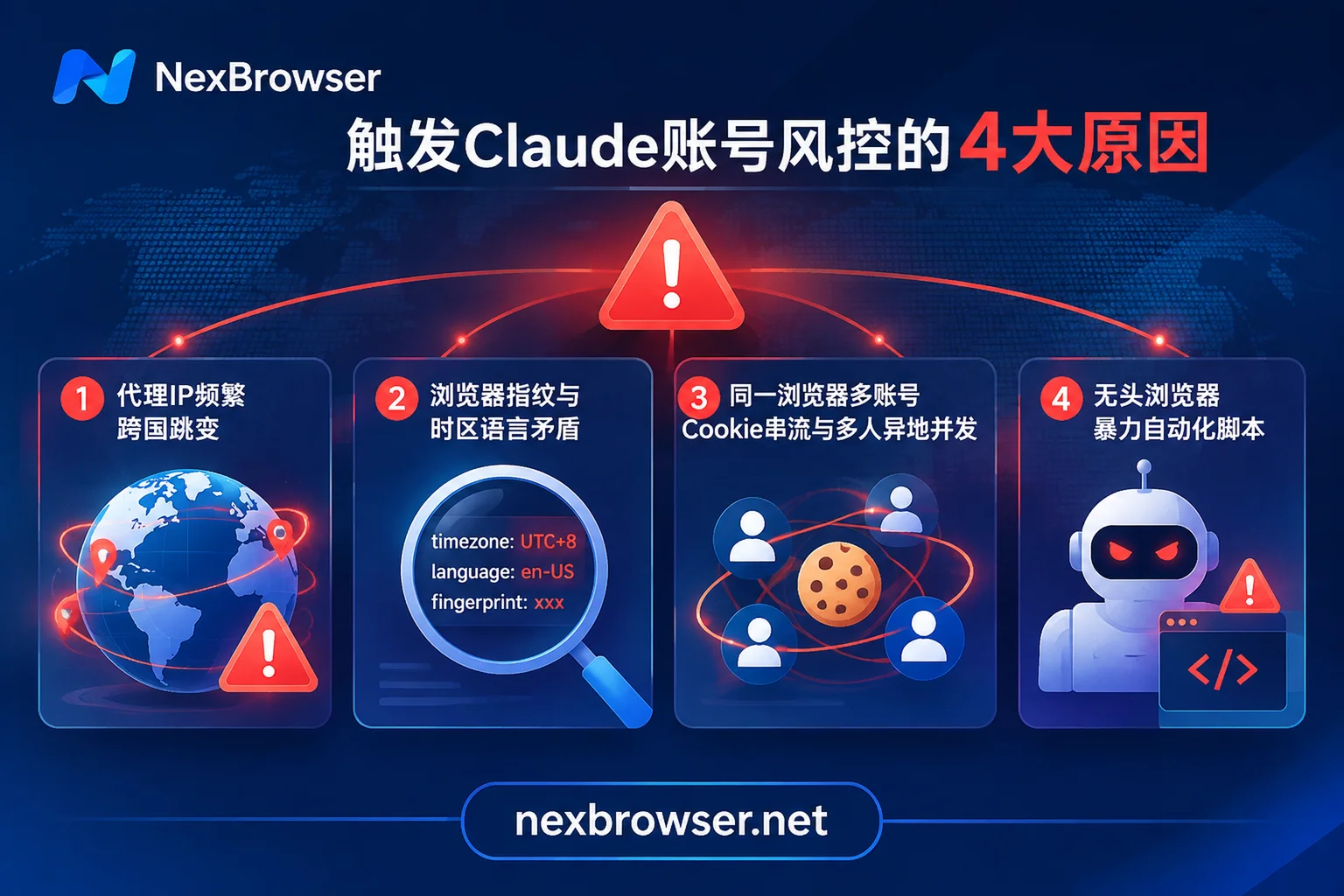
Many users think that buying an overseas node and opening a browser incognito mode can hide everything. But in the face of modern anti-fraud and risk control algorithms, the following 4 behaviors are almost equivalent to "actively applying for a ban":
1. Frequent Node Hopping and "Shared by Thousands" Data Center IPs
The biggest problem with ordinary public proxies or cheap VPNs is "instability" and "black market pollution". In the morning, your traffic exit is in Los Angeles, USA, and in the afternoon it switches to Tokyo, Japan, or after a disconnect and reconnect, it directly sends local requests in a naked connection state—this physically impossible cross-country teleportation will immediately trigger abnormal login interception from different locations. In addition, data center IPs shared by many users are often already marked as high-risk network segments by the platform, and once connected, you will be implicated.
2. Browser Fingerprint and Network Environment "Contradict Each Other"
Even if you lock a fixed IP, ordinary Chrome browsers will still betray you. When the risk control script loads the page, it silently reads your system timezone, browser language, WebRTC local IP, and Canvas, WebGL hardware rendering features. If your IP shows the United States, but the system timezone exposed by the browser is UTC+8, the default language is zh-CN, or WebRTC leaks the real intranet address, this obvious "signal split" will be directly judged as a forged environment. For how to troubleshoot such underlying vulnerabilities, you can refer to our previous article "How to Read Browser Fingerprint Detection? Breaking Down the Green Light Illusion and 2026 Multi-Account Environment Self-Check List".
3. Multiple Accounts on One Machine and Team "Password Sharing"
In order to share subscription costs or break through single-account question limits, many studios switch and log in to multiple Claude accounts on the same computer, or send the password of the same Pro/Max account to five or six team members to log in simultaneously from different locations.
In ordinary browsers, even if surface history is cleared, the underlying LocalStorage and IndexedDB residual data will still connect new and old accounts, leading to the tragic "one ban, all banned"连带; and multiple people logging into the same account concurrently from multiple locations is the number one target of the platform's crackdown on account sharing and abuse.
4. Crude AI Browser Automation and Non-Standard Protocol Invocations
With the popularity of AI browser automation and various Agent tools, more and more people use Playwright, Puppeteer, or third-party scripts to take over Claude pages, or let Claude automatically control the browser to execute cross-platform tasks.
However, native headless browsers (Headless Chrome) carry obvious automation feature markers, and each startup is a blank environment without historical cookies, making it easy to be intercepted by anti-crawler systems at the login stage. At the same time, some unofficial tools extract OAuth tokens from the web end for high-frequency concurrent requests, which also triggers abuse circuit breakers in a short time.
2. How to Build a Rock-Solid Claude Ban Prevention Foundation with NexBrowser?
To break out of the vicious cycle of "buy account—get banned—no appeal—buy again", the core idea is only one: make every Claude account run in an independent, pure, and consistent environment like a real overseas local computer.
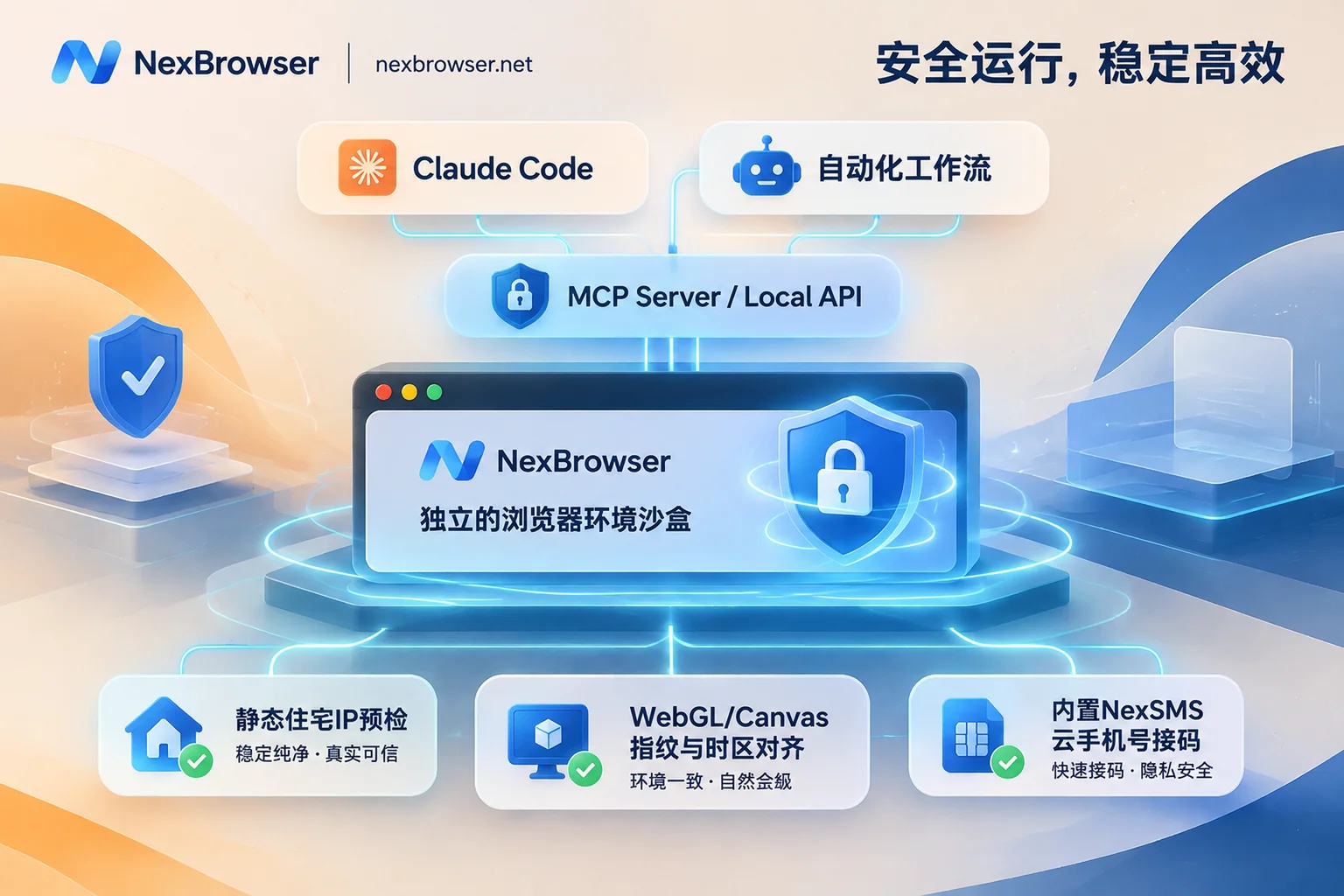
As a multi-account fingerprint browser workspace based on the Chrome kernel, NexBrowser provides a complete anti-risk control solution from the network layer, environment layer to the code receiving and collaboration layer:
1. Static Residential IP Binding + Pre-Start Disconnection Check
To address IP hopping and data center network pollution, NexBrowser supports independently binding HTTP / HTTPS / SOCKS5 proxies per environment in the Proxy and Residential IP management. If you don't have a stable compliant proxy, after associating a NexIP account in the client, you can directly bind a pure residential IP by country/region with one click (residential IP traffic is purchased separately on the NexIP side as needed).
More importantly, two leak-proof protections:
- Pre-start environment check: Before opening a Claude-dedicated environment each time, NexBrowser first checks the connectivity, latency, and attribution of the proxy exit; once the check fails, the environment refuses to start, completely eliminating the tragedy of "proxy disconnection leading to real IP exposure" from the root.
- Changing proxy does not lose login state: If you need to smoothly change to a static node in the same region later, the proxy change operation will not clear the original cookies and local storage, avoiding frequent re-entry of verification codes that trigger secondary review. (For more configuration details, see "How to Configure Proxy IP Binding to Browser Without Pitfalls?")
2. Real Device Fingerprint Self-Consistency, Completely Eliminating Environment Exposure
In Fingerprint Parameters and Online Privacy Protection, NexBrowser independently generates and self-consistently matches underlying parameters such as Canvas, WebGL, fonts, Audio, screen resolution, and hardware concurrency for each environment. The built-in Windows / macOS parameter templates are updated synchronously in the cloud with the Chrome kernel version.
When you bind a residential IP in the target region for the Claude environment, the environment's WebRTC policy, system timezone, browser language, and geolocation will automatically align with the proxy exit IP. What the platform detects is no longer a pieced-together proxy springboard, but a real terminal whose software and hardware indicators fully match local characteristics.
3. Complete Environment Sandbox Isolation and Built-in Cloud Phone Number Code Reception
If you maintain multiple Claude accounts (e.g., separate R&D test account, daily copywriting account, and backup account), NexBrowser's multi-account environment isolation mechanism ensures that each environment's cookies, cache, and local storage (including IndexedDB) are completely independent and do not read each other. When the environment is closed, cookies and local storage are encrypted and synchronized to the cloud. The next time you open it or log in on another computer, the login state is directly restored, without repeatedly triggering login verification.
For account registration or when the platform suddenly requires SMS secondary verification, you don't need to search for high-risk code receiving websites everywhere. The environment sidebar has a built-in Cloud Phone Number (NexSMS Number Center), which supports directly obtaining numbers by country/region and target platform, receiving SMS, and filling in verification codes; for main Claude accounts that need long-term stable maintenance, you can also convert the number to long-term rental (number and browser package are billed separately, pay-as-you-go), completely solving the pain point of not being able to retrieve the original number for secondary verification.
3. Team Sharing and AI Browser Automation: How to Operate Without Overstepping?
After solving the survival problem of single-person single-account, if you are a team administrator or need to integrate Claude into an AI browser automation workflow, the following two approaches can help you avoid high-level risk control pitfalls.
1. Team Password-Free Sharing and "Single-Person Lock", Saying Goodbye to Cross-Location Concurrent Bans
The safest way for a studio with several people sharing one Claude Pro/Max account is not to send the account password to a WeChat group, but to share the "configured browser environment" through NexBrowser's team collaboration feature:
- Password-free automatic login and state inheritance: After binding the Claude account to an independent environment and completing the first login, authorize the environment to team members through the role and permission matrix. Members can directly continue the cloud-synced cookie login state when opening the environment, and never come into contact with the plaintext password throughout the process.
- Concurrency conflict protection: NexBrowser strictly limits that the same environment can only be opened by one member at the same time. All members, no matter where they are, when opening the environment, use the bound fixed residential proxy and the same set of device fingerprints. In the eyes of Claude's risk control system, this is always "the same person using the same computer under the same fixed network", completely eliminating the ban risk caused by concurrent logins from multiple locations (see "What Happens When Multiple People Log into the Same Browser Environment Simultaneously" for details).
2. Securely Implement AI Browser Automation with MCP and Local API
When running AI browser automation, whether letting scripts call Claude or using clients like Claude Code or Cursor to control the browser to process business pages, the last thing you want is to use a naked test browser to rush into risk control.
NexBrowser provides two compliant and covert channels for developers and automation enthusiasts:
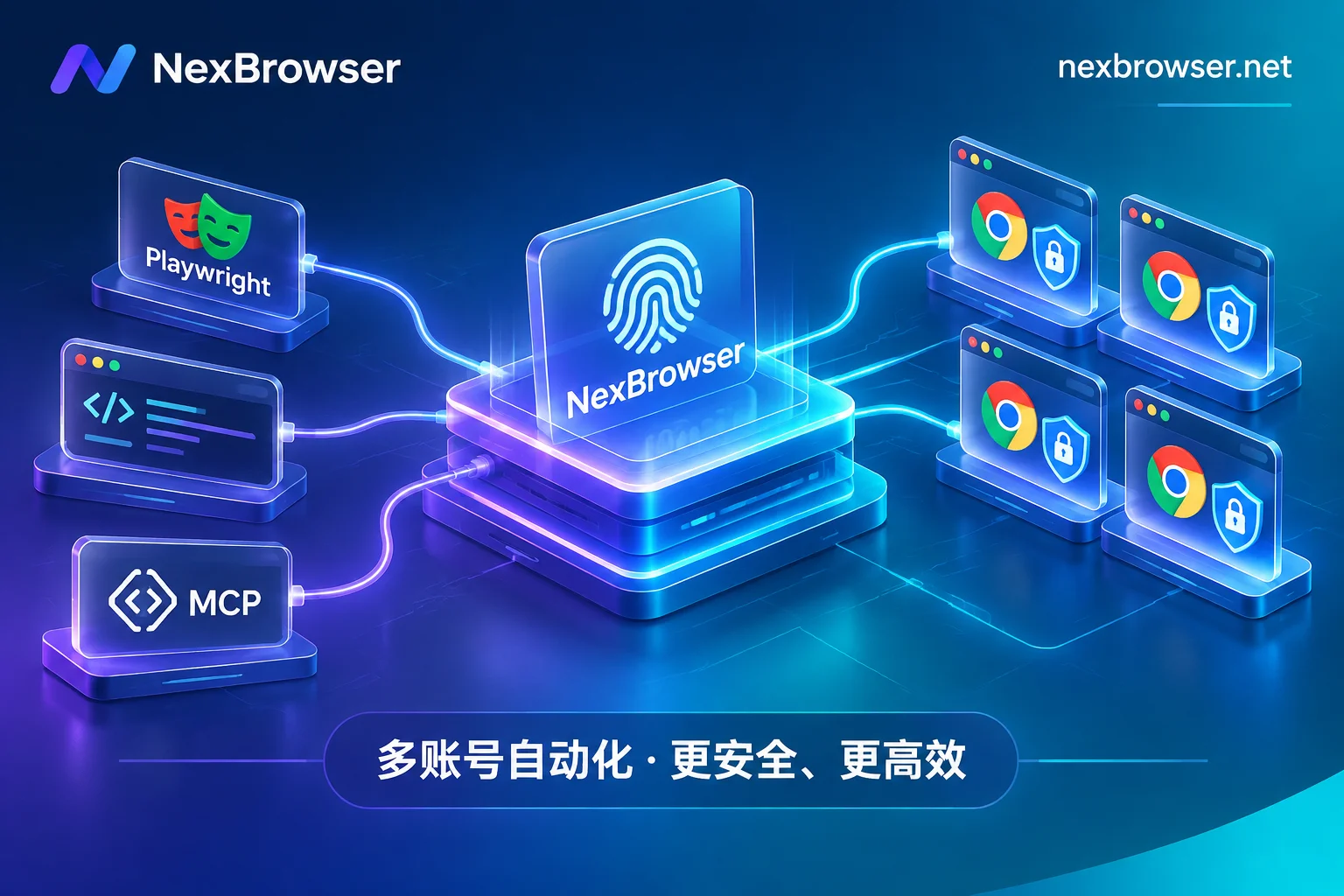
- Local API and NexBrowser MCP Server: NexBrowser freely opens unlimited Local API and MCP interfaces (available even on the free tier). You can not only use Playwright, Puppeteer, Selenium, or
browser-useto take over the isolated environment with configured fingerprints and proxies through the CDP interface, but also directly connect clients like Claude Code, Codex, Cursor to the NexBrowser MCP Server. In this way, every page jump, form filling, and data extraction driven by AI is completed in an isolated sandbox with real fingerprints and fixed login state, and will not be blocked by target sites or platforms due to headless browser features (for practical configuration, see "How to Use Fingerprint Browser API Without Pitfalls: A Practical Guide from Local API + CDP Takeover to MCP Direct Connection"). - Built-in AI Agent and Window Synchronization: If you don't want to write code and configure it yourself, you can directly use the client's built-in Nex Agent, describe the task in natural language, and let the Agent automatically operate pages, fill forms, or split into multiple windows for parallel execution in an isolated environment that retains login state (supports setting manual approval before executing irreversible operations, model billed by token); or use the window synchronization feature to input prompts in one main window and synchronize operations to multiple independent slave windows with interval throttling, balancing manual judgment and batch efficiency.
4. Conclusion: Calculate the Environment Account First, Then Talk About Doubling Efficiency
Everyone uses Claude, some people appeal and buy new accounts every few days, while others can stably embed it into daily R&D and cross-border business flows. The gap is often not in usage skills, but in whether you have provided the account with a real underlying environment that can withstand platform inspection.
Rather than losing subscription fees and precious historical conversation data in the next ban wave, it's better to spend a few minutes now to solidify environment isolation. NexBrowser adheres to the no tiered features strategy, and all core features including multi-account fingerprint isolation, pre-start proxy check, team collaboration, and Local API / MCP interfaces are directly available on the free tier (no credit card required, quota never expires).
Go to the NexBrowser Client Download Page now to get the Windows client and build a truly solid anti-risk control defense for your Claude account and AI browser automation business.