NexBrowser指纹浏览器-官方博客Blog
How to Avoid Mass Account Bans in Fingerprint Browser Automation: A Practical Guide from Signal Drift Prevention to Multi-Pipeline Coordination
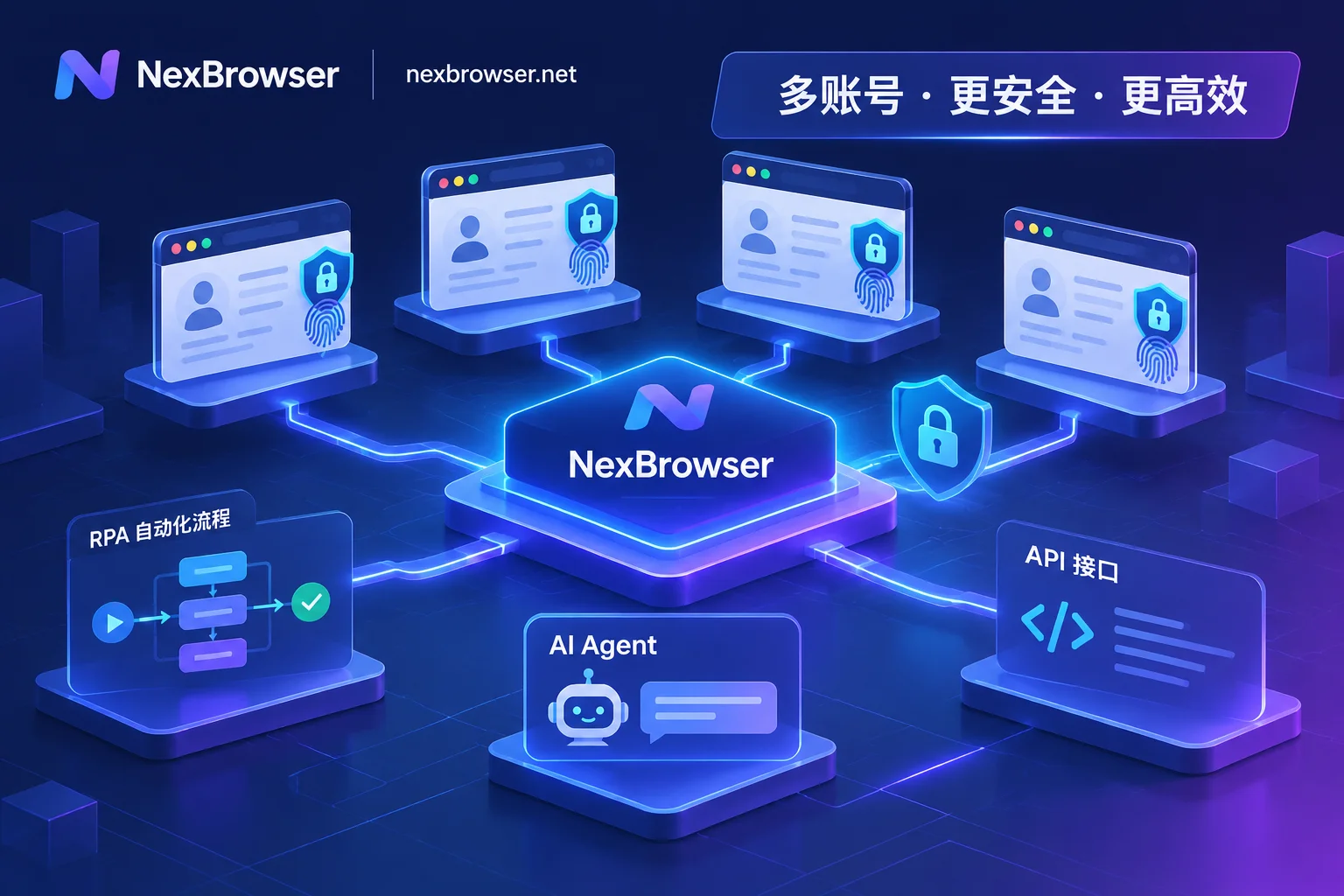
As platform risk controls cross-check fingerprints, behavior, and network signals, crude automation focused only on getting scripts to run now faces mass bans. This article breaks down how to build a low-loss fingerprint browser automation workflow with NexBrowser across four dimensions: environment continuity, choosing among four automation pipelines, proxy and CAPTCHA closed loops, and human-machine safety boundaries.
Anti-Detection Browser Selection Guide: Countering Platform 'Cascading Bans' with 4 Lines of Defense from Parameter Consistency to Daily Workflow
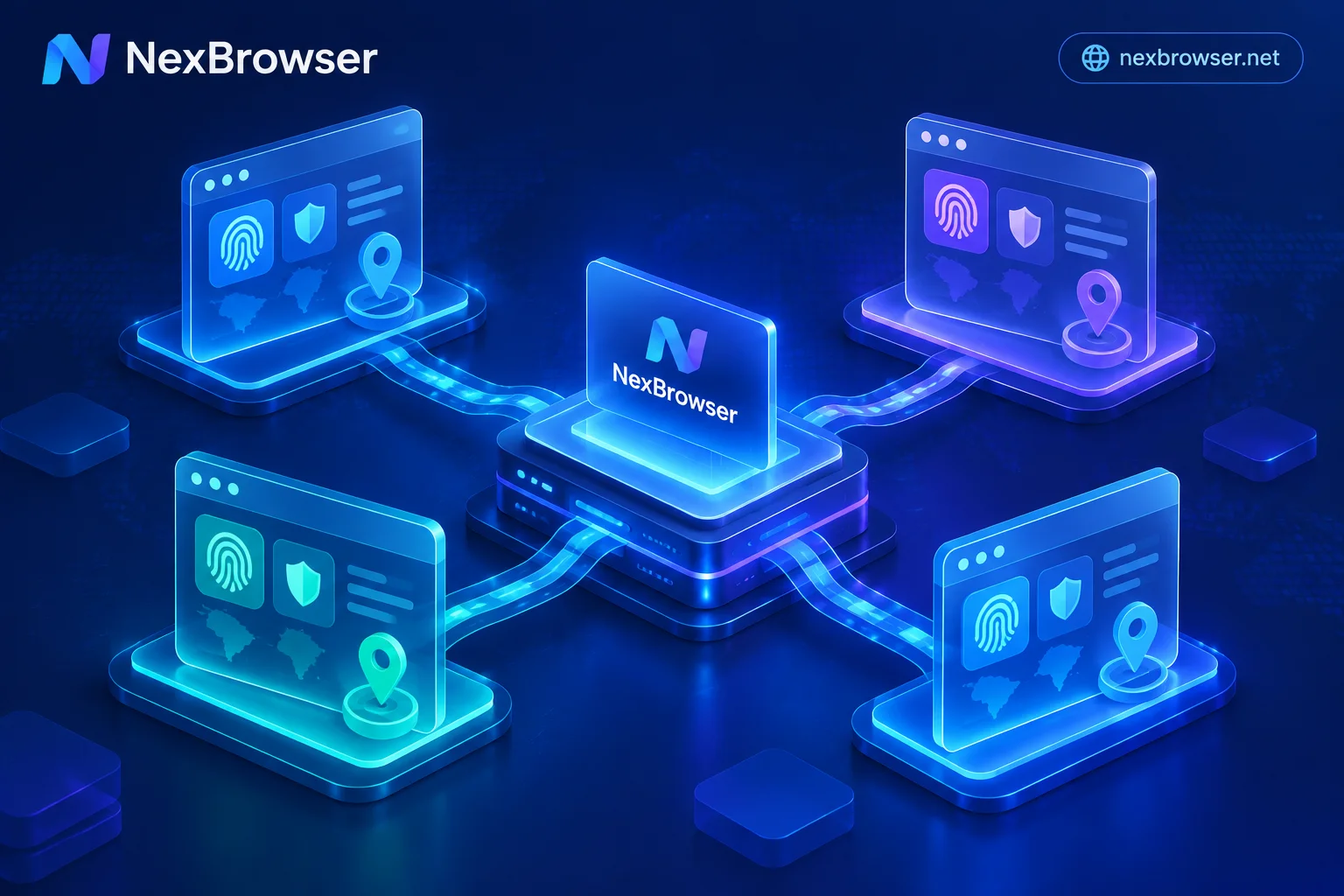
As mainstream platforms deploy device graphs and cascading ban mechanisms, simply randomizing fingerprints or switching IPs no longer ensures multi-account security. This article breaks down the core selection criteria for anti-detection browsers in 2026, covering fingerprint parameter consistency, proxy pre-check and session persistence, team password-free handover, and compliant automation integration to help you build a high-survival multi-account workstation.
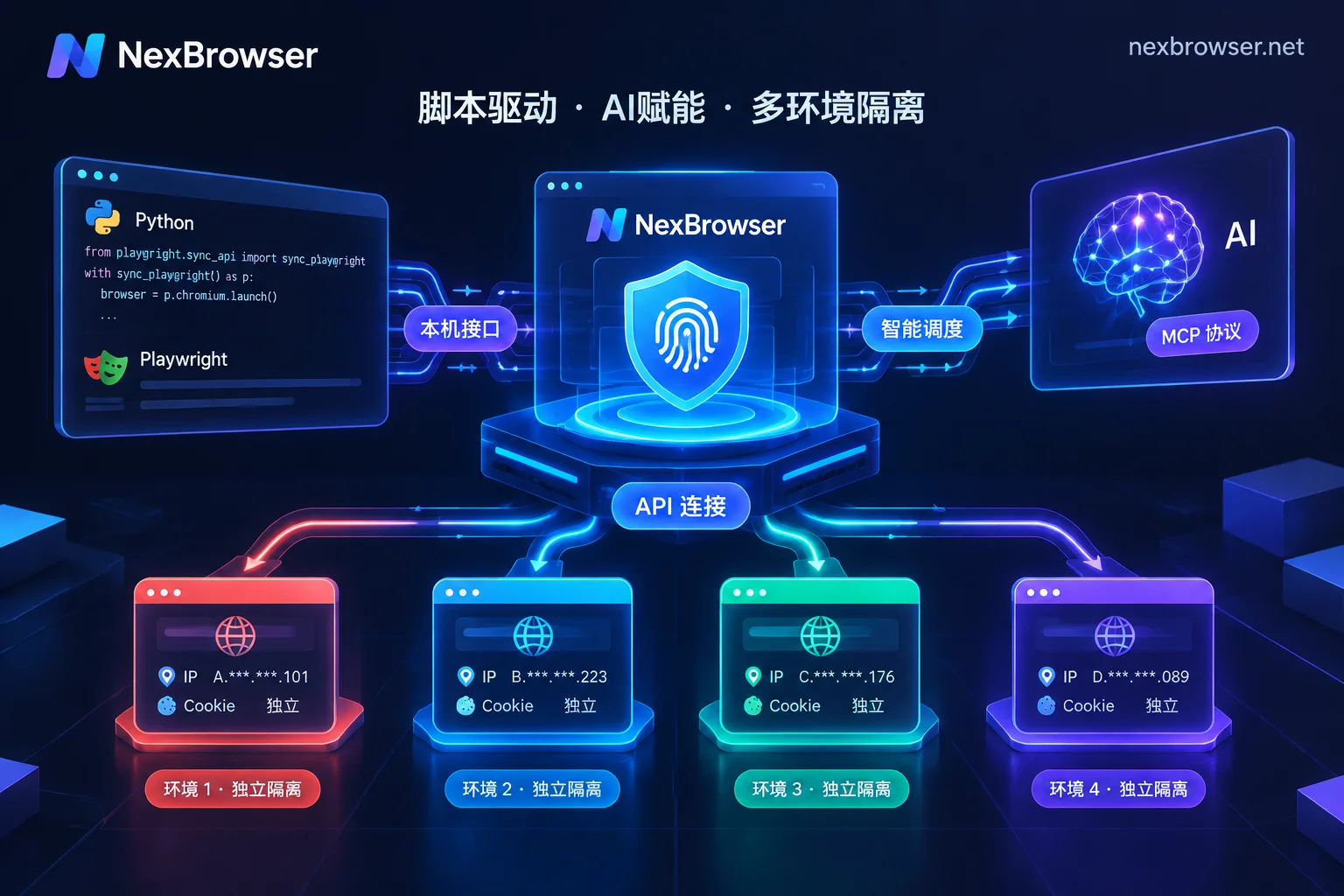
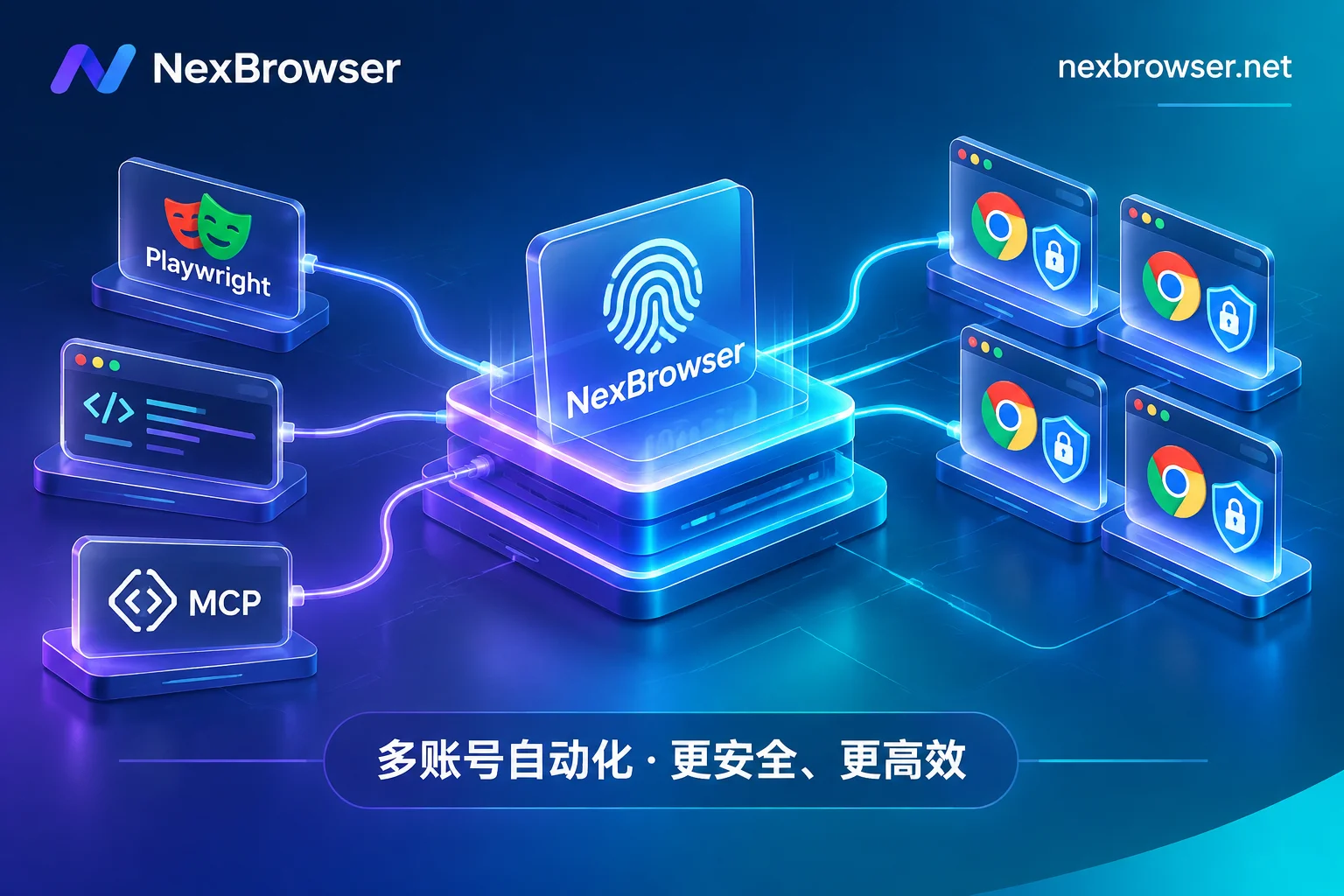
Fingerprint Browser API: Avoiding Pitfalls from Local API + CDP Takeover to Direct MCP Connection
A practical guide to two core integration methods for fingerprint browser APIs (Local API + CDP takeover and native MCP direct connection), analyzing common pitfalls such as login loss, fingerprint failure, and proxy bypass, with a checklist and selection criteria based on NexBrowser.
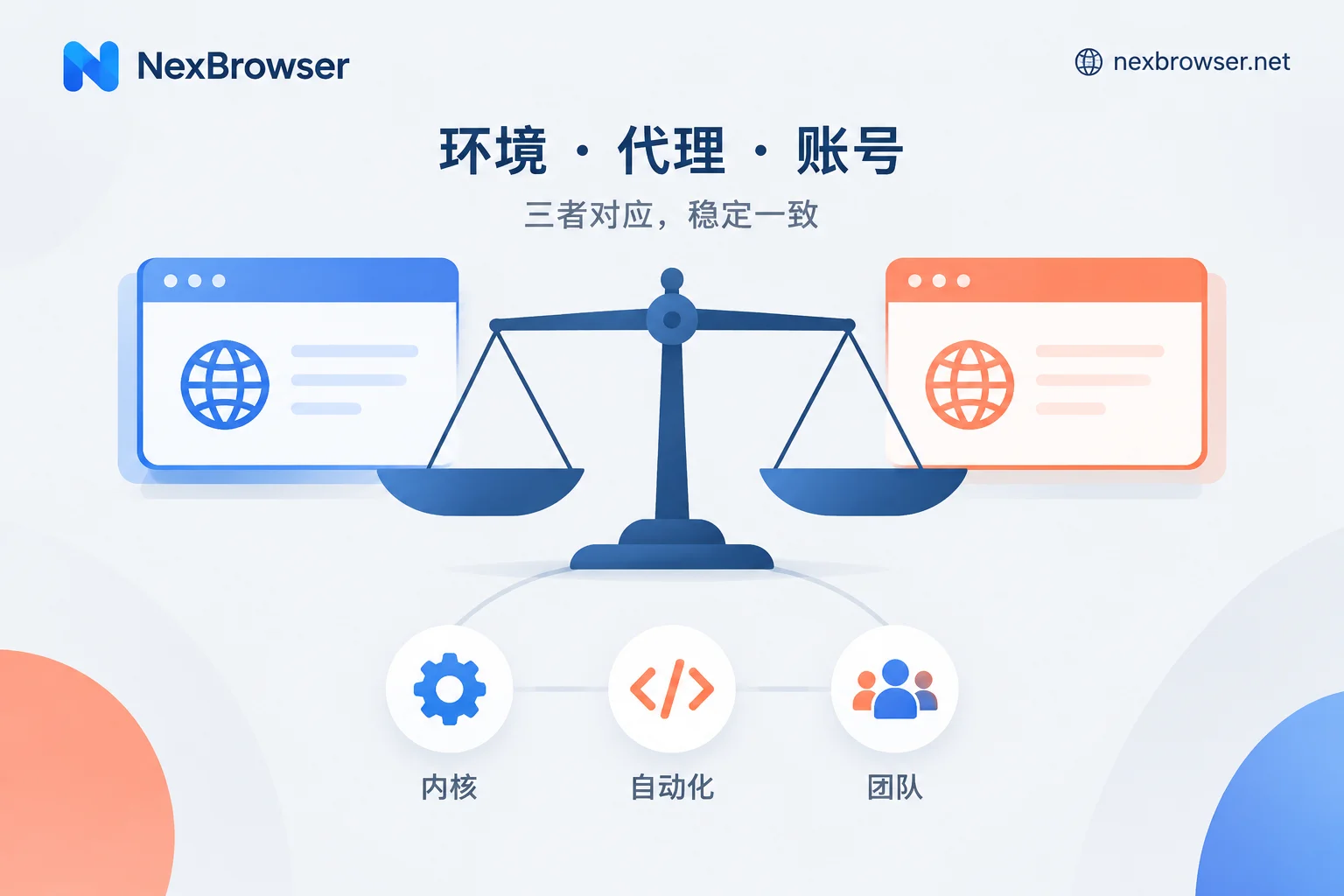
AdsPower vs RoxyBrowser: Choose by Kernel, Automation, and Team Needs, Then Verify with a Trial
AdsPower offers dual Chromium and Firefox kernels, a mature RPA template ecosystem, granular team permissions and auditing, and Windows, macOS, and Linux clients, while RoxyBrowser is Chromium-based, has a simpler interface, targets individuals and small teams, and supports AI control via MCP. This article compares them item by item across kernel, automation, team collaboration, and system platform, and provides a checklist you can complete during a trial to decide which one suits you.
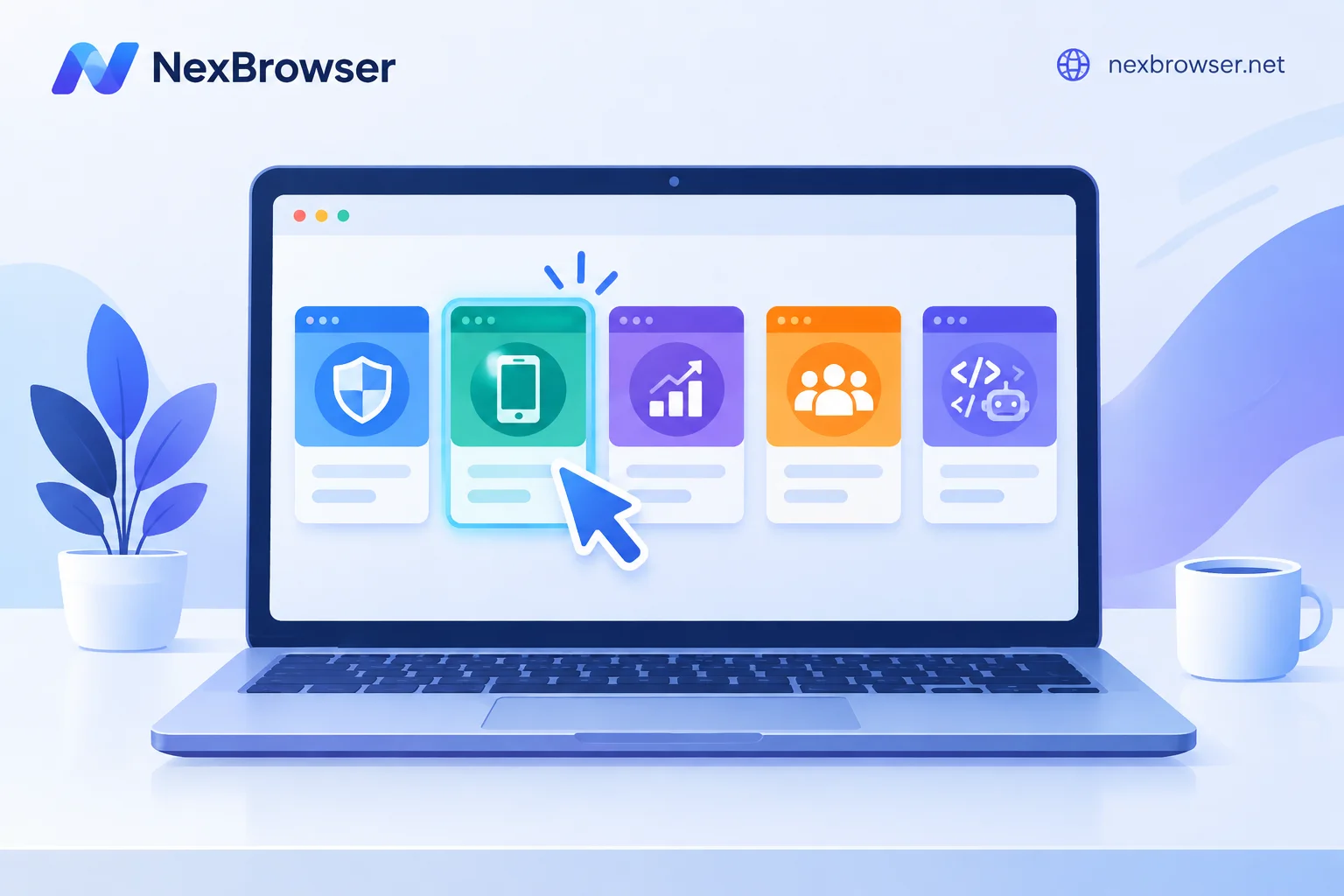
AdsPower Alternatives: Clarify What You Want to Change, Then Choose by Scenario
Common AdsPower alternatives include Multilogin, GoLogin, Dolphin{anty}, Incogniton, and NexBrowser. This article maps common reasons for switching—cost, automation, OS platform, team collaboration—to suitable tools, then provides a method to validate with free tiers and migrate accounts in batches to avoid pitfalls.