 NexBrowser指纹浏览器-官方博客Blog
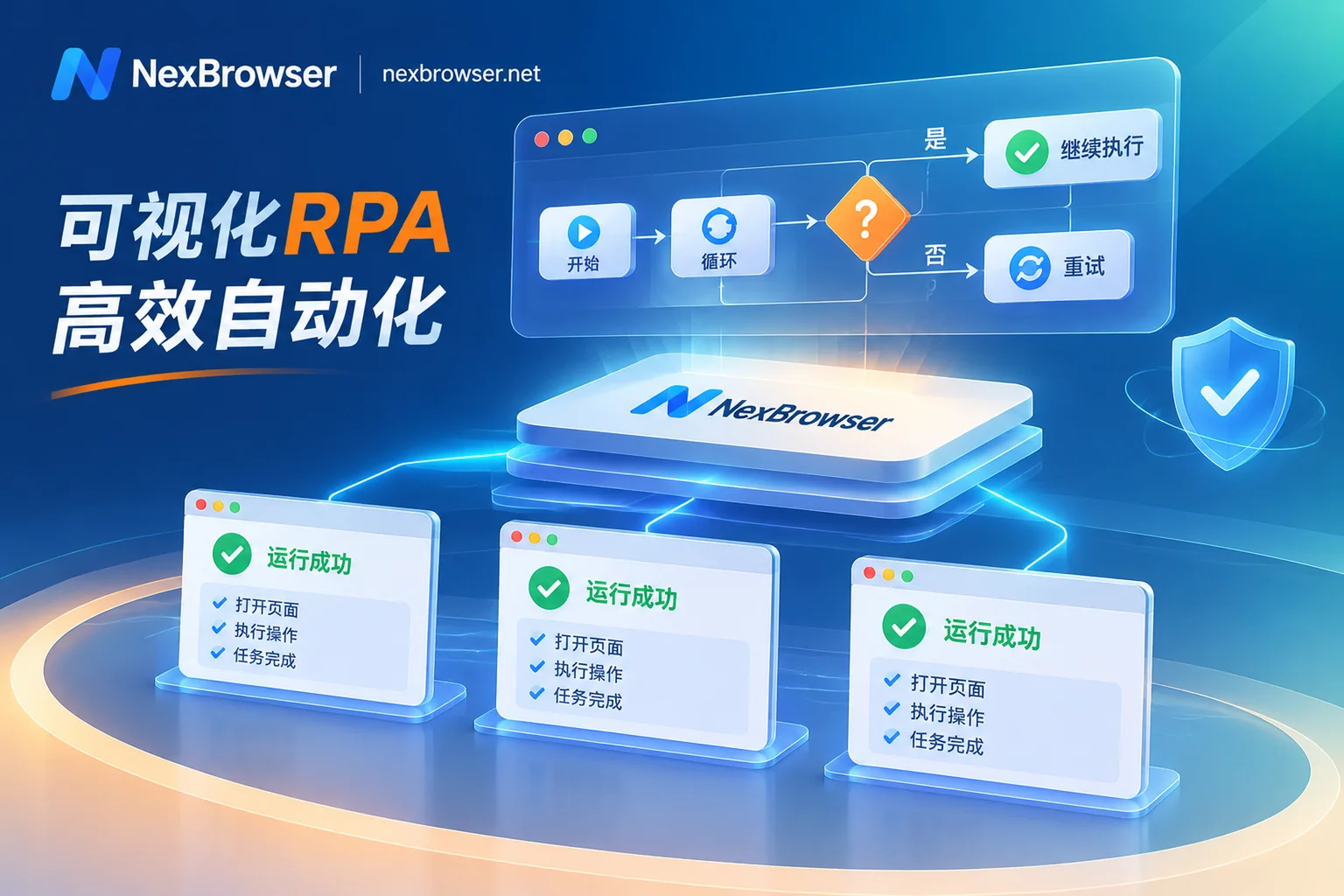
How to Reduce Script Maintenance Costs with an RPA Browser? A Practical Guide from No-Code Canvas Debugging to AI & MCP Collaboration
When multi-account teams use RPA browsers for batch operations, the biggest headache is often not writing scripts, but locating failures caused by front-end tweaks, cumbersome third-party tool integration, and hidden costs from step-based billing. This article analyzes from an engineering perspective how to build low-maintenance multi-account automation workflows using a built-in no-code RPA canvas, step-by-step log debugging, AI agents, and the MCP protocol.
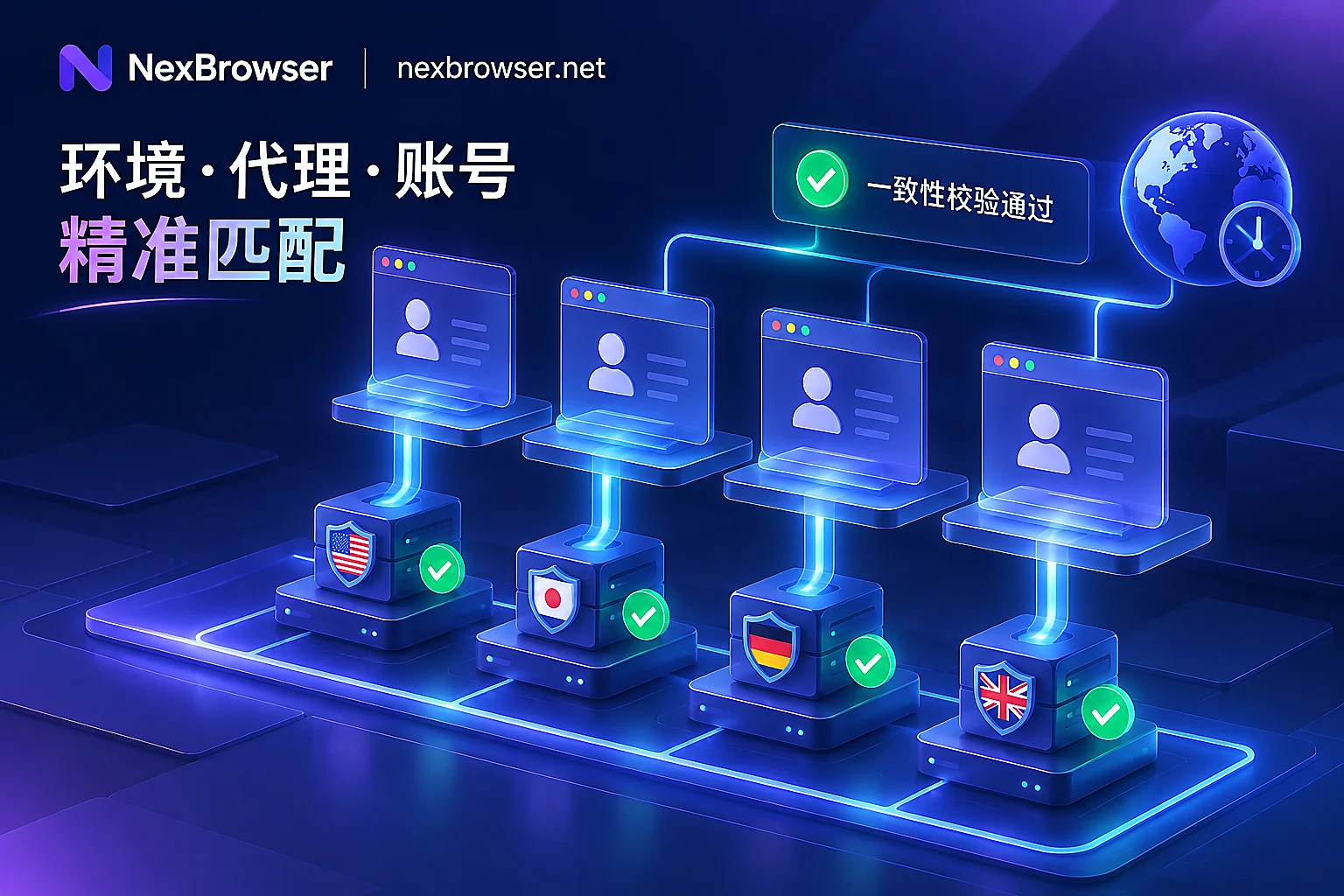
How to Bind a Proxy IP to a Browser Without Pitfalls: A Practical Guide from Pre-launch Checks and Parameter Alignment to Batch API Scheduling
Many multi-account teams buy dedicated residential proxies but still trigger platform risk controls due to proxy failures causing direct connections, misaligned WebRTC and timezone parameters, or mistakenly clearing cache when changing proxies. This article breaks down the four high-frequency loopholes in proxy IP binding to browsers and provides a full-chain configuration solution from automatic alignment of single-environment parameters and pre-launch connectivity interception to batch import and dynamic binding via Local API.
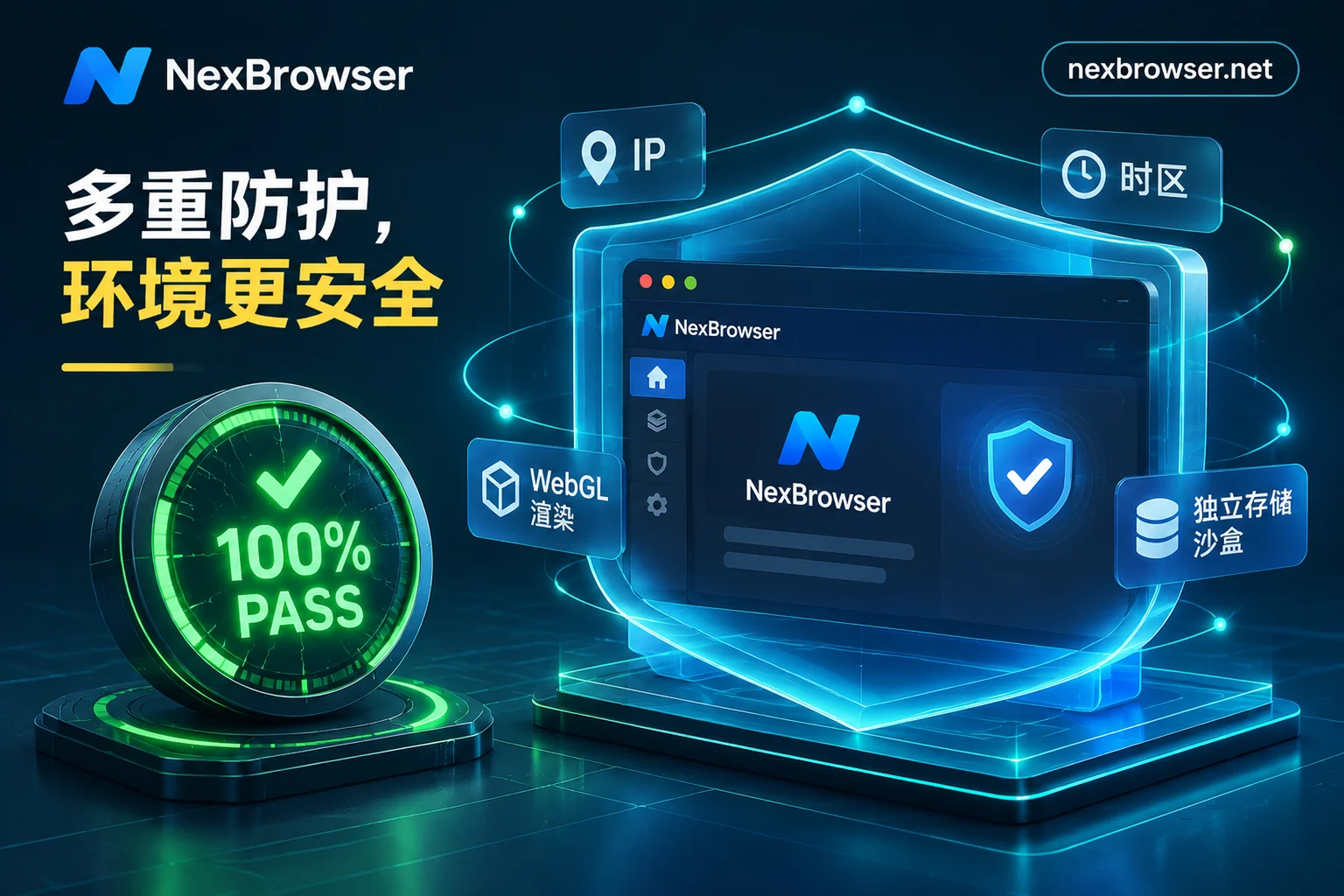
How to Read Browser Fingerprint Detection: Unmasking the Green Light Illusion and a 2026 Multi-Account Environment Self-Check List
Why do accounts still get flagged as linked even after scoring 100 on an online fingerprint detection site? Combining 2026 device intelligence report data, we break down static detection blind spots, outdated kernel versions, and cross-layer signal gaps, plus a practical pre-launch SOP for multi-account environments.
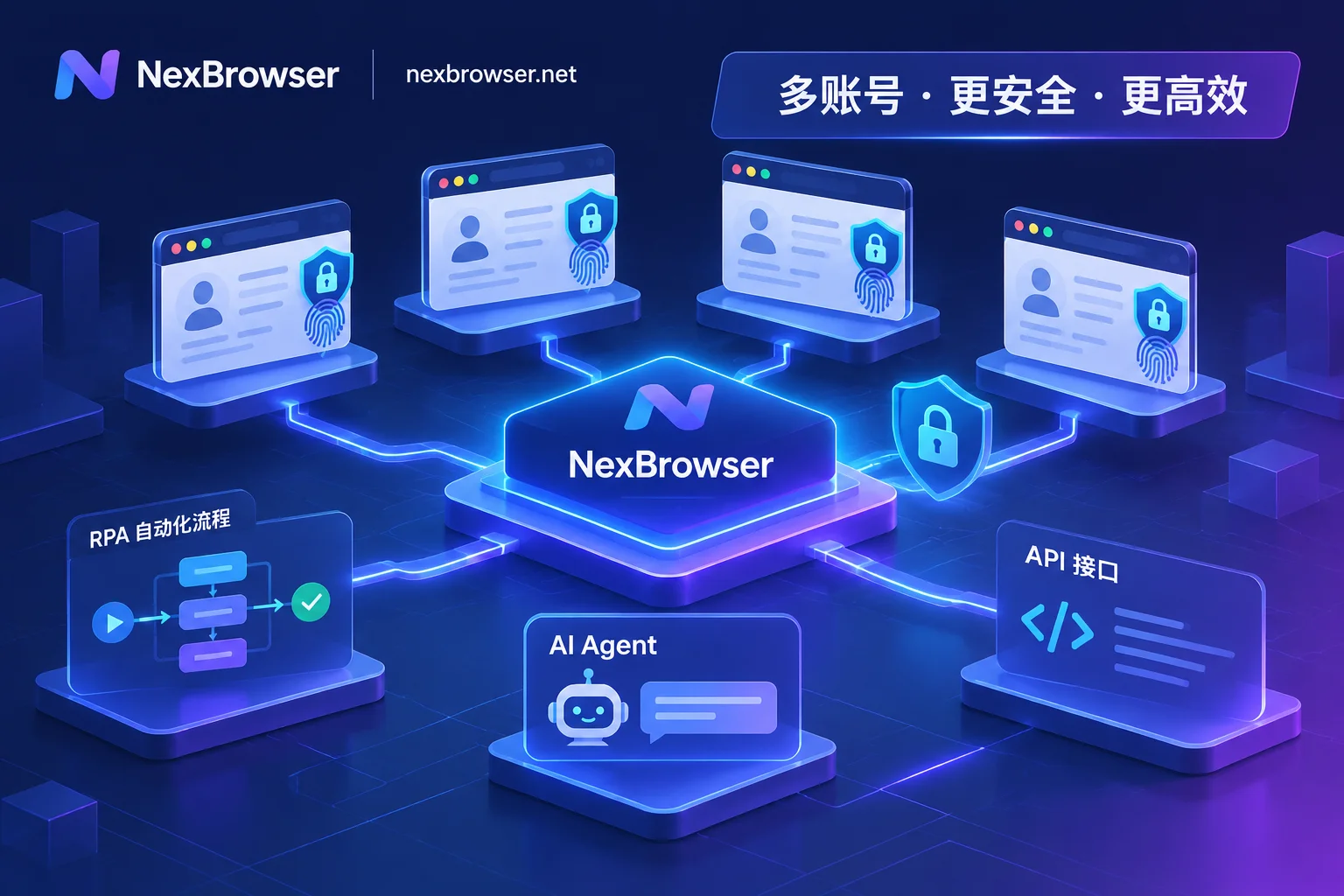
How to Avoid Mass Account Bans in Fingerprint Browser Automation: A Practical Guide from Signal Drift Prevention to Multi-Pipeline Coordination
As platform risk controls cross-check fingerprints, behavior, and network signals, crude automation focused only on getting scripts to run now faces mass bans. This article breaks down how to build a low-loss fingerprint browser automation workflow with NexBrowser across four dimensions: environment continuity, choosing among four automation pipelines, proxy and CAPTCHA closed loops, and human-machine safety boundaries.
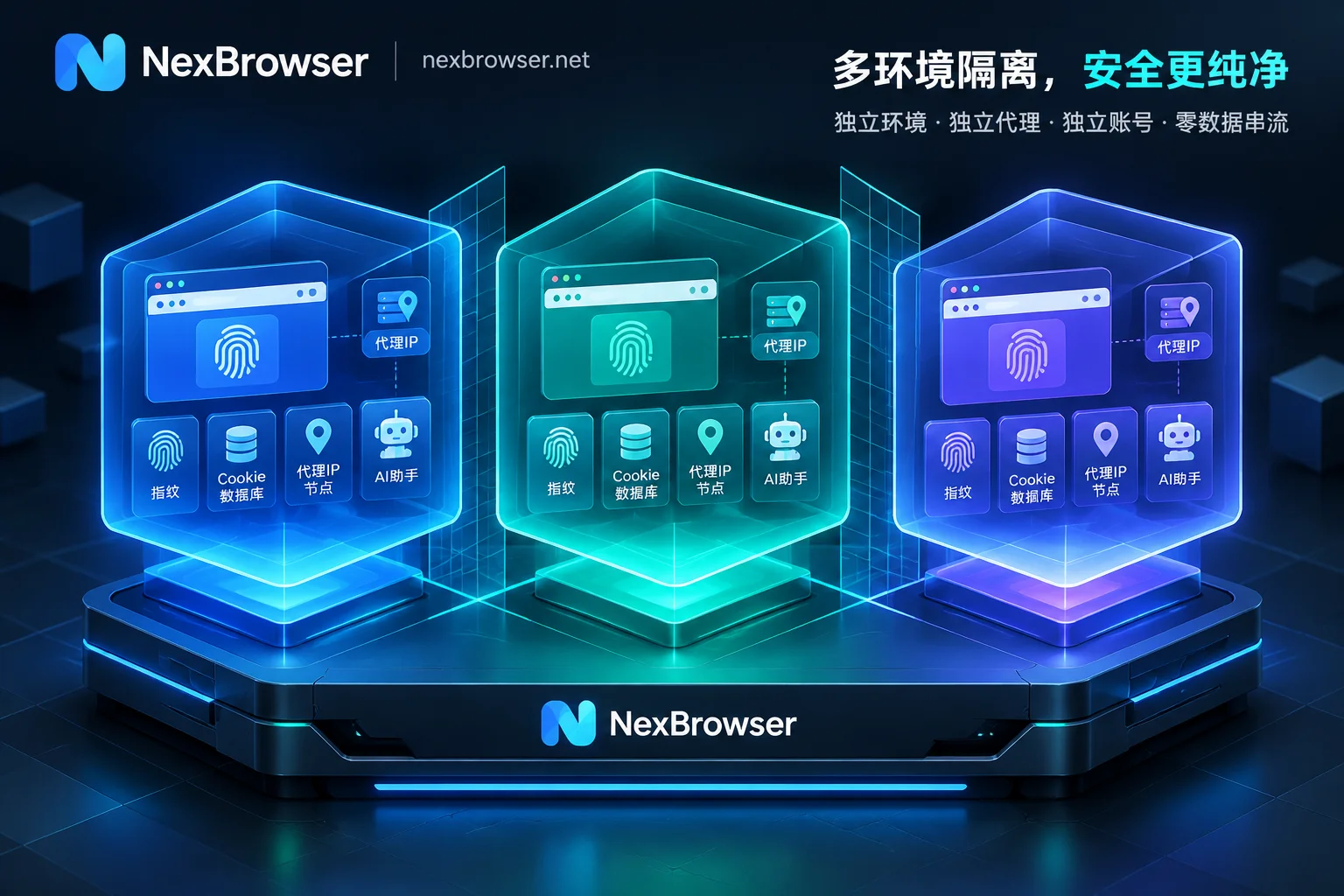
How to Achieve Thorough Browser Environment Isolation: From IndexedDB Anti-Cross-Contamination to AI Agent Multi-Account Sandbox in Practice
A deep dive into the browser environment isolation standards for multi-account operations and automation scenarios in 2026: why incognito mode and ordinary browser profiles cannot prevent IndexedDB and device fingerprint detection? How to use NexBrowser to achieve local storage islanding, fingerprint and proxy alignment, secure AI Agent takeover, and team passwordless collaboration.
