NexBrowser指纹浏览器-官方博客Blog
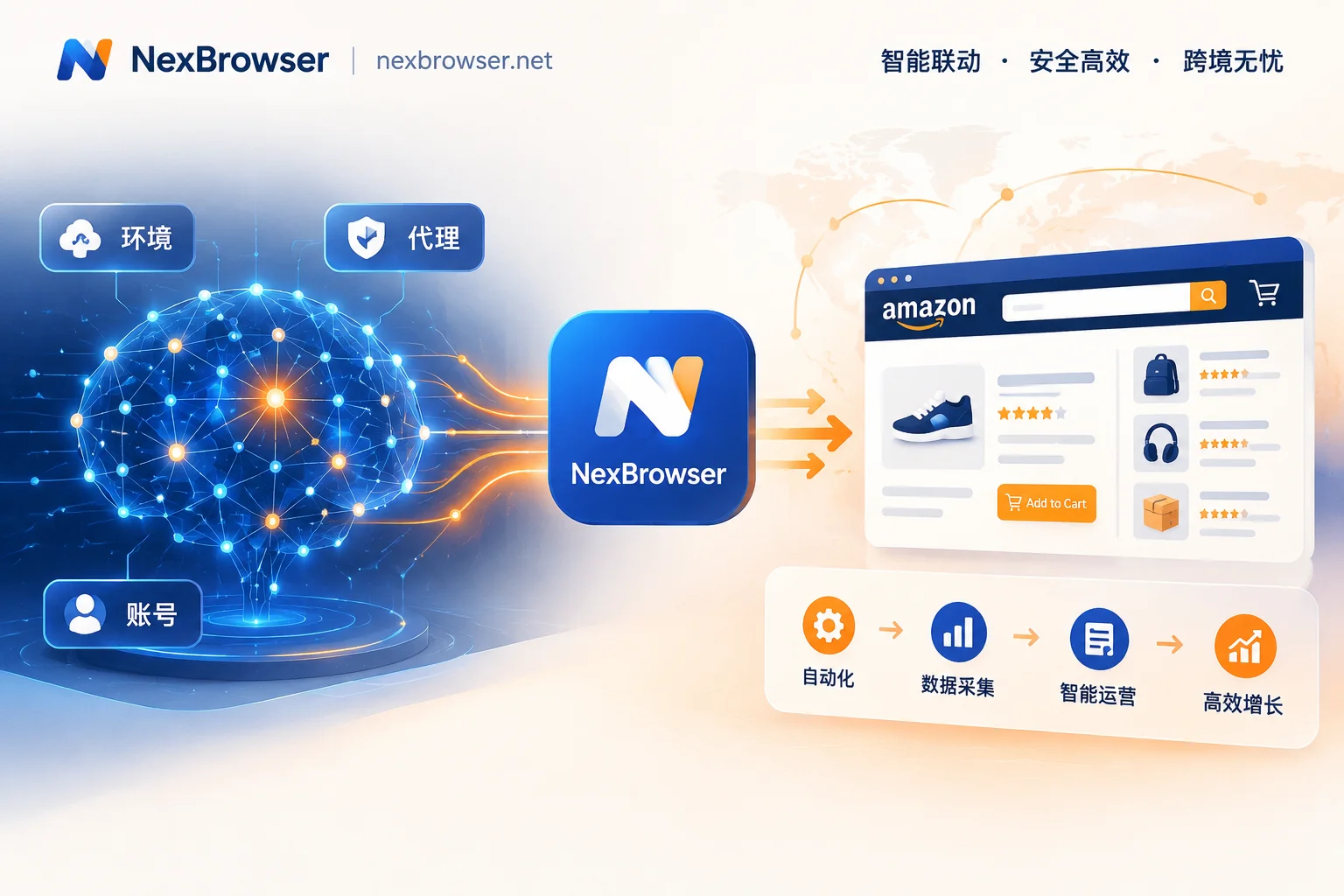
The New Landscape of Amazon Multi-Account Operations: Building an Anti-Association Moat in the Age of AI Automation
Amazon risk controls are becoming increasingly aggressive, and traditional manual anti-association methods can no longer keep up. This article explores how Amazon multi-store operators can use NexBrowser to achieve efficient and secure workflows, from environment isolation to automation, in an era where AI Agents and automation tools are widespread.

Facebook Multi-Account Anti-Association Full Process: From Profile Warming to BM and Page Authorization Anti-Ban Guide
Addressing the issue that Facebook personal profiles, Pages, and Business Manager (BM) multi-level assets are prone to chain bans, this article breaks down a full-chain anti-association实战 solution from environment fingerprint isolation, residential IP verification, cloud number verification to automated account warming and team permission isolation.
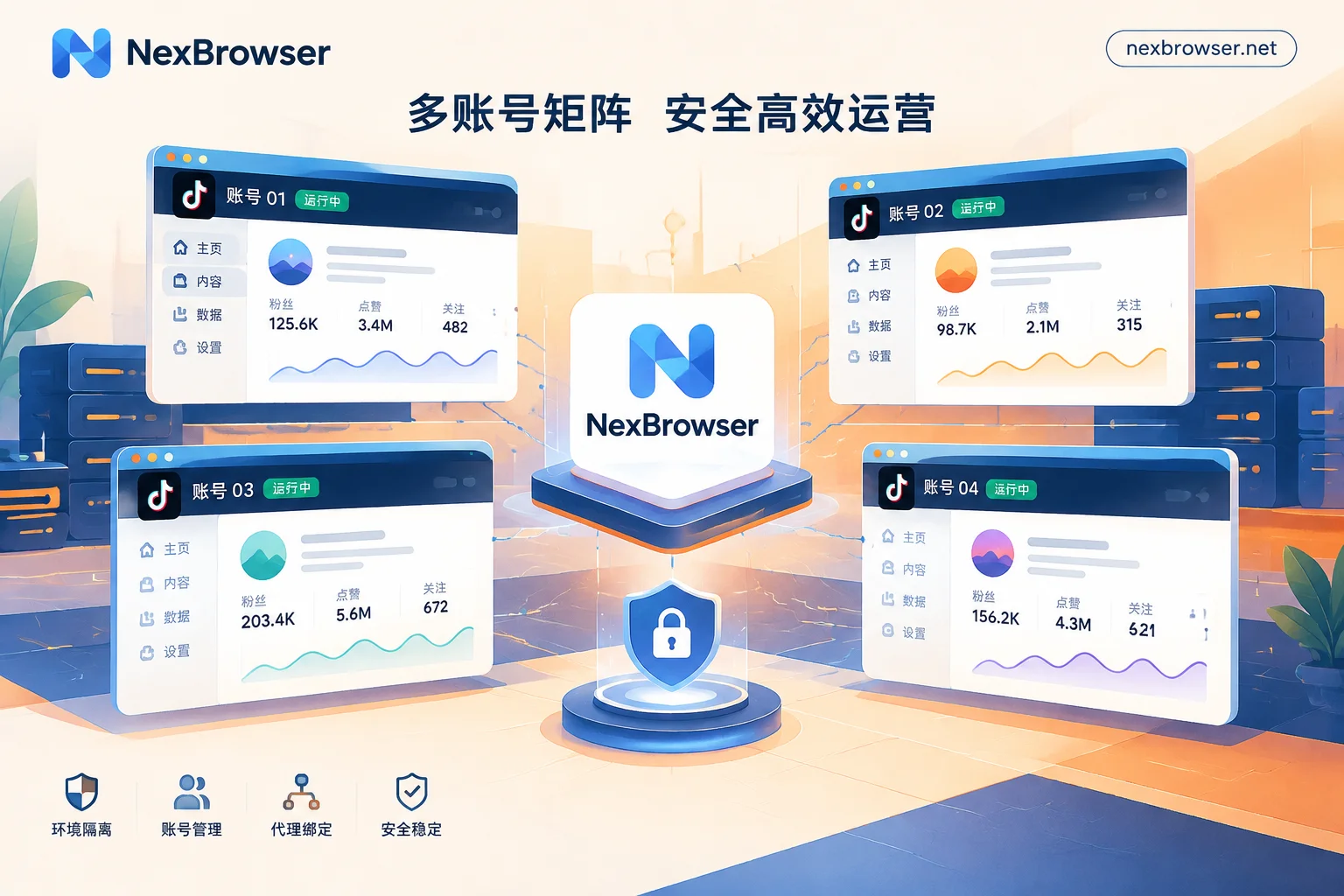
TikTok Multi-Account Management Challenges? NexBrowser Builds an Automated Matrix Anti-Detection Defense
TikTok's risk control is escalating—how can multi-account operations break through? This article explores the pain points of TikTok matrix operations and introduces how NexBrowser enables efficient and secure multi-account matrix management through底层 fingerprint isolation, automated AI Agents, and RPA technology.

How to Build a Cross-Border E-Commerce Anti-Detect Browser Setup: A Guide to Multi-Platform, Multi-Store Risk Control and Collaboration for Q4 Black F
Every year from late October to November is the sprint period for Black Friday and Cyber Monday promotions on platforms like Amazon, TikTok Shop, and Temu, and it's also the stage where high-frequency price changes, cross-device shifts, and customer service collaboration are most likely to trigger account associations and secondary verification. This article addresses Q4 peak season pain points and explains how to use a cross-border e-commerce anti-detect browser to build a solid multi-store isolation defense and efficient collaboration workflow.

How to Choose a Multi-Account Management Browser: Say Goodbye to Account Switching Hassles and Upgrade from 'Standalone Multi-Instance' to an All-in-O
As cross-border multi-platform operations become the norm and risk control becomes more granular, traditional methods of installing multiple browsers and frequently clearing caches have become a double-edged sword for efficiency and security. This article explains how NexBrowser upgrades a multi-account management browser into a comprehensive workbench integrating environment isolation, parameter consistency, SMS verification, and secure automation.