 NexBrowser指纹浏览器-官方博客Blog
In the current TikTok short video and e-commerce ecosystem, traffic dividends remain huge, but as the platform continues to crack down on "non-human operations" and "account association," matrix operators face severe challenges. Whether it's batch content distribution, comment section diversion, or batch processing of interactive tasks via AI Agents, once an account environment is determined by the platform to be associated, it often faces the risk of "all accounts going offline."
Why is TikTok matrix operations becoming increasingly difficult?
In addition to regular IP changes, modern platform risk control has penetrated deep into the browser fingerprint level. Canvas, WebGL, screen resolution, fonts, and even WebRTC policies have become key identifiers for determining whether your device is "one machine with multiple accounts." If you're still using traditional browser plugins or simple remote desktops, account association is almost inevitable.
NexBrowser: A "Safe Cabin" Customized for Matrix Operators
NexBrowser is not just a browser; it is a multi-account fingerprint browser workspace based on the Chrome kernel. For TikTok operations, it ensures matrix security through the following core mechanisms:
1. Complete Isolation of the Underlying Environment
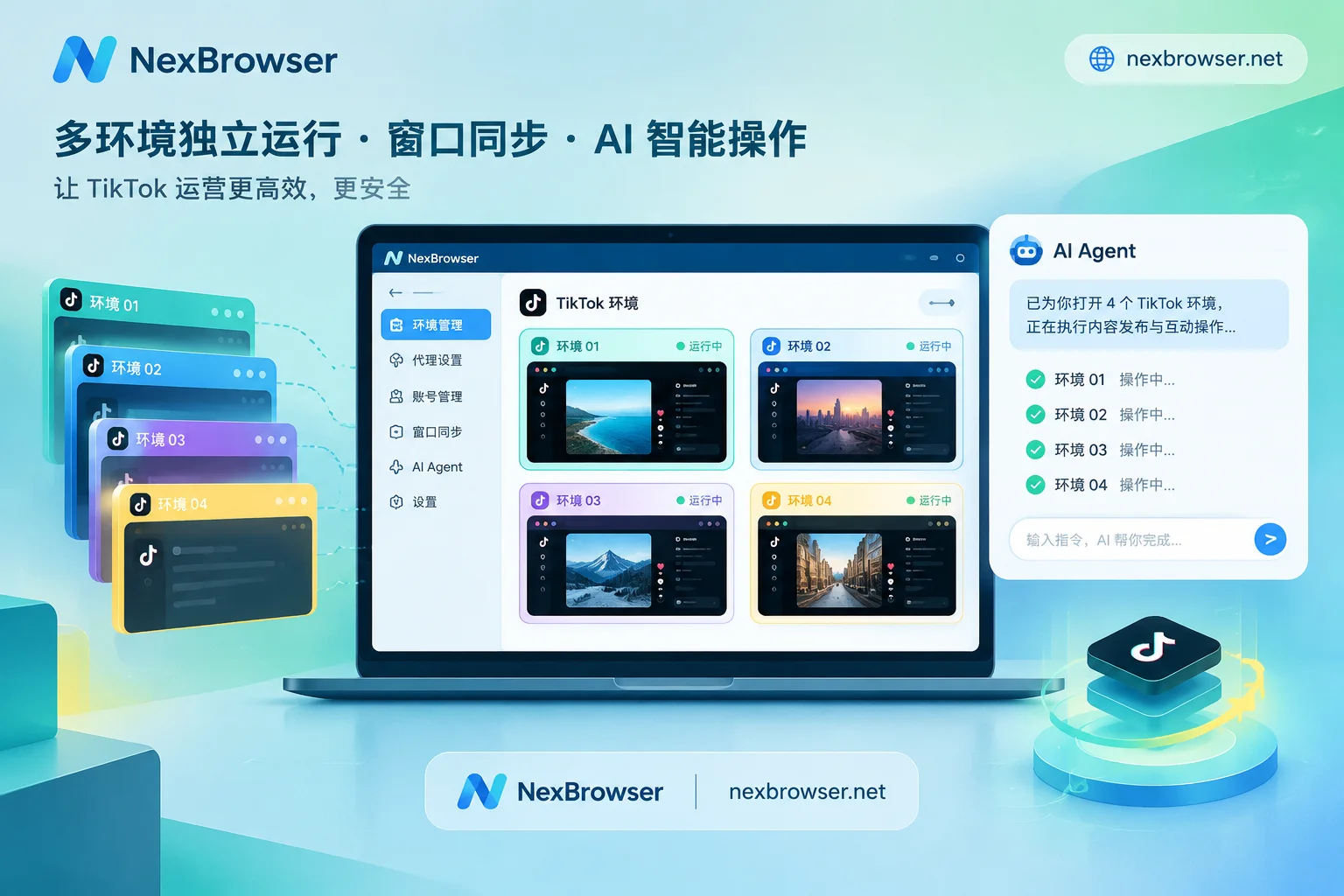
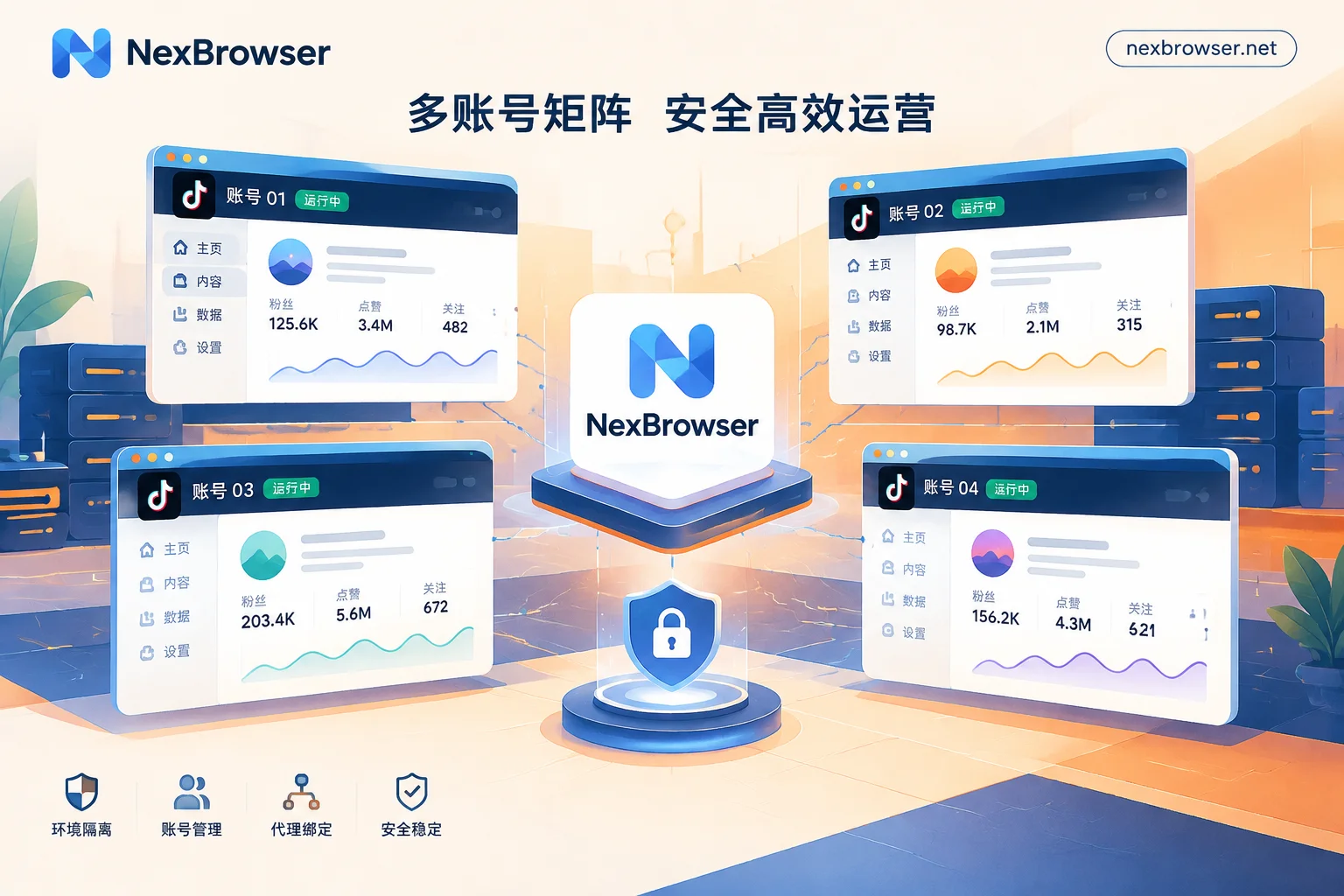
Each TikTok account in NexBrowser has a completely independent browser environment. Cookies, cache, local storage, and proxy settings are not shared. Even if you open dozens of windows on the same computer, the platform cannot discover their association through local data. You can group management by store or team, and environment configurations support one-click templating, automatically matching independent fingerprint parameters during batch generation. Learn more about multi-account environment isolation features.
2. Self-Consistent Fingerprint Parameter Protection
NexBrowser's fingerprint system not only "modifies" but also ensures "self-consistency." It ensures that settings such as WebRTC, time zone, and language are fully aligned with the proxy exit you bind to, preventing abnormal login warnings caused by geographic location mismatches. Click to view how to improve operational security through fingerprint technology.
3. Automation and AI Collaboration: From Manual to Intelligent
In addition to the basic window synchronization function, NexBrowser provides advanced solutions for repetitive and tedious script operations:
- RPA Script Automation: No coding required—drag and drop on a no-code canvas to implement tasks such as batch liking and following. Every failed step can be located, minimizing manual operation inefficiencies. Learn more about RPA orchestration.
- Built-in AI Agent: You can directly describe tasks in natural language, and the Agent will automatically open the specified environment, execute the interaction process, and persist the login state by environment. For tasks that require deep judgment, the AI Agent is your 24/7 digital employee. Explore how to use AI Agent.
Standardized SOP for Team Collaboration
As the team grows, how do you prevent members from accessing account passwords? NexBrowser's team permission matrix allows founders to assign different roles, share environments without passwords, and members can only operate within authorized groups, with all operations traceable. This team collaboration solution ensures the absolute security of account assets.
Conclusion
In TikTok matrix operations, anti-ban is the foundation, and efficiency is the core. NexBrowser not only provides a full-featured fingerprint browser environment but also opens Local API and MCP access for developers, supporting deep integration with mainstream automation tools. Download the NexBrowser client now and start your efficient matrix operation journey!


Comments(0)