 NexBrowser指纹浏览器-官方博客Blog
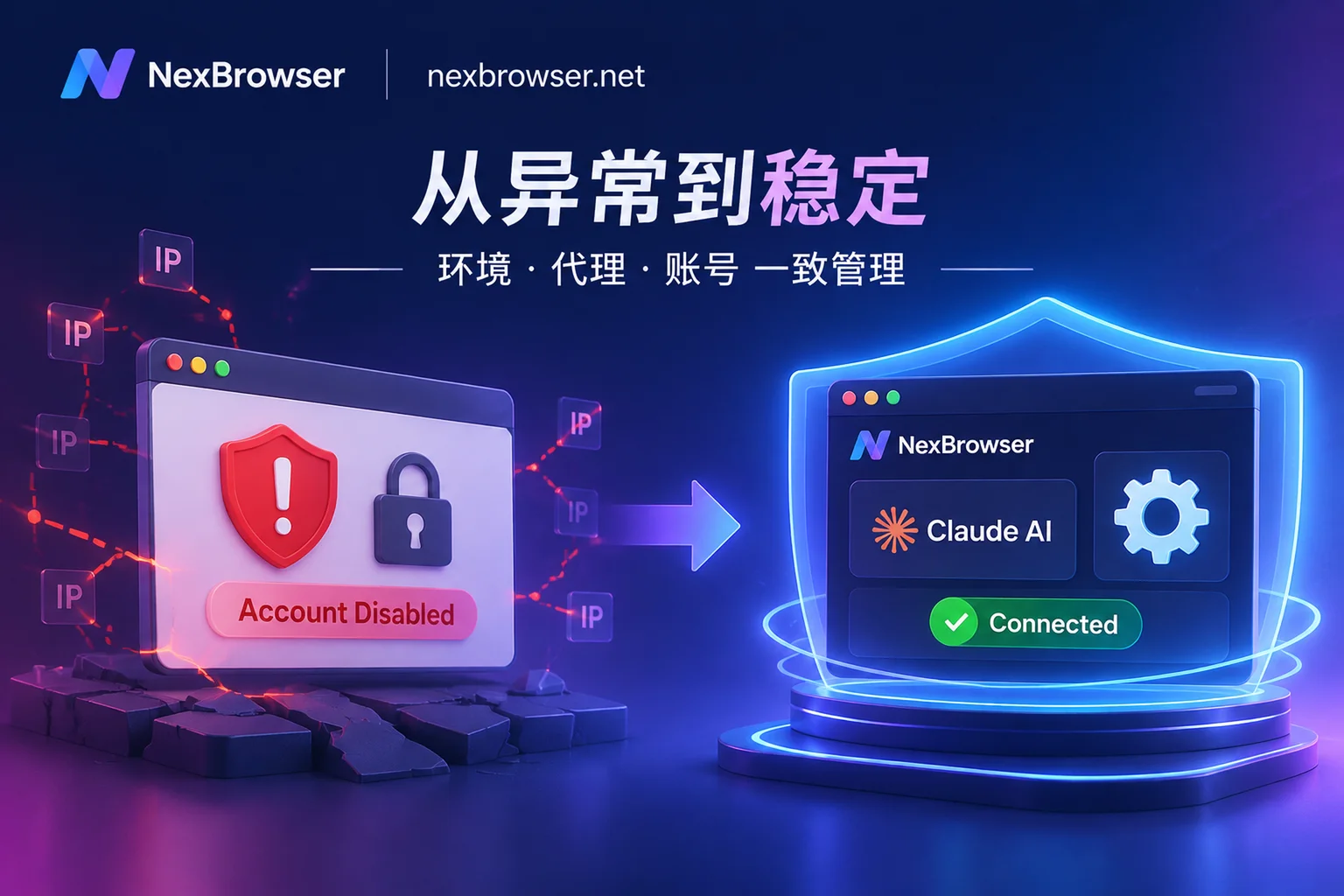
Everyone Uses Claude, So Why Does Your Account Get Banned So Easily?
Analyzing the core triggers of Claude's risk control upgrades in 2026, breaking down the four major ban risks from IP hopping, browser fingerprint inconsistencies, multi-person sharing, to AI browser automation overreach, and providing practical solutions for stable ban prevention and secure automation with the NexBrowser fingerprint browser workspace.
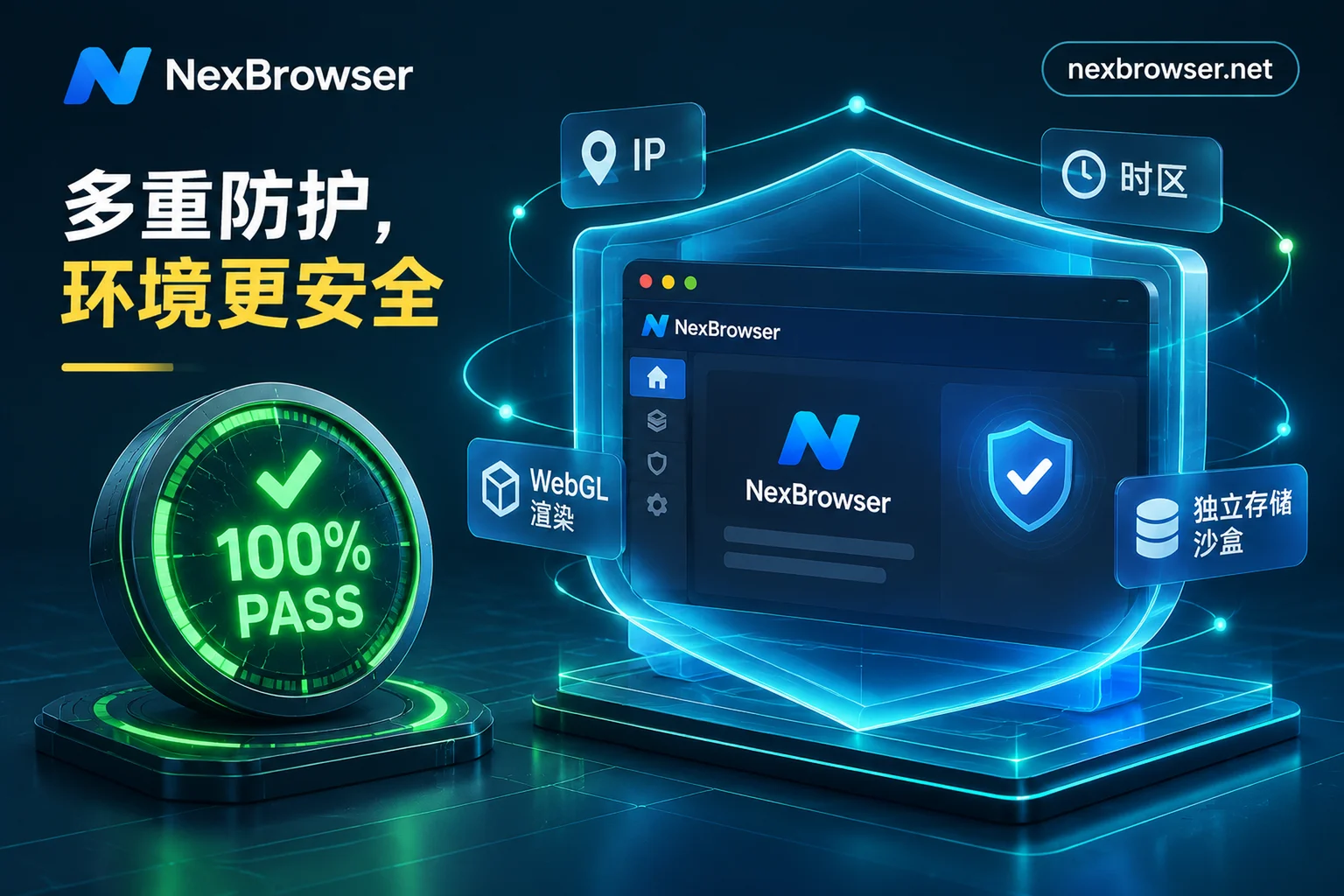
How to Read Browser Fingerprint Detection: Unmasking the Green Light Illusion and a 2026 Multi-Account Environment Self-Check List
Why do accounts still get flagged as linked even after scoring 100 on an online fingerprint detection site? Combining 2026 device intelligence report data, we break down static detection blind spots, outdated kernel versions, and cross-layer signal gaps, plus a practical pre-launch SOP for multi-account environments.
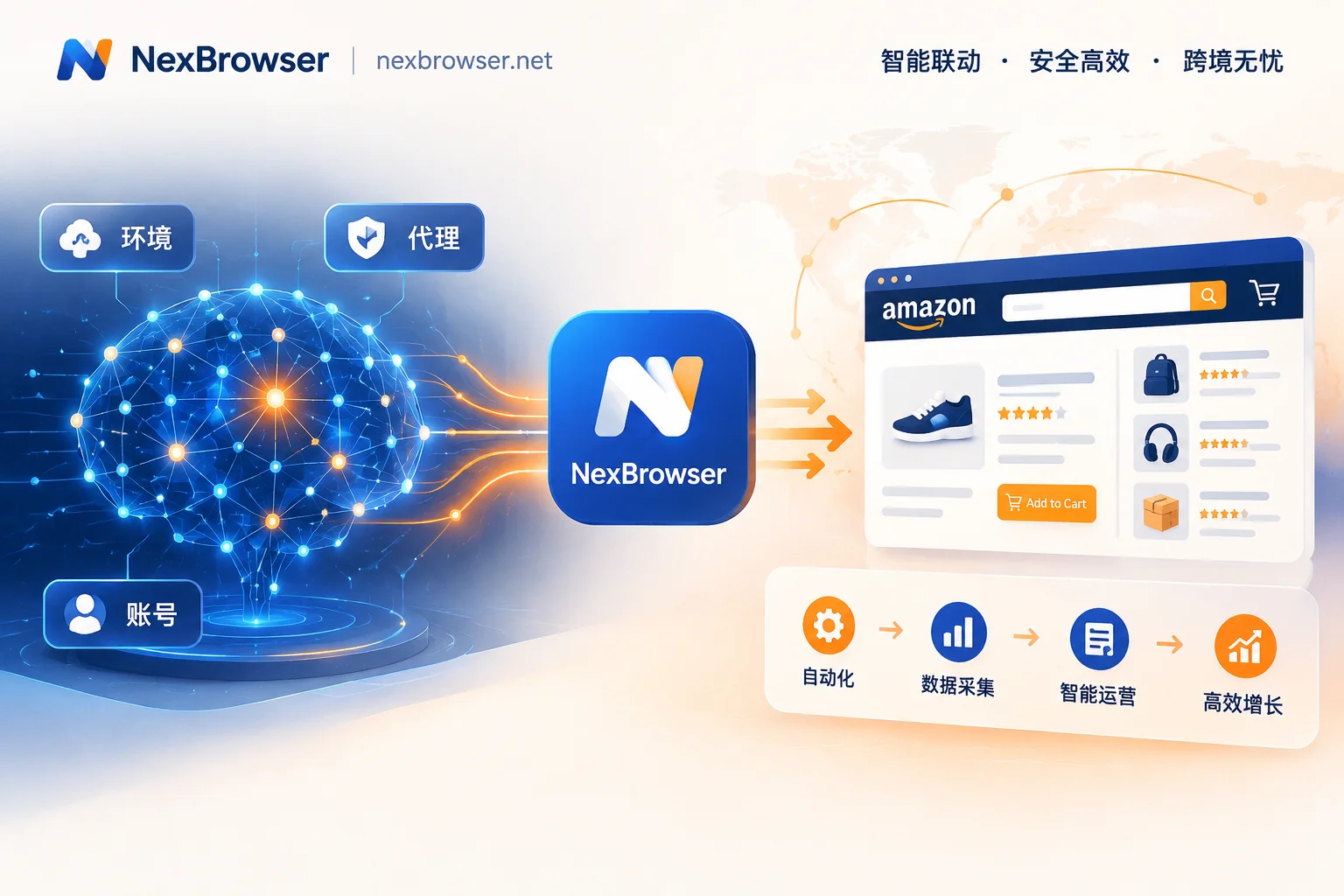
The New Landscape of Amazon Multi-Account Operations: Building an Anti-Association Moat in the Age of AI Automation
Amazon risk controls are becoming increasingly aggressive, and traditional manual anti-association methods can no longer keep up. This article explores how Amazon multi-store operators can use NexBrowser to achieve efficient and secure workflows, from environment isolation to automation, in an era where AI Agents and automation tools are widespread.

Still Triggering Risk Control Despite Using an Anti-Detect Browser? Troubleshoot These 5 High-Frequency Operational Mistakes and Anti-Ban Strategies
Many cross-border e-commerce and social media teams still frequently trigger secondary verification or even linked account bans despite using anti-detect browsers. The problem often lies not in whether tools are used, but in human operational errors during environment creation, proxy configuration, and daily maintenance. This article breaks down 5 hidden pitfalls in anti-detect practices and shows how NexBrowser plugs risk control loopholes from the startup mechanism.
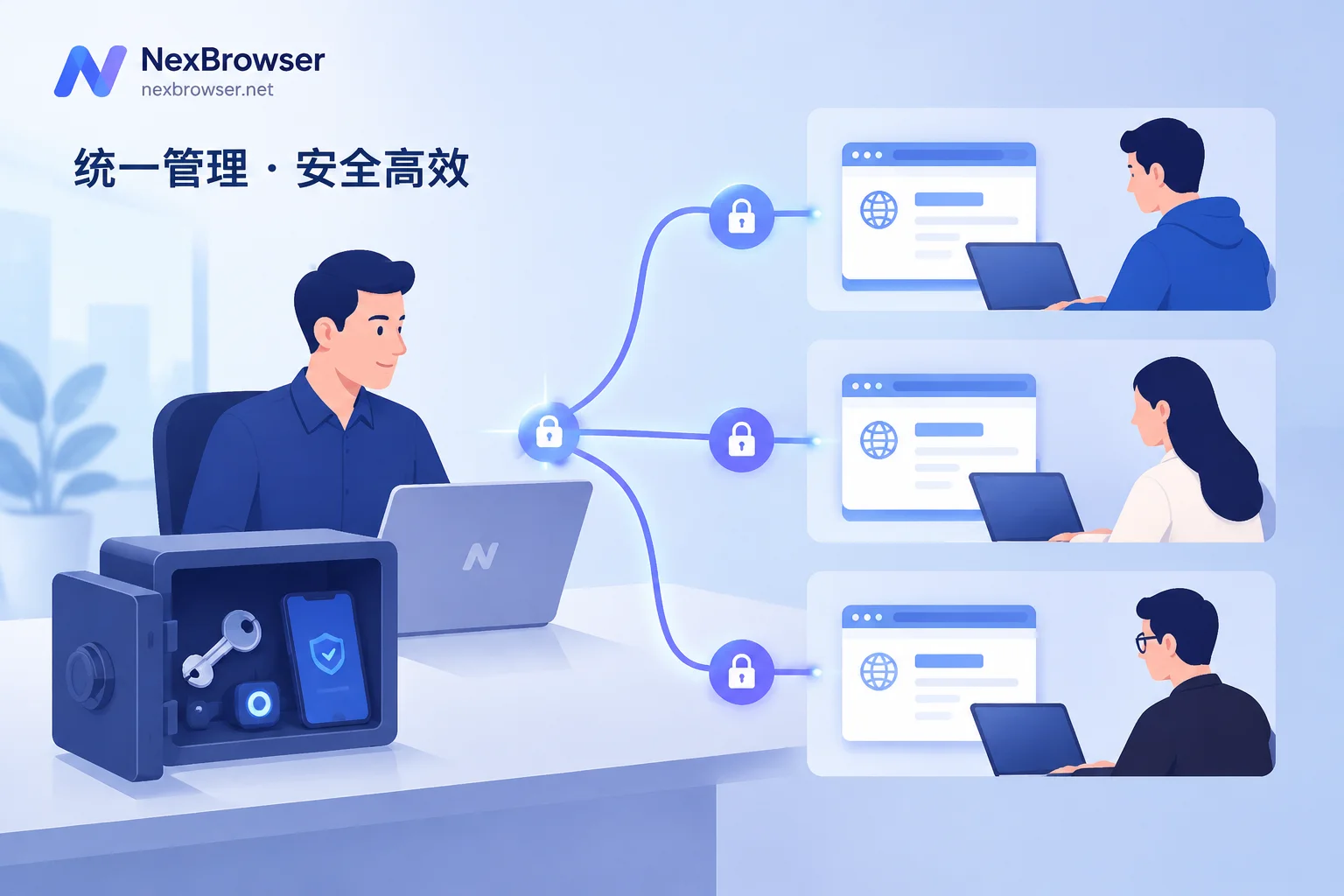
How to Share Account Passwords Safely in a Team: Don't Give the Password If You Can, and If You Must, Use an Encrypted Vault
Explains three ways teams can share accounts and when to use each: use built-in platform member features first, use a team password manager with role-based access for internal systems, and use isolated environments for passwordless sharing across e-commerce and social media multi-accounts. Includes setup order, 2FA custody, and an offboarding access-revocation checklist.