NexBrowser指纹浏览器-官方博客Blog

Still Triggering Risk Control Despite Using an Anti-Detect Browser? Troubleshoot These 5 High-Frequency Operational Mistakes and Anti-Ban Strategies
Many cross-border e-commerce and social media teams still frequently trigger secondary verification or even linked account bans despite using anti-detect browsers. The problem often lies not in whether tools are used, but in human operational errors during environment creation, proxy configuration, and daily maintenance. This article breaks down 5 hidden pitfalls in anti-detect practices and shows how NexBrowser plugs risk control loopholes from the startup mechanism.
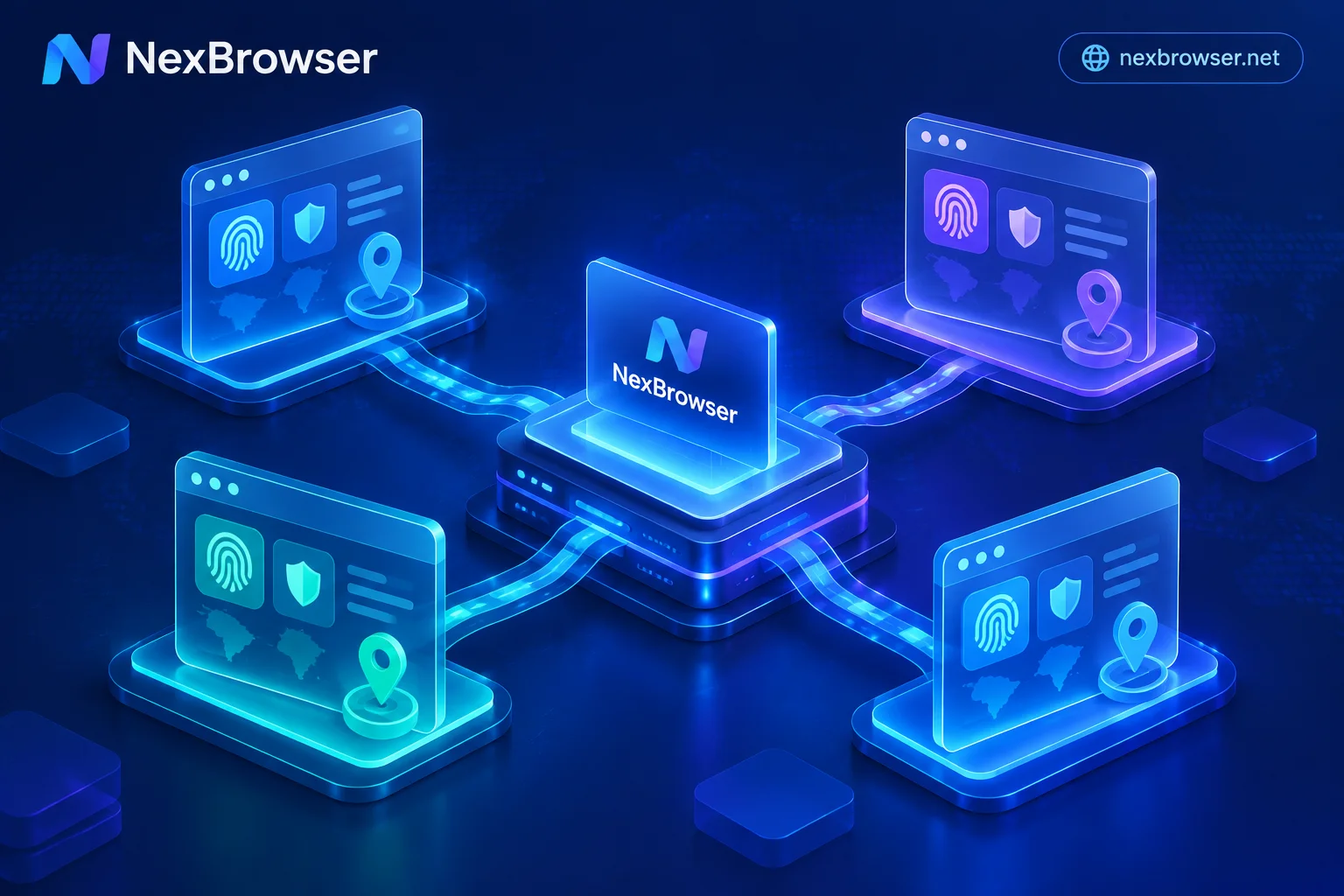
Anti-Detection Browser Selection Guide: Countering Platform 'Cascading Bans' with 4 Lines of Defense from Parameter Consistency to Daily Workflow
As mainstream platforms deploy device graphs and cascading ban mechanisms, simply randomizing fingerprints or switching IPs no longer ensures multi-account security. This article breaks down the core selection criteria for anti-detection browsers in 2026, covering fingerprint parameter consistency, proxy pre-check and session persistence, team password-free handover, and compliant automation integration to help you build a high-survival multi-account workstation.
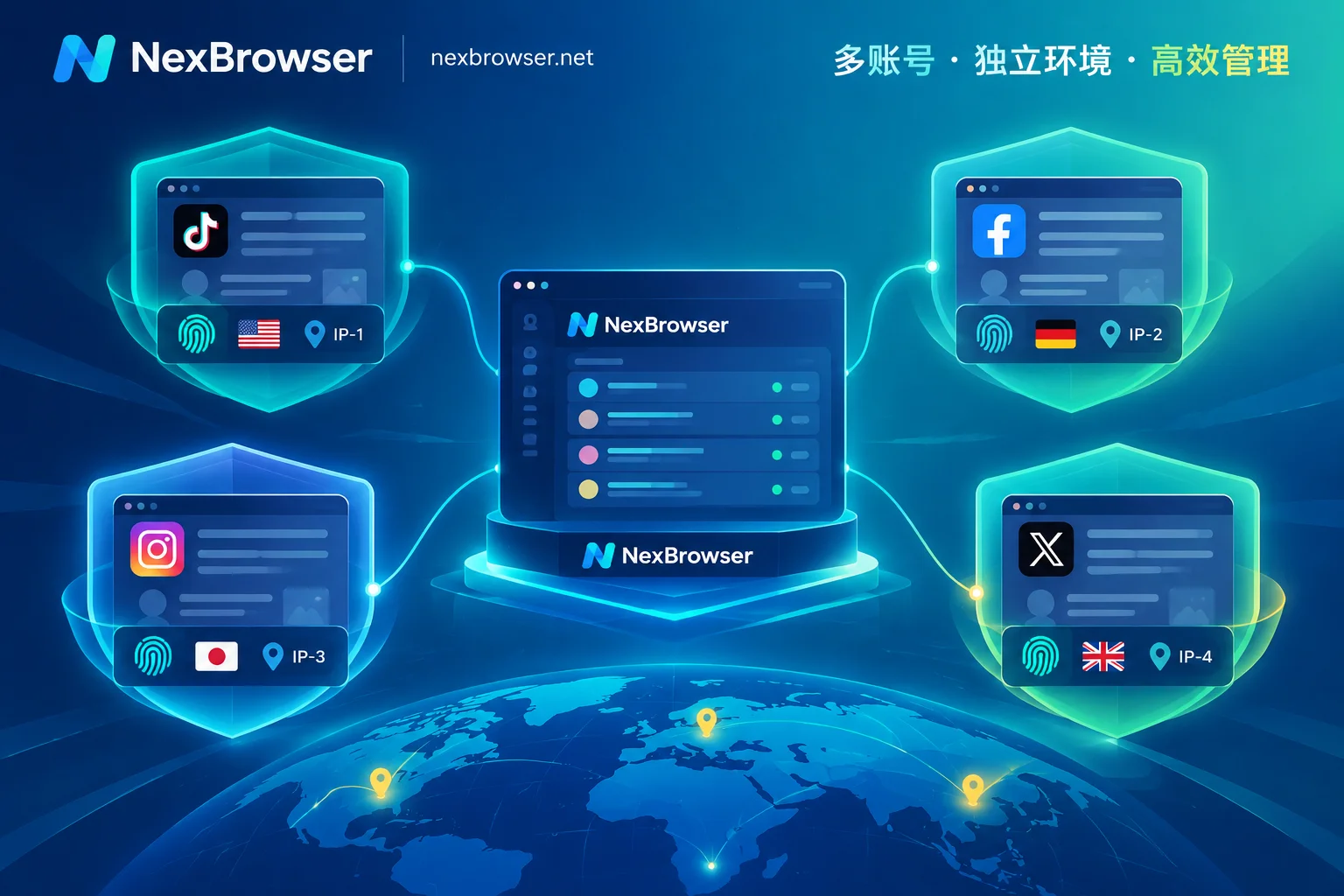
Social Media Matrix Multi-Account Management: Move Beyond Crude Account Sprawl and Build an Anti-Linkage and Fine-Grained Operations Workbench
As social platforms sharply tightened risk controls around device fingerprints, IPs, and behavioral patterns in 2026, mindlessly stacking accounts and mass-controlling mass-posting easily triggers linked bans and collective throttling. This article breaks down the pyramid structure of a social media matrix—from main brand accounts and vertical sub-accounts to regional accounts—and, with NexBrowser's environment isolation, proxy self-checks, window synchronization, RPA, and AI Agent, provides a social media matrix multi-account management solution that balances account survival rates with daily operational efficiency.
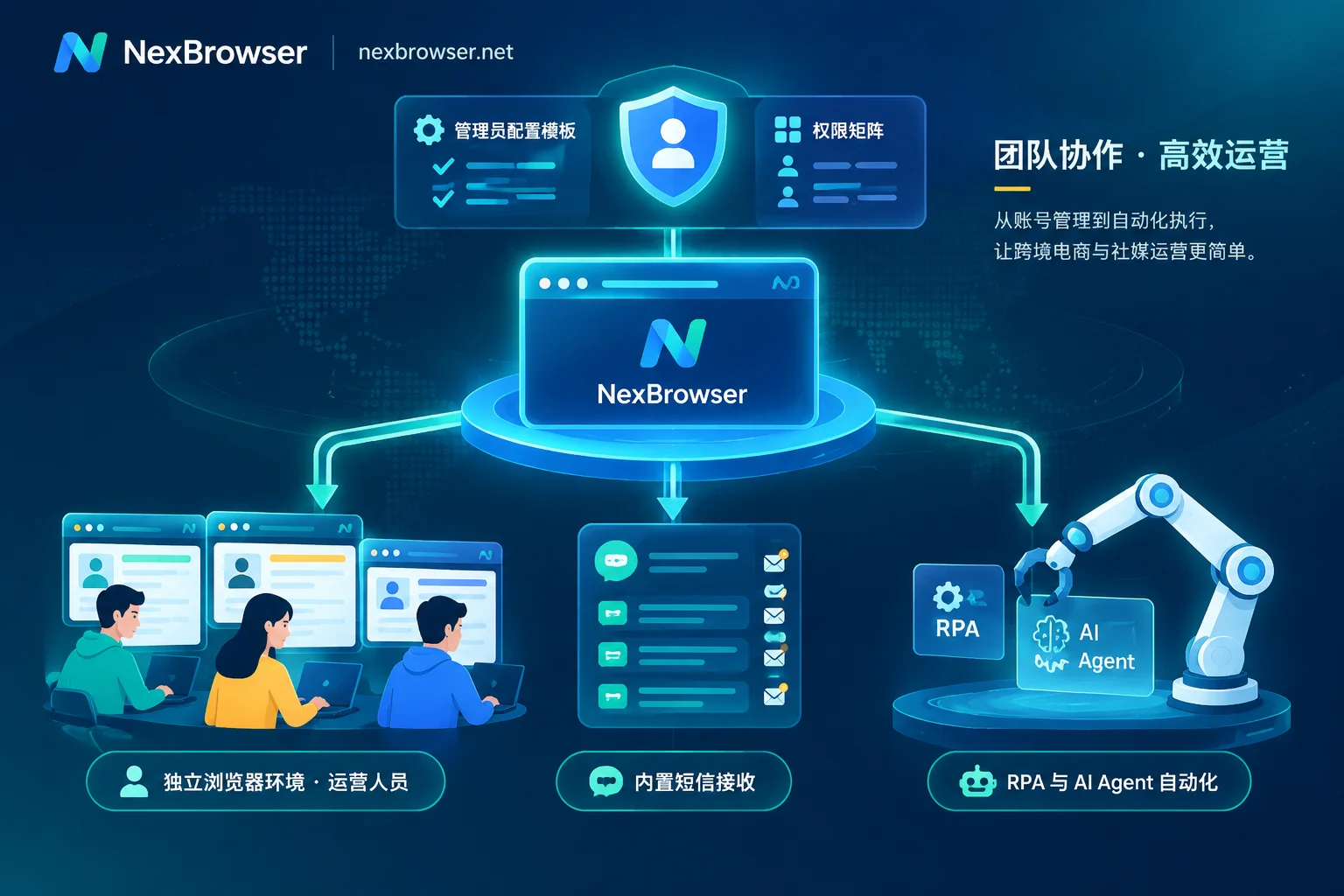
How to Implement SOP for Fingerprint Browser Team Collaboration: From Account Creation and Environment Setup to Multi-Role Standardized Workflow
When multi-account business scales from solo to team collaboration, permission separation alone is not enough. This article breaks down how to use fingerprint browser team collaboration mechanisms to run a standardized SOP from admin account creation and environment setup, cross-region data sync, to part-time and full-time multi-role collaboration and automation reuse.
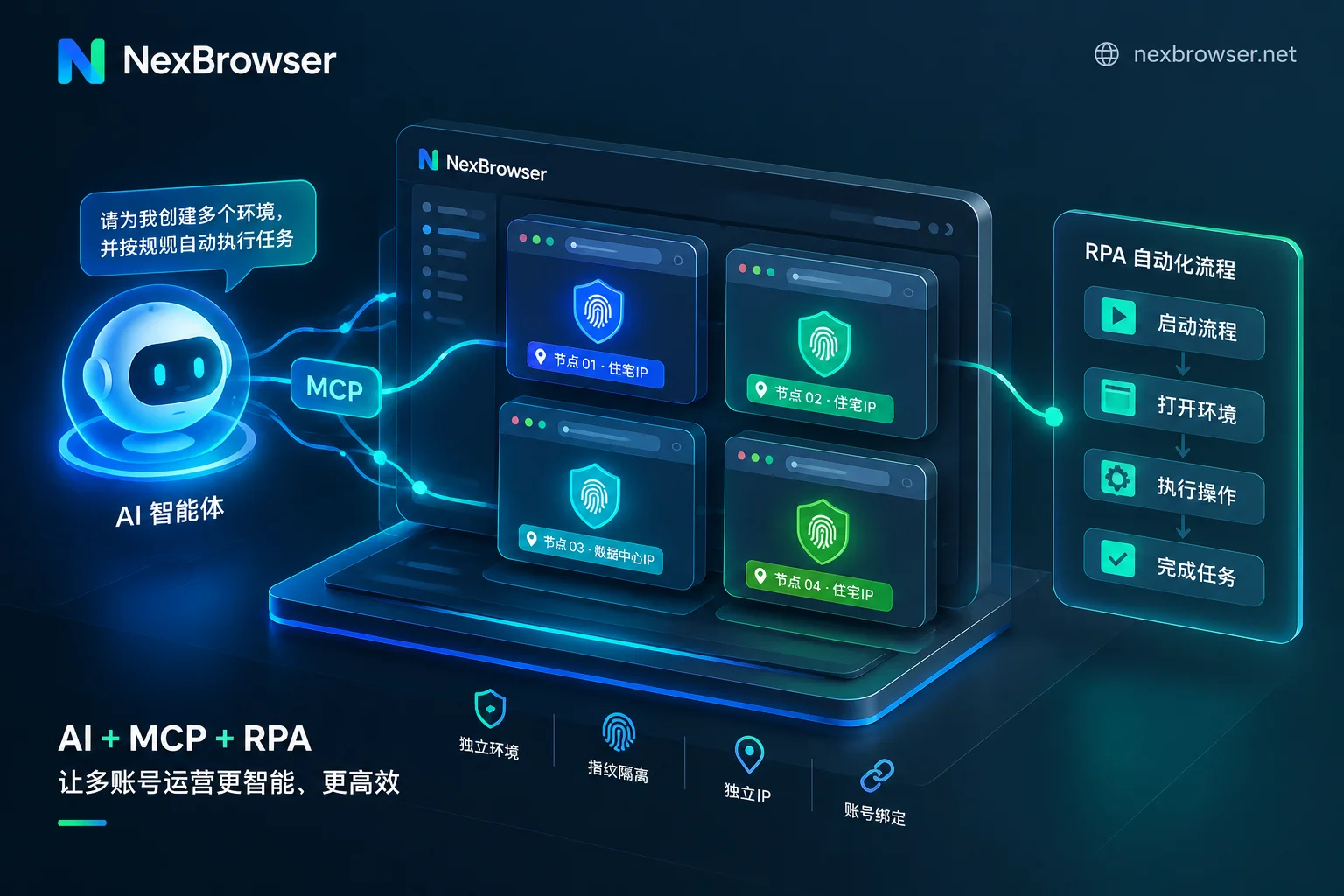
How to Implement AI Browser Automation for Multi-Account Business: Practical Division of Labor Between Built-in AI Agent, RPA, and Window Synchronizat
In 2026, AI browser automation has moved from experimentation to production, but many teams find that running AI agents on bare browsers leads to login loss and risk control triggers, while delegating all repetitive tasks to large models causes token costs to soar and slow execution. Based on industry best practices in 2026, this article explains how to build a multi-account automation workflow that prevents association and saves costs by using isolated fingerprint environments as the foundation and combining AI agents, RPA scripts, window synchronization, and MCP interfaces.