NexBrowser指纹浏览器-官方博客Blog

How to Choose an RPA Browser: Don't Just Look at Auto-Clicking—Solve Multi-Account Isolation and Frequent Script Errors First
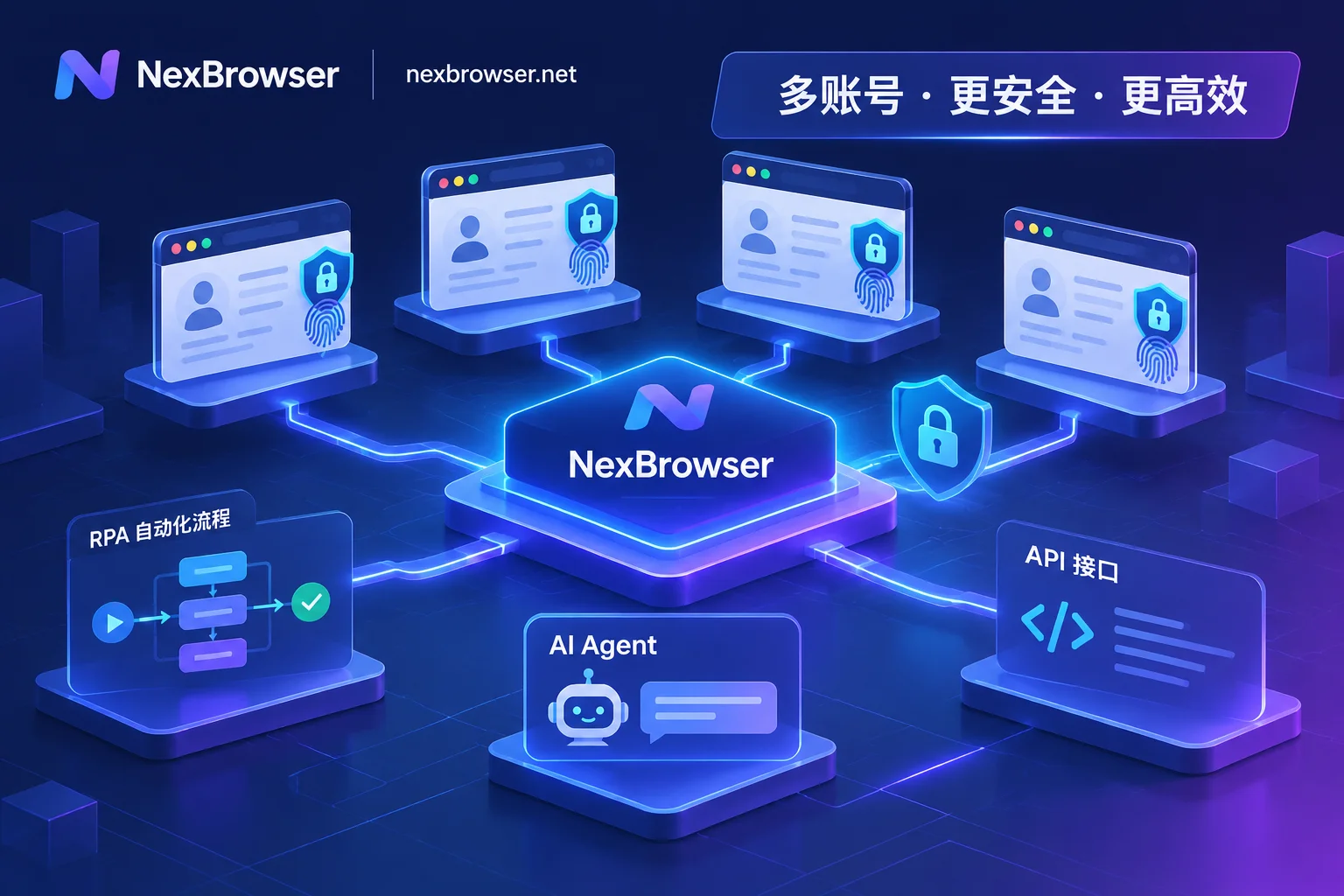
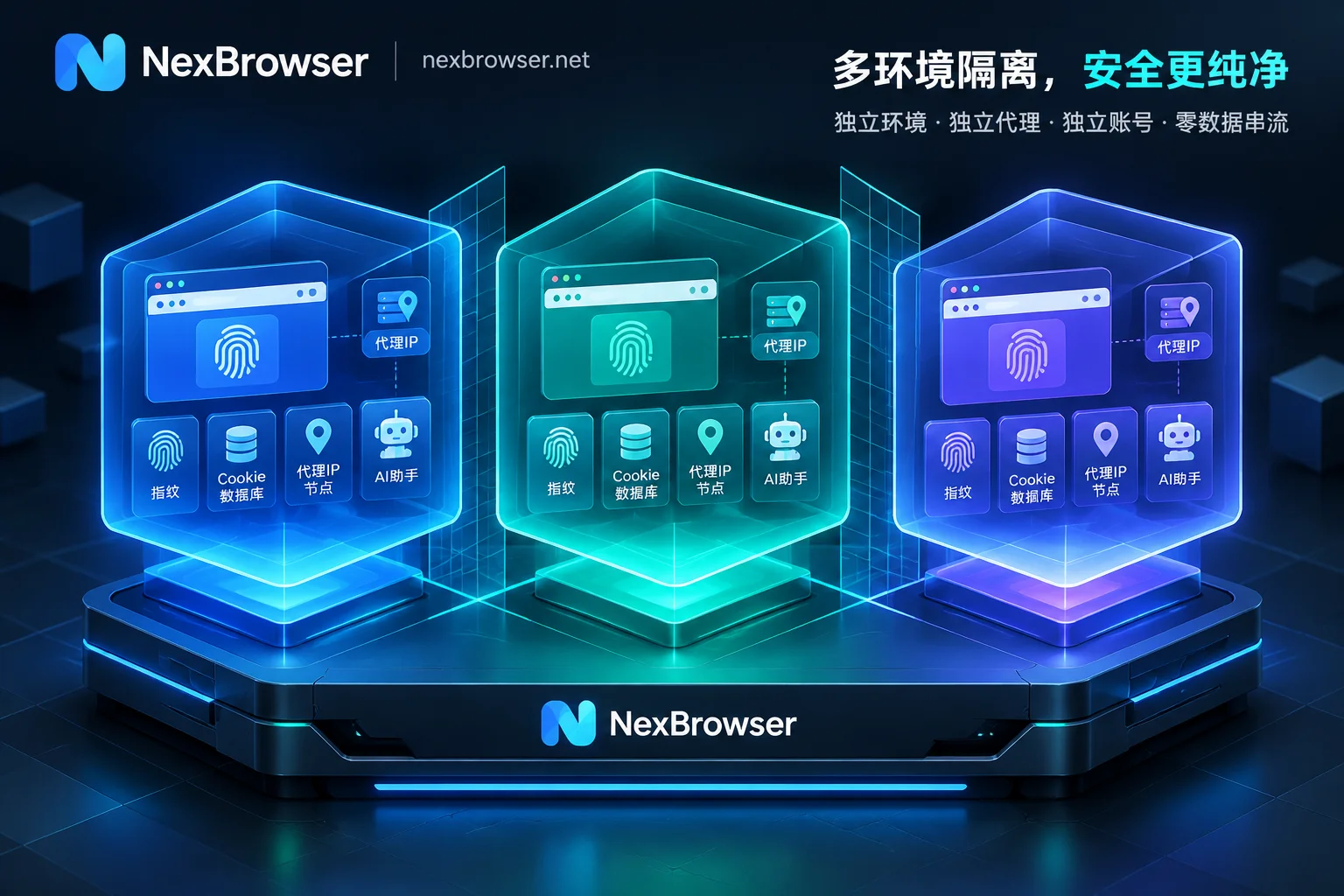
Traditional browser extensions and desktop RPA work fine for single accounts, but in cross-border store groups, social media matrices, and data collection scenarios, they often get stuck on three problems: environment cross-contamination, script crashes caused by front-end redesigns, and difficulty coordinating multiple windows. This article starts from actual business workflows and breaks down how to build a stable, scalable RPA browser workbench through a combination of an "independent fingerprint foundation + no-code RPA / window sync / AI Agent / Local API."
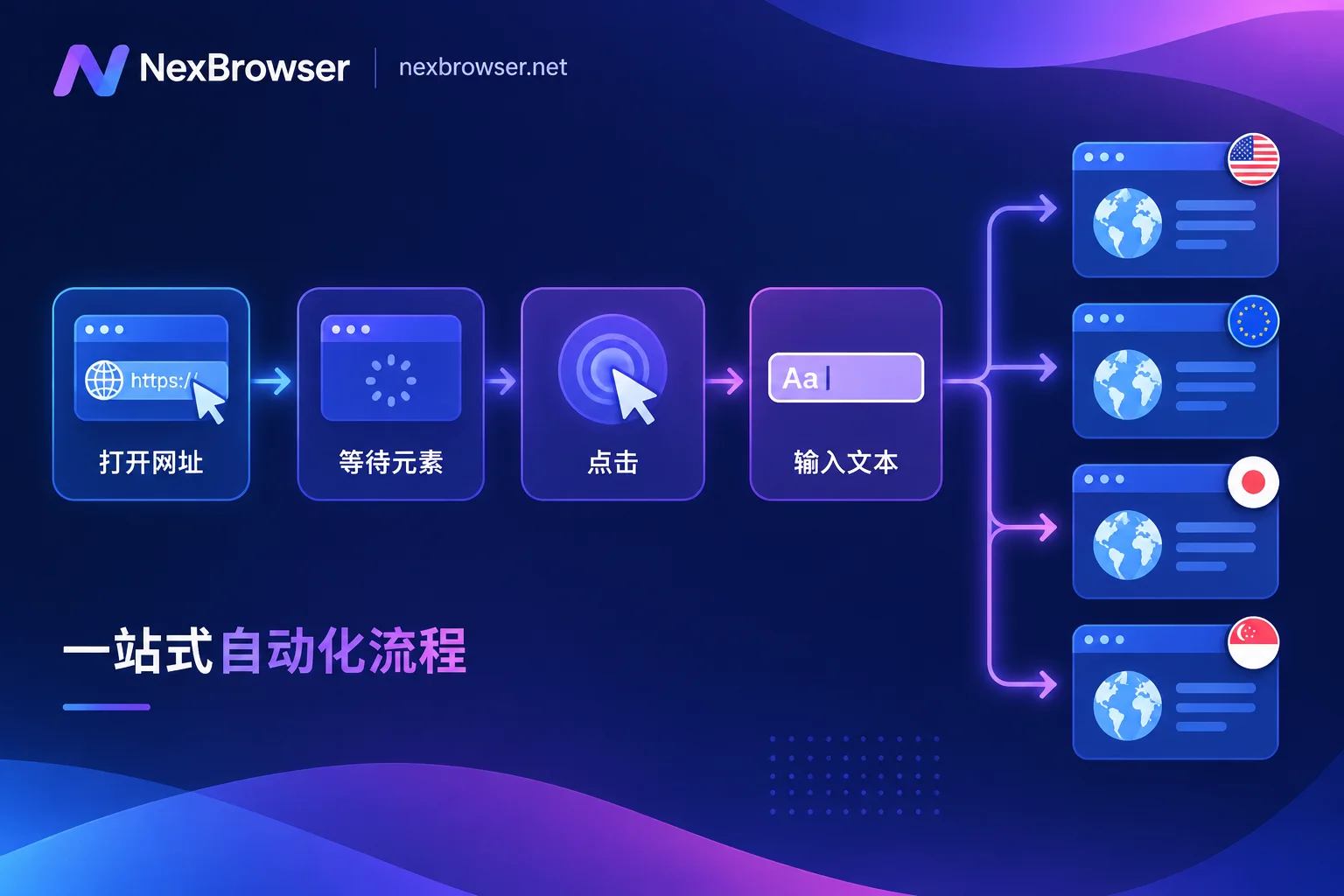
How to Build a No-Code RPA Workflow in an Antidetect Browser: From Environment Readiness to Batch Distribution
The order for building a no-code RPA workflow is fixed: first confirm environment login state and proxy availability, then use recording or drag-and-drop to build the main flow, stabilize selectors and waits, debug step by step in a single environment, and only then bind groups for batch execution. This article explains each step, how to confirm it actually works, and when to switch to scripts.