 NexBrowser指纹浏览器-官方博客Blog
How Far Can a Free Fingerprint Browser Go: Run These Five Things and You're Set, Add Windows Only When These Four Signals Appear
The value of a free tier is that it lets you fully validate five things without paying: environment isolation, per-environment proxy binding, fingerprint consistency, script takeover, and machine migration restore. The time to actually add windows is not when account numbers grow, but when you start deleting old environments to make room, need concurrent batch operations, need to hand environments to colleagues, or move scripts from serial to parallel.
How to Choose an Antidetect Browser: Don't Chase Rankings, First Verify These Four Things on the Free Tier
Rankings aren't verifiable, so ignore them. What actually determines whether a browser works for you are four checkable things: free-tier feature cuts, API paywalls, the level of environment isolation, and whether setups survive migration and handover.
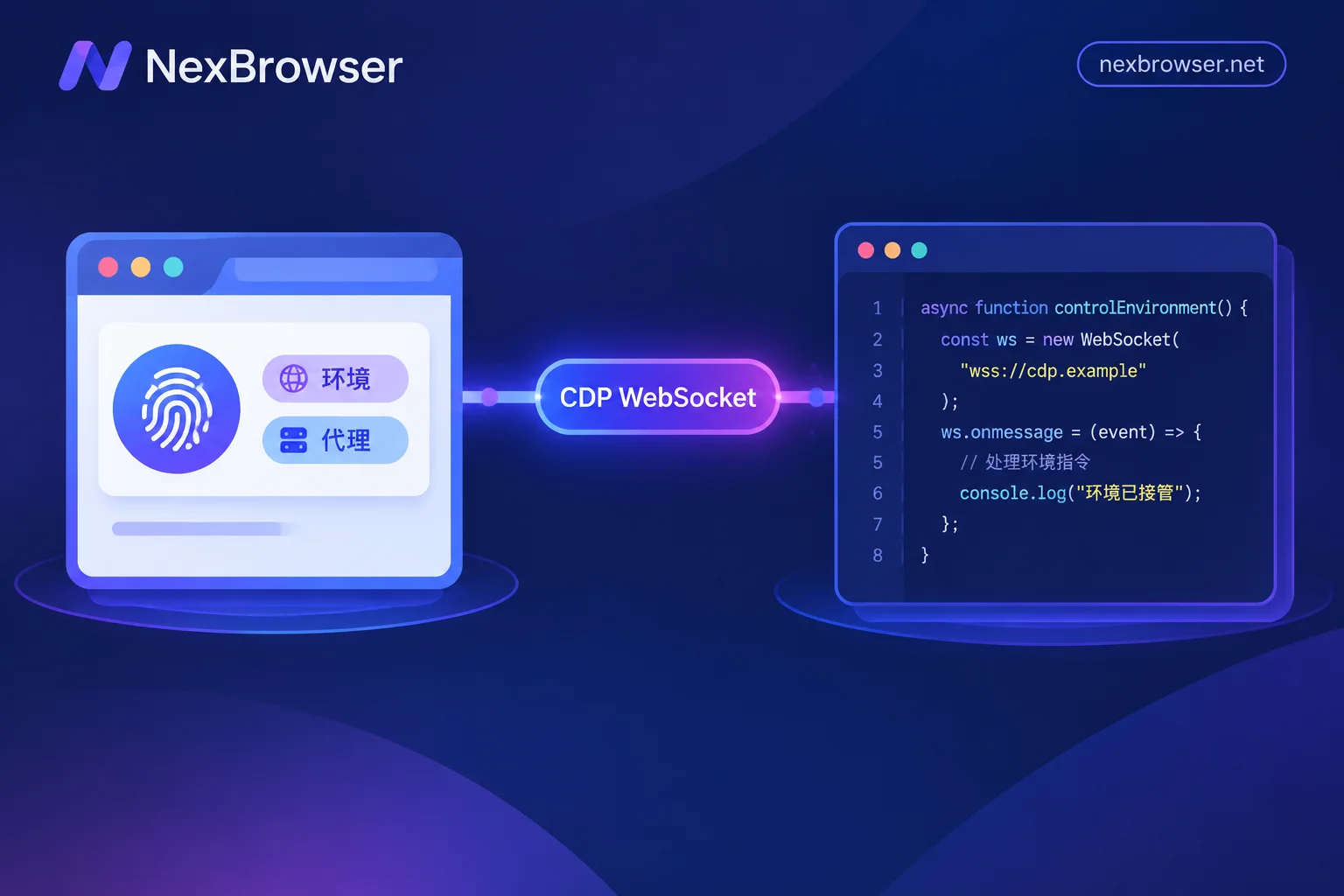
Puppeteer / Playwright Take Over a Fingerprint Browser Environment: Connect, Don't Launch
To run scripts in an environment already configured with fingerprints, proxies, and login sessions, start the target environment via Local API to obtain the CDP debug address, then attach with puppeteer.connect() or chromium.connectOverCDP(). This article covers the complete action sequence, differences between the two frameworks, three checks after attaching, and whether to disconnect or close the environment at the end.
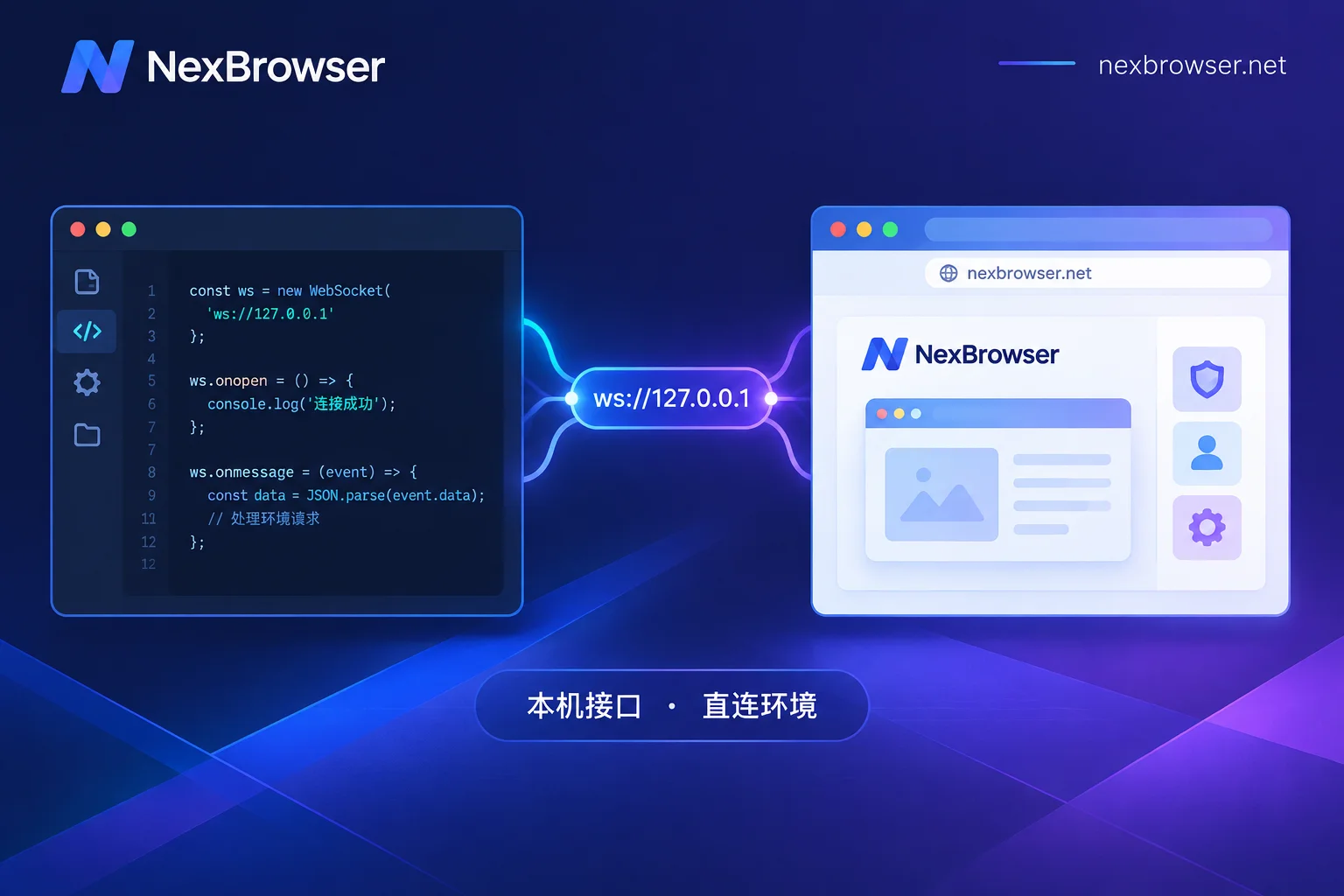
How to Launch a Local API Environment and Get the Debug Port: From Request to Framework Takeover
Use a local HTTP API to launch a browser by environment ID, parse the returned debug port and wsEndpoint, and connect to Puppeteer, Playwright, and Selenium. Includes readiness checks, process cleanup, and troubleshooting order for common connection failures.
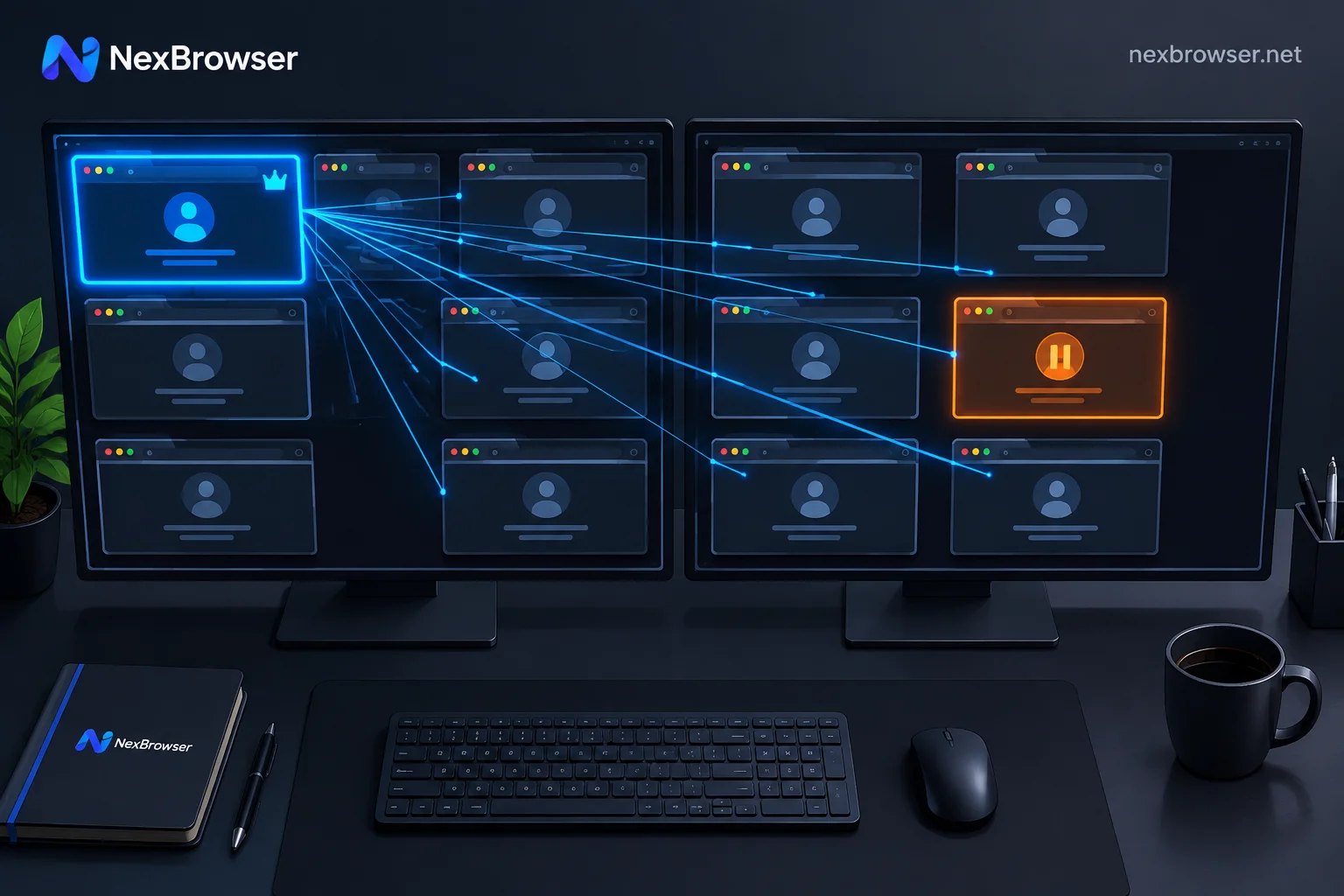
How to Operate Multiple Accounts with Window Sync Without Mistakes: Alignment, Baseline, and Circuit Breaker
Window sync is blind synchronization that copies mouse and keyboard events from the master window to controlled windows by coordinates and doesn't check page content. Misoperations almost always stem from the same issue: the element you see in the master window and the element at that coordinate in the controlled window are not the same. This guide explains, in hands-on order, window alignment, page baseline calibration, delay settings, how to fill differentiated data, how to set up a circuit breaker for exceptions, and when to stop and switch to RPA or script takeover.