NexBrowser指纹浏览器-官方博客Blog
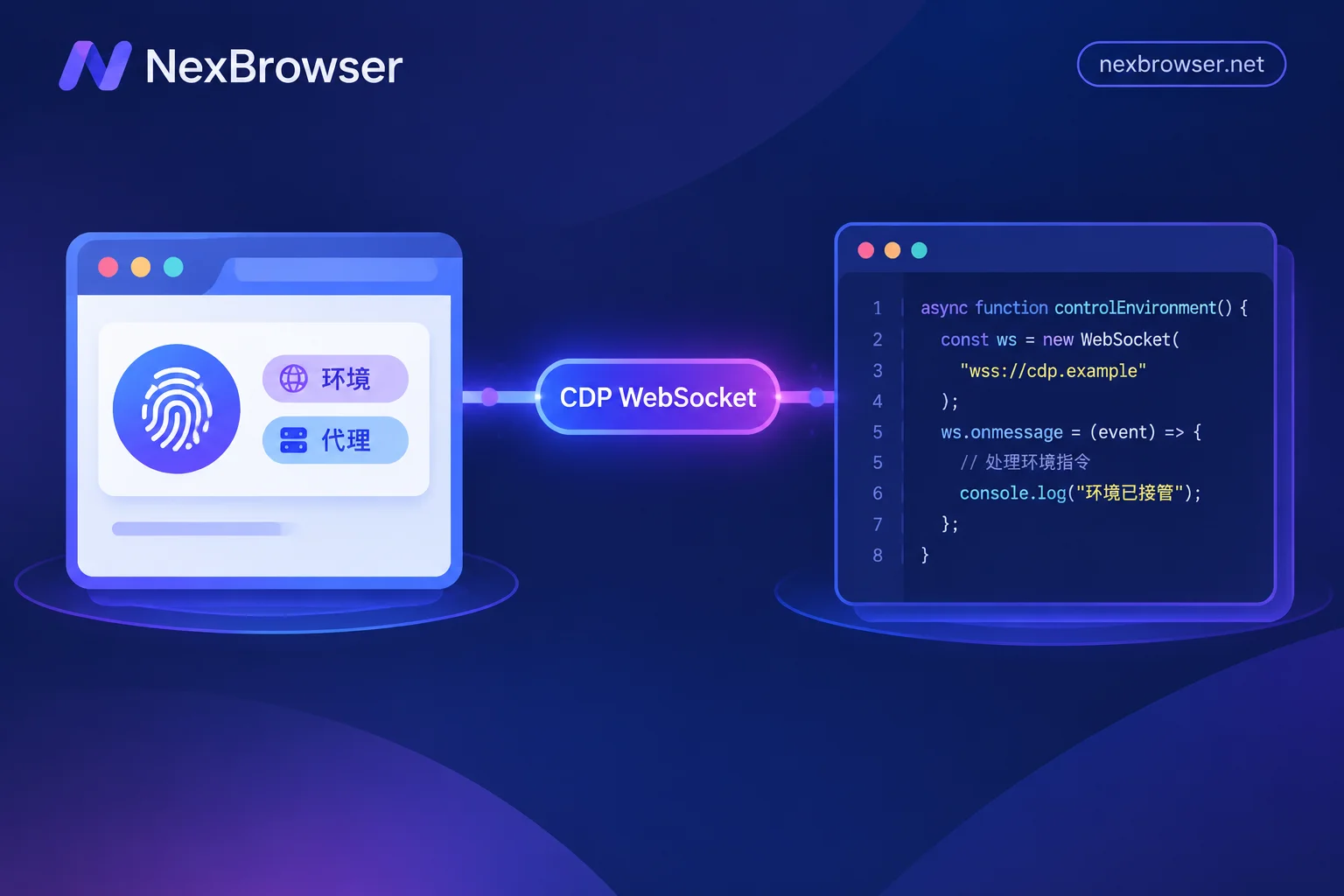
Puppeteer / Playwright Take Over a Fingerprint Browser Environment: Connect, Don't Launch
To run scripts in an environment already configured with fingerprints, proxies, and login sessions, start the target environment via Local API to obtain the CDP debug address, then attach with puppeteer.connect() or chromium.connectOverCDP(). This article covers the complete action sequence, differences between the two frameworks, three checks after attaching, and whether to disconnect or close the environment at the end.
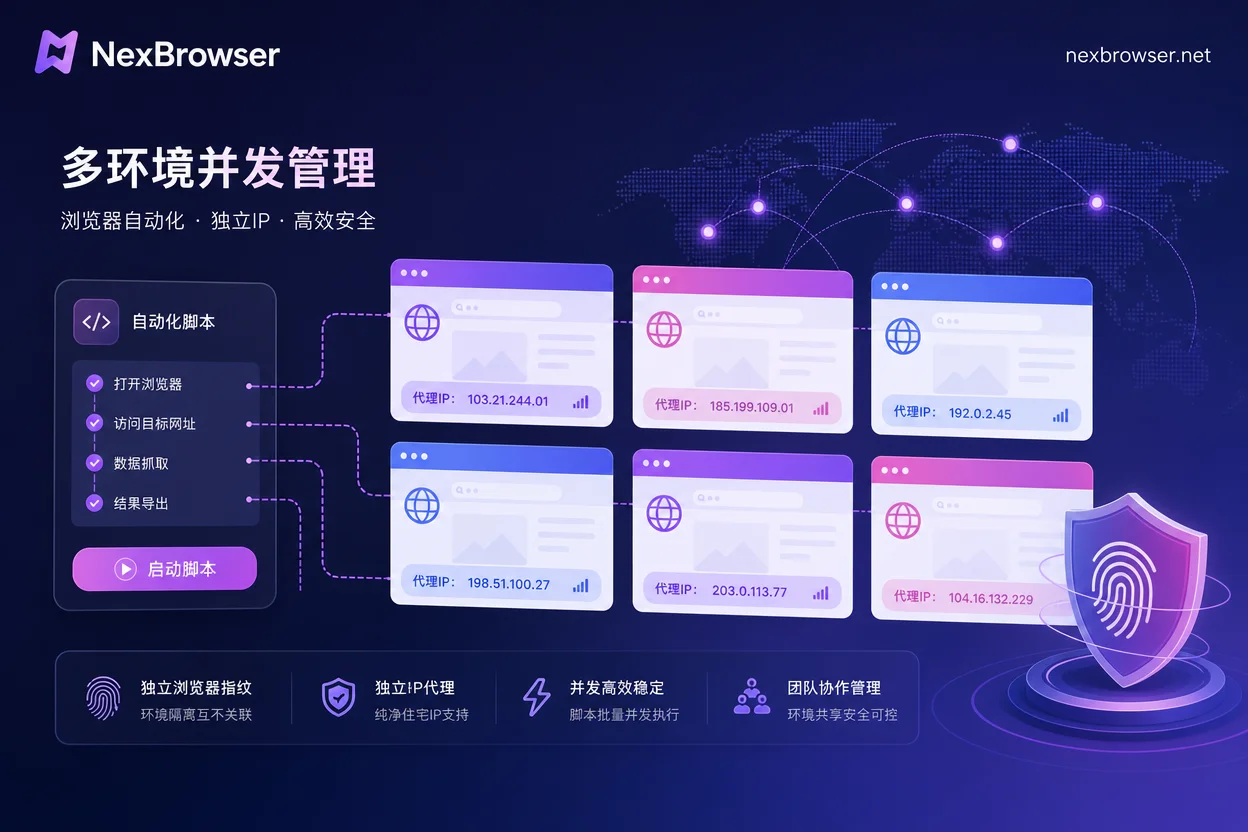
Playwright Multi-Environment Automation Script Development Guide: 4 Steps to Take Over
A practical guide to connecting Playwright to multiple fingerprint browser environments via CDP endpoints, reusing existing contexts to preserve proxy and fingerprint configurations.