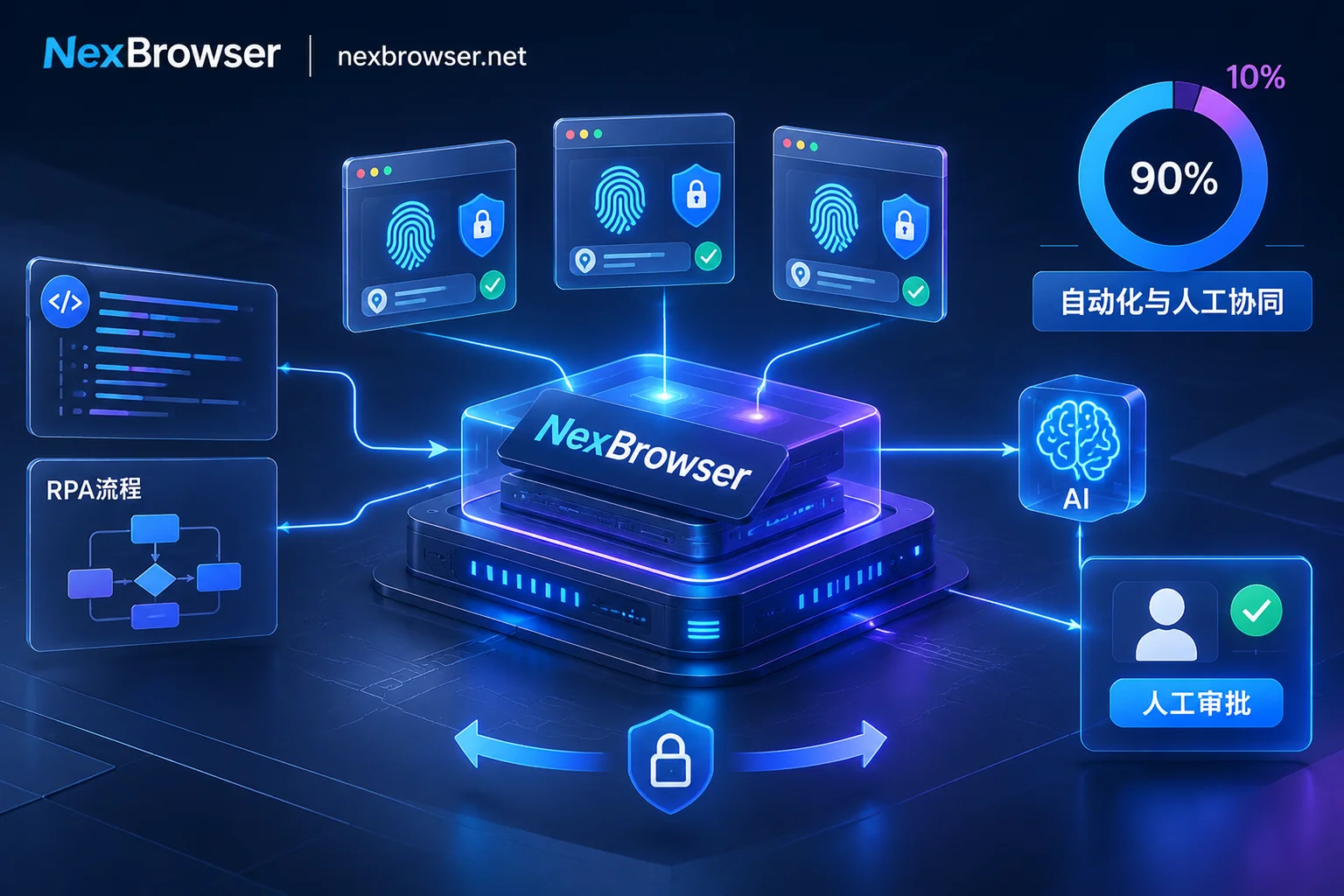
 NexBrowser指纹浏览器-官方博客Blog
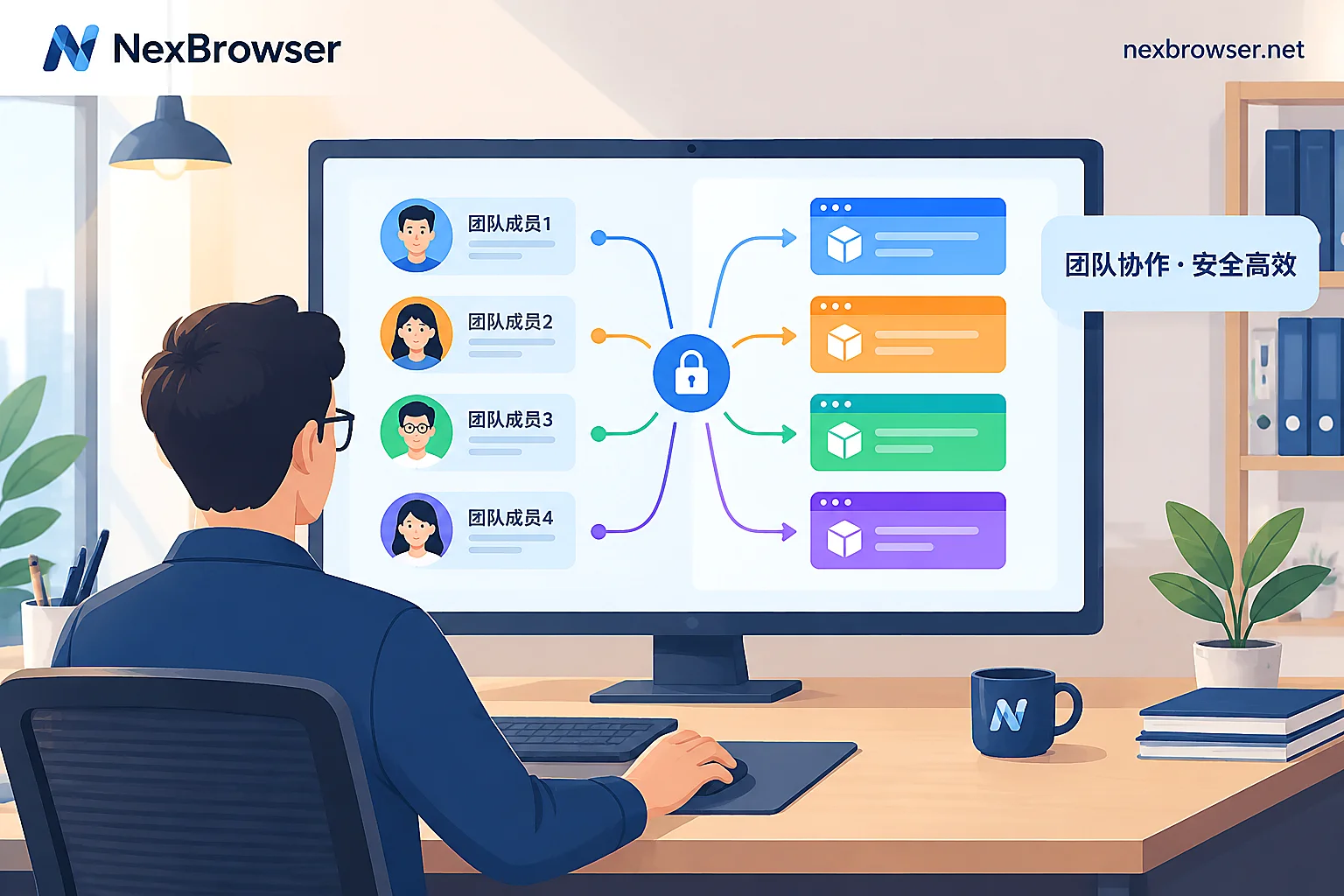
How to Assign Sub-Account Permissions in an Antidetect Browser: Group First, Then Define Roles, with Sensitive Items Off by Default
Sub-account permissions have two layers: roles determine what members can do in the software, and environment groups determine which environments they can access. This article follows the order of grouping, defining roles, adding members, and login verification, offering opening suggestions for different positions, explaining why sensitive items like exporting cookies and viewing proxy plaintext are off by default, and how to confirm permissions take effect after assignment.
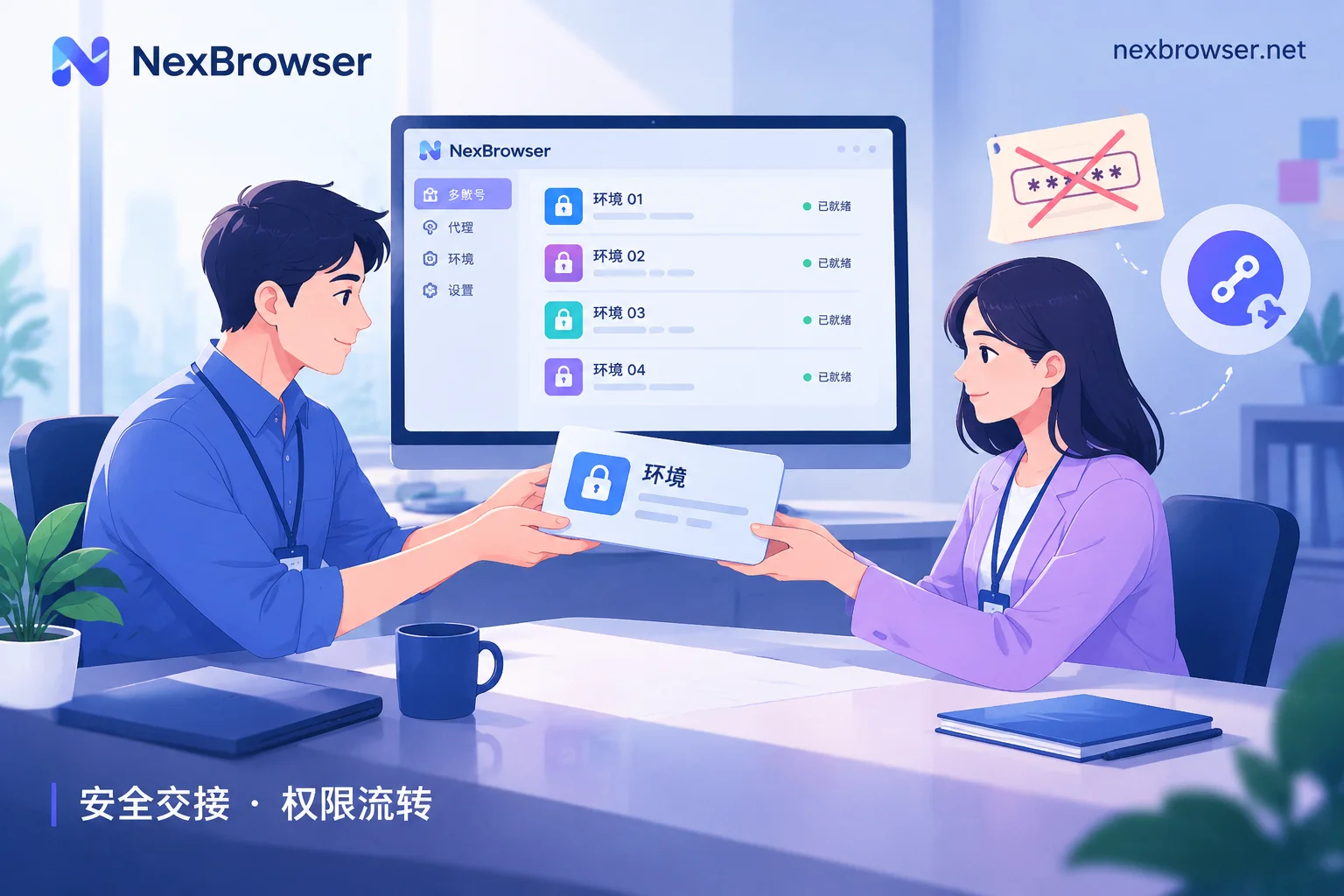
How to Hand Over Accounts After an Operations Staff Leaves: Hand Over the Environment, Not Passwords — Transfer Security Assets First, Then Revoke Per
When an operations staff leaves, the safer approach is to let the new person directly take over the original browser environment instead of handing over a password list. This article covers four stages — before departure, during handover, on the departure day, and after handover — explaining what to inventory, how to transfer 2FA and bound phone numbers, what the new person should check before going live, how to revoke permissions, and when passwords still need to be changed.
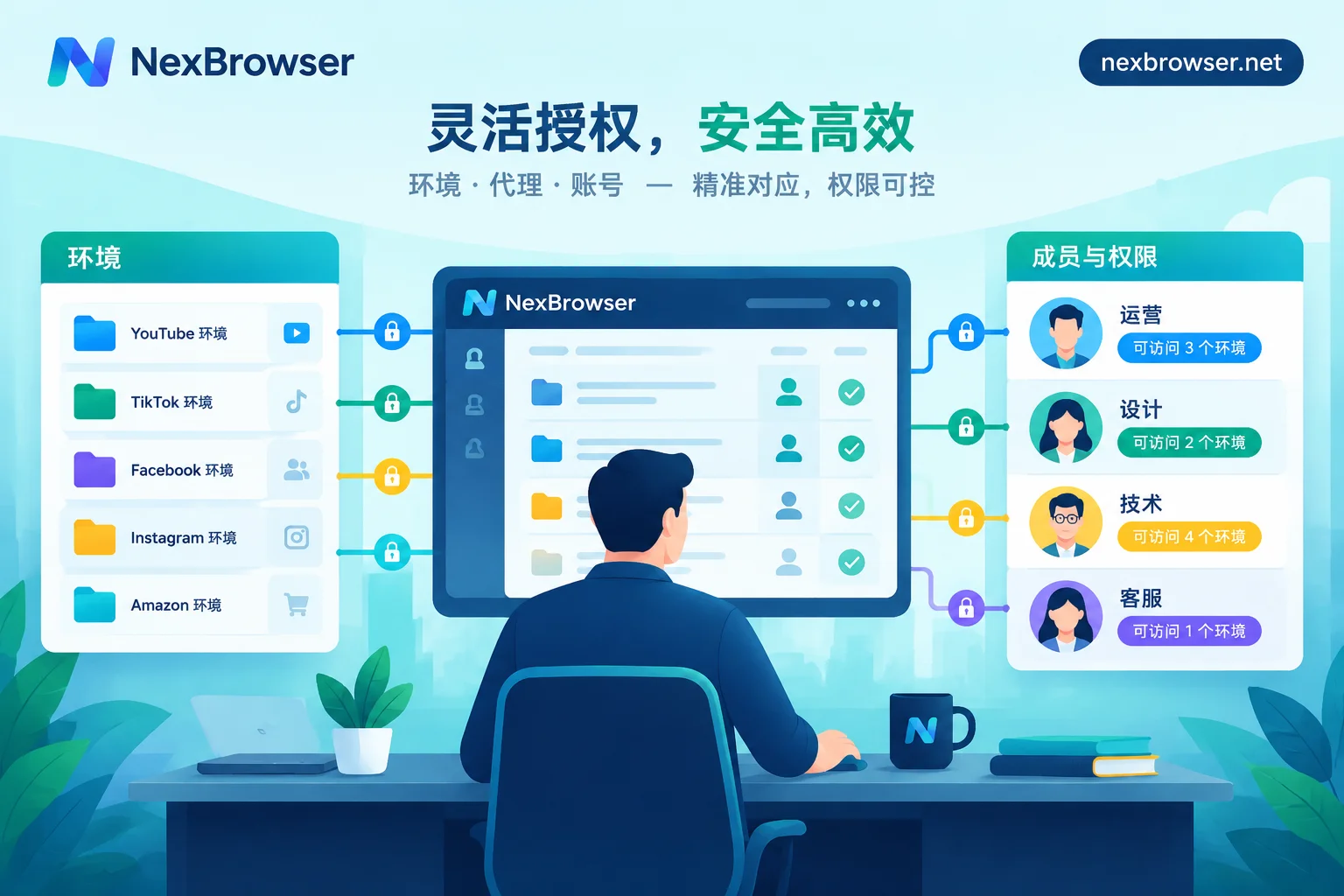
How to Allocate Environment Permissions in Team Fingerprint Browsers: Roles Control What Members Can Do, Groups Control What They Can Access
A complete guide to allocating fingerprint browser environment permissions in teams: first divide groups by handover units, then assign roles, and finally grant group permissions to members and verify with a test account. It also explains the prerequisites for password-free sharing, how to adjust when personnel are transferred or leave, and common configuration mistakes.