 NexBrowser指纹浏览器-官方博客Blog
In the circles of cross-border e-commerce, overseas social media matrices, and ad placement in 2026, almost no team is still using ordinary browsers to "hard-switch" between multiple accounts on a single machine. Most operators have already installed an anti-detect browser on their computers. But if you walk into a studio and observe their day, you will often still see a hectic scene like this:
On the desktop, there are simultaneously open: the anti-detect browser, the backend webpages of two proxy IP service providers, a third-party SMS verification platform, plus an enterprise WeChat group. Whenever a store or ad account pops up SMS two-factor authentication (2FA), the operator has to call the boss in the group for the verification code, or switch to an external webpage to refresh and wait for the code; when changing an expired proxy, they forget to check the exit location and directly open the environment with the wrong time zone; when trying to run a simple daily browsing script, they find that the free plan at hand locks the API interface, and upgrading the plan requires paying a large additional subscription fee.
The industry's evaluation criteria for multi-account tools have changed. In the past, everyone competed on "whether independent parameters can be generated"; now, what truly widens the gap in team efficiency and survival rate is how to eliminate the hidden costs and risk control vulnerabilities brought by "tool fragmentation".
1. Why is the "fragmented workflow" dragging down multi-account teams?
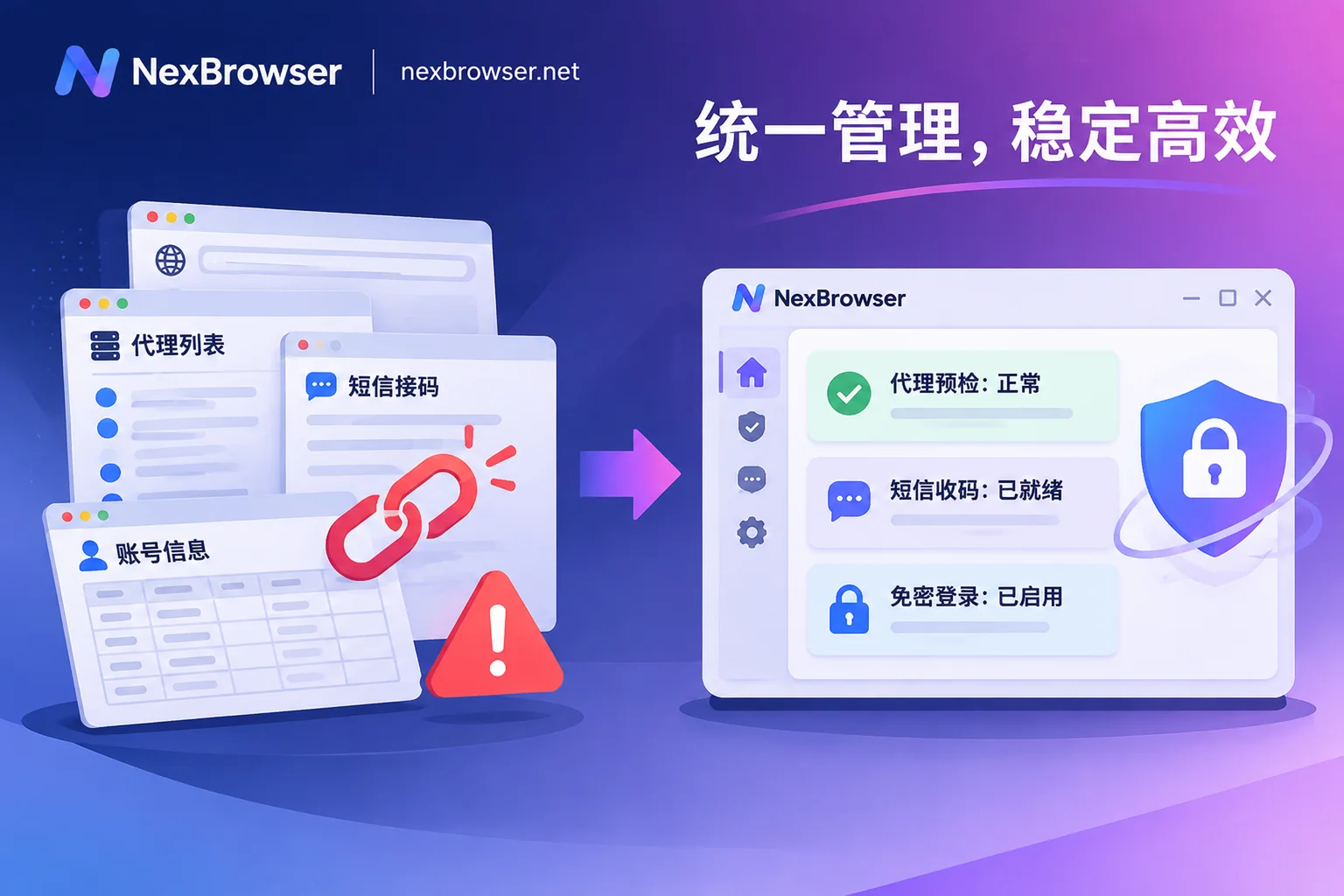
Many teams find after review that their accounts were associated or banned not because of the fingerprint parameters themselves, but because peripheral tools and the browser environment failed to connect properly. Splitting proxies, SMS verification, password spreadsheets, and automation across four or five software programs brings at least three layers of hidden dangers:
1. Network signals and environment parameters "disconnect" during switching
Copying a host and port from an external proxy backend and pasting it into the browser environment before clicking start—this is a habitual action for many operators. But if the proxy node happens to be offline and falls back to the local network at this time, or the assigned IP location is inconsistent with the preset browser time zone and language, the platform will immediately capture the contradiction between hardware characteristics and network location (for how to make parameters truly self-consistent, please refer to our previous Browser Fingerprint Detection and Self-Check Checklist).
2. Human errors in cross-window SMS verification and handover
When registering a new account or triggering remote risk control verification, operators need to copy and paste back and forth between the SMS verification platform, spreadsheets, and multiple browser windows. With many windows open, it is very easy to "fill the verification code of account A into window B" or fail verification due to timeout. For stores that need long-term maintenance, once a temporary number is recycled, there is no way to retrieve it if a secondary review is triggered later.
3. Automation and collaboration capabilities fragmented by "tier walls"
Many tools on the market adopt tiered feature locks: the free or basic version can only open windows; to use window synchronization, RPA scripts, Local API, or assign role permissions to team members, you must pay to upgrade to higher tiers layer by layer. As a result, small teams, in order to save budget, can only continue to use encrypted documents to pass passwords and rely on manual repeated hundreds of mechanical clicks every day (for the risks of password sharing, see Farewell to Password Documents and Manual Alignment: A Collaboration Guide).
2. Bringing scattered links into one workbench: NexBrowser's closed-loop solution
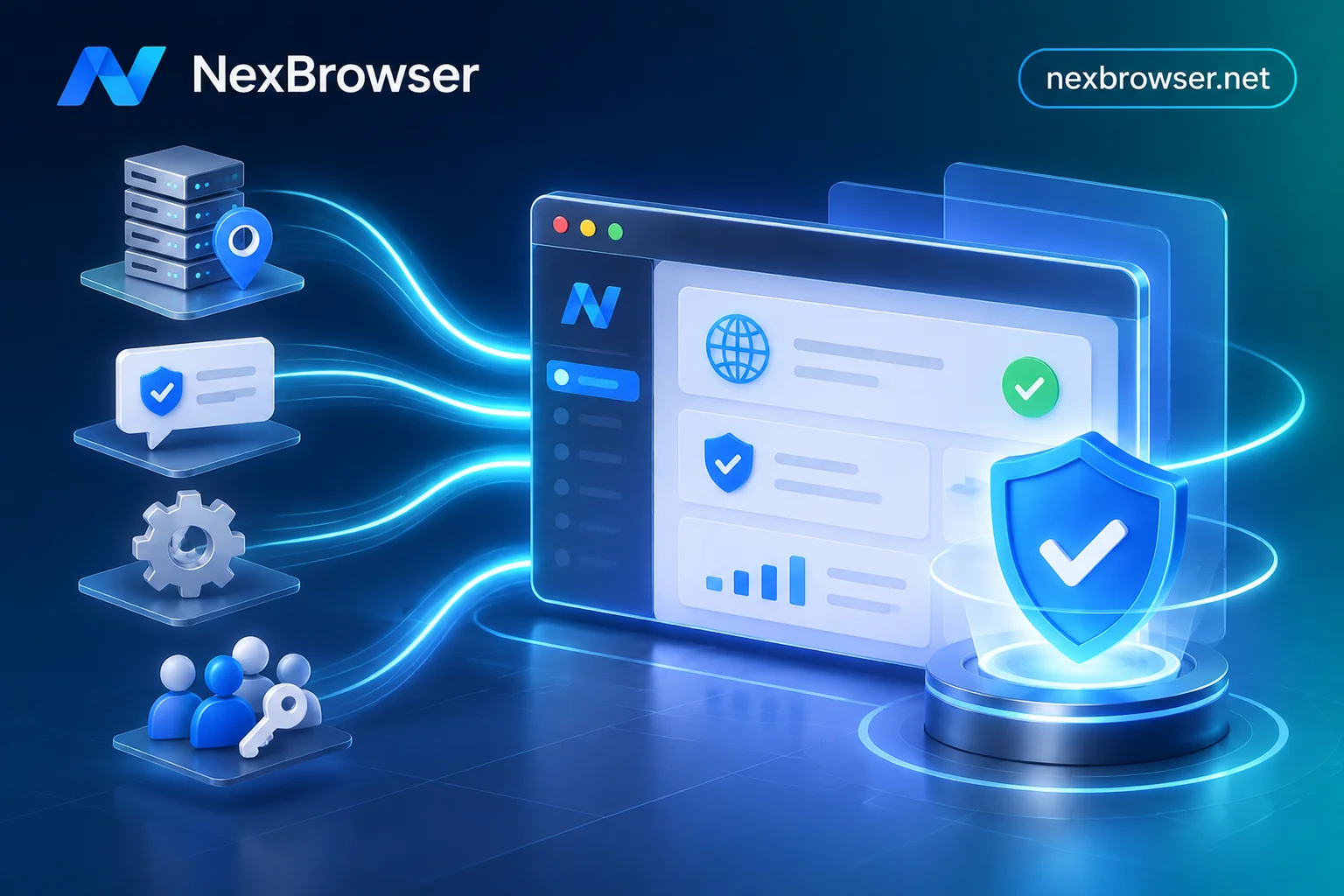
Instead of making operators act as "manual porters" between different software programs, it is better to embed high-frequency actions directly into the browser workbench. Built on the Chrome kernel, NexBrowser, while doing a good job in underlying environment isolation, converges networking, SMS verification, automation, and team control into the same interface.
1. Underlying environment isolation and templated batch deployment
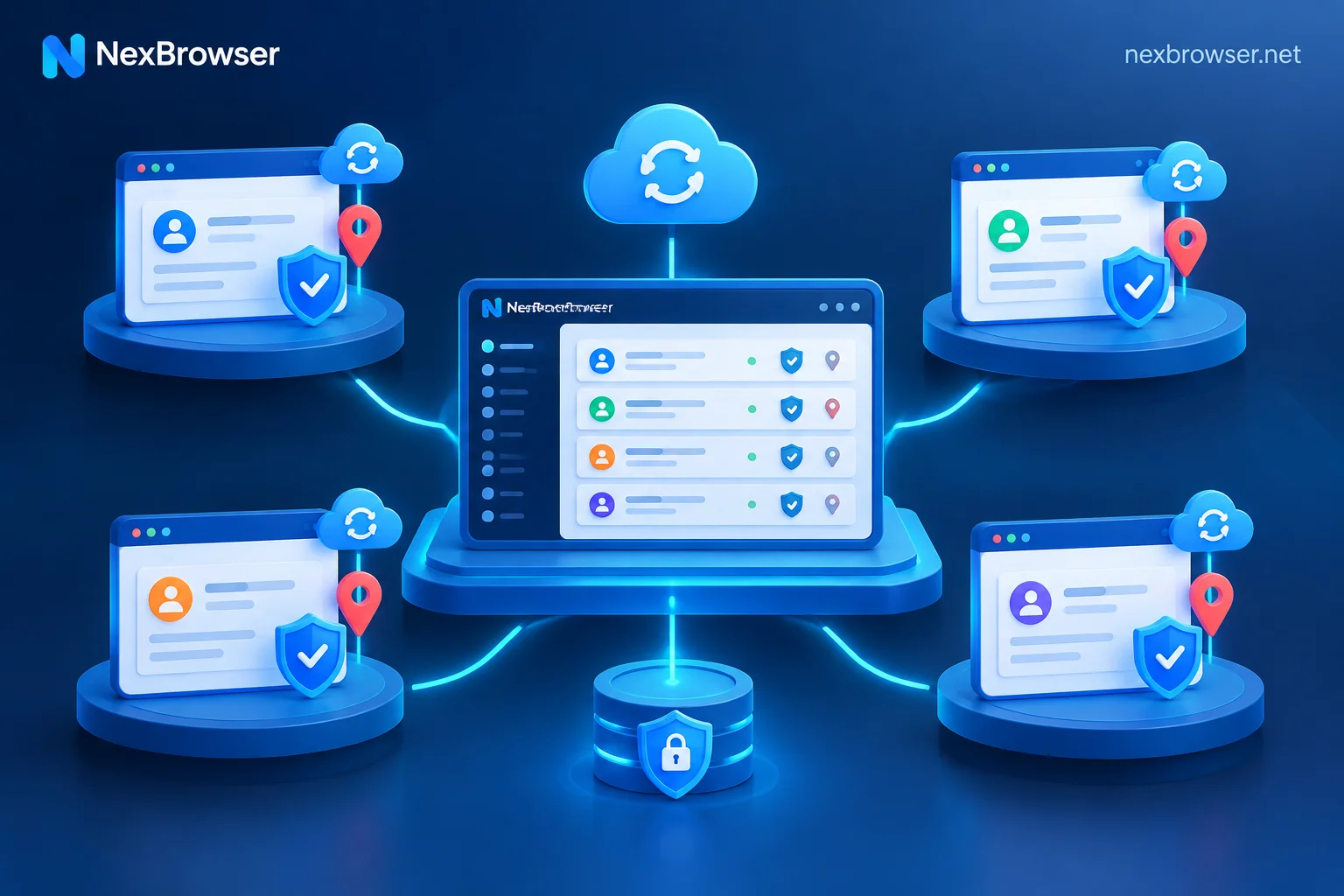
At the level of multi-account environment isolation, NexBrowser assigns each account completely independent cookies, cache, local storage (including IndexedDB), and proxy channels, and environments do not read each other. When closing a window, key login states such as cookies and local storage are encrypted and synchronized to the cloud according to the selected scope; logging in on another computer can directly restore and continue (passwords stored in the window are kept only on the local machine and are not migrated with the cloud, further reducing the exposure surface).
For fingerprint parameter protection, parameters such as Canvas, WebGL, fonts, Audio, screen, hardware, and User-Agent are independently generated per environment and are self-consistent with each other. Built-in parameter templates for Windows, macOS, Android, and iOS are continuously updated with the cloud Chrome kernel version. After debugging an environment to stability, you can directly save it as a template; subsequent batch creation or copying of environments will automatically generate brand-new independent fingerprints, saving the time of adjusting parameters one by one.
2. Pre-start proxy pre-check and one-click residential IP alignment
To plug mistakes at the network layer, NexBrowser's proxy and residential IP management mechanism implements risk control interception before the environment is opened:
- Strict pre-start validation: Supports importing HTTP / HTTPS / SOCKS5 proxies individually or in batches, with one-click detection of connectivity, latency, and exit location. Before each environment start, the system first detects the proxy exit; if the detection fails, the window will never be forced to start, fundamentally avoiding exposure of the local real IP.
- Automatic parameter following: After a proxy is bound to an environment, the WebRTC policy, time zone, language, and geolocation automatically align with the proxy exit IP; even if the proxy is subsequently changed, the original cookies and local storage will not be cleared (for detailed configuration tips, see Proxy IP Binding Pitfall Avoidance Guide).
- Linked residential IPs: After associating a NexIP account, there is no need to go back and forth to external backends to import lists; you can directly bind residential IPs to environments by country and region within the client with one click (residential IP traffic is purchased separately on demand on the NexIP side).
3. Built-in number center in the sidebar: complete number acquisition and filling in the current window
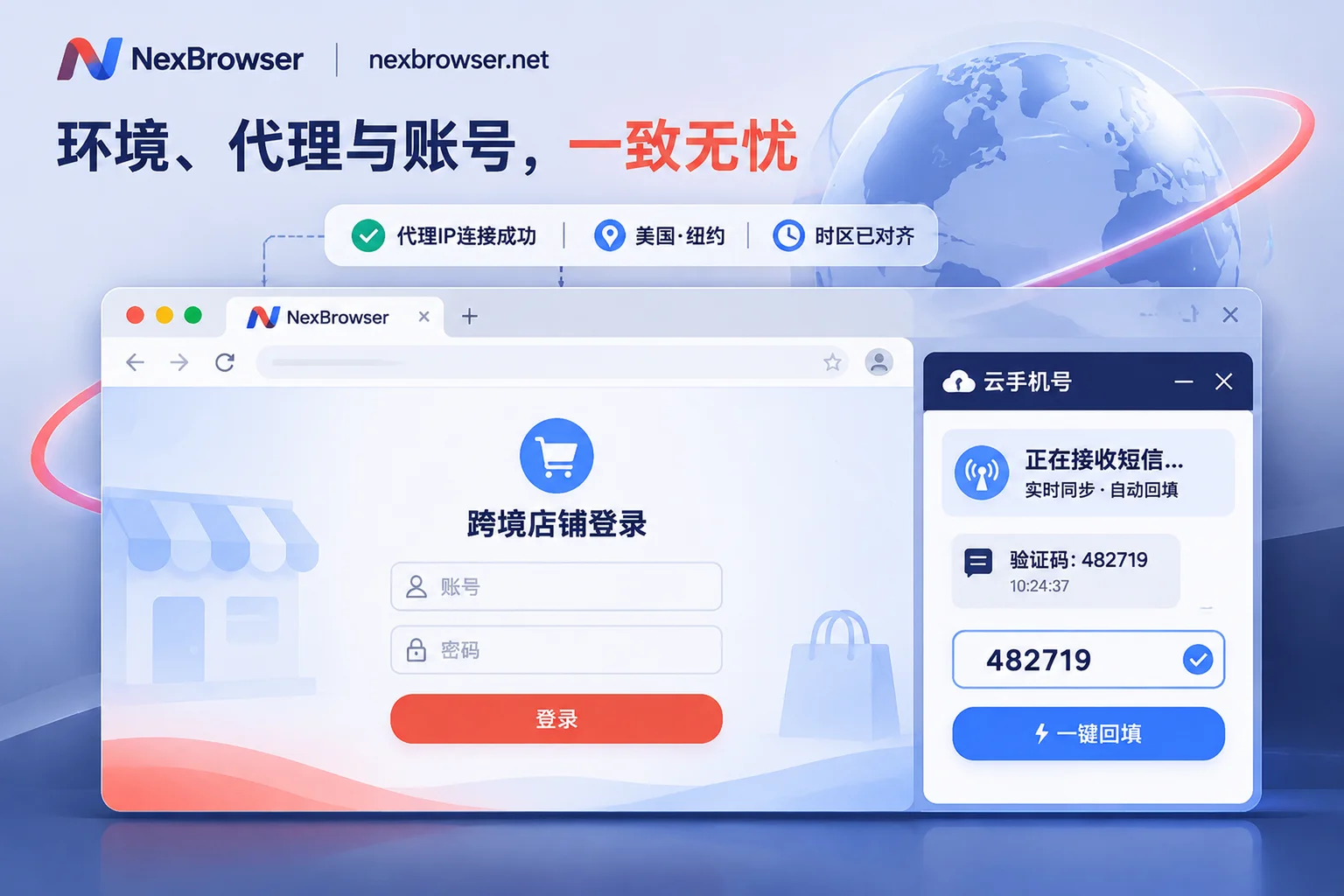
To address the pain points of registration and two-step verification, NexBrowser has a built-in NexSMS number center directly in the environment sidebar (learn about cloud phone number features).
Operators do not need to switch out of the browser window they are currently operating; they can directly acquire numbers by country and region and target platform, receive SMS, and fill in verification codes in the sidebar. For high-value cross-border main stores or large ad accounts, you can also directly convert the number to long-term rental in the panel to cope with possible subsequent platform secondary reviews. Number fees are separate from browser plans and are charged on a pay-as-you-go basis.
3. From "manual brick-moving" to "instruction-driven": three-layer automation collaboration
Once the environment, network, and SMS verification all run smoothly in one window, the next step is to free people from tedious clicking. Business tasks at different stages have different requirements for automation determinism and flexibility. NexBrowser provides three freely combinable tools (further reading: AI Browser Automation and Multi-Account Practical Division of Labor):
- Window Synchronization (for temporary batch operations requiring human judgment): Select a master window, and your clicks, inputs, scrolls, and address jumps will be synchronized to the selected slave windows in real time. Windows are automatically arranged, and you can individually toggle synchronization items, set operation intervals, and throttling. Each slave window still runs under its own independent fingerprint, cookies, and proxy, making it very suitable for batch activity page visits or manual assisted account nurturing.
- RPA Scripts (Beta) (for fixed and repetitive standard processes): Drag and drop to orchestrate processes on a no-code canvas, supporting variables, conditional judgments, loops, waits, and single-step failure retries. One script can be bound to a batch of environments for batch execution, and execution logs are recorded per environment and per step, enabling precise error localization; orchestrated scripts also support export and import for reuse.
Built-in AI Agent and Local API / MCP (for non-standard operations and deep developer takeover):
- The client has a built-in Nex Agent; simply describe the task in natural language, and the Agent can open environments, operate pages, fill forms, take screenshots, or split tasks into multiple windows for parallel processing. Login states are saved per environment, and you can set it to request human approval before executing irreversible operations, with the entire process reviewable (model calls are billed by Token from the account balance).
- For technical teams, enabling the local OpenAPI allows creating and toggling environments, binding proxies, and obtaining CDP connection information via HTTP interfaces, seamlessly connecting with Selenium, Puppeteer, Playwright, and browser-use; it also provides NexBrowser MCP Server, allowing MCP clients such as Claude Code, Codex, and Cursor to directly list and manage environments and control pages (see OpenAPI Interface Documentation and MCP Integration Instructions).
4. Calculating the total cost: zero feature crippling and secure team handover
For team management, NexBrowser supports founders in creating custom roles and finely dividing the visible and operable scope of members in the permission matrix. After an environment is shared password-free with team members, platform accounts will automatically fill in the login at startup, and members will never have access to plaintext passwords throughout the process; moreover, the same environment can only be opened by one member at a time, completely eliminating data overwrites and risk control abnormalities caused by concurrent account squeezing, and all permission changes and operations are traceable with audit trails.
More importantly, NexBrowser adopts a transparent "no feature tiers" mechanism:
- All features open in the free tier: No credit card required, and quotas never expire (specific window and member quotas are subject to the current terms on the limited-time free activity page). Whether it is the window synchronization and RPA canvas mentioned above, or the Local API and MCP interfaces urgently needed by developers, all are available in the free tier, and the interfaces have no call count limits.
- Transparent billing by capacity: After entering the paid plans, you only pay for the actually added "window capacity" and "team member seats" (billed on a 30-day cycle; the first activation only charges for newly added capacity; Alipay and USDT are supported). Cloud phone numbers, residential IP traffic, and built-in AI Agent tokens are calculated independently based on actual consumption, so you do not pay for bundled packages you do not need.
Conclusion
In 2026, secure multi-account operations are no longer about who can find obscure plugins, but about who can twist "environment isolation, clean network, SMS verification, automated execution, and team permissions" into a pipeline that does not break down.
If you are being slowed down by scattered tools switching across the screen, or want to comprehensively sort out your current anti-association foundation, why not first check out our Anti-Detect Browser Comparison and Review and Beginner's Practical Guide, or directly go to the NexBrowser Download Page to get the Windows 10/11 (64-bit) client and personally run through a single-window closed-loop workflow with the free all-feature quota.