 NexBrowser指纹浏览器-官方博客Blog
For teams running cross-border e-commerce multi-stores or overseas advertising (Google Ads, Facebook Ads, TikTok Shop), you've likely experienced a slow, grinding torture recently: accounts are bound to dedicated proxies, no violating creatives are posted, yet logins drop every few days, secondary verification pops up, or an ad account that just started performing gets suspended overnight.
Another headache occurs when the team expands: a two-person workshop becomes a five-six person ad buyer group, and when preparing to purchase or upgrade a fingerprint browser, the price lists are bewildering—monthly fees seem to be tens of dollars, but after buying you discover that operation log auditing, batch import, and API access are all in more expensive tiers, requiring extra payment to unlock.
In 2026, overseas platform risk control no longer just checks whether the IP and UA match at the moment of login; it focuses on Environment Continuity and full-chain consistency. Meanwhile, the selection of multi-account tools has shifted from simply comparing "can it open multiple windows" to comprehensive considerations of data synchronization stability, team collaboration security, and billing transparency.
In this article, we'll combine real pitfalls from cross-border store operations and ad campaigns to discuss how to maintain "environment continuity" and how to avoid hidden pricing traps during selection.
1. Why do main accounts still drop logins and trigger verification even with a fingerprint browser?
Many beginners still understand anti-association as "create a new window, fill in a proxy IP." But in the eyes of upgraded risk control models on major platforms, if the following three links break, even if each account is in a separate window, it will still be judged as an abnormal environment:
1. "Time-space mismatch" between underlying fingerprints and kernel versions
Some operators, for convenience, don't update environment templates for a long time, or manually change hardware parameters, causing the browser to report a new Chrome User-Agent but the underlying Canvas, WebGL rendering features, or system font list to be old or even cross-system. More commonly, the proxy IP is switched to the US East Coast, but the timezone, language, or WebRTC-exposed address in the browser remains in the original location (further reading: IP and browser timezone/language mismatch triggers risk control: first find which layer the contradiction is at, then align in the environment).
In the design of NexBrowser fingerprint parameter protection, parameters such as Canvas, WebGL, fonts, Audio, screen, and hardware are independently generated per environment and are self-consistent. Built-in Windows, macOS, Android, iOS parameter templates are updated in the cloud with Chrome kernel versions, and WebRTC, timezone, and language automatically align with the proxy exit, reducing abnormal flags caused by parameter contradictions from the source.
2. "State disconnect" during cross-device work and handover
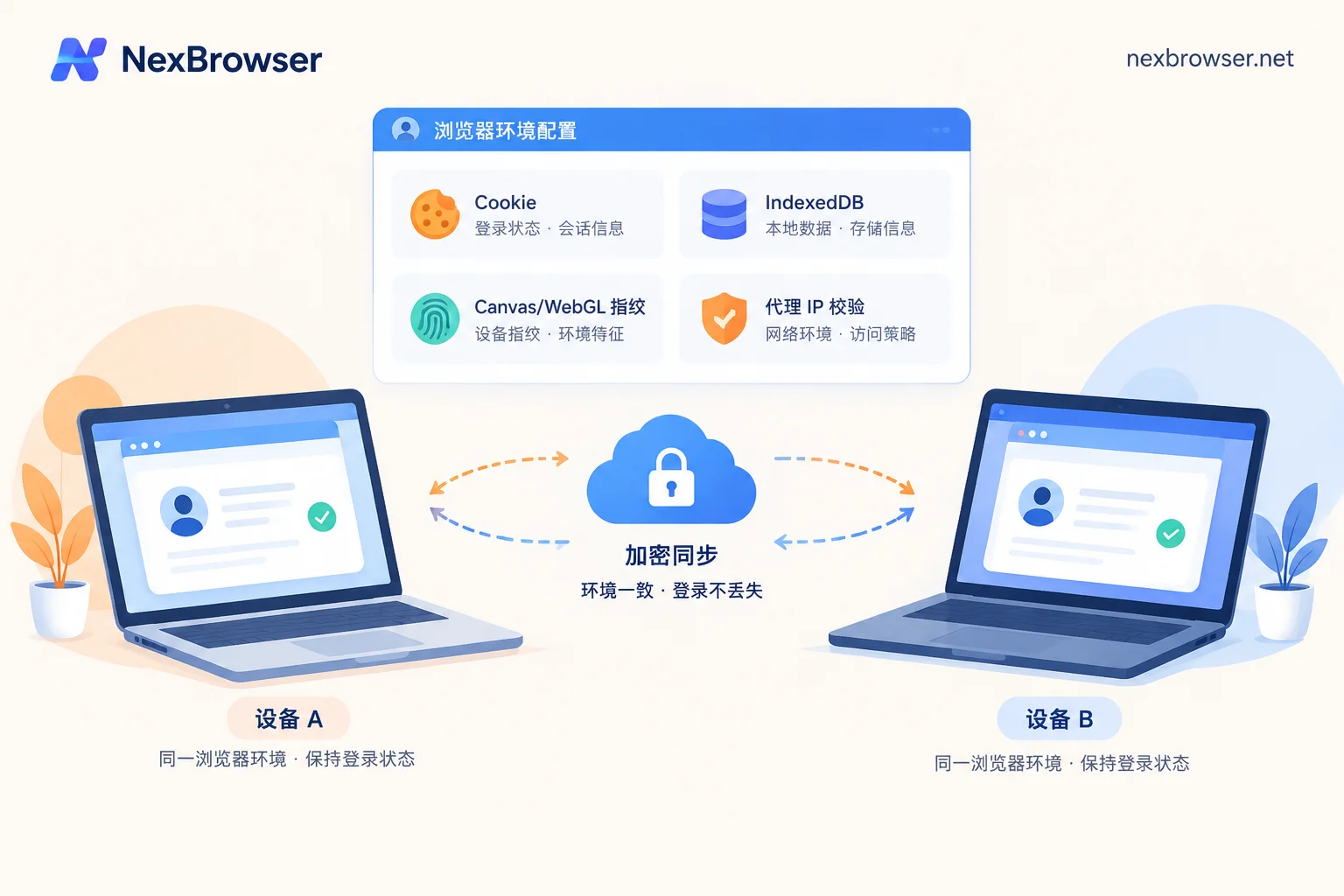
When ad buyers work overtime at home, travel with a different laptop, or operations managers hand over a well-nurtured store to team members, the worst fear is "all login states drop when switching computers." Nowadays, many platforms not only check cookies but also verify device identifier caches in local storage (LocalStorage and IndexedDB). If you only export cookies when switching machines, or open the webpage without a proxy connected, the platform can immediately detect a sudden device environment change.
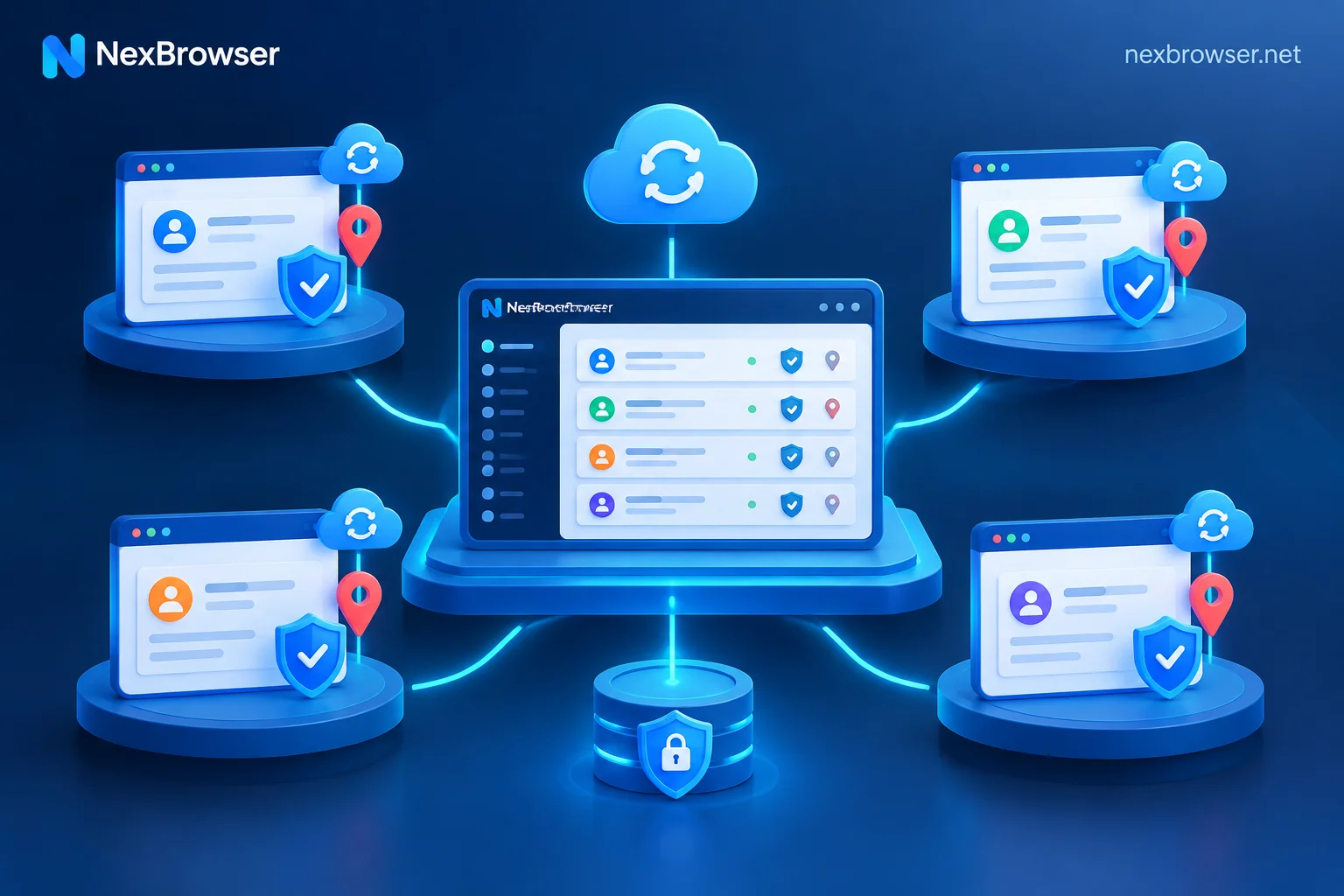
To maintain environment continuity for cross-device work, NexBrowser's multi-account environment isolation and cloud sync encrypts and syncs data such as cookies, cache, and local storage (including IndexedDB) to the cloud according to the selected scope when each environment is closed, and directly restores them after logging in on a new machine (for security reasons, passwords stored in the window remain local and are not migrated with sync).
At the same time, in the proxy and residential IP management step, each environment checks the proxy exit before starting—if the check fails, the environment will not start, preventing the real local network from being exposed to the target platform due to proxy failure; later, even if you need to change to a compliant proxy in the same region, the original cookies and local storage will not be cleared.
3. Two-factor authentication (2FA) stuck in code reception and collaboration
When platforms routinely require SMS verification, if phone numbers are scattered across employees' physical SIM cards or third-party code-receiving websites, asking for a verification code may take a few minutes and the verification link may expire. NexBrowser has a built-in cloud phone number (NexSMS number center) directly in the environment sidebar; operators can directly obtain numbers by country/region and target platform, receive SMS, and fill in verification codes within the environment; for stores or advertiser accounts that need long-term maintenance, you can also switch to long-term rental, charged by usage, without having to pass verification codes around in WeChat groups.
2. From solo to team matrix: don't let "collaboration chaos" ruin well-nurtured accounts
When management scale grows from three to five accounts to dozens or hundreds, and the team changes from one or two people to multi-role collaboration, account bans caused by internal management errors are often more fatal than external risk control.
- Concurrent login from different locations: Ad buyer A is adjusting ad budget, ad buyer B doesn't know and opens the same browser environment on another computer. Data from both sides overwrites each other in the cloud, and the platform backend simultaneously receives session requests with two different operation tracks, extremely likely to trigger security locks (see: What happens when multiple people log into the same browser environment simultaneously).
- Plaintext password circulation: Writing store and ad account passwords in a spreadsheet and sending to team members not only risks leakage but also makes password changes a big project when employees leave (reference: How to share account passwords securely within a team).
- Time-consuming new account nurturing and daily inspections: Dozens of accounts need daily page browsing, ad account status checks, and report exports; doing it manually one by one takes half a day.
To address these team pain points, it's much easier to fit daily processes into a standardized workbench:
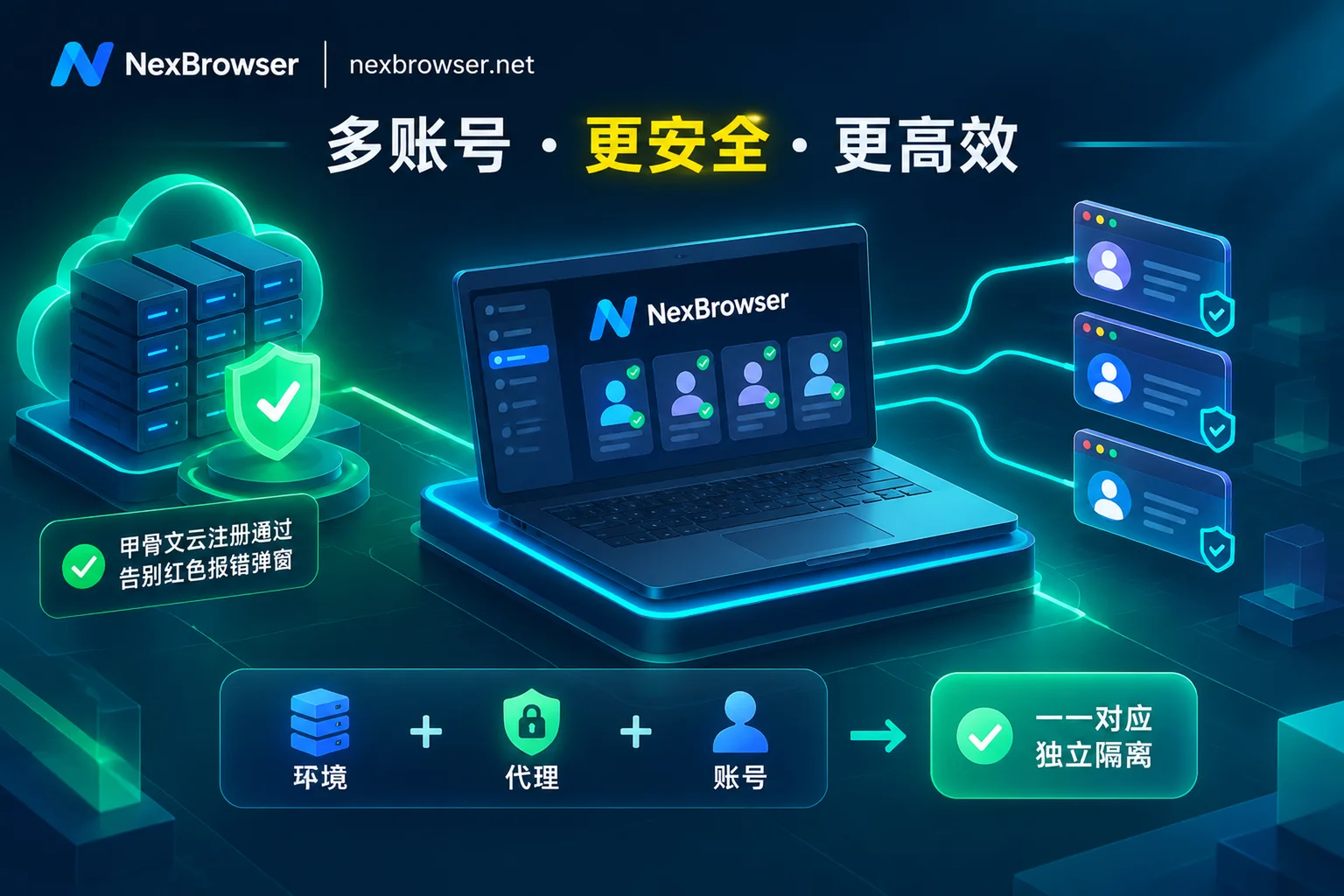
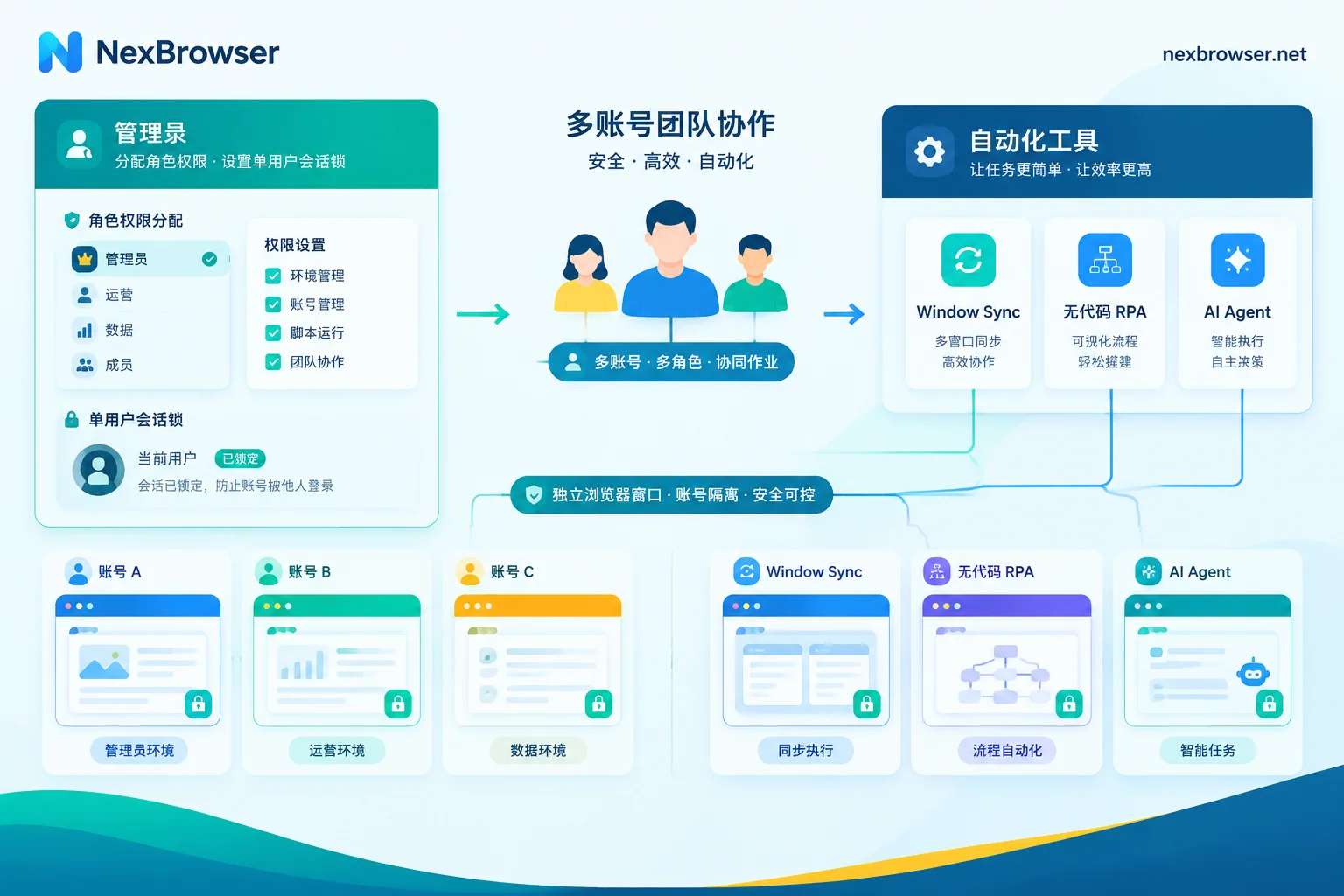
- Password-free sharing and exclusive lock: In NexBrowser, the team founder can create roles and assign members' view and operation scopes in the permission matrix. Platform accounts are bound to environments and automatically filled upon launch, so members never see passwords; moreover, the same environment can only be opened by one member at a time, combined with encrypted transmission storage and traceable operation audits, completely eliminating concurrent collisions.
- Scenario-based automation toolchain: For temporary batch operations that require human judgment (e.g., multiple accounts checking a backend setting simultaneously), use window sync to have a master window drive multiple slave windows, each slave window still using its own fingerprint, cookies, and proxy; for fixed repetitive inspection and account nurturing processes, use no-code drag-and-drop RPA scripts (Beta) to batch bind environments for execution; if encountering page redesigns or more flexible multi-window tasks, you can directly command the built-in AI Agent (Nex Agent) in natural language, or connect external development tools like Playwright, Claude Code, Cursor via the free Local API and MCP Server.
3. 2026 fingerprint browser selection pitfalls: calculate the real bill behind "feature tiering"
Many ad and cross-border teams easily fall into two typical pricing traps when comparing fingerprint browsers:
- "Low-price bait, feature slicing": The basic version looks cheap, but after moving accounts in, you discover that batch creation, team permission management, operation logs, window sync, and even local API calls are all locked in higher-tier enterprise packages.
- "Free version becomes useless": Many tools offer free versions, but either cut automation and API features or have strict trial countdowns, forcing payment before business processes are even tested.
In terms of billing logic, NexBrowser adopts a more direct approach: features are not tiered.
Whether you use the free tier or a paid package, multi-account isolation, batch operations, window sync, RPA scripts, team permission management, and free unlimited-call Local API / MCP are all available; the free tier requires no credit card and quotas never expire (specific window and member quotas are subject to the official website's real-time terms).
When your business scale expands and you need to purchase more, check the NexBrowser pricing plans and you'll find that payment only buys window capacity and team member capacity:
- Transparent billing: Billing cycle is 30 days; initial activation or mid-term expansion only charges for new capacity, renewal charges for all current capacity, supports Alipay and USDT.
- Decoupled on demand: Residential IP traffic (purchased via NexIP), cloud phone numbers (NexSMS charged by usage), and built-in AI Agent model tokens are all independently consumed on demand, pay as you go, without forcing unused add-on resources into monthly packages.
4. A 4-step implementation checklist for cross-border and ad teams
If you're planning to build a new multi-account matrix or migrate existing accounts to a more reliable workbench, it's recommended to perform a standardized verification in the following four steps:
| Check Stage | Key Actions | Pitfall Avoidance Points |
|---|---|---|
| 1. Account creation and template configuration | Group and tag by platform/store/owner, configure the first environment and save as template for batch creation | When copying templates, be sure to generate new fingerprint parameters; do not let multiple accounts share the same static hardware hash |
| 2. Proxy binding and pre-check | Batch import HTTP/HTTPS/SOCKS5 proxies or one-click bind residential IPs, perform connectivity and geolocation checks | Confirm "check proxy exit before startup" is enabled to ensure timezone, language, WebRTC automatically align with exit IP |
| 3. Cloud sync and team authorization | Select cookie and local storage scopes for encrypted cloud sync; assign roles to team members based on least privilege | Sensitive permissions are off by default; use autofill for password-free sharing; rely on single-person open lock to prevent concurrent access from different locations |
| 4. Gradual automation replacement | First use window sync for semi-automatic manual tasks; after running smoothly, consolidate into RPA canvas scripts or integrate API | Validate scripts and log positioning on 1-2 test environments first; after confirmation, batch bind to main environments |
For multi-account business, stabilizing underlying environment continuity is protecting the profit base. If you're looking for a fingerprint browser without feature-crippling tricks, balancing anti-association details and automation efficiency, why not go directly to the NexBrowser download page to get the Windows client (supports Windows 10/11 64-bit, with domestic and overseas dual-line downloads), run the entire process with full-featured free quota before making a decision.