NexBrowser指纹浏览器-官方博客Blog
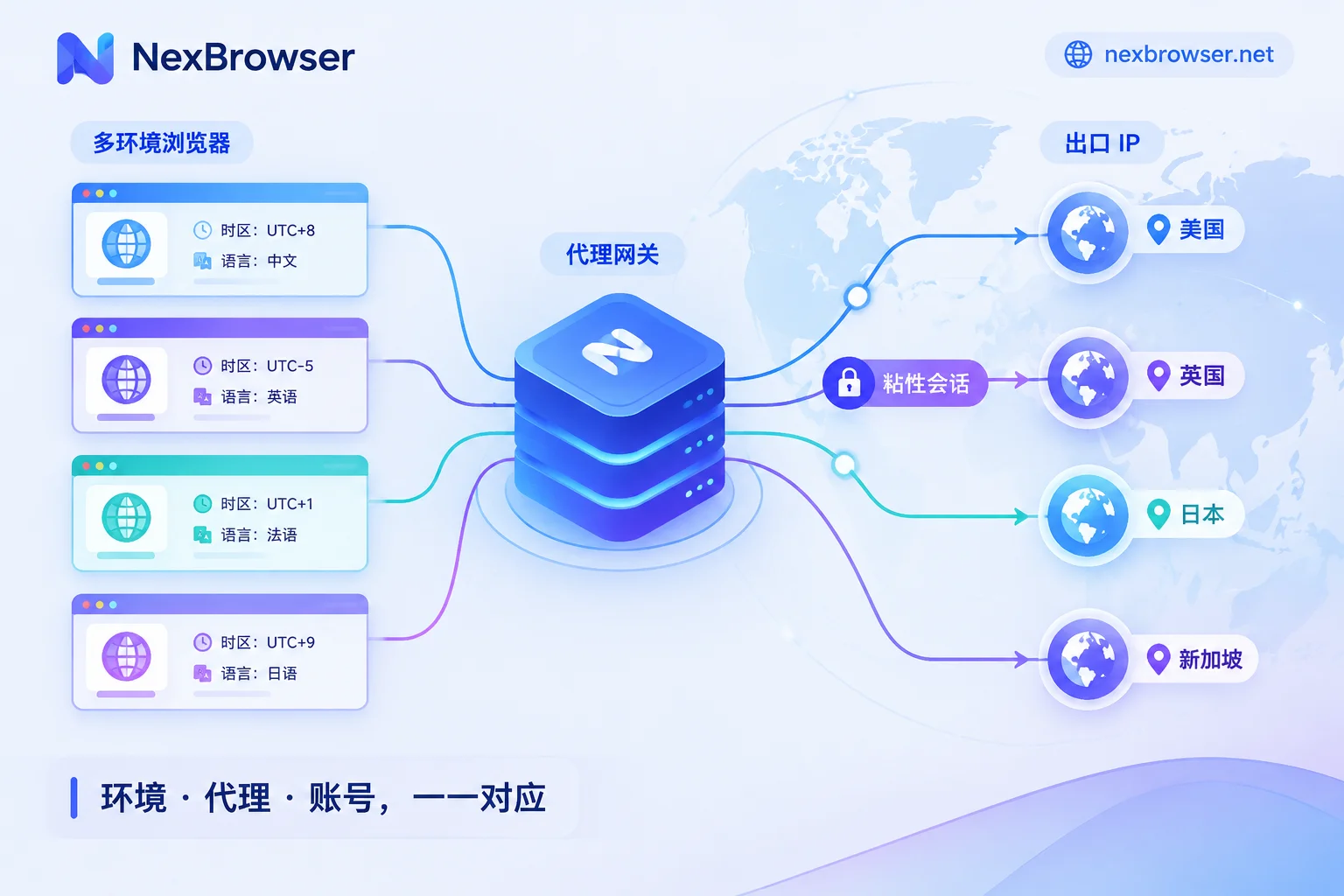
How to Use Rotating Proxies with Antidetect Browsers: Choose Rotation Mode by Task, Then Bind Sessions and Verify Egress
Antidetect browsers isolate each environment's local data and fingerprint, while rotating proxies provide the egress IP; whether they work well together depends on matching the rotation mode to the task, so add sticky sessions or static IPs for logged-in accounts, and verify egress, timezone, language, and WebRTC inside each environment.
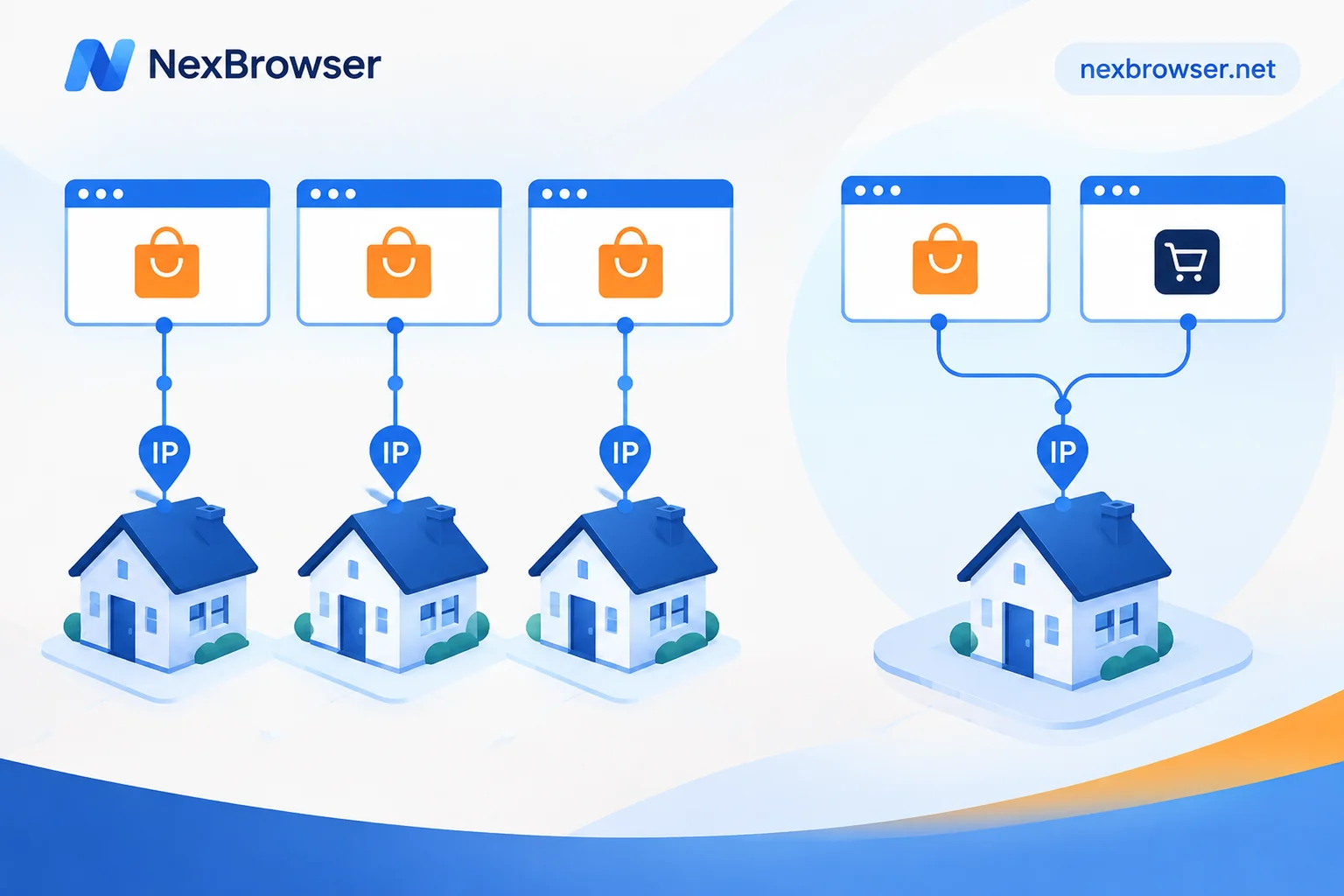
Does Each Account Need Its Own Static Residential IP? Separate Same-Platform Accounts, Reuse Across Platforms
Whether each account needs its own static residential IP depends on if accounts are on the same platform and how critical they are; separate same-platform accounts, reuse across platforms.
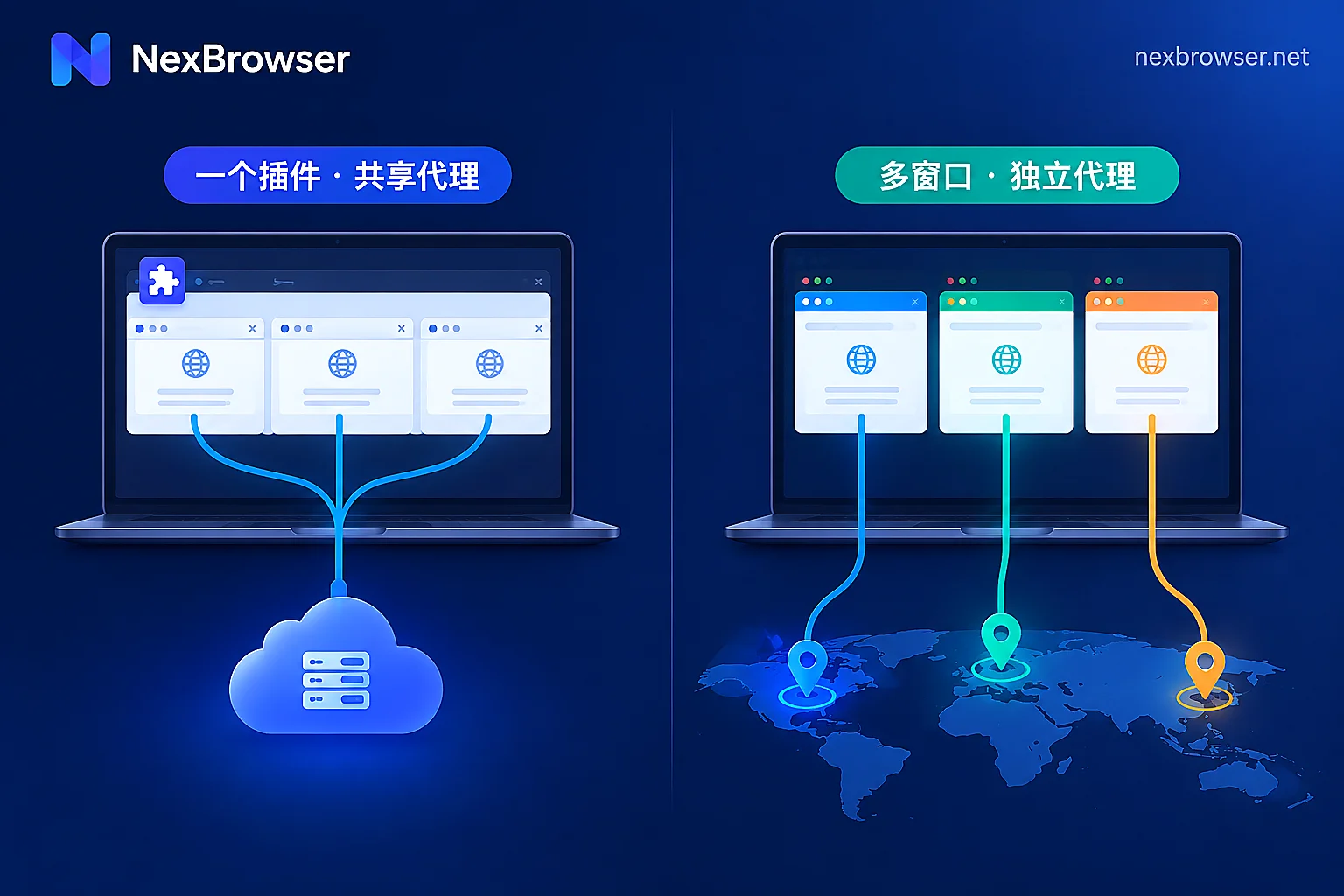
Browser Extension Proxy vs. Built-in App Proxy: Choose by How Many Accounts You Manage
The difference between extension proxies and built-in app proxies isn't which one "changes IPs better" but at which layer the proxy takes effect: extensions modify requests sent by the browser, while built-in proxies lock down the network exit when the environment starts—so one browser with occasional routing only needs an extension, but running multiple independent accounts on one machine calls for built-in proxies with per-environment exit verification.
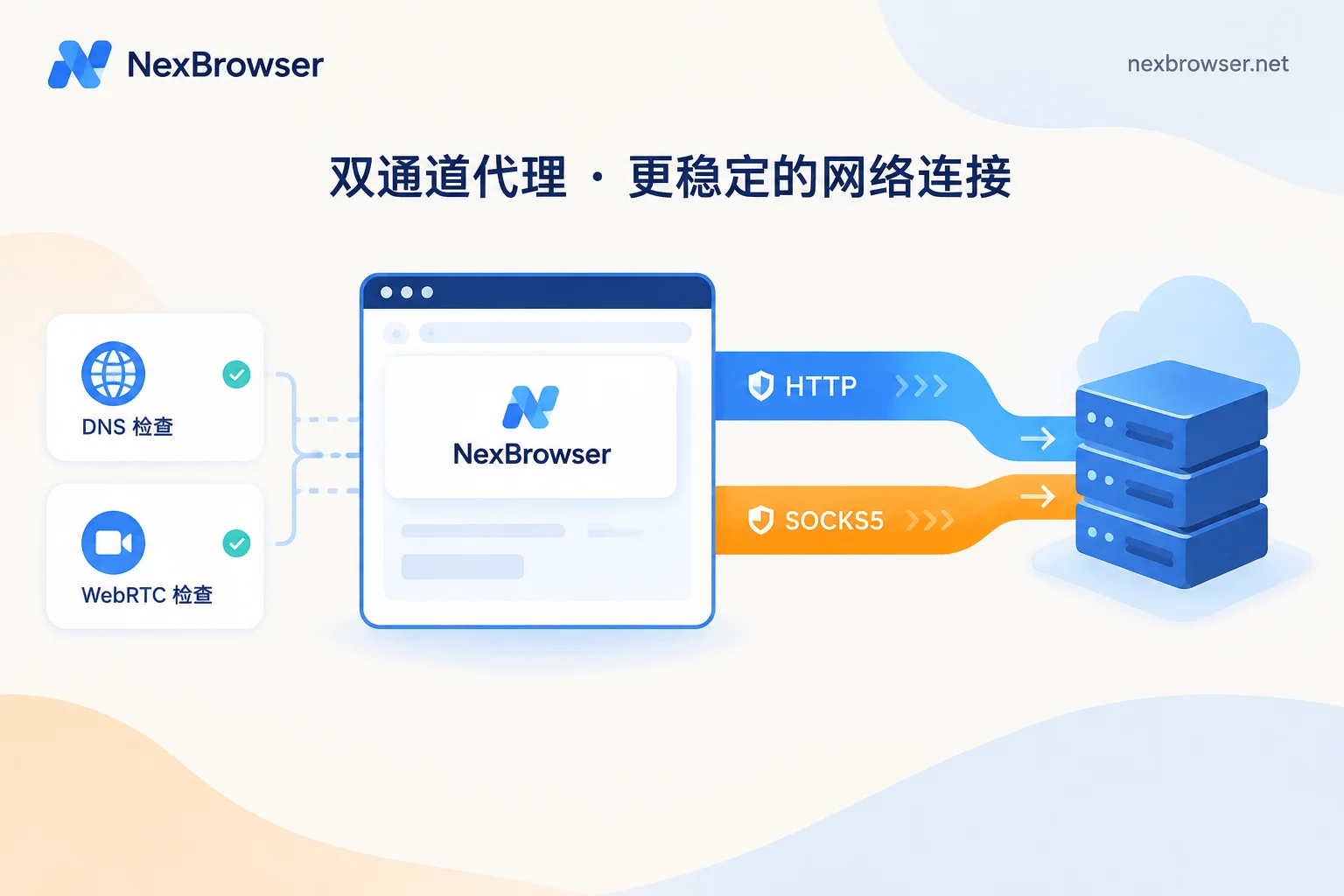
SOCKS5 vs HTTP Proxy for Browser Binding: Little Difference for Web Scenarios, But Check DNS and WebRTC
HTTP proxies work at the application layer to handle web traffic, while SOCKS5 operates at the session layer and simply forwards data. For multi-account browser management, as long as the exit IP, DNS resolution location, and WebRTC are verified, both protocols deliver essentially the same results for regular web browsing. This article explains their differences in protocol layer, connection overhead, DNS resolution, and UDP support, provides selection guidance for different scenarios, and offers step-by-step verification after binding.
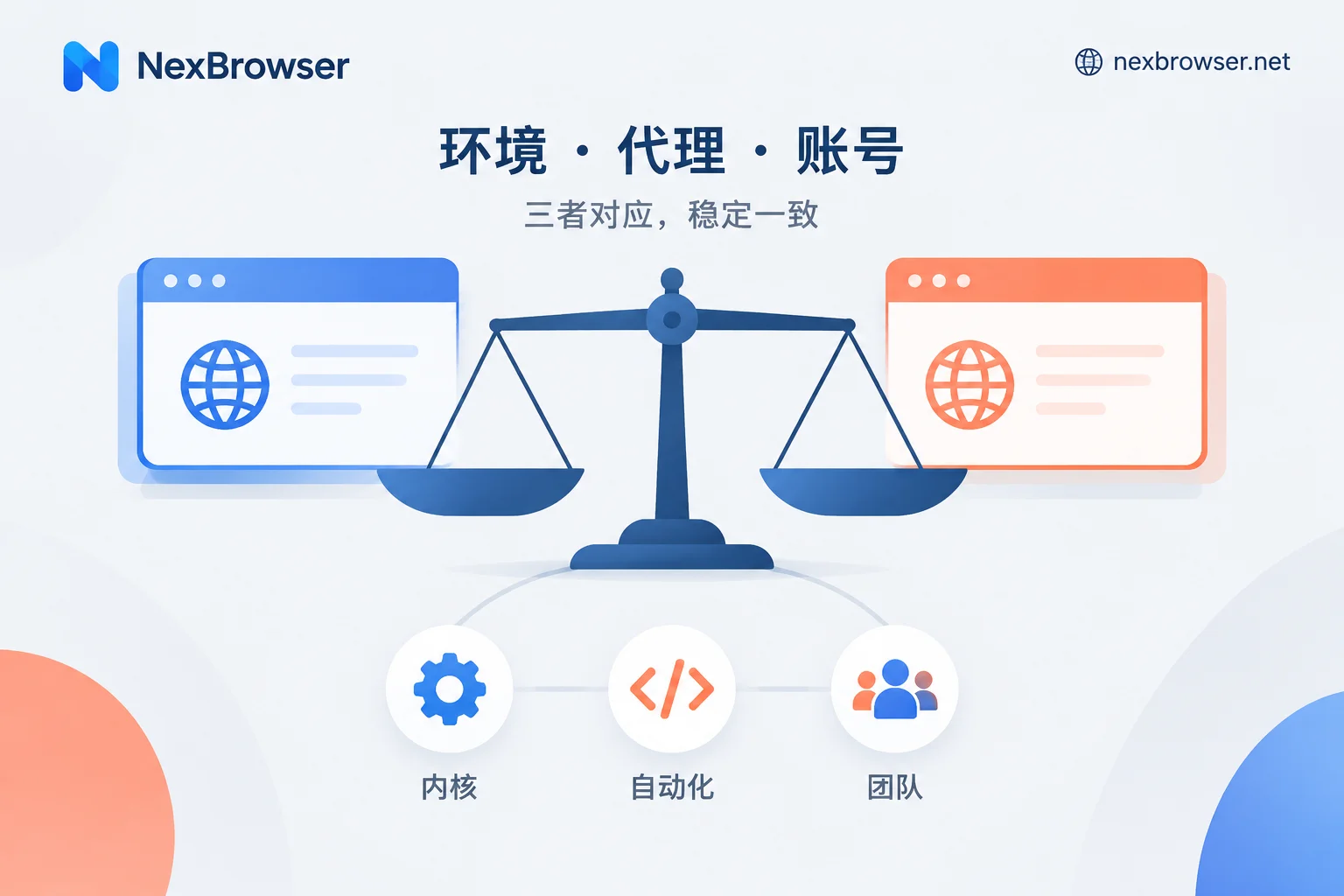
AdsPower vs RoxyBrowser: Choose by Kernel, Automation, and Team Needs, Then Verify with a Trial
AdsPower offers dual Chromium and Firefox kernels, a mature RPA template ecosystem, granular team permissions and auditing, and Windows, macOS, and Linux clients, while RoxyBrowser is Chromium-based, has a simpler interface, targets individuals and small teams, and supports AI control via MCP. This article compares them item by item across kernel, automation, team collaboration, and system platform, and provides a checklist you can complete during a trial to decide which one suits you.