 NexBrowser指纹浏览器-官方博客Blog
AliExpress fingerprint detection mainly checks four layers: the audio chain, rendering layer, network egress layer, and local login state & authentication chain. Data from these layers is packaged and uploaded; if any layer's readings are inconsistent with system declarations, it may be flagged as suspicious association. In late August 2026, security researchers and the Brave team disclosed that AliExpress, through Alibaba's AWSC protective scripts (e.g., collina.js, fireyejs.js), silently creates 0-gain WebAudio audio graphs in the background, using sound card and CPU floating-point differences to generate device audio fingerprints. This evergreen guide does not promise a “ultimate anti-ban solution” but helps you break down the observable collection surface into four layers for item-by-item self-check.
Why “Change IP + Incognito Mode” Doesn't Work on AliExpress
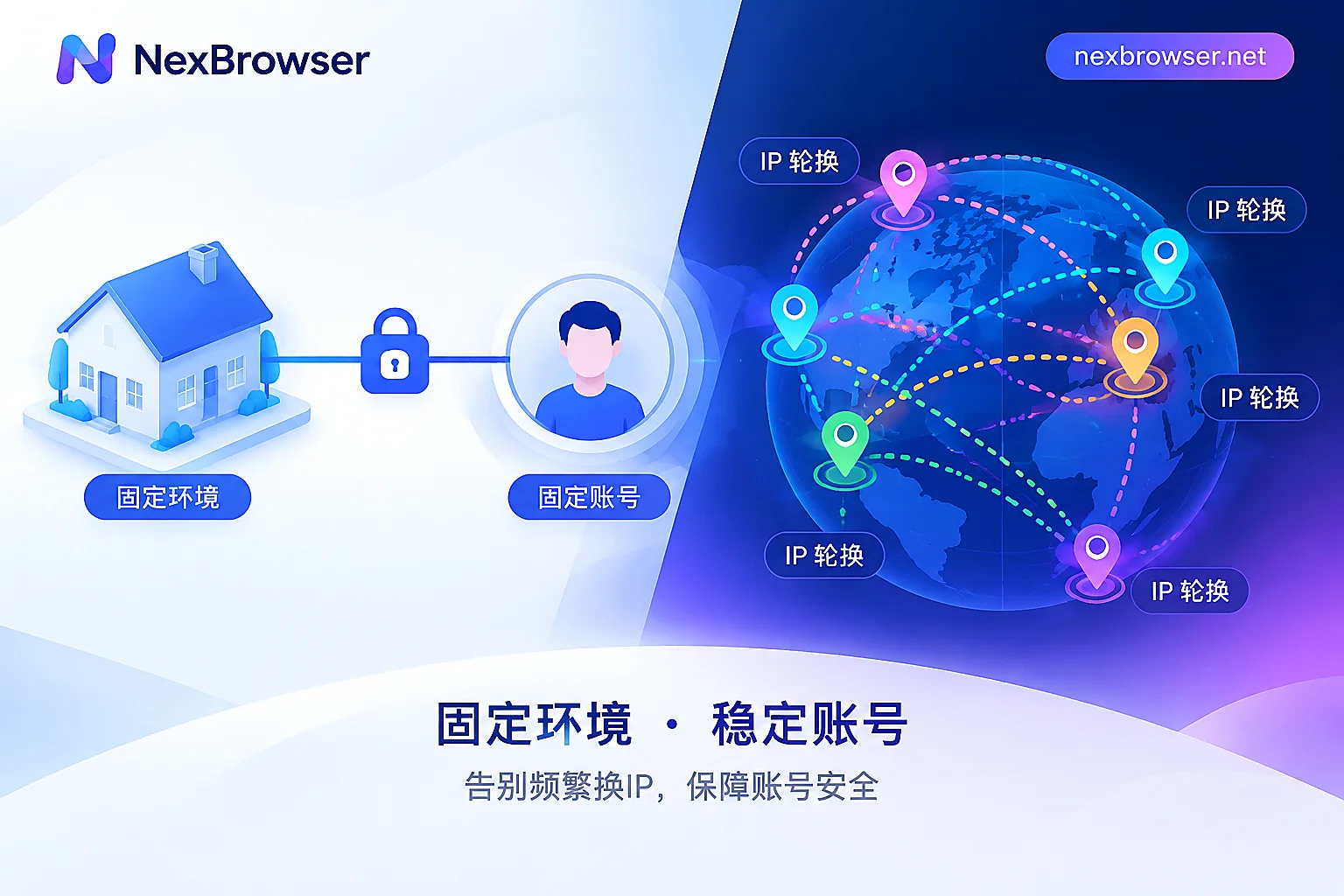
Many sellers think incognito mode and an IP change prevent association, but public technical facts confirm: incognito mode only clears local storage, not hardware-level readings; simply changing IP does not affect audio, Canvas, WebGL, or screen parameters. AliExpress risk-control scripts encrypt and upload telemetry data—including WebAudio audio features, Canvas rendering, WebGL graphics context, screen parameters, WebRTC network egress, and mouse/touch interactions—for cookie-less cross-session identification. So, the answer to “changed IP but still associated” is often not that the egress isn't clean enough, but that other layers are “betraying” you.
Layer 1: Audio Chain—After 0-Gain Silent WebAudio Disclosure, How to Read Audio Data
The first layer of AliExpress fingerprint detection falls on the audio chain: the August 2026 technical disclosure revealed that AliExpress creates 0-gain audio graphs in the background, making no sound but able to “hear” the floating-point differences in your sound card and CPU. What can be changed here is what the browser exposes (e.g., AudioContext sample rate, float output), not the host hardware itself. Self-check method: use a script to read AudioContext's sampleRate and getChannelData output, and see if it matches your sound card driver's claims. In practice, open the same audio fingerprint test page (e.g., browserleaks.com/audio) in two environments, record and compare the hash and sampleRate. If the readings are identical, they share host hardware characteristics—that's an association signal. Note: this disclosure comes from security researchers and the Brave team, not yet officially confirmed by the platform.
Layer 2: Rendering Layer—Self-Consistency Criteria for Canvas/WebGL and Screen Parameters, Not Randomness
The rendering layer includes Canvas fingerprint, WebGL graphics context, screen resolution, pixel ratio, GPU model declarations, etc. These data are usually packed and uploaded together; the criterion is “self-consistency,” not “the more random the better.” For example, if the GPU model declares NVIDIA, but the UA's operating system is macOS, and the resolution is only 1024x768, that combination is very inconsistent and becomes a unique marker. Self-check points: ensure GPU model, OS, resolution, and pixel ratio corroborate each other; don't let randomization go overboard.
Layer 3: Network Egress—Is the WebRTC Address the Same as HTTP Egress?
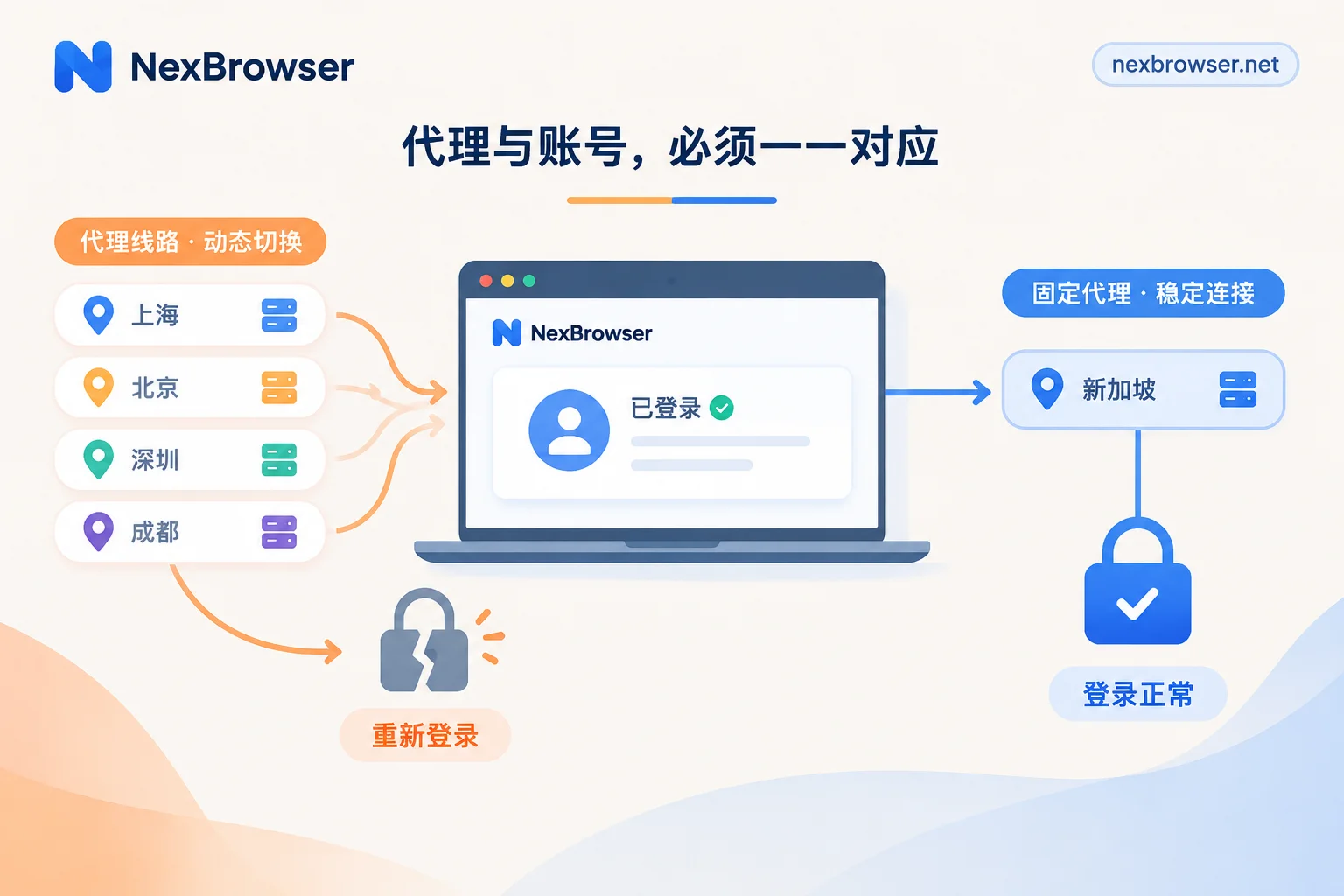
The network egress layer mainly checks if WebRTC candidate addresses match the HTTP egress IP. If WebRTC leaks a local IP while the HTTP egress is a proxy IP, the inconsistency will expose you. It's recommended to prevent WebRTC fingerprint leaks. Whether the proxy is bound at the environment level (referring to the browser environment) or the system level makes a big difference: system-level proxies may cover all processes and mix with other environments; binding at the environment level gives each store an independent egress, which is the core practice of proxy IP binding to browser. Sharing a single egress across multiple stores inevitably increases association risk. Self-check method: use a WebRTC test page to view candidate addresses and confirm they point to the same region as HTTP egress, timezone, and language.
Layer 4: Local Data and Authentication Chain—Cookie/Cache Residue and Login Key Popup
The fourth layer involves local storage and login authentication. AliExpress's login process places high demands on browser kernel and underlying API consistency. In May 2026, competitor RoxyBrowser specifically fixed login key popup (Passkey/WebAuthn) and graphical interaction compatibility issues for AliExpress in a kernel update, at least indicating that AliExpress login authentication is sensitive to kernel API completeness; whether the platform incorporates kernel consistency into association decisions is not officially stated. If the kernel version is outdated or APIs are incomplete, the login key popup may not appear or interact properly. Self-check method: confirm the browser kernel version is relatively new, the Passkey popup appears and works normally, and cookies and cache are freshly generated with no residue from previous stores.
What You Miss by Only Doing the First Three Layers: Common Mismatch Table
| Mismatch Scenario | Observable Phenomenon | Check Action |
|---|---|---|
| Changed UA but not rendering readings | UA shows Windows, Canvas returns macOS font rendering | Sync UA, OS, Canvas, WebGL parameters |
| Proxy only at system level | WebRTC leaks local IP, HTTP egress is proxy | Switch to environment-level proxy binding and disable WebRTC leaks |
| Multiple environments share cache directory | Cookie or LocalStorage shows previous store ID | Assign independent data directories for each environment |
| Outdated kernel version | Login key popup fails to open or errors | Upgrade browser kernel to a version supporting Passkey/WebAuthn |
| Audio readings are identical | AudioContext outputs are the same across environments | Check if sound card characteristics are fully simulated |
Beyond the Four Layers: What Browser Can't Change—Business Information, Payment Accounts, Logistics, and Operations
Boundaries must be clarified: AliExpress account association also involves business dimensions such as business information, payment accounts, logistics shipments, and fake order violations, which are not covered by browsers and require cross-border account risk control for comprehensive evaluation. Any claim that “using a fingerprint browser can 100% prevent bans” overstates tool capabilities. You can achieve self-consistency at the fingerprint layer, but data overlap at the business layer can still be captured by risk control.
Implementing in NexBrowser: One Store One Environment + Proxy Binding + Centralized Parameter Check
Map the four-layer checklist to NexBrowser's public capabilities: independent browser environments with fingerprint/Cookie/cache isolation correspond to the local data and login state layer; Chrome fingerprint simulation (centralized viewing of audio, Canvas, WebGL parameters) handles the audio and rendering layers; HTTP/HTTPS/SOCKS5 proxy binding per environment ensures egress consistency; Window Sync, Local API, and no-code RPA are used for batch checks of multiple store environments. Recommended operation order: first create a new independent environment for each store (refer to eBay seller account anti-association fingerprint browser configuration), bind a dedicated proxy, then item-by-item verify the four-layer parameters in fingerprint settings, finally test with a page to verify WebRTC and audio readings. Tools provide capabilities, not a promise that accounts won't be banned.
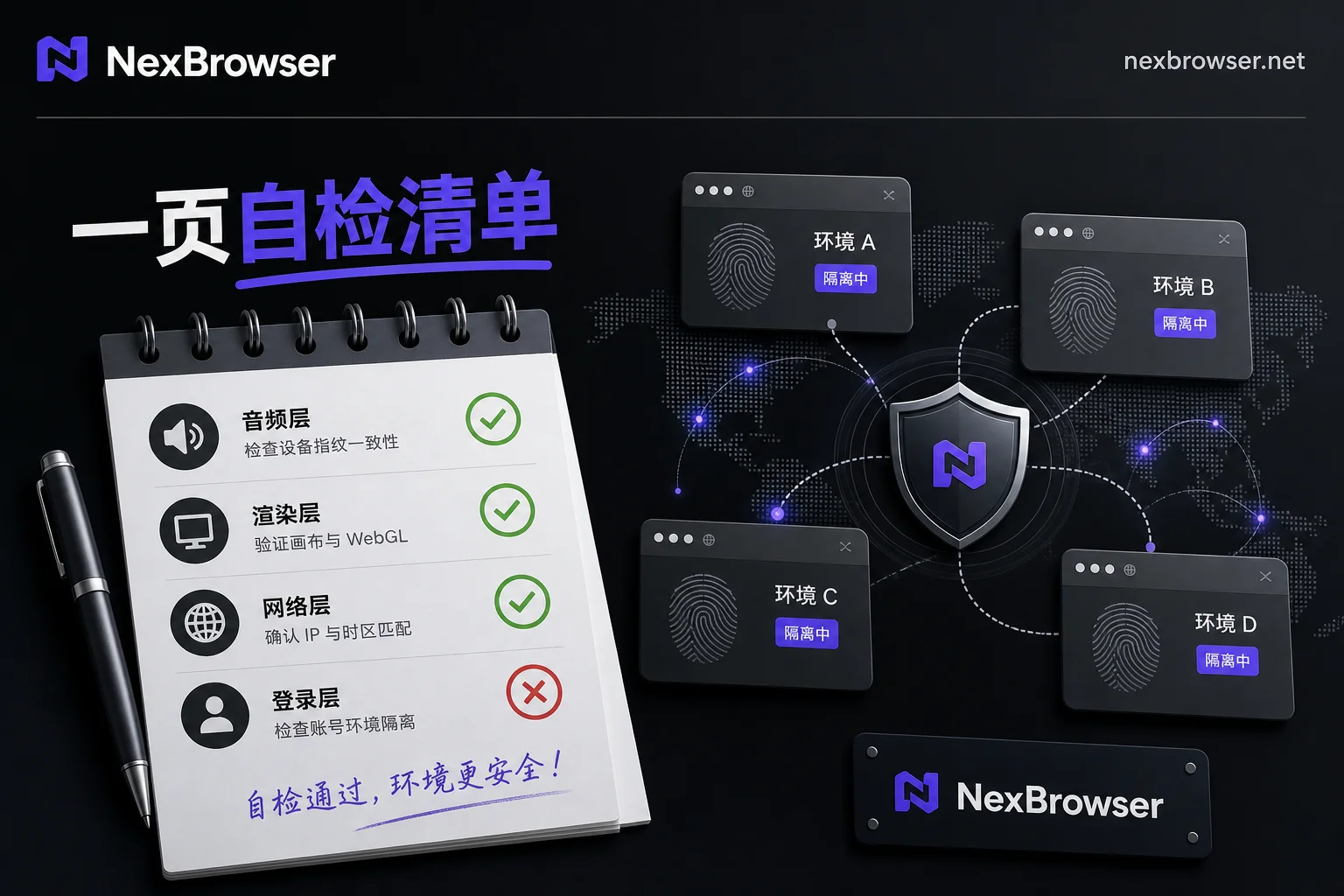
One-Page Copy-Paste Four-Layer Checklist Before Starting AliExpress Store
The following checklist covers the four layers of AliExpress fingerprint detection and can be directly copied to a worksheet:
- [ ] Audio chain: AudioContext sample rate matches sound card driver (readings not fully identical across environments)
- [ ] Rendering layer: GPU model, OS, resolution, pixel ratio corroborate each other
- [ ] Network egress: WebRTC candidate addresses match HTTP egress IP, timezone/language same region
- [ ] Local data: Cookies, cache freshly generated, no residue from previous stores
- [ ] Login authentication: Passkey/WebAuthn popup works, kernel version relatively new
- [ ] Business layer: Business info, payment accounts, logistics info have no overlap
Each criterion is “self-consistency”; once inconsistency is found, adjust that layer first, not just add randomness.
Which Conclusions Have Public Sources, Which Are Just Seller Experience?
The WebAudio silent collection and multi-dimensional telemetry fusion mentioned in this article come from public disclosures by security researchers and the Brave team in August 2026; AliExpress has not officially published the weights and thresholds of various dimensions in association decisions. Therefore, the check order of audio and rendering layers is seller self-check experience, not platform rules. You can use it as a self-check baseline, but not as official platform rules.
FAQ
Does AliExpress detect browser fingerprints?
Yes, AliExpress fingerprint detection has gone down to hardware-level readings. The August 2026 disclosure showed that AliExpress web pages collect hardware-level fingerprints such as WebAudio, Canvas, and WebGL through AWSC scripts, combined with network and behavioral data for cross-session identification. The official rules are not public, but the technical facts are certain.
How is AliExpress account association determined?
Mainly by checking whether the four layers' readings are self-consistent: audio features, rendering parameters, network egress, and login state residue. Any inconsistency in a layer may be flagged as a suspicious device, and with business layer data overlap, it forms the basis for association determination.
Can I run multiple AliExpress stores on the same computer?
Yes, but the risk is high. Hardware fingerprints like audio and GPU are identical on the same computer. If environments are not isolated or parameters are not simulated, they will be identified as the same device. If you must share, use independent environments to isolate cookies/cache and ensure audio, rendering, egress, and timezone readings within each environment are self-consistent, not just simply different from each other.
I changed IP but still got associated. What should I do?
First check if audio chain and rendering layer are identical, then see if WebRTC leaks local IP. If only the egress IP changes but hardware fingerprints don't, association will still happen. Check the four-layer checklist item by item to find inconsistencies.
Can incognito mode prevent AliExpress association?
No. Incognito mode only clears local storage, not hardware-level fingerprints (audio, Canvas, WebGL). AliExpress risk control can still track the same device across sessions through these readings, so incognito mode has limited effect on preventing association.
What are collina.js and fireyejs.js scripts?
They are front-end scripts of Alibaba's AWSC security system, deployed on AliExpress web pages, used to collect device fingerprints and telemetry data. The August 2026 disclosure noted that these scripts create 0-gain WebAudio audio graphs to generate hardware fingerprints.


Comments(0)