 NexBrowser指纹浏览器-官方博客Blog
Don't Panic: There Are Two IPs on That Check Page
Before starting work each day, many operations teams habitually open an IP detection page, verify the exit IP looks correct, and then log into accounts. But if you've recently done this in a Chrome Incognito window while signed into a Google account, you might notice two different IPs on the same page: the IP read by the page body and the IP read by some third-party script don't match. Before suspecting a hijacked proxy, consider that Chrome IP Protection might be at play.
Get the Facts: Whose IP Does It Actually Mask?
Chrome IP Protection is not a global proxy enabled by default for all websites. It activates only under four conditions: Incognito Mode, signed-in Google account, the target domain is on the Masked Domain List (MDL), and the request is in a third-party context.
Only when all four conditions are met does Chrome route the request through a two-hop proxy architecture. First-party context requests—those initiated by the top-level domain in the address bar—are not masked even if the domain is on the list. The MDL is a dynamically updated list, and Google has never published a complete fixed list, so don't take any "complete MDL list" circulating online at face value.
It's Not a VPN or Your Configured Proxy
IP Protection uses a two-hop proxy architecture: the first hop, operated by Google, knows only the client IP and the second hop's address; the second hop, run by an external CDN, knows only the target domain. This design ensures that no single party can associate both the user's IP and the visited domain. Its goal is to solve privacy-related association issues, not to unify network egress.
Compare this with the three layers you use daily:
| Layer | Egress Decider | Affected by IP Protection? |
|---|---|---|
| Host network egress | Local router/system | No, first-party requests read this layer |
| Browser list-based masking | Google MDL + two-hop proxy | Yes, only for incognito + signed-in + listed third-party requests |
| Environment-level proxy | HTTP/HTTPS/SOCKS5 configured in fingerprint browser | No, proxy layer operates independently |
IP Protection only affects the middle layer, and only a small portion of requests. Treating it as a system-level VPN or global proxy is misguided from the start.
Real Impact for Operations: Why Check Page Readings Disagree
For operations teams, the real trap is seeing two different readings on the same page. When you open an IP detection page in Incognito, the page's main content is a first-party request and reads the host/network egress IP; but if the page integrates certain third-party scripts or resources that happen to be on the MDL, those read the two-hop proxy IP. This reinforces the impression that "IP detection sites are inaccurate"—but in reality, the measurement standards are inconsistent from the start.
More critically, how platforms observe your requests differs from how the detection page presents them. The platform sees the IP of requests sent from your logged-in environment, not the reading displayed on the detection page. So relying on a single detection page's number to judge "whether the environment is fine" was already flawed before Chrome IP Protection; now it's just amplified.
Rewrite Your Self-Check Process: From One Detection Page to Multi-Source Cross-Verification
The first step in rewriting your self-check process is deciding which environment to check in. Use the actual browser environment you log into accounts with, not a random Incognito window on the host, because IP Protection only affects Chrome Incognito, and your login operations likely aren't in that window.
Second, check with two or more different detection sites and break down the readings: what IP does the page's main domain see, and what IP do third-party resources within the page see? Only when both sources agree should you consider the egress stable.
Third, cross-verify IP geolocation, timezone, system language/Accept-Language. The IP geolocation should match the timezone, and the timezone should match the system language—they corroborate each other. Looking only at IP means seeing only half the environmental signals.
Finally, record baseline values. After changing environment settings or switching proxy lines, do a full record; before each subsequent login, use diff comparison rather than single readings to judge. A single reading tells you what the egress IP is; diff comparison tells you whether the environment has anomalies.
Performing Consistency Checks in NexBrowser Environments
In NexBrowser, this process translates into concrete actions. Each NexBrowser environment comes with independent HTTP/HTTPS/SOCKS5 proxy settings, and the proxy egress applies to all first- and third-party requests within that environment, independent of the host Chrome Incognito mechanism. Additionally, each environment's cookies and cache are isolated, preventing cross-environment contamination—which perfectly meets the "self-check in the actual login environment" requirement.
For batch scenarios, you can use window sync to open two detection pages simultaneously across multiple environments for a consistency check; if your team needs audit trails, use the Local API to write self-check results into your internal account-opening process or on-duty logs. Note: This does not mean NexBrowser has built-in IP protection or its own IP pool—it just provides environment-level proxy configuration and isolation; you still choose your own proxy lines. 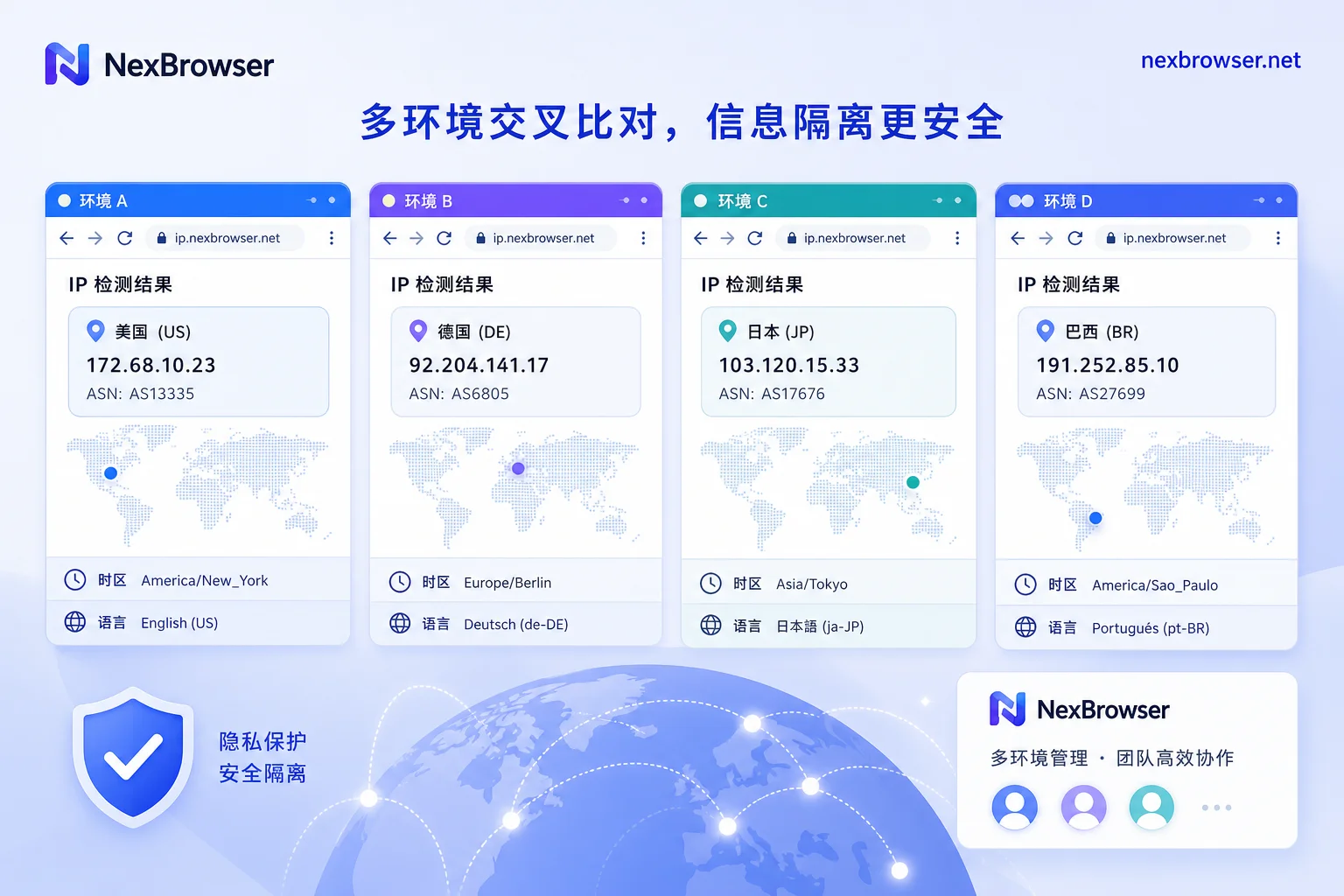
We recommend testing with one or two environments first, logging all readings as a baseline, then deciding whether to scale up to the whole team using window sync and Local API.
Common Misjudgment Checklist: First Determine Which Layer the Problem Is In
- Didn't use Incognito or didn't sign into a Google account before opening the Incognito window: IP Protection won't trigger, and readings will be normal.
- Domain not on the MDL or request is first-party: Even if the first two conditions are met, the two-hop proxy won't be used, and readings are unaffected.
- Timezone/language inconsistent with IP geolocation: This is an environment configuration issue, not caused by IP Protection.
- Cookie residue from a previous account leaking into a new environment: This is an isolation issue; signals may be mixed, unrelated to proxy readings.
- Proxy line itself fluctuating: If detection readings occasionally change, first check proxy nodes, don't attribute everything to browser privacy mechanisms.
The key to troubleshooting is to first determine which layer the problem is in, then decide whether to change the proxy, environment settings, or detection process. Chrome IP Protection only affects its own layer—don't let it take the blame for other issues.




Comments(0)