 NexBrowser指纹浏览器-官方博客Blog
Preventing association in multi-store Shopify management requires two parallel tracks: the authorization line determines who can access which admin panel and what they can do, while the login line determines in which browser environment and via which egress those admin panels are opened. On June 11, 2026, Shopify unified Admin and POS staff permissions under Settings > Users, supporting organization-level and store-level roles and member suspension, but it only covers the authorization line. No matter how finely you configure permissions, it does not change the environmental traces left when multiple admin panels are opened in the same browser and via the same egress.
First, distinguish the two lines: authorization and login environment are not the same thing
To answer the question "How to prevent association in multi-store Shopify management," the solution is not just permission configuration but a combination of authorization and login isolation. On June 11, 2026, according to the Shopify Changelog, official Admin and POS staff permissions were unified under Settings > Users, supporting organization-level and store-level roles—but this only covers the authorization line. The official permission system does not change the browser fingerprint, cookies, and egress IP traces left when multiple admin panels are opened. To truly isolate, you need to configure both the authorization and login lines.
Authorization line: After unifying under Settings > Users, what do organization-level and store-level roles control?
After the permission entry point was consolidated into Settings > Users, staff permission assignment gained finer granularity. Organization-level roles apply across stores, suitable for roles like an operations director who needs to see data from all stores; store-level roles are limited to a single store, controlling which functional modules and data ranges the employee can access. Understanding the difference between Shopify staff accounts and organization-level roles is essentially about global versus local: the staff account is the identity, while the organization-level role defines the boundary of that person's cross-store access. When assigning permissions, first decide whether the person needs cross-store or single-store operations, then select the corresponding role.
What the authorization line can solve: over-permission, member suspension and restoration, cross-store role assignment
The value of the official permission system goes beyond "who can access which admin panel." When employee responsibilities change or seasonal promotions end, administrators can suspend (Suspend) an account in Settings > Users and reactivate it when needed, without deleting and recreating, and avoiding shared accounts. When an employee leaves, in addition to removing their roles, you must revoke their device permissions. The correct way to handle seasonal employee accounts is to suspend rather than delete, preserving configuration for next season. This mechanism applies least-privilege permissions to individuals, which is the core issue the authorization line addresses.
Is fine-grained permission equal to complete isolation? The biggest misconception in multi-store Shopify isolation
"Does logging into multiple Shopify admin panels on one computer cause association?" This is a common question among sellers. The answer is: it depends on the environment layer. Official permissions only define "who can operate what," they do not change the shared traces in the browser and network layers when those admin panels are opened. In the same browser, switching tabs to log into different stores can cause cookies, cache, and local storage to cross-access; Canvas/WebGL fingerprints also reveal device information. So, completing the authorization line does not mean isolation is complete—this is precisely the most easily overlooked part of multi-store Shopify isolation. The platform has not disclosed specific association detection rules, so actual implementation should follow the conservative principle of keeping environment, egress, and authorization independent.
Login line, first step: Acceptance criteria for one admin per independent browser environment
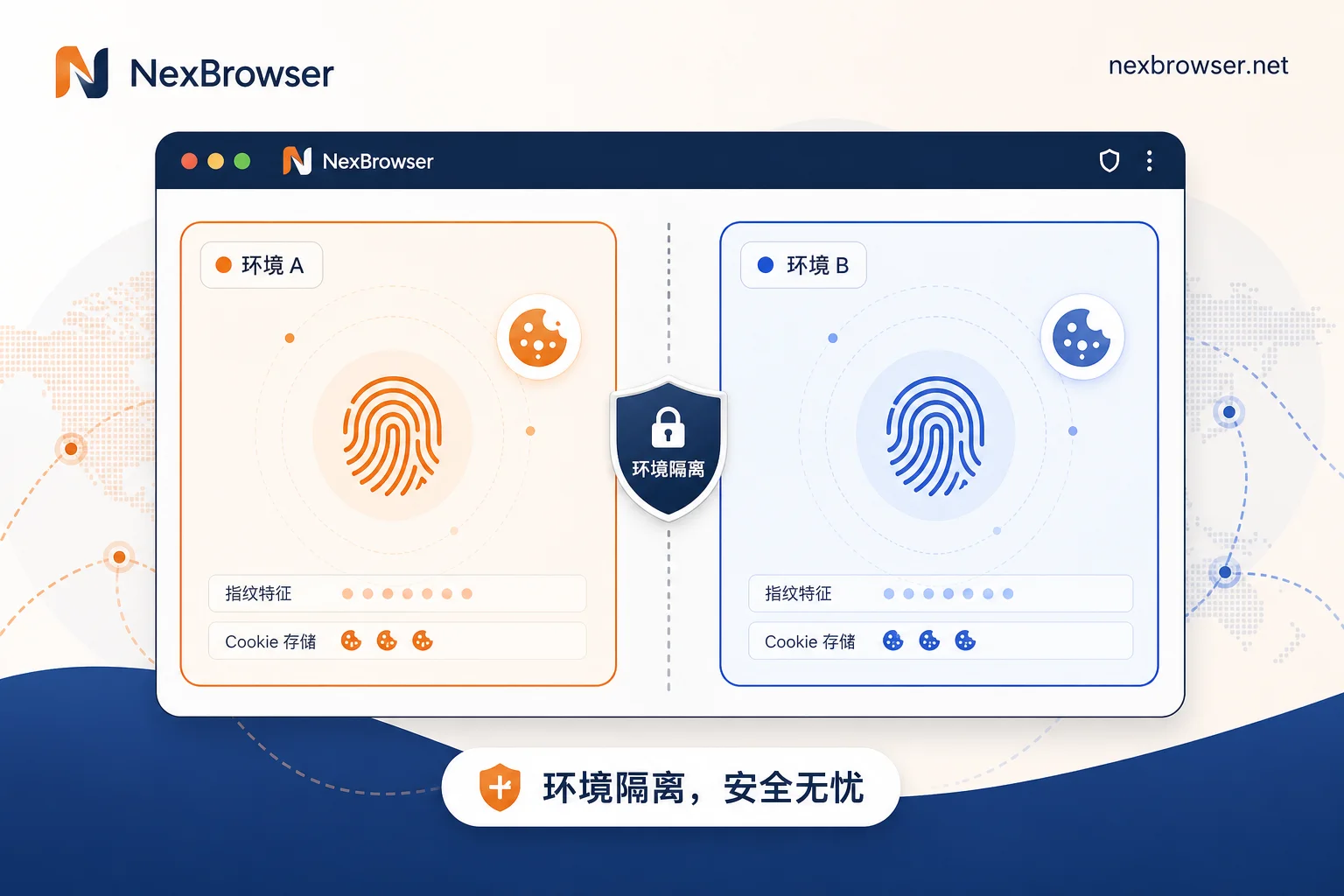
The implementation of the login line is to ensure each store's admin panel is opened in a fixed independent browser environment. Check three things: whether fingerprints (Canvas, WebGL, fonts, etc.) are isolated between environments, whether cookies and cache are not shared, and whether local storage has separate partitions. Switching tabs in the same browser, or using multiple user profiles in the same browser, does not count as isolation—they share the underlying fingerprint and some storage. To self-check, open two store admin panels and inspect the Application tab in developer tools to see if localStorage is independent.
Login line, second step: Egress ownership—three subtle reuse scenarios in a shared office network
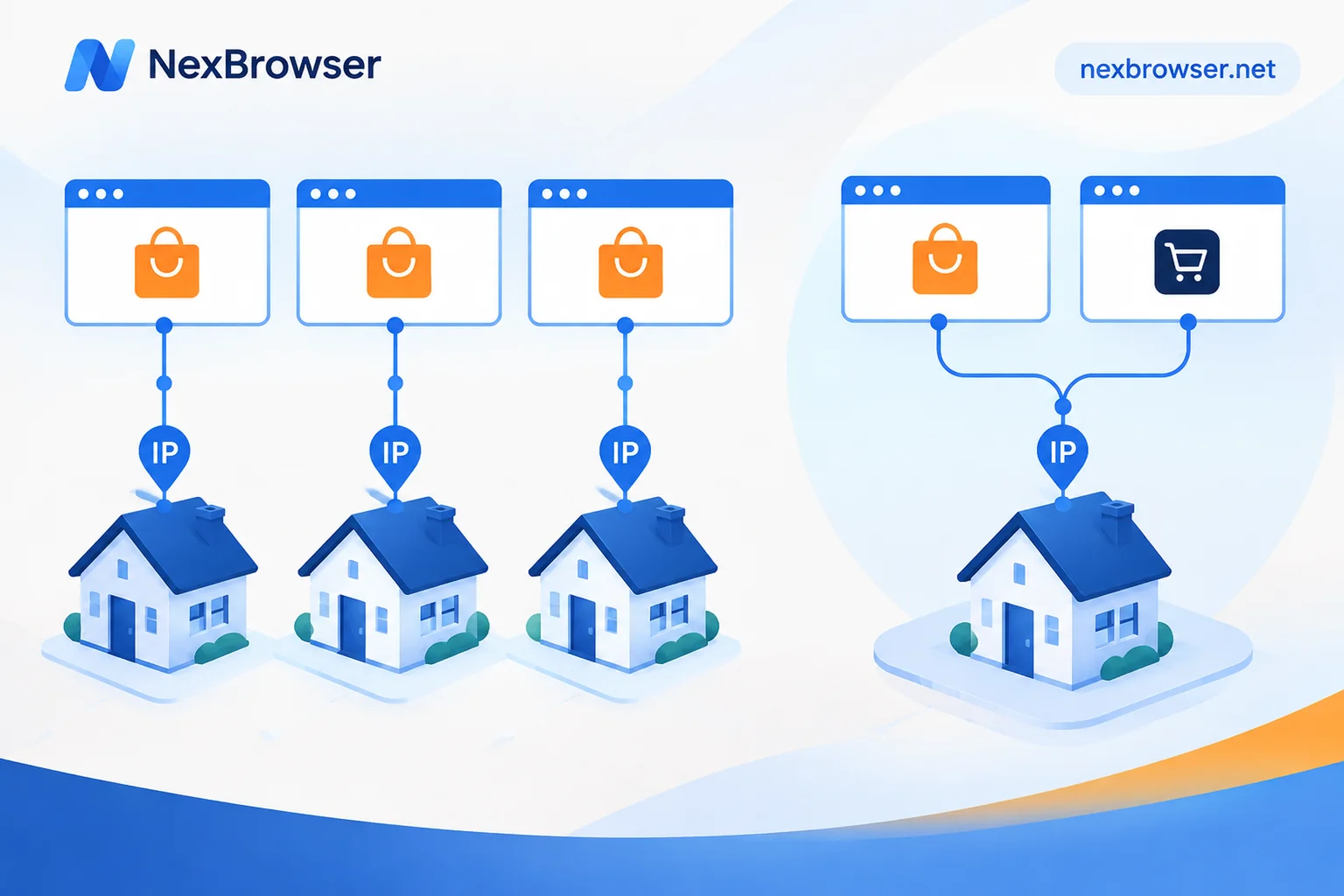
In team scenarios, a common question is whether multiple Shopify stores need different IPs. The office has only one fixed public egress, and if everyone logs into all stores from this IP, it tells the platform that these stores are in the same physical location. Three subtle reuse scenarios are common: 1) Employees frequently switch between home and office, causing unstable proxy configuration; 2) The team shares a single proxy for all stores; 3) Proxy configuration is incomplete, causing some requests to go through local direct connection. The correct practice is to bind each store to a fixed egress and keep it stable over the long term, rather than randomly changing on each login.
Login line, third step: Residual local login state—how cookies and autofill leave cross-store traces
Even with independent environments, residual local login state can still leave cross-store traces. In the same browser, cookies from a previous store might be read by the next store's page; password managers and form autofill can prefill store A's credentials into store B's login form; browser history stores URLs for all store admin panels. These traces are less conspicuous than fingerprints, but they are observable signals to the platform. It is recommended to disable autofill in independent environments, clear cookies and site data for that environment after logging out, and store credentials in a dedicated password manager rather than relying on the browser's built-in memory.
The layer the browser cannot change: Business entity data, payment accounts, domains, and support emails
Environment isolation is not omnipotent. Business entity data, payment accounts, domain registration and DNS, and support emails are business-layer information that browser isolation cannot and should not change. If multiple stores share the same business license, payment card, or support email, even with perfect environment isolation, the business layer may still be associated. Be aware: you must not falsify business information to evade review. What the browser controls are fingerprints, cookies, and egress, not whose information you filled in. Understanding the boundary helps you correctly assess what a multi-store Shopify isolation plan can achieve.
Handling employee changes: Order of adjusting environment ownership and revoking credentials
When an employee leaves and you need to revoke Shopify admin access, the order matters: First, suspend or remove roles in Settings > Users and revoke device permissions, then revoke the employee's access scope in the fingerprint browser, and finally have the employee clear local login state and change passwords on their device. Reversing the order leaves a window period—if the role is not revoked but the environment is still in their hands, they can still operate. It is recommended to systematically organize permissions following the Cross-border e-commerce team multi-account permission hierarchy management plan, then execute the handover according to Employee departure secure account handover and browser environment migration.
Implementing in NexBrowser: One environment per store, proxy binding, and team visibility scope
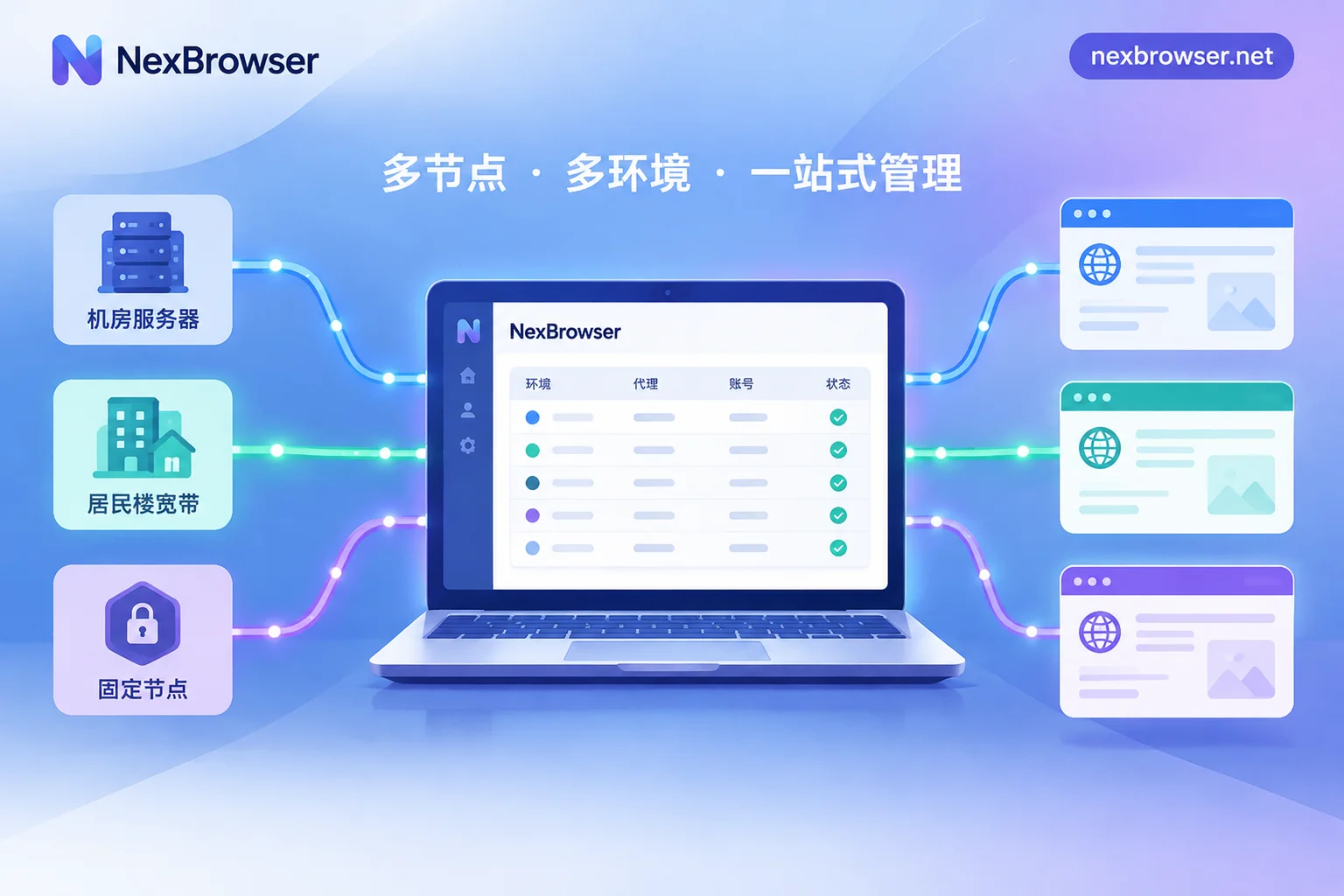
Beyond the authorization line, the login line can be implemented in NexBrowser. Each Shopify admin corresponds to an independent browser environment, with the environment bound to a fixed HTTP/HTTPS/SOCKS5 proxy to maintain egress stability; fingerprints, cookies, and cache are isolated. In team collaboration, control which stores an employee can open by setting the environment visibility scope, and adjust environment ownership when membership changes, rather than sharing account credentials. Pay attention to proxy configuration details; common errors can be found in How to bind a proxy IP to a browser and Common errors and troubleshooting in configuring independent IP with fingerprint browsers. It must be emphasized again: NexBrowser's environment isolation does not change the authorization relationship in the Shopify account system—the two lines are configured separately, and no guarantee is made regarding platform detection results.
What to configure for the authorization line and login line? A checklist table
The following table lists the configuration items for both lines for direct reference.
| Configuration Line | Responsibility | Who Configures | How to Verify |
|---|---|---|---|
| Authorization Line (Settings > Users) | Who can access which admin panel and operate which modules | Shopify Admin | Employee cannot see unauthorized menus after login; departed accounts are suspended |
| Login Line (Independent Environment) | Whether fingerprints, cookies, and egress are independent when the admin is opened | Operations/IT | Open two environments simultaneously; detected fingerprint parameters differ; cookies and localStorage are independent; egress IPs are the respective bound fixed proxies |
It must be stated truthfully: Shopify has not publicly disclosed cross-store association detection details for non-Plus plans, so the multi-store Shopify isolation plan recommends following the conservative principle of independent environment, egress, and authorization, without pursuing any "guaranteed no association" promise.
FAQs
Does logging into multiple Shopify admin panels on one computer cause association?
If you only switch tabs in the same browser to log in, it is likely to leave shared environment traces. However, using independent browser environments bound to fixed proxies, each admin gets its own fingerprint and cookies, significantly reducing observable shared traces. The platform has not disclosed its detection algorithm, so absolute non-association cannot be guaranteed.
What is the difference between a Shopify staff account and an organization-level role?
A staff account is the login identity, while the organization-level role defines the permission boundary of that identity across stores. For example, an operations manager responsible for all stores gets an organization-level role; someone responsible for only one store gets a store-level role.
Do multiple Shopify stores need different IPs?
It is recommended that each store binds a fixed egress IP and maintains stable long-term use, avoiding frequent changes. This is especially important in shared office networks; otherwise, all stores appear to be at the same physical location, increasing association risk.
How to suspend seasonal employee accounts?
Do not delete the account; use the Suspend function in Settings > Users and Reactivate it next season. This preserves the original permission configuration and avoids recreating and reassigning roles.
How many Shopify stores can one person open?
Shopify has not publicly disclosed a unified limit; it depends on business qualifications and platform review. This article does not provide a numerical conclusion; it recommends following the conservative principle of independent environment, egress, and authorization.


Comments(0)