 NexBrowser指纹浏览器-官方博客Blog
The key to secure LinkedIn collaboration for B2B marketing teams is to isolate five factors—account ownership, login environment, network exit, outreach cadence, and verification handling—and self-check them in order. LinkedIn continues to tighten proactive outreach quotas and has upgraded its detection of multi-account and multi-session correlations. Environmental anomalies directly trigger Persona identity verification. Industry tests show that a standard account can send about 100 connection requests per week, while high-weight paid accounts may reach 150–200 (third-party reference values, not official data). The following expands on these checks in order.
Bottom Line: 5 Criteria for Secure LinkedIn Multi-Account Collaboration for B2B Marketing Teams
LinkedIn continues to tighten proactive outreach quotas and has upgraded its detection of multi-account and multi-session correlations. Environmental anomalies directly trigger Persona identity verification. For B2B teams, secure collaboration isn’t about relying on a single tool; it’s about five checkable criteria:
| Criterion | Core Question | Acceptance Standard |
|---|---|---|
| Account Ownership | Who is the verified owner? | Personal accounts, company page admins, and member roles are distinct. |
| Login Environment | Is each account isolated? | Fingerprint, cookies, and cache are fully separated. |
| Network Exit | Is the exit IP independent? | Environment and proxy are 1:1 bound; exit is consistent. |
| Outreach Cadence | Is activity human-paced? | Weekly requests stay within safe limits; templates vary. |
| Verification Handling | What to do when triggered? | Stop actions first, check environment, then handle credentials. |
This article proceeds in this order and corrects a common misconception: switching to a residential IP does not immunize against account linking.
Criterion 1: Account Ownership—Who Owns Employee Personal Accounts, Company Pages, and Member Roles
LinkedIn’s user agreement clearly states that individual members may maintain only one account based on their real identity, and sharing login credentials or creating fake marketing accounts is prohibited (official Help Center, June 2026). Therefore, teams can share admin permissions and member roles for company pages, but not personal account passwords.
Check: Who is the verified owner of each account? How are credentials recovered upon departure? Does the company page admin list match current employees? If you have “shared accounts,” you’re likely violating the user agreement—sharing a LinkedIn account is unsafe and is the first signal for linking. For tiered permissions and roles, refer to “Tiered Permission Management for Cross-Border E-commerce Team Multi-Accounts.”
Criterion 2: Login Environment—Acceptance Standards for One Account per Environment and Consequences of Cross-Login
Can multiple LinkedIn accounts be logged in on the same computer? Technically yes, but it’s not recommended from a risk perspective. Overlapping device and browser fingerprints, as well as session caches, create linking signals.
Acceptance standards:
- Each account uses a separate browser environment; fingerprints, cookies, and local storage are not shared.
- Environments are not casually transferred between members; if handover is necessary, clean the environment first.
- After switching environments, reduce proactive actions for the first 1–2 days to observe status.
In practice, most teams pause outreach for 1–2 days before gradually resuming (team experience; LinkedIn has not published a specific waiting time). Cross-login in the same environment may trigger identity verification, such as requiring ID submission via Persona. Does LinkedIn require re-verification on new devices? After switching devices, you might only need an email code, but it could escalate to Persona identity verification. The trigger conditions are undisclosed, but if the environment doesn’t match historical patterns, stronger verification may be required.
Criterion 3: Network Exit—Three Hidden Reuse Scenarios in Shared Office Networks
Same office, same VPN global node, and proxy pool rotation are the three most hidden exit reuse scenarios. For example, if a team shares an office exit IP and two accounts are active on the same network exit in a short time, they are easily flagged as linked. Even with individual proxies, misconfiguration can cause fallback to the same node. For instance, if two BDs each have a proxy, but one browser doesn’t route through the system proxy and still uses the office exit, both accounts end up with the same exit IP. This can be detected by checking the exit address and browser timezone in each environment.
Checklist:
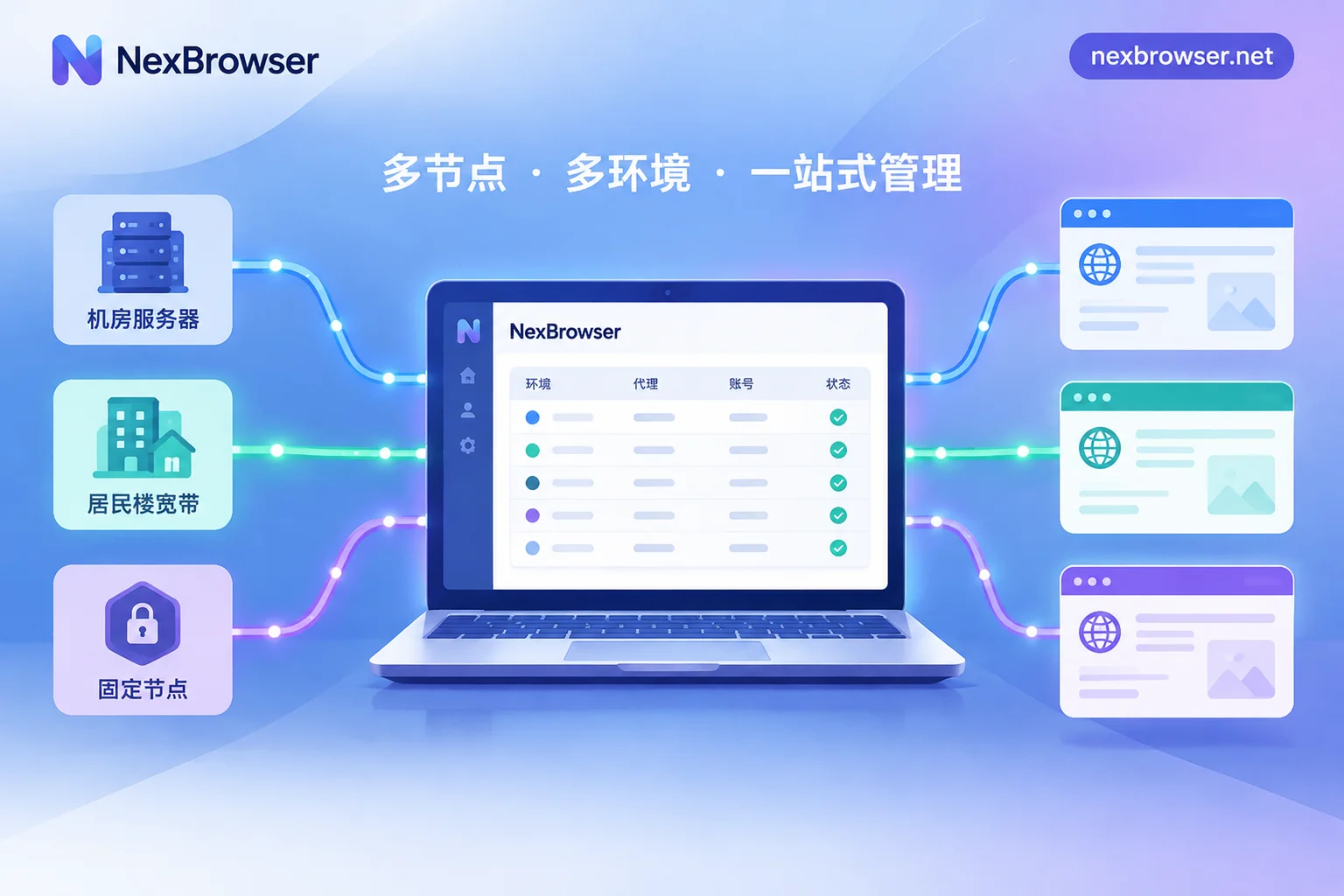
- Each environment has an independent proxy, and the proxy type (HTTP/HTTPS/SOCKS5) matches the environment.
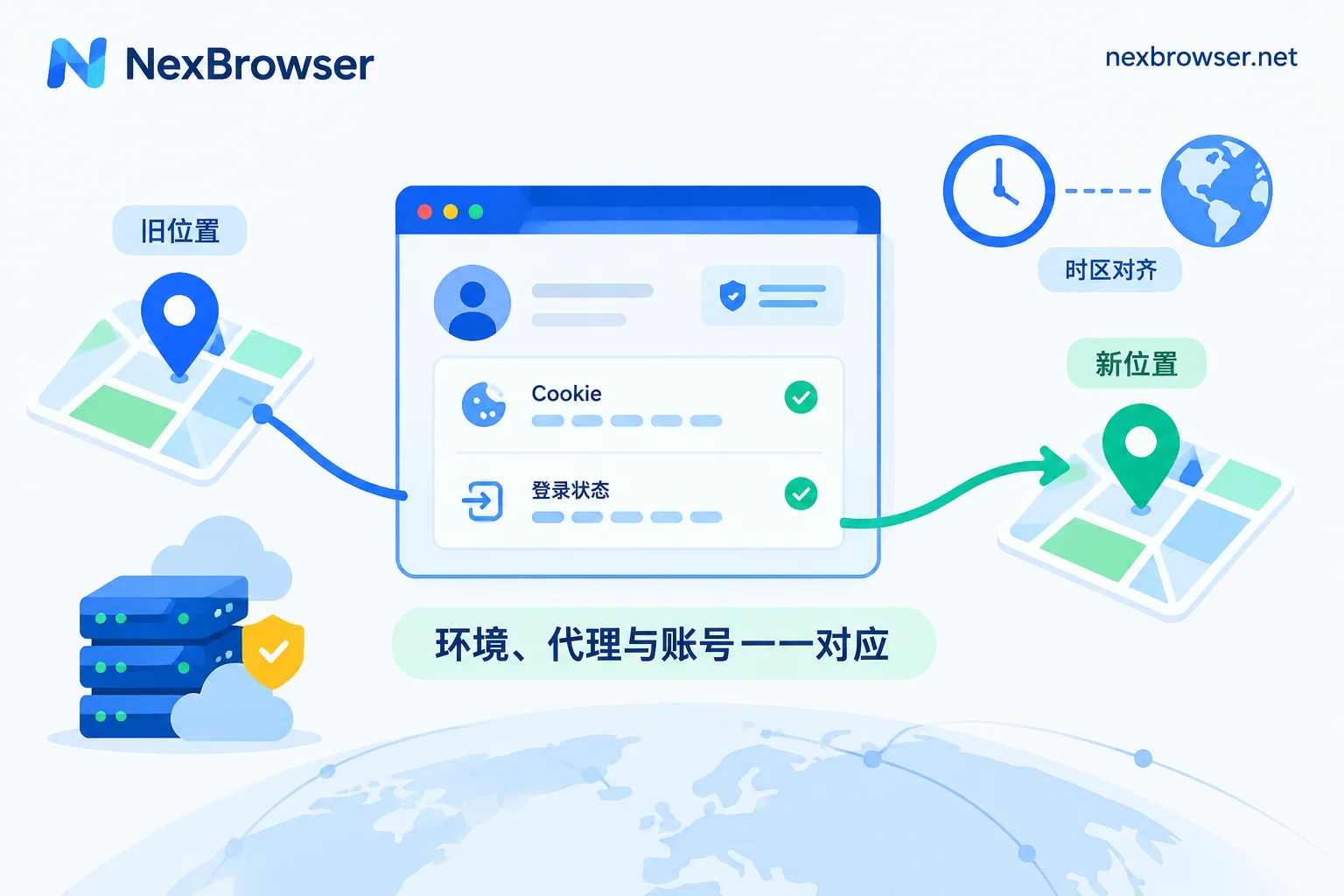
- After login, verify that the exit IP, browser timezone, and language are consistent.
- Exit changes are logged for traceability.
Refer to “Proxy IP Binding for Browsers” for configuration points to ensure exit independence.
Criterion 4: Outreach Cadence—Why Mass Adding After Quota Tightening Is More Exposed Than Environment Issues
A third-party test in August 2026 found that a standard account’s baseline for weekly connection requests is about 100, while high-weight paid accounts can reach 150–200. These numbers are reference points and vary with account weight and platform policy. Short, high-frequency bursts and cross-timezone operations easily trigger invitation restrictions. For example, a new hire sending 80 identical invitations in one day is a typical cadence failure.
Team-level suggestions:
- Assign each member an independent outreach plan and stagger execution.
- Using identical templates across accounts is a major mistake; personalize and rewrite.
- Split quotas daily to avoid Monday spikes.
If you receive a “invitation sending restricted” message, what should you do? Immediately stop all outreach actions for that account, wait 24–48 hours, and check whether recent message templates are duplicated. Solve the cadence issue first.
Criterion 5: Tiered Handling When Identity Verification Is Triggered: Stop Actions, Check Environment, Then Handle Credentials
When LinkedIn asks for ID upload, it often means the platform detected unusual login or linking risk and initiated government ID and face comparison via Persona (LinkedIn Help Center, June 2026).
Handling order:
- Pause all outreach and automation for that account.
- Check whether the login environment and network exit have crossed or jumped; fix before logging back in.
- The verified owner handles credentials and verification materials; no proxy operations. During verification, do not run any automated outreach scripts or have others fill in documents and face data.
Any claim to bypass Persona verification is unreliable and carries permanent ban and legal risks.
A Common Misconception: Why Switching to a Residential IP Does Not Fix Multi-Account Linking
This is the most common misunderstanding in LinkedIn B2B marketing team multi-account security. LinkedIn uses a multi-dimensional model of “device fingerprint + network exit + behavior patterns + verified credentials.” Simply changing to a residential or static IP cannot block linking caused by overlapping browser session caches, identical hardware features, or similar marketing templates. Therefore, residential proxies do not grant immunity. Teams must isolate environment, behavior, and credentials simultaneously.
Refer to “Common Misconfigurations and Troubleshooting for Browser Independent IP” to avoid configuration gaps.
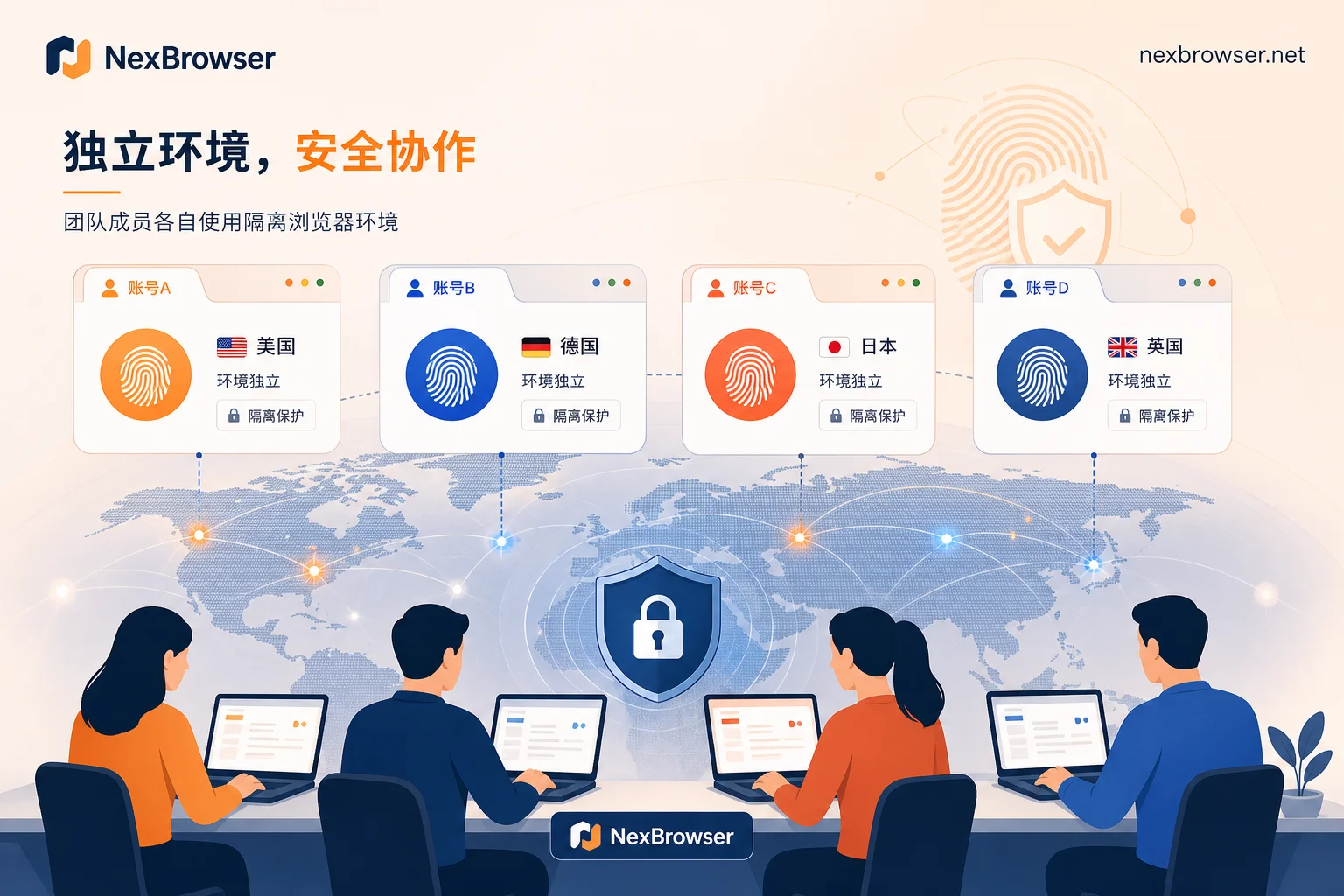
Implementing the Five Criteria as Checkable Configurations in NexBrowser
Based on the criteria, teams can solidify configuration actions:
- Create a separate browser environment for each account to isolate fingerprint, cookies, and cache.
- Bind environment and proxy 1:1, and check exit consistency one by one.
- Assign environments and permissions based on member visibility; on departure, hand over the environment, not passwords.
Using NexBrowser’s team environment collaboration as an example, admins can view environment owners in the backend and recycle environments of departed employees. See “Secure Handover for Employee Departure and Browser Environment Migration.”
A One-Page Checklist for LinkedIn Multi-Account Collaboration and Its Limits
Use this checklist for quarterly self-audits:
- Account Ownership: Is each account’s verified owner unique? Are there any “shared accounts”?
- Login Environment: Is it one account per environment? Any cross-login?
- Network Exit: Are proxies bound? Are exit IP, timezone, and language consistent?
- Outreach Cadence: Is the weekly connection request volume within safe limits? Are templates differentiated?
- Verification Handling: When triggered, do you follow “stop-check-verify” order?
Limits: LinkedIn has not disclosed the weights of risk algorithm signals. These criteria are based on official terms and third-party tests. Tools can only reduce the probability of misjudgment, not guarantee freedom from restrictions.
FAQ
Is it safe for multiple people to share one LinkedIn account?
No. It violates LinkedIn’s user agreement and may lead to account restrictions. Teams should share company page admin roles rather than passwords.
Can multiple LinkedIn accounts be logged in on the same computer?
Technically yes, but the same browser session creates linking signals. Use separate browser environments to isolate fingerprints and caches, reducing misjudgment risk.
Will multiple employee LinkedIn accounts be linked?
If they share IP, device, or templates, they may be flagged as linked. Stick to one account per environment, independent exits, and differentiated content to reduce risk.
Does LinkedIn require re-verification on new devices?
Normal device switches may only require an email code. If environmental changes are large, stronger verification may be triggered. Keep environments consistent and avoid frequent changes.
What should I do if my LinkedIn account is restricted from sending invitations?
Immediately stop outreach, check for duplicated templates, wait 24–48 hours, then resume at a lower frequency. Do not try to bypass restrictions.
How many friend requests can LinkedIn send per week?
Third-party reference values: about 100 for standard accounts, 150–200 for high-weight accounts. These are not official and change with platform policy. Stay within the reference range and stagger sends.



Comments(0)