 NexBrowser指纹浏览器-官方博客Blog
In current cross-border social media marketing, multi-account Twitter operations have become standard practice for brand overseas traffic and matrix dissemination. To improve content production efficiency, most operations teams rely on ChatGPT to assist with drafting tweets, replying to interactions, and translating multilingual content. However, many teams suddenly notice a significant "quality degradation" (Jiangzhi) in their ChatGPT usage—response quality drops, reasoning capabilities weaken, inability to recognize images or read documents, and even advanced models being silently downgraded to basic versions.
The core of this issue lies in the increasingly strict risk control detection mechanisms of OpenAI and social media platforms. This article will detail the specific reasons behind ChatGPT quality degradation in multi-account Twitter collaboration and provide practical solutions based on environment isolation and network configuration.
What is ChatGPT "Quality Degradation"? Common Trigger Scenarios for Twitter Teams
The so-called ChatGPT "quality degradation" refers to OpenAI's anti-abuse mechanism that, after detecting abnormal access environments, routes user requests to lower-tier models or restricts advanced features without any warning in the frontend. Typical manifestations include:
- Loss of advanced features: Inability to use DALL-E image generation, real-time web browsing, or upload and analyze text materials.
- Decline in response quality: Confused reasoning, perfunctory and brief content, and loss of multi-turn conversation context.
- PoW (Proof of Work) verification anomalies: Increased difficulty in browser-side computational verification, noticeable delays, or frequent errors.
In multi-account Twitter operations, the main triggers for quality degradation are as follows:
1. Shared Proxy IP Contamination
Many teams use public data center proxies or shared nodes when managing multiple Twitter accounts. When the same IP segment is frequently requested by many users, OpenAI's security risk control system flags the IP as high-risk, leading to batch restrictions and quality degradation for all ChatGPT sessions under that IP.
2. Browser Fingerprint Cross-Contamination and Environment Correlation
If you log into different Twitter and ChatGPT accounts in the same regular browser window by frequently switching tabs, clearing cookies, or using incognito mode, your Canvas hardware fingerprint, WebGL parameters, system timezone, and language features remain the same. Once one account triggers the platform's alarm, other AI accounts in the same environment may also be affected by bans or downgrades.
3. Mismatch Between Network Environment and Device Parameters
If you use a proxy network with overseas nodes but your local browser's system language, timezone, and DNS appear as domestic, this fingerprint inconsistency is easily captured by OpenAI's risk assessment algorithms.
How to Diagnose Whether ChatGPT Has Been "Downgraded"?
In daily operations, you can quickly check the AI session status using the following two methods:
- Function instruction test: Enter
Summarize your tool in a markdown table with availabilityin the dialog. If the returned table contains only 1-2 basic tools, it indicates that the account's features have been significantly reduced; if it fully displays multiple tools such as web browsing, code analysis, and image generation, the status is normal. - Developer tools inspection: Press F12 to open browser developer tools and check the PoW value in the
chat-requirementsnetwork request. In a high-quality environment, the PoW value typically has a longer hexadecimal string (e.g., more than 5 digits), while restricted environments often show extremely low or abnormal values.
Independent Isolation Solutions for Multi-Account Twitter and AI Collaboration
To thoroughly solve the ChatGPT quality degradation problem in multi-account Twitter operations, the key is to build a dual protection environment of "clean network + independent fingerprints":
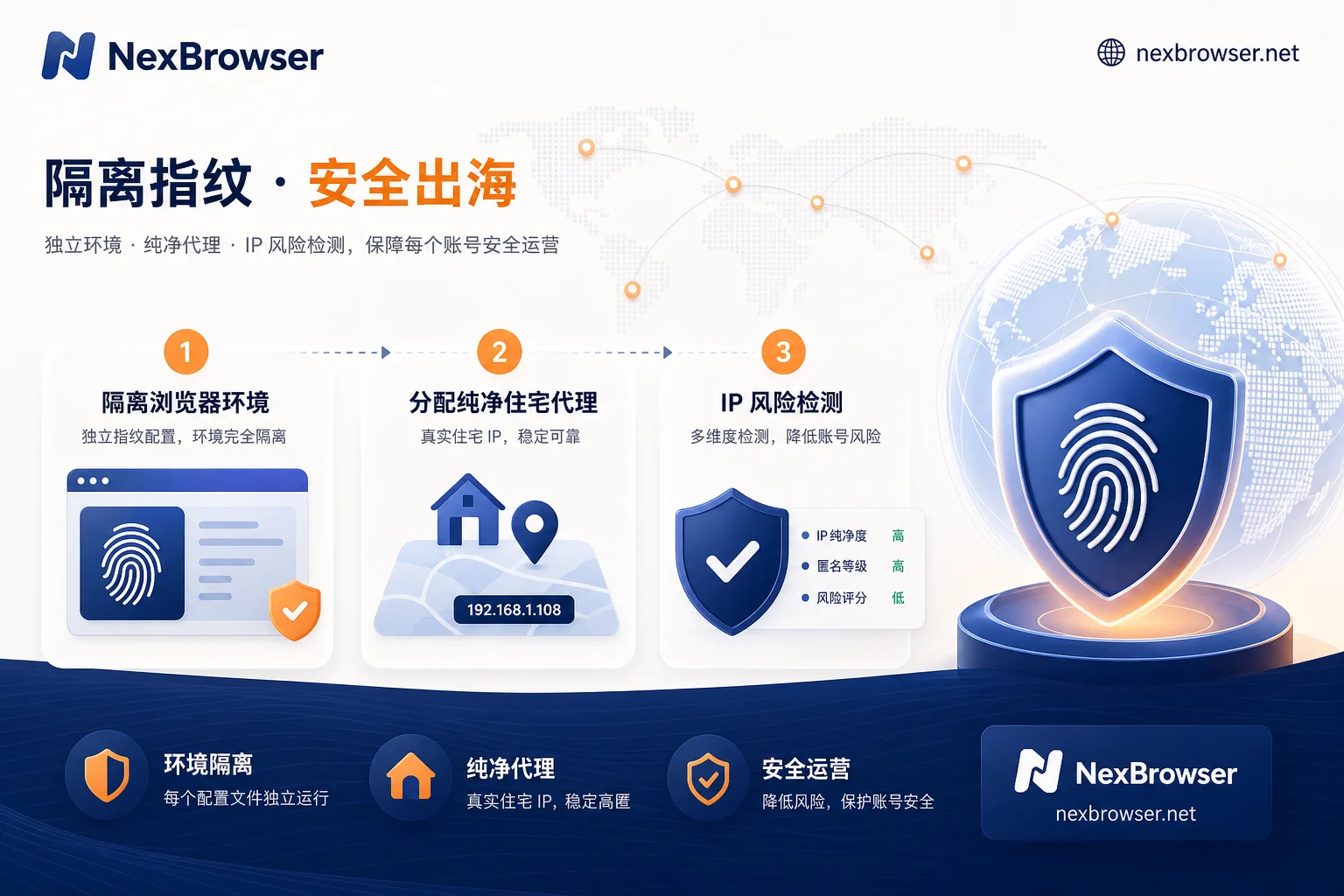
Step 1: Implement the "One Account, One Environment, One IP" Isolation Principle
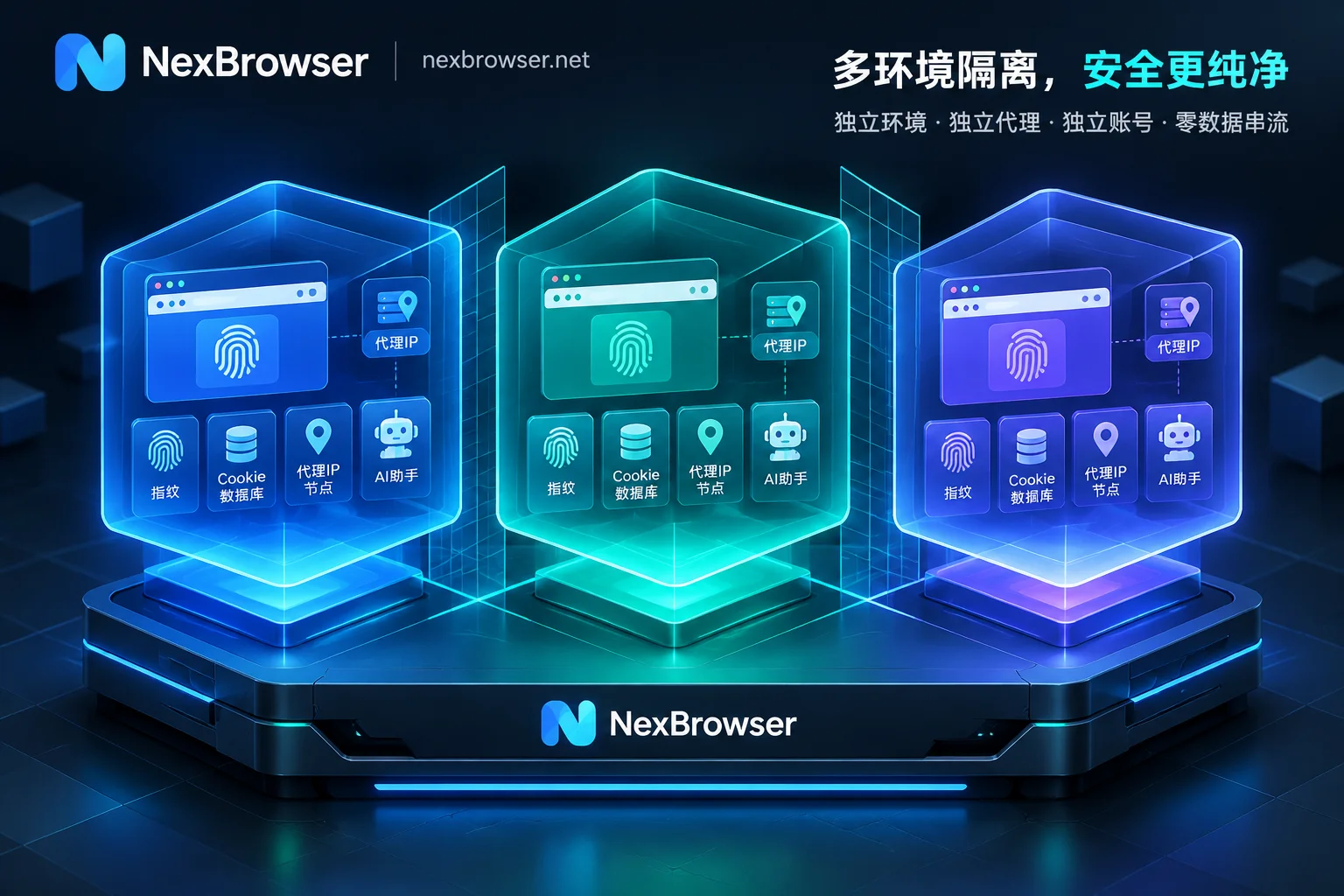
Avoid mixing multiple social media and AI accounts in the same browser instance. Establish completely independent running containers for each Twitter account and its corresponding ChatGPT aid account, ensuring cookies, local storage, and browser caches do not interfere with each other.
Step 2: Choose High-Quality Static Residential IP (ISP) Proxies
Replace data center VPS IPs with exclusive static residential proxies. Residential IPs originate from local real home broadband and have high credibility in the trust databases of OpenAI and Twitter, effectively avoiding collateral risk from IP contamination.
Step 3: Deeply Spoof Underlying Device Fingerprints
Ensure that the browser's Canvas fingerprint, AudioContext, WebRTC addresses, font list, and hardware concurrency parameters conform to natural user behavior, avoiding machine-specific features typical of automated testing tools.
How NexBrowser Facilitates Compliant Collaboration Between Twitter Matrices and AI Tools
As a fingerprint browser designed for cross-border social media operations and overseas marketing teams, NexBrowser provides targeted underlying support for multi-account anti-association and AI assistant stability:
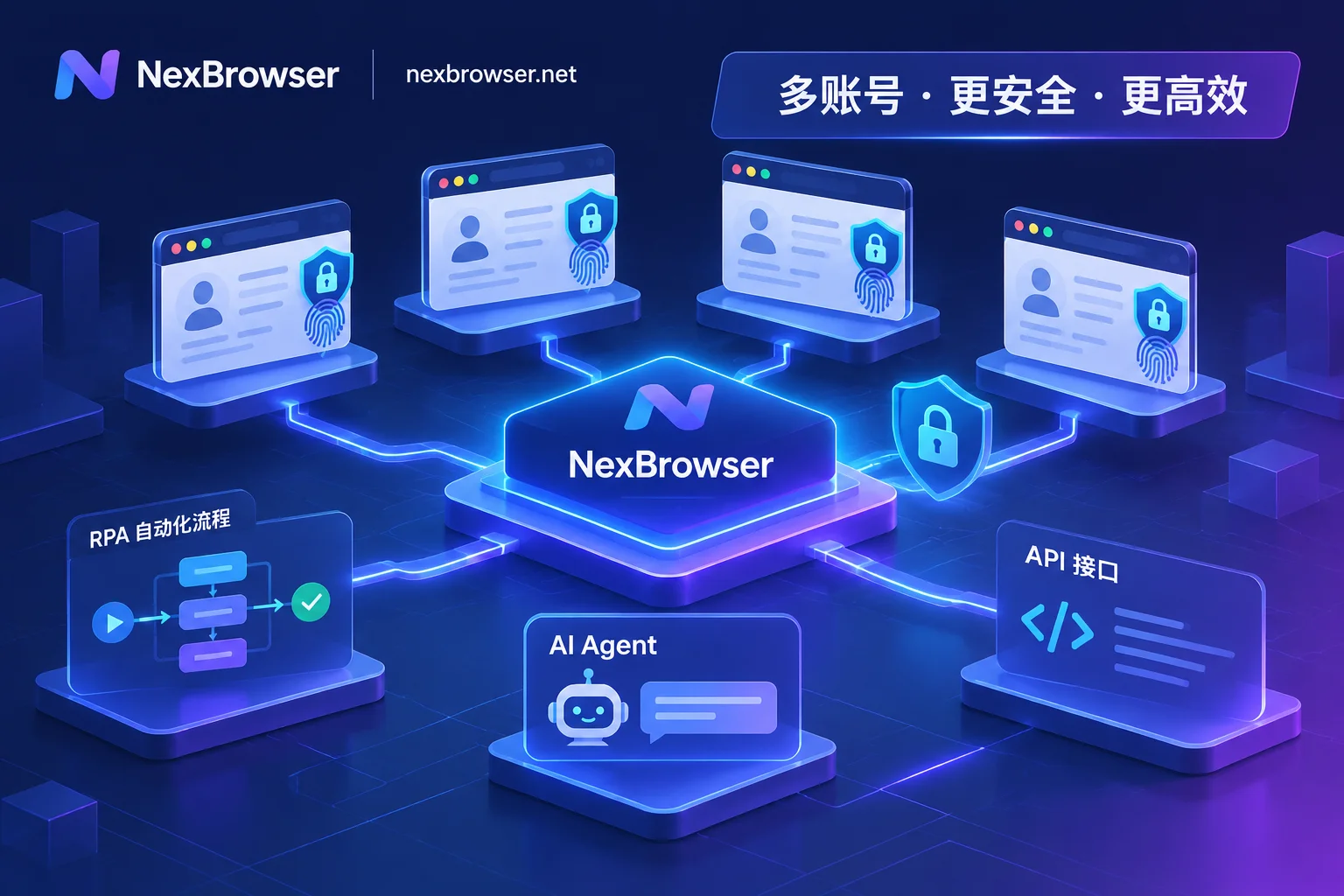
- Independent browser environments and fingerprint isolation: NexBrowser can generate independent isolated environments for each Twitter account and its bound ChatGPT session, achieving complete separation of cookies, caches, and hardware fingerprints, preventing cross-account association.
- Chrome fingerprint simulation and proxy consistency: Through precise Chrome fingerprint simulation, combined with HTTP/HTTPS/SOCKS5 proxy management, NexBrowser automatically matches the geographic timezone, system language, and WebRTC mode corresponding to the proxy IP, eliminating AI quality degradation caused by network feature distortion at the source.
- Team environment collaboration and efficient automation: With team environment collaboration capabilities and Local API or no-code RPA, social media teams can safely distribute multi-account content creation and operation tasks while ensuring account anti-ban and AI stability, greatly improving team productivity.
Summary and Compliance Operation Suggestions
The success of multi-account Twitter operations is built on a robust underlying security foundation. Facing increasingly intelligent platform risk control, avoid relying on speculative methods like illegal batch registration or frequent node switching. It is recommended that teams establish a proper fingerprint isolation mechanism and configure clean static residential networks, allowing Twitter matrix operations and AI productivity tools like ChatGPT to deliver maximum value in a stable, long-term manner.


Comments(0)