 NexBrowser指纹浏览器-官方博客Blog
只是一个默认分类
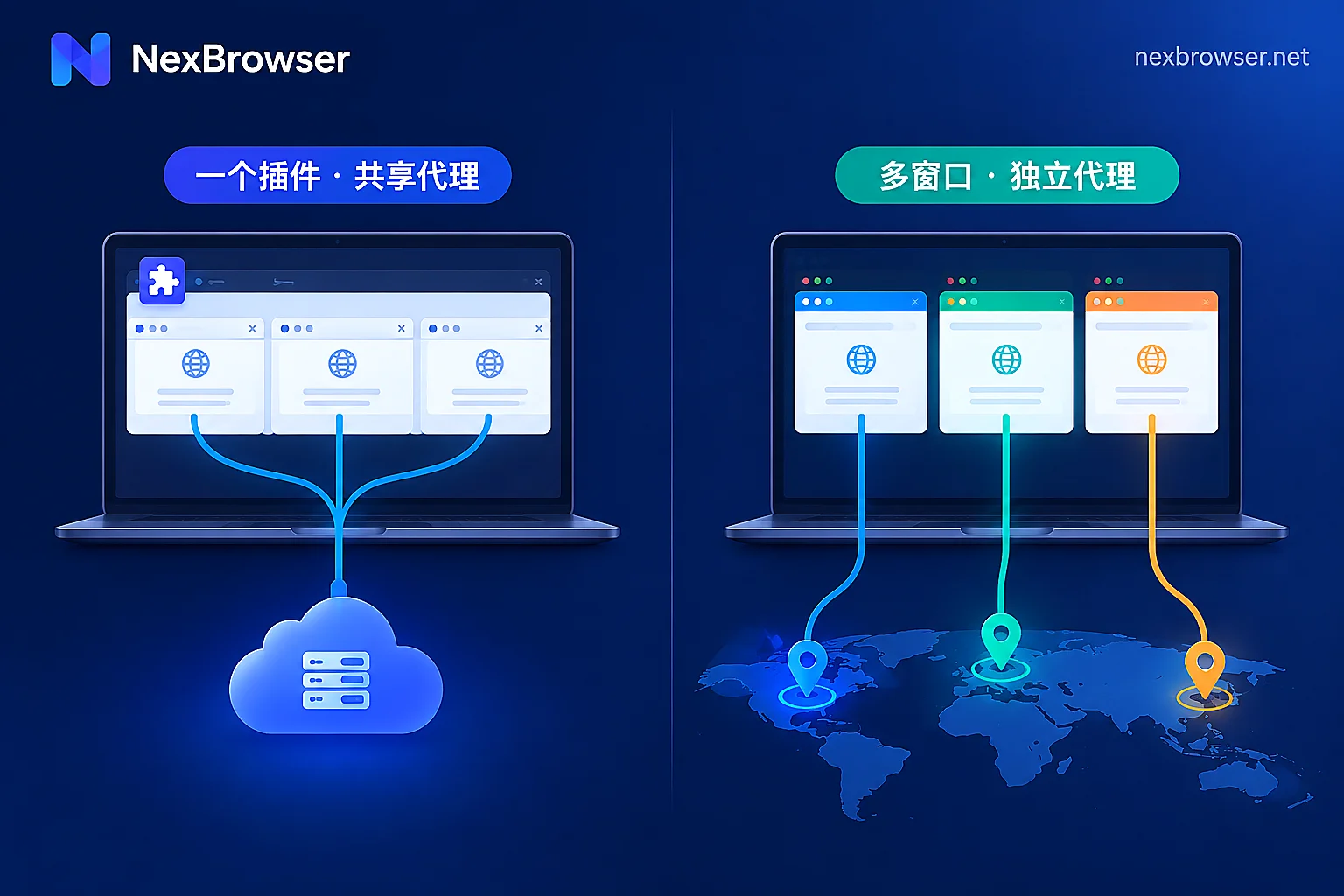
Browser Extension Proxy vs. Built-in App Proxy: Choose by How Many Accounts You Manage
The difference between extension proxies and built-in app proxies isn't which one "changes IPs better" but at which layer the proxy takes effect: extensions modify requests sent by the browser, while built-in proxies lock down the network exit when the environment starts—so one browser with occasional routing only needs an extension, but running multiple independent accounts on one machine calls for built-in proxies with per-environment exit verification.
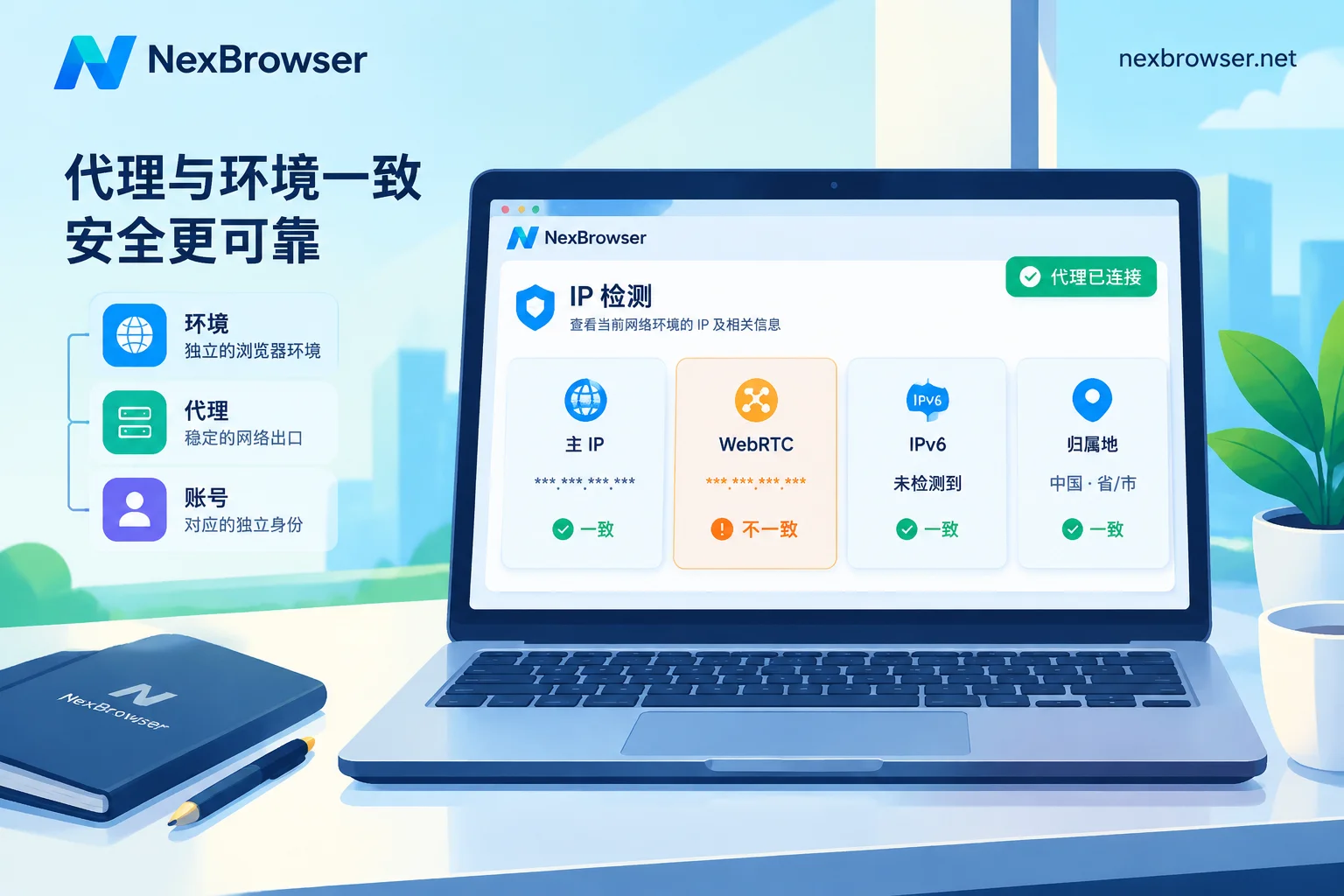
Proxy Connected but IP Mismatch on Detection Page: Identify Which Column First, Then Troubleshoot by Cause
An IP mismatch on a detection page doesn't necessarily mean the proxy isn't working; first identify whether the mismatch is in the main IP, WebRTC, IPv6, or geolocation label, then address gateway vs. exit confusion, dynamic rotation, UDP bypass, dual-stack direct connection, extension conflicts, and database differences, and finally re-verify the exit in the environment.
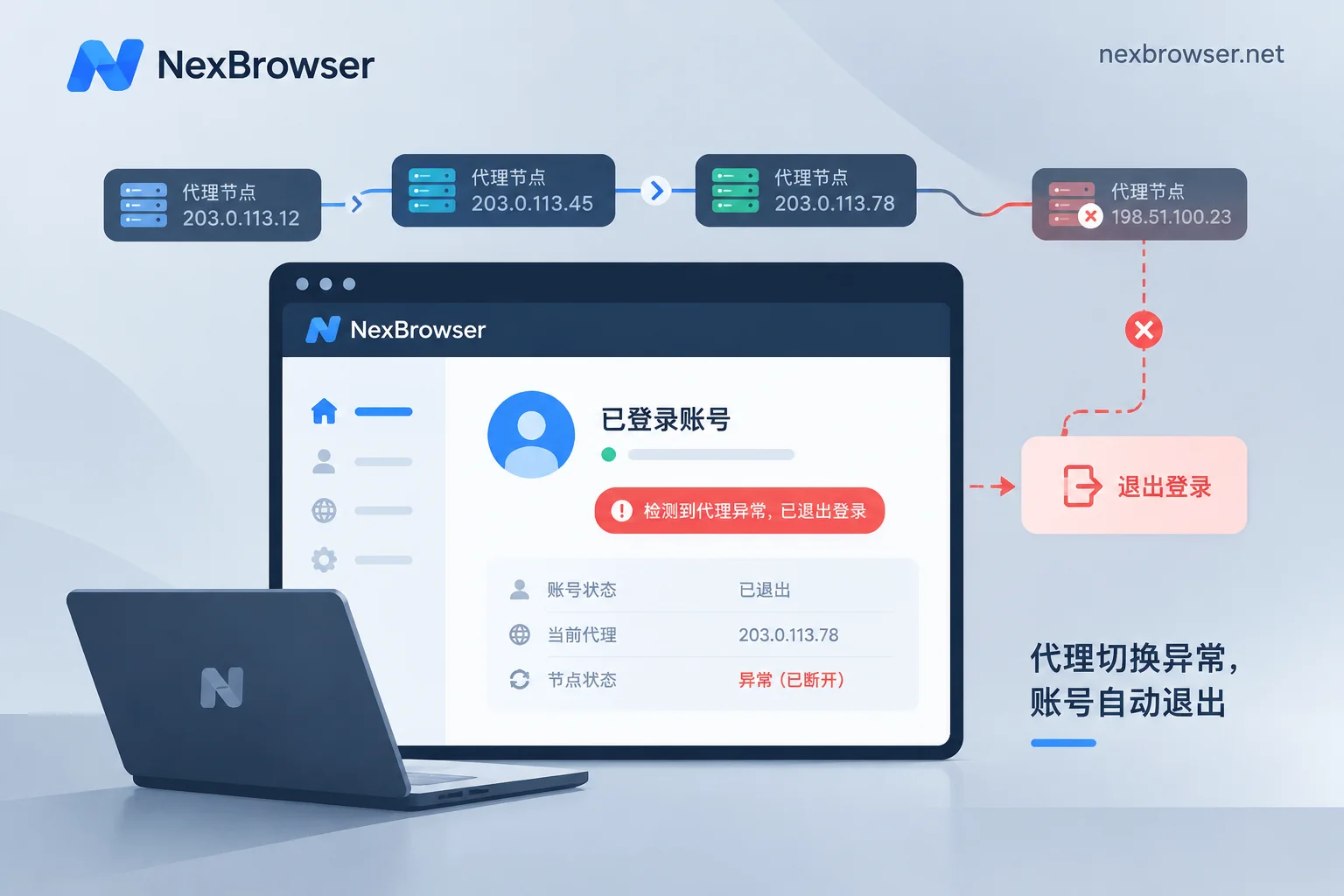
Does Dynamic Rotating Proxy Cause Account Login Drops: Rotation Method Determines Risk, Static IP Recommended for Long-Term Logins
Dynamic rotating proxies can indeed cause account login drops, with risk depending on rotation method and platform rules. Per-request rotation is unsuitable for logged-in accounts; sticky sessions last a while but IP still changes upon expiration or node offline. Accounts needing long-term login are better off with static IPs. This article explains causes, troubleshooting, and configuration order.
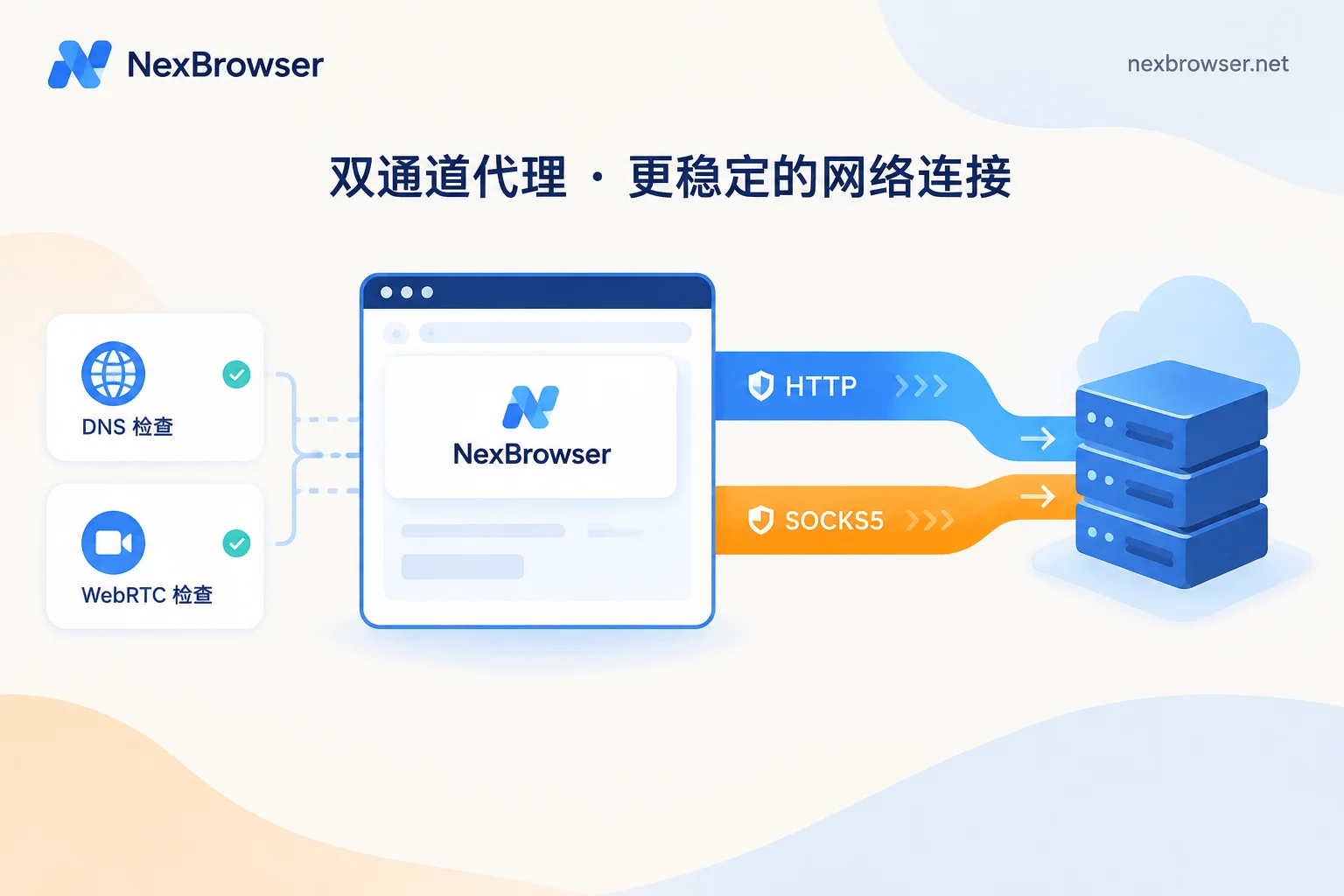
SOCKS5 vs HTTP Proxy for Browser Binding: Little Difference for Web Scenarios, But Check DNS and WebRTC
HTTP proxies work at the application layer to handle web traffic, while SOCKS5 operates at the session layer and simply forwards data. For multi-account browser management, as long as the exit IP, DNS resolution location, and WebRTC are verified, both protocols deliver essentially the same results for regular web browsing. This article explains their differences in protocol layer, connection overhead, DNS resolution, and UDP support, provides selection guidance for different scenarios, and offers step-by-step verification after binding.
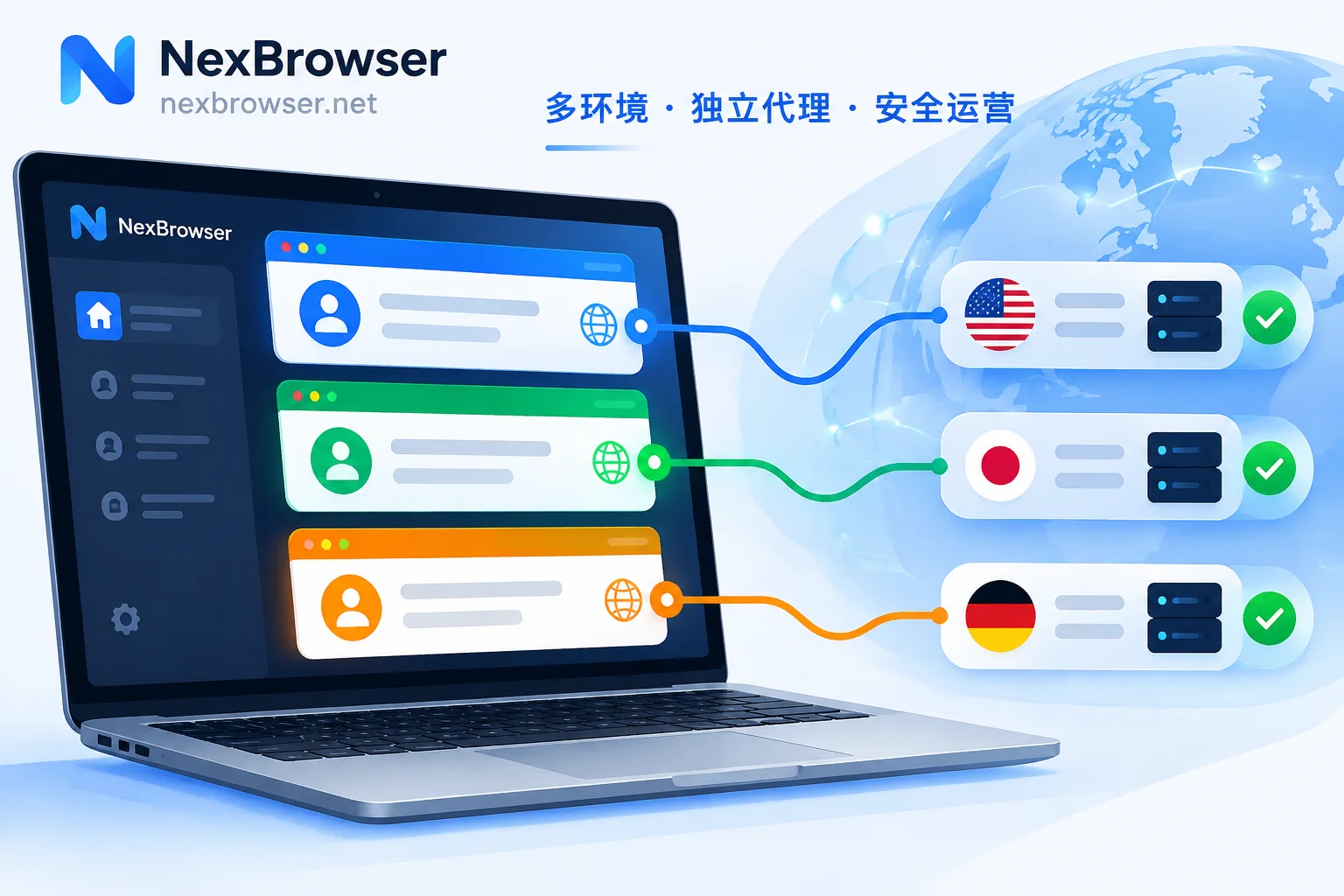
How to Set a Separate Proxy for Each Fingerprint Browser Profile: Fill, Test, Align, and Verify
A step-by-step guide to binding one proxy per browser profile: fill in the proxy, test connectivity, align timezone, language and WebRTC with the exit, and verify the exit IP after launch.