NexBrowser指纹浏览器-官方博客Blog
When Google launched Antigravity AI IDE, the entire developer community was excited. It's not just a code completion tool, but a real "AI agent programming" revolution.
However, this overseas technical benefit has left many developers in mainland China at a loss. Even with a Google account and proxy tool ready, they often fail at the final login step.
What is Google Antigravity?
Google's Antigravity is a highly AI-integrated cloud development environment. It's not just simple code completion assistance, but can directly operate the editor, terminal, and browser, independently completing the entire process from planning, coding, to testing as an "AI agent." With the deeply integrated Gemini 3 Pro model, just a natural language description can generate a runnable web page or application, greatly improving development efficiency.
Traditional programming mode: You write code → AI provides suggestions → You adopt or ignore → Continue writing code
Antigravity mode: You describe requirements → AI agent automatically plans → Generates code → Demonstrates in browser → Iterates based on feedback
Who is best suited for Antigravity?
✅ Individual developers/Freelancers: Quickly deliver client prototypes, reduce repetitive work
✅ Startup teams: Complete complex projects with limited resources, accelerate MVP launch
✅ Enterprise development teams: Multi-agent collaboration on large projects, improve delivery efficiency
✅ Programming beginners: Lower the learning threshold through natural language, learn by doing
✅ Creative workers: Quickly transform design ideas into interactive product prototypes
How can domestic users use Antigravity?
Preparation checklist
Before starting, ensure you have:
✅ Google account (in a supported region, e.g., US account, log in to your Google email account before logging into Antigravity)
✅ Proxy tool (Clash, V2ray, etc., must support TUN mode and be able to access overseas websites normally via Chrome browser)
✅ Antigravity installation package
Download link: Obtain from Google official channels:
Step 1: Verify the network
First, we need to verify whether our own network environment is a "true global" overseas network.
- Press Win+R, enter cmd to open the command line
Enter command: curl ip-api.com
Check the "country" field in the returned result
a. If it shows "CN" (China) → Not true globalb. If it shows "US" (United States) or other supported countries → True global (only proceed to next steps after confirming true global)
Step 2: Configure the proxy
Second, we start configuring the proxy environment.
- Right-click the proxy, open the proxy tool as administrator
- Select a supported country in the proxy tool
Common supported countries: United States, United Kingdom, Japan, Italy, Spain, South Korea, Thailand, etc. - After selecting a supported country, enable TUN/Virtual Network Card mode (the name may vary per proxy tool; if you can't find TUN mode, try enabling virtual network card mode)
Step 3: Start Antigravity
Finally, we start Antigravity, proceed step by step, and will arrive at the Google account login screen
We have already set the Google account region and configured the corresponding network environment. After verification, successfully enter Antigravity and start experiencing!
Why does your Antigravity login fail?
Many developers excitedly download Antigravity but encounter a Waterloo at the login stage. Let's analyze three common obstacles:
Obstacle 1: Regional restriction – "Your account is not eligible"
Phenomenon: Popup at login: “Your current account is not eligible for Antigravity, because it is not currently available in your location.”
Usually because Antigravity service is currently only open to Google accounts from specific countries/regions (e.g., US, UK). Additionally, Google's system checks the account's registration region information. Even if your VPN IP shows US, if the account registration region (e.g., Hong Kong) is not within the service scope, access will be denied.
Obstacle 2: Network environment – The misleading "true global"
Phenomenon: Web page shows "login successful", but Antigravity app has no response, or gets stuck on the startup screen.
Antigravity requires a "true global overseas network", while most VPN tools can only achieve "browser proxy" or "partial application proxy".
Obstacle 3: IP purity issue (most overlooked)
Phenomenon: Turned on global mode, switched multiple nodes, still fails
Ordinary VPN nodes are typically:
- Shared datacenter IPs used by thousands
- Marked as "suspicious IP" by Google
- Frequently trigger risk control verification
Google's system can identify whether your IP is from a datacenter or has been used by many accounts. That's why even with correct technical configuration, you still can't log in.
Ultimate solution: NexBrowser dedicated proxy IP to bypass regional restrictions
When your Google account region is not supported, or modification is rejected, traditional methods have reached their end. At this point, a fundamental solution is needed: use a dedicated proxy IP to register a new Google account in a supported region.
Why do you need a dedicated proxy IP?
Core issues ordinary VPNs can't solve:
- Insufficient IP purity: Datacenter IPs, shared IPs are identified and restricted by Google
- Poor environment consistency: When registering a new account, Google checks whether your network environment is real
- Easy to trigger risk control: Frequent IP switching or using suspicious IPs can cause account anomalies
Advantages of dedicated proxy IP:
- Native residential IP, from real home broadband
- Exclusive use, avoiding contamination by other users
- Accurate geographic location, perfectly simulating a local user environment
NexBrowser: The best tool to get a Google account in a supported region
NexBrowser not only provides high-purity residential IPs but more importantly, it helps you batch register and manage multiple Google accounts without environmental impact.
Core value:
1. Register Google accounts in supported regions
- Use Nex's residential IPs from US/Japan, etc.
- Entire registration process environment consistent, no Google risk control triggered
- Newly registered accounts are naturally in supported regions, no modification needed
2. Manage multiple Antigravity accounts
- Each Google account corresponds to one Antigravity account
- Different projects, different team members can use independent accounts
- Avoid work interruption due to single account ban
3. Anti-association technology
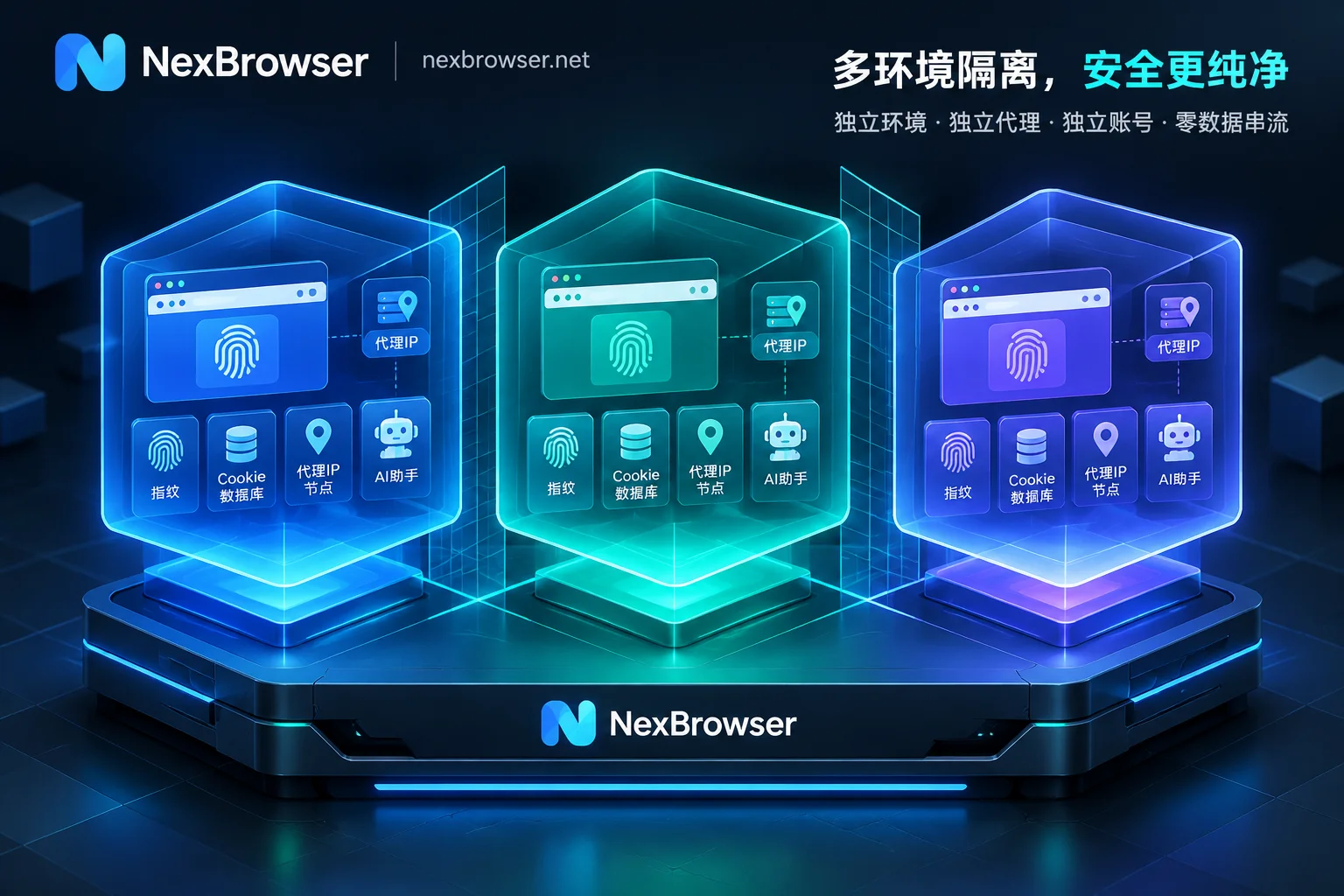
- Fingerprint browser environment isolation, each account independent
- Different accounts use different proxy IPs
- Even batch registration won't be identified as abnormal
Specific operation process
Plan A: Register a new Google account (recommended)
- Download and install NexBrowser
After downloading and registering, batch create account profiles. New users get 5 free profiles, enough to run 5 Google accounts simultaneously! - Customize each account profile
Set independent names and device fingerprints for each profile. - Register a Google account
Visit gmail.com in NexBrowser, use US IP to register a new account throughout, fill in information with a US address (can use an address generator) - Verify environment
Visit Google policies to confirm account region shows US (United States) - Log in to Antigravity
Using the same NexBrowser environment and IP, log in with the newly registered Google account, successfully start Antigravity!
Say goodbye to manual operations, let AI work for you!
Easy multi-account management, starting with NexBrowser!
Plan B: Try to fix existing account (alternative)
If you don't want to give up your existing Google account:
- Use NexBrowser to switch environment and modify account region
Visit your Google account settings, apply to change account region to US; during NexBrowser use, be more active in Google services (search, Maps, etc.)
- How to check account region: Visit Google policies → the third line of terms shows the current account's country version/region version → the country shown is the Google account's country
- How to modify account region: Refer to the guide, switch the account to US or an Antigravity-supported country
Note: Modifying account region requires manually selecting a reason for change; it takes about 0.5-1h to take effect after switching, but longer waits may occur, or the modification request may be rejected by Google.
- Wait for modification to take effect and log in
After confirming successful account modification, try logging into Antigravity with the Google account.
Comparison:
| Plan | Success rate | Time cost | Number of accounts |
|---|---|---|---|
| Use NexBrowser to register new account | 95%+ | 30 minutes | Batchable |
| Modify old account region | 60-70% | 1-3 days | Only 1 |
Anti-ban strategy:
- Use different accounts in different NexBrowser environments
- Avoid frequent account switching under the same IP
- Maintain normal usage habits for each account
Backup plan:
- Prepare at least 2-3 backup Google accounts
- Regularly check account status
- Use multi-account sync backup for important projects
FAQ
Why not just buy a Google account?
Google accounts on the market have unclear origins; they might be low-quality batch-registered accounts that are easily banned. Using NexBrowser to register your own accounts is safer and fully under your control.
What is the cost of NexBrowser?
- New user benefit: 5 permanent free windows + 7-day full-feature unlocked free trial!
- Long-term use: Starting from $4.75/month
- More cost-effective and controllable compared to buying ready-made Google accounts (¥50-100 each)
Will registering multiple Google accounts cause association?
Using NexBrowser's fingerprint browser technology, each account environment is completely isolated, so Google cannot identify they come from the same person.
Does Antigravity limit the number of accounts?
Currently, there is no obvious limit during preview. However, it is recommended: each account focuses on specific projects; avoid abuse (e.g., malicious batch operations); maintain normal usage frequency.
Besides Antigravity, where else can NexBrowser be used?
Applicable scenarios:
✅ AI tool access
- ChatGPT Plus subscription and usage
- Midjourney image generation
- Claude Pro, Perplexity, and other tools
✅ Overseas business development
- Cross-border e-commerce (Amazon, eBay store management)
- Overseas social media operations (Facebook, Instagram, Twitter)
- International market research (view search results, ad placements in different regions)
✅ Privacy protection
- Multi-account management anti-association (each account independent fingerprint environment)
- Sensitive information queries (avoid tracking)
Seize the best time for AI programming dividends, don't let technical barriers stop you
Google has opened all features for free during the preview period. This kind of "freebie" opportunity won't last long. Once officially commercialized, it may adopt subscription or token-based billing. Antigravity's multi-agent collaboration capability is its unique advantage; early users can find the most suitable workflow.
Act now, don't let technical details delay your step into the AI programming era. While your competitors are still writing code manually, you are directing AI agents to complete multiple projects in parallel – this is the dimensionality reduction strike brought by the efficiency revolution!
Embrace NexBrowser, start your Antigravity journey, and let AI become your most powerful partner!