 NexBrowser指纹浏览器-官方博客Blog
The first step in a NexBrowser vs AdsPower feature comparison and migration guide isn't reading marketing pages—it's pulling up the release notes for both tools and comparing kernel versions, system requirements, proxy entry points, permission settings, and API documentation side by side, then testing each during the trial period. In August 2026, AdsPower released v8.7.23, upgrading to Chrome 151 and dropping support for macOS 12, which pushed many teams on older systems to accelerate their evaluation. Feature comparisons can be verified point by point, but data migration needs separate handling—only account text, proxy configurations, and cookies can be carried over; fingerprints must be rebuilt in the new engine.
First, Clarify Two Things: Feature Comparison and Data Migration Are Separate Issues
A NexBrowser vs AdsPower comparison and migration guide needs to address two questions: how to verify feature differences, and which data can be carried over when switching software. The former can be checked across five dimensions; the latter only allows migrating account names, proxy settings, and JSON-format cookies—fingerprint parameters cannot be copied losslessly between software. Taking AdsPower v8.7.23 as an example, it follows Chrome 151 and drops macOS 12; such kernel and system compatibility changes directly determine whether a team's existing devices can continue to be used, which is a practical reason for the recent surge in evaluation.
Dimension 1: How to Verify Kernel Version and System Compatibility Baseline
The kernel version determines the upper limit of website rendering compatibility and fingerprint simulation. Verification method: Open both tools' release pages, record the current kernel number and the officially supported host OS list. AdsPower v8.7.23 has upgraded to Chrome 151 and dropped support for macOS 12. If your team still has devices on older systems, you need to assess three paths: upgrade the OS, replace devices, or evaluate other tools. Check whether the new tool offers comparable isolated environment capabilities, and record its kernel baseline and system requirements. Don't just look at kernel numbers—also look at the update cadence: how often they update, and whether they proactively drop old systems, as this determines your device compatibility over the next two to three years.
Dimension 2: Is the Dynamic Proxy IP Switch Entry in the Environment List or Configuration Page?
Dynamic proxy operations are frequent, and the entry point location directly impacts efficiency. AdsPower v8.7.23 added a one-click Refresh IP shortcut on the environment launch list page, moving an action that previously required entering the edit page up to the list level. When comparing, you need to verify: Can you trigger IP refresh directly from the environment list page, or must you enter the configuration page? Does the exit IP take effect immediately after refresh? Check whether the new tool offers proxy management at the same level, and record the entry point. Trial testing method: Switch the same dynamic proxy ten times in both tools, recording the number of clicks and whether the exit IP changes immediately. If your team heavily uses mobile or rotating proxies, this will significantly affect operational efficiency.
Dimension 3: Team Permission Granularity and Whether Sub-Accounts Can See Plain-Text Passwords
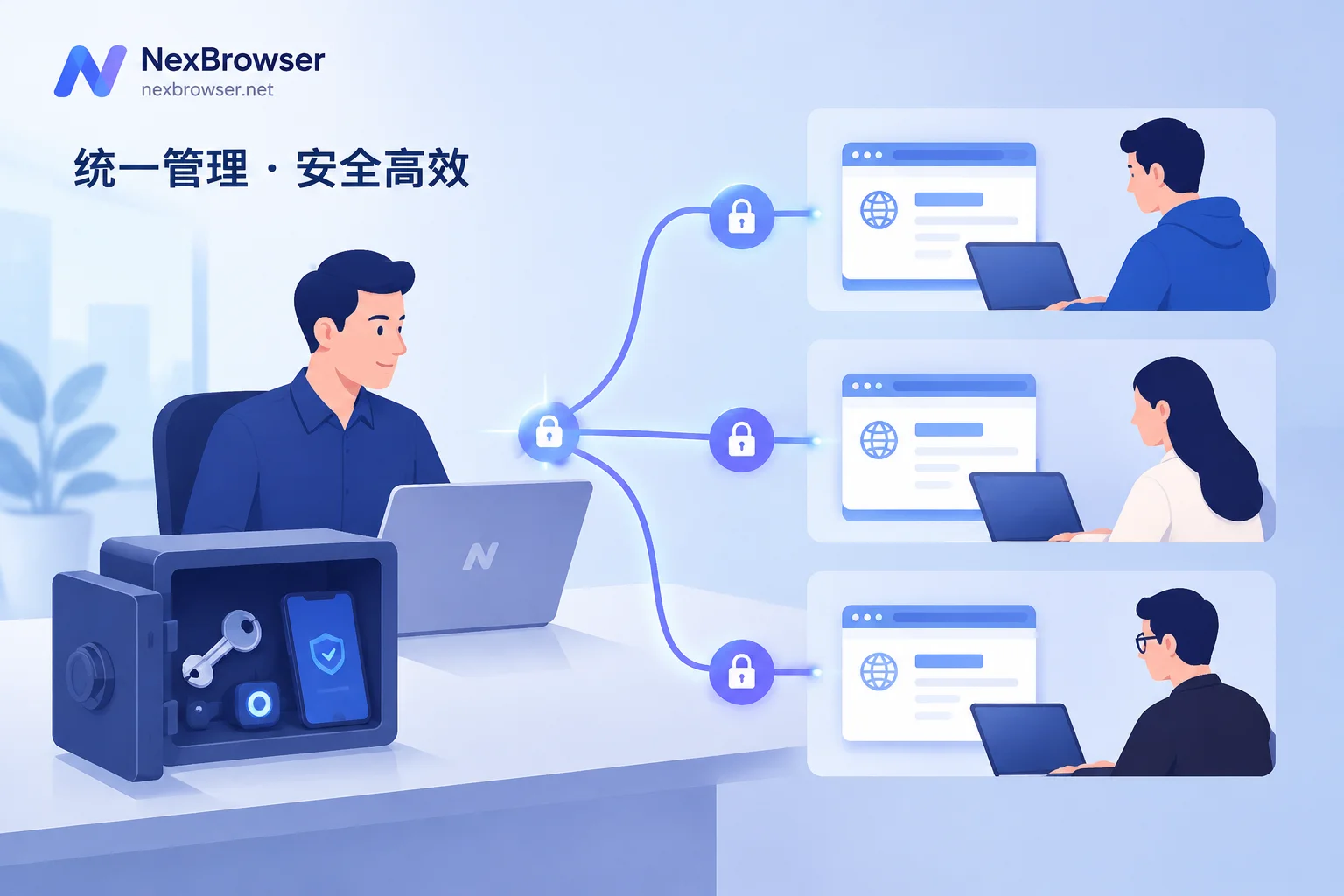
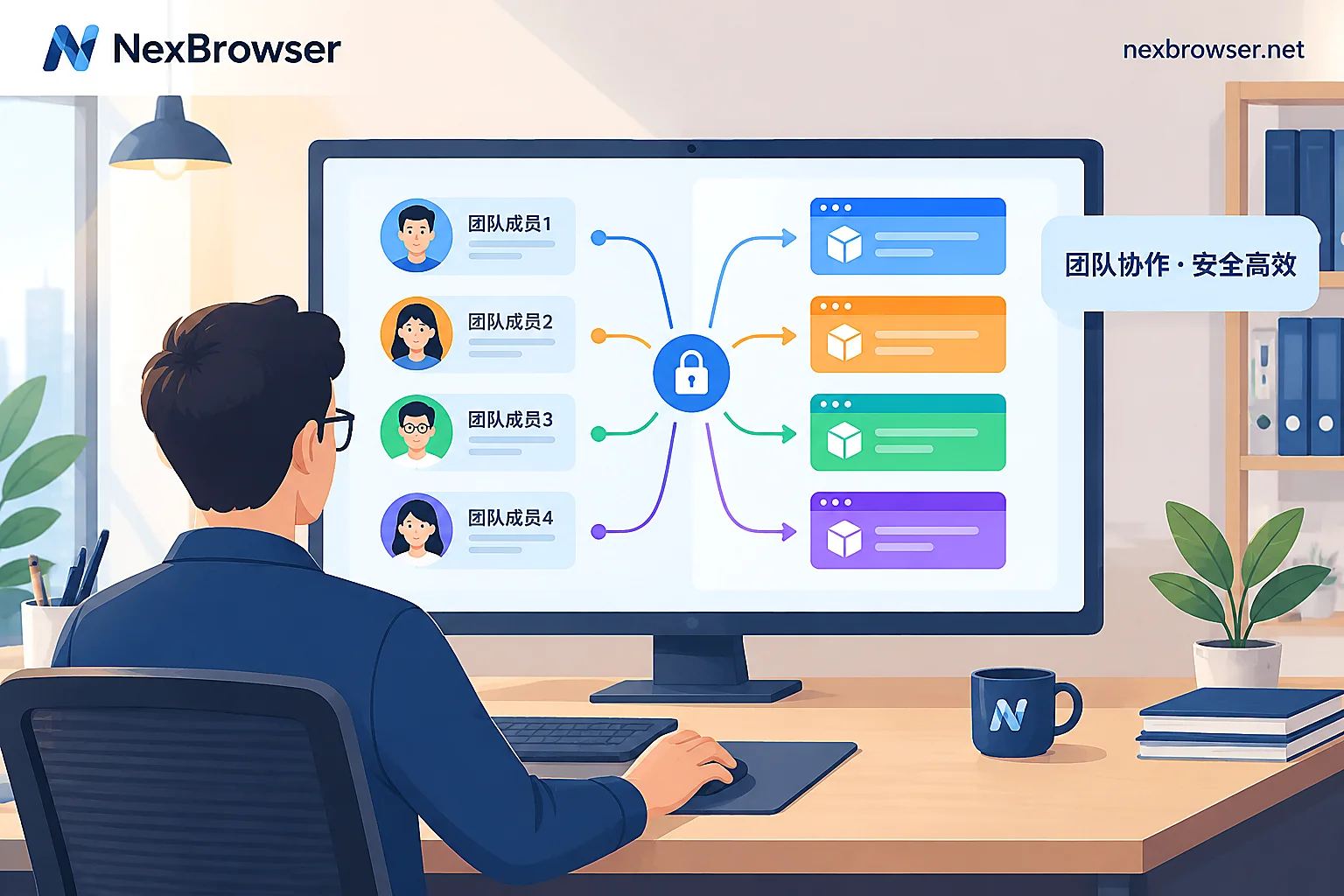
The key to team permissions isn't the number of roles, but what sub-accounts can actually see. Mainstream fingerprint browsers generally support role and function permission isolation for team members, with options to hide plain-text account passwords, restrict environment exports, or limit cloud data overwrites. Such permissions are common in mainstream fingerprint browsers, but whether a specific tool supports them and to what level of granularity must be confirmed during the trial by logging in as a sub-account. Acceptance action: Create a sub-account with the lowest permissions, log in, take screenshots of each item, and confirm whether account passwords are masked, whether environments can be exported, and whether cloud data can be overwritten. Don't just look at the permission switch list in the admin panel—check what a sub-account actually sees. Beyond permissions, you should also be able to trace operation logs; for reference, see the log audit feature of multi-person collaboration anti-association browsers.
Dimension 4: Automation Interface Architecture—What Local API, WebDriver, and No-Code RPA Cover
Automation capabilities determine whether you can batch-operate environments. Automation in mainstream fingerprint browsers typically follows a layered structure: the bottom layer uses a Local API to expose local control interfaces, paired with Selenium, Puppeteer, or Playwright for driving; the upper layer uses no-code RPA task flows to handle batch forms and clicks for non-developers. Check whether the new tool offers comparable automation capabilities and confirm the completeness of API documentation. Selection criteria: First, determine if your team has someone who can maintain scripts—if so, the underlying API is the priority; if not, no-code RPA is more practical. Avoid buying an API that no one integrates, and avoid relying on RPA when you hit complex scenarios that need customization. During the trial, run a minimal script: Use the Local API to launch an environment and open a target website to verify API stability. For specific RPA collaboration workflows, see RPA bot and fingerprint browser collaboration workflow.
Dimension 5: Migration Boundaries—What Can Be Carried Over, What Must Be Rebuilt
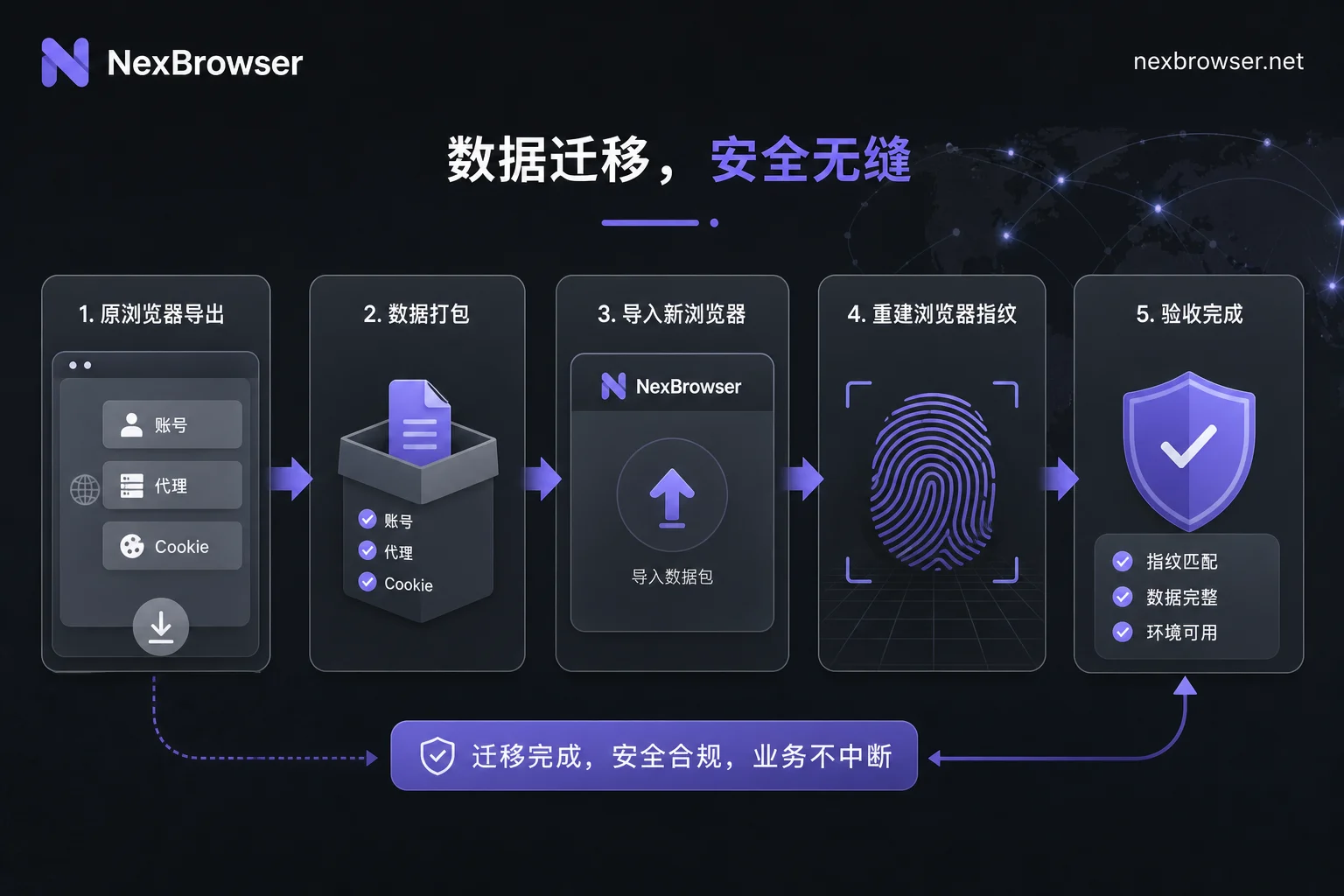
In a NexBrowser vs AdsPower comparison and migration guide, migration boundaries are the most important section to clarify: Cross-fingerprint browser migration is not a full-machine clone—you cannot copy the original software's browser config files, plugin sandboxes, offline history, or underlying fingerprint masks wholesale to the new software. The viable path is: Export account names, proxy configurations, and JSON-format cookies from the original tool, create environments in the new tool, import them, and let the new engine regenerate hardware fingerprints. Two common misconceptions need correction: First, “exporting config equals completing migration”—in reality, fingerprints must be rebuilt; Second, “after importing cookies, login sessions will always work”—if the proxy's exit country or ASN changes abruptly, the target platform may still trigger secondary verification. Therefore, after migration, you must verify login sessions and proxy connectivity environment by environment, rather than importing and going live immediately. If you're concerned about account handover when employees leave, refer to employee offboarding account security handover and browser environment migration.
What You Can and Cannot Verify During the Trial Period
During the trial, you can verify: kernel version numbers, system requirements, proxy switch click counts, sub-account visible fields, whether APIs work, and login results after cookie import. What you cannot verify: long-term stability, platform risk control reactions, and vendor-unpublished implementation details. For example, AdsPower v8.7.23's kernel upgrade and macOS 12 deprecation are public facts that can be verified; but questions like “will importing cookies never trigger verification?” depend on the target platform's risk control strategy, not something the tool can promise. So, don't treat short-term trial conclusions as long-term truths; continuous monitoring is needed after migration. The public facts verifiable in this article come from AdsPower's August 2026 v8.7.23 release notes; the rest are industry common practices, and specific behavior should be based on each team's own testing.
Corresponding Configuration Locations in NexBrowser and Batch Spot-Check Practices
Mapping the five dimensions to NexBrowser: Kernel and parameters correspond to isolated browser environments with fingerprint/cookie/cache isolation and Chrome fingerprint simulation; proxy binding corresponds to HTTP/HTTPS/SOCKS5 proxy management and window sync; permissions correspond to team environment collaboration and visibility settings; automation corresponds to Local API, WebDriver, and no-code RPA. Migration spot-check action: First migrate 5–10 low-risk environments, batch-launch them, and verify exit IPs, timezone/language consistency, and login status one by one. Expand in batches after passing, rather than migrating everything at once. For a broader view of alternative tool evaluation dimensions, see Ghost Browser alternatives.
One-Page Feature Comparison Table and Migration Checklist
The table below is the executable version of the NexBrowser vs AdsPower comparison and migration guide, including only verifiable items.
| Dimension | What to Check | How to Verify | Pass Criteria |
|---|---|---|---|
| Kernel baseline | Kernel version, system requirements | Check release notes and settings page | Kernel meets team needs; old OS devices work |
| Proxy switching | Location of proxy IP switch entry, refresh speed | Switch same proxy ten times, record clicks and effect latency | Can trigger refresh directly from environment list page, exit IP changes immediately; record click count as team baseline |
| Permission granularity | Whether sub-accounts see plain-text passwords, can export | Log in as least-privilege sub-account and screenshot each item | Plain-text passwords masked; cannot export environments or overwrite cloud data |
| Automation API | Local API / WebDriver / RPA availability | Run minimal script; create one RPA task flow | API stable; documentation complete |
| Migration boundaries | Exportable data scope, fingerprint rebuild method | Export accounts, proxies, cookies; import into new environment | Accounts and proxies importable; fingerprints regenerated and verified |
Migration step-by-step checklist: 1. Export account credentials and proxy config from the original tool; 2. Export JSON-format cookies; 3. Create environments in the new tool and rebuild fingerprints; 4. Batch spot-check 5–10 environments for exit IPs and login status; 5. Expand in batches only after passing, keeping original environments until new ones are stable.
FAQ
Can AdsPower environments be imported into another fingerprint browser?
Yes, but only account names, proxy configs, and JSON cookies can be imported; fingerprint parameters cannot be migrated across software. The new tool will regenerate hardware fingerprints, and you must verify login status and proxy connectivity per environment after import—do not go live immediately.
Will cookies be lost when switching fingerprint browsers?
Cookies can be exported as JSON and imported into the new software, but login sessions may not persist. If the proxy's exit country or ASN changes significantly, the platform may require secondary verification. It's recommended to test with a small number of environments first.
Do I need to rebind proxies when switching fingerprint browsers?
Yes. Proxy configurations can be exported and imported, but new environments need to bind proxies again to ensure consistent exit IPs. After binding, check that the proxy matches the fingerprint's location to avoid triggering risk control.
Can sub-accounts see account passwords in fingerprint browsers?
Mainstream tools commonly support hiding plain-text passwords. NexBrowser provides visibility settings in team environment collaboration; for other tools, verify masking during the trial.
What to do if AdsPower doesn't support macOS 12?
Starting with v8.7.23, AdsPower no longer supports macOS 12. For older devices, consider upgrading the OS, replacing hardware, or evaluating other tools. First confirm your system version, then decide on migration direction.


Comments(0)