 NexBrowser指纹浏览器-官方博客Blog
How to Build a No-Code RPA Workflow in an Antidetect Browser: From Environment Readiness to Batch Distribution
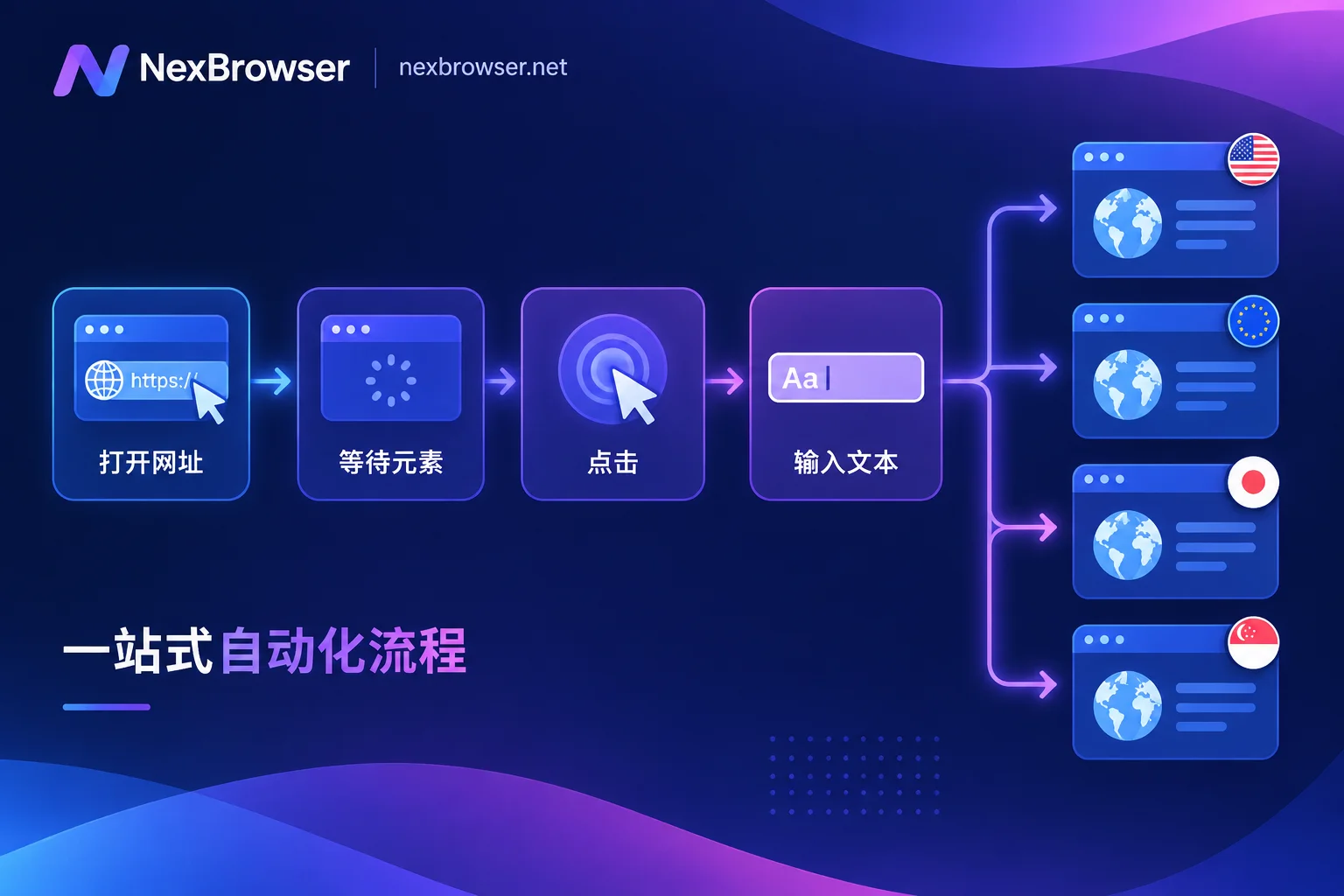
The order for building a no-code RPA workflow is fixed: first confirm environment login state and proxy availability, then use recording or drag-and-drop to build the main flow, stabilize selectors and waits, debug step by step in a single environment, and only then bind groups for batch execution. This article explains each step, how to confirm it actually works, and when to switch to scripts.

How to Save Browser Environments as Templates for Batch Replication: Three Methods with Fixed Baseline and Independent Fingerprints
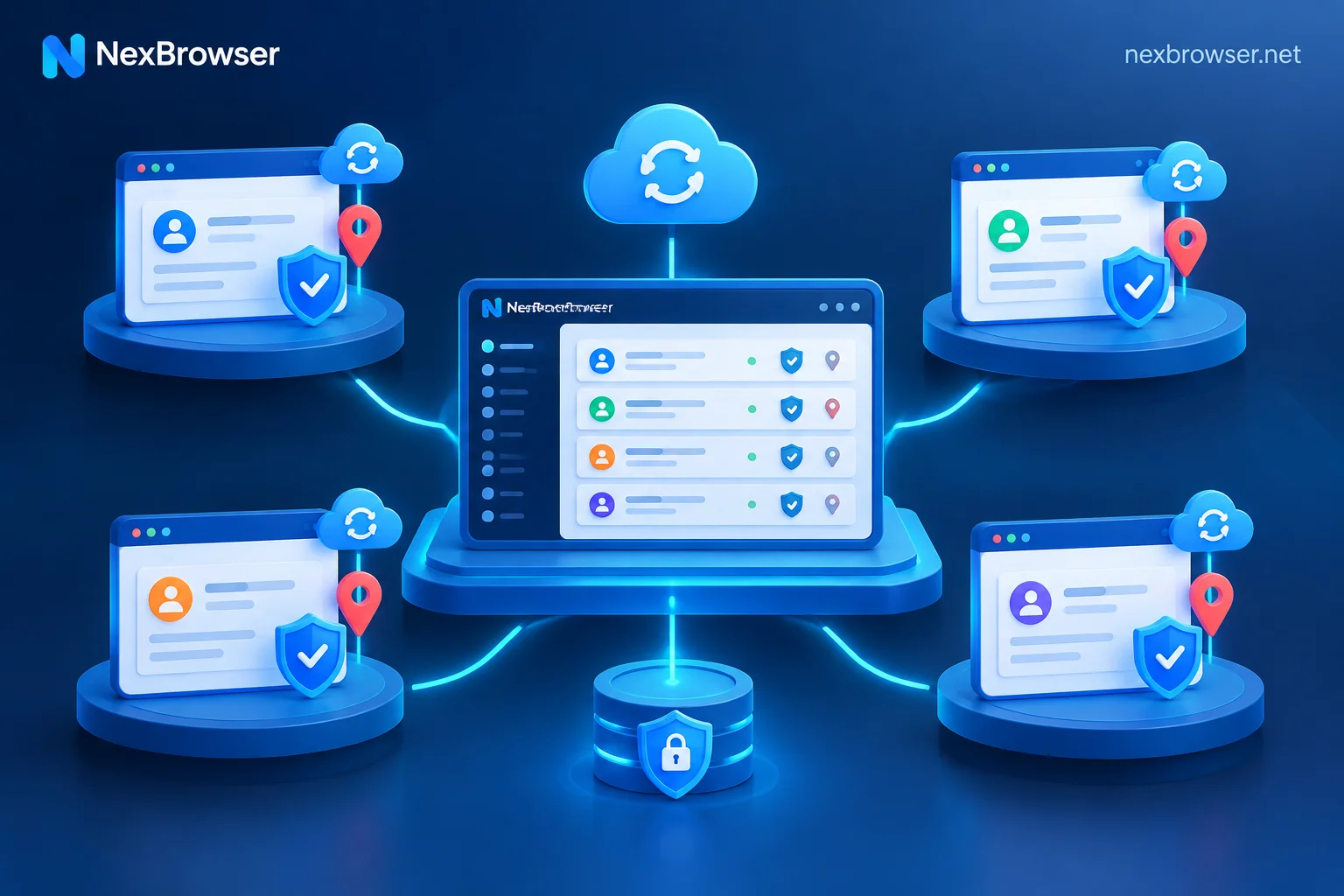
The key to saving anti-detect browser environments as templates and batch replicating them is to separate two layers: templates only store the business baseline such as OS, kernel version, and extension configuration, while each derived environment automatically generates an independent and consistent hardware fingerprint and proxy IP. The article presents three practical approaches: quick client-side derivation, Excel batch import, and Local API script creation, along with essential proxy connectivity and fingerprint consistency verification steps after batch generation.
How to Restore Fingerprint Browser Environments After Switching Computers: Action Order Before and After Migration
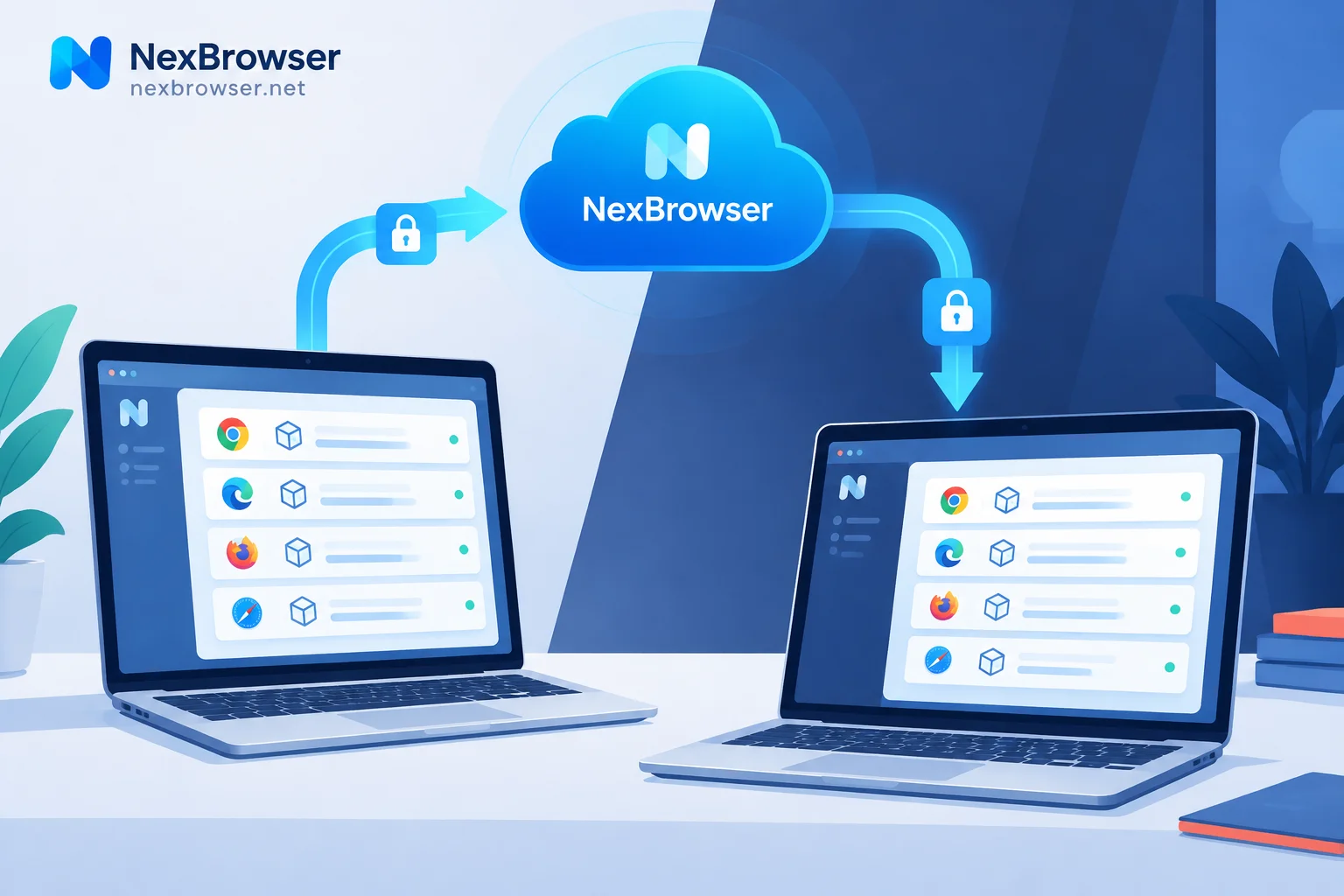
Restoring fingerprint browser environments after switching computers relies on encrypted cloud sync, not manual copying of local cache directories. This article outlines the three things to do on the old computer, the restoration steps on the new computer, and the order for verifying proxies and exit IPs before and after opening environments, plus which phenomena (like re-verification or lost offline extensions) are normal and which two actions will actually overwrite your data.

Fingerprint Browser Download and Installation to First Working Environment: Five Steps and Three Verifications
From downloading the Windows client to building your first isolated browser environment: naming and grouping, binding and testing proxies per environment, aligning fingerprint parameters with the exit location, and verifying exit IP and WebRTC before logging into accounts. Includes common pitfalls and how to restore on a new machine.
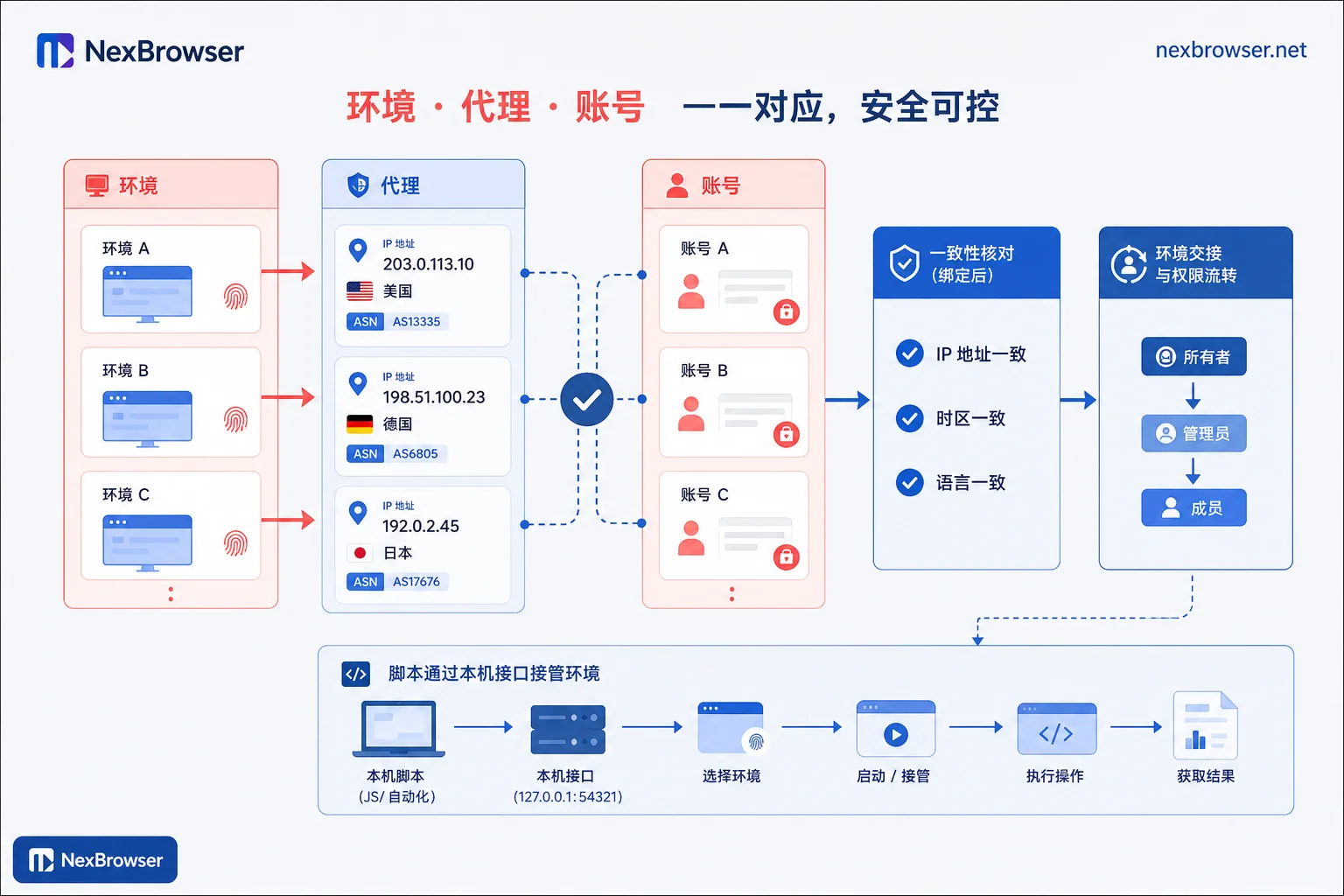
After Binding a Proxy, How to Confirm the Exit Location Matches Timezone and Language: A Three-Layer Verification Sequence
After binding a proxy, don't log in directly—run a three-layer verification (network exit, leaks, browser JS timezone and language) to catch mismatches and know how to fix them.