 NexBrowser指纹浏览器-官方博客Blog
How to Choose an RPA Browser: Don't Just Look at Auto-Clicking—Solve Multi-Account Isolation and Frequent Script Errors First
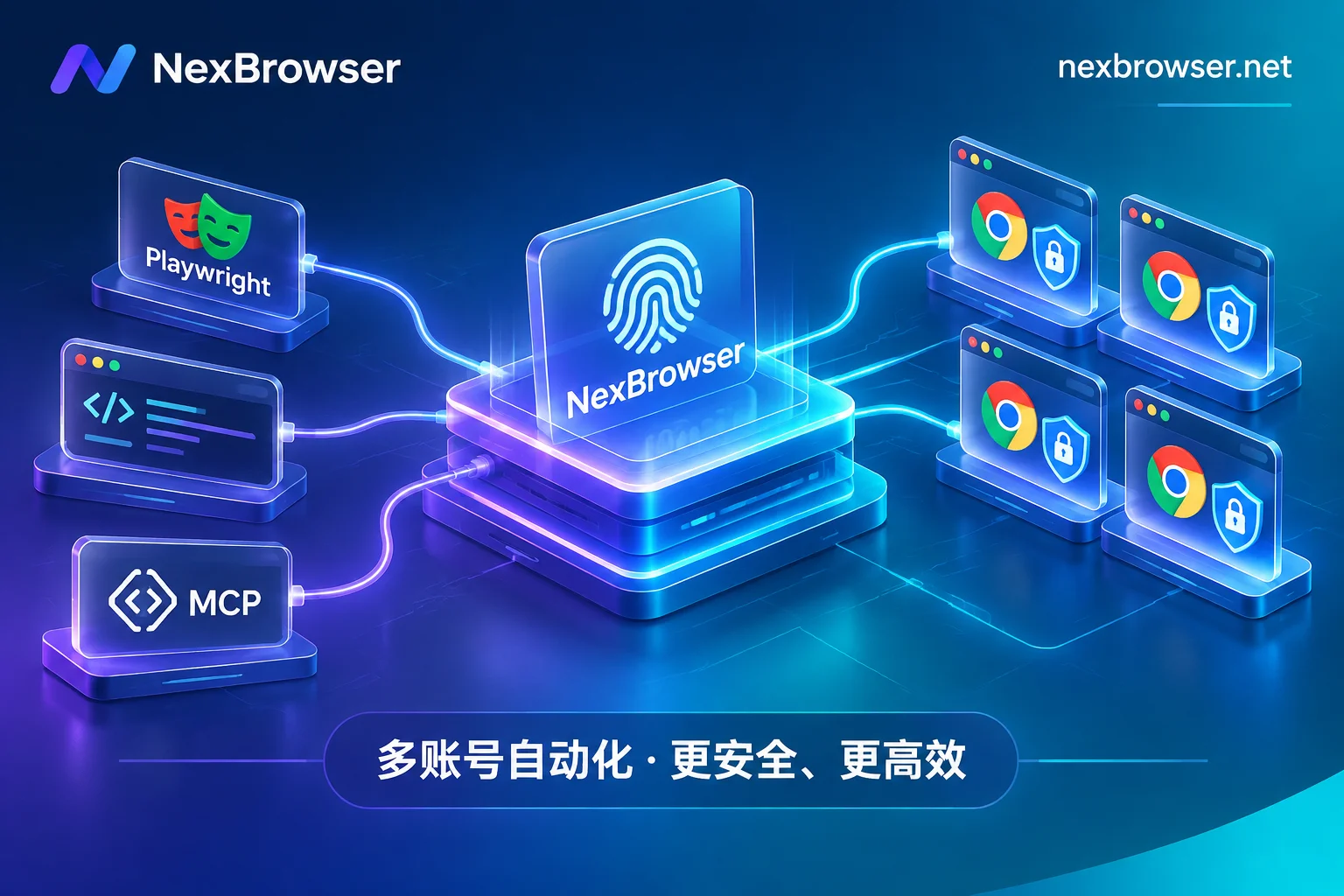
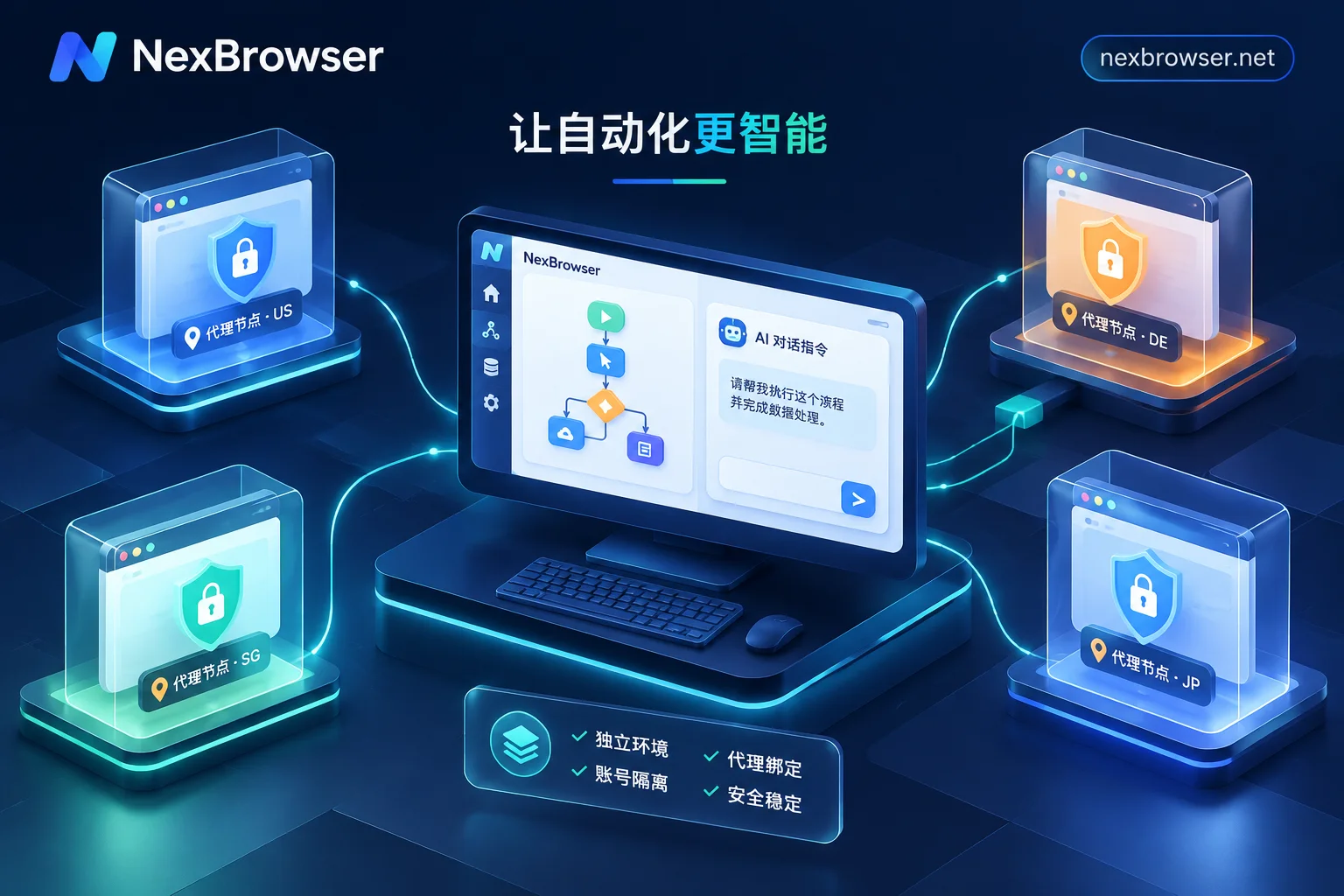
Traditional browser extensions and desktop RPA work fine for single accounts, but in cross-border store groups, social media matrices, and data collection scenarios, they often get stuck on three problems: environment cross-contamination, script crashes caused by front-end redesigns, and difficulty coordinating multiple windows. This article starts from actual business workflows and breaks down how to build a stable, scalable RPA browser workbench through a combination of an "independent fingerprint foundation + no-code RPA / window sync / AI Agent / Local API."
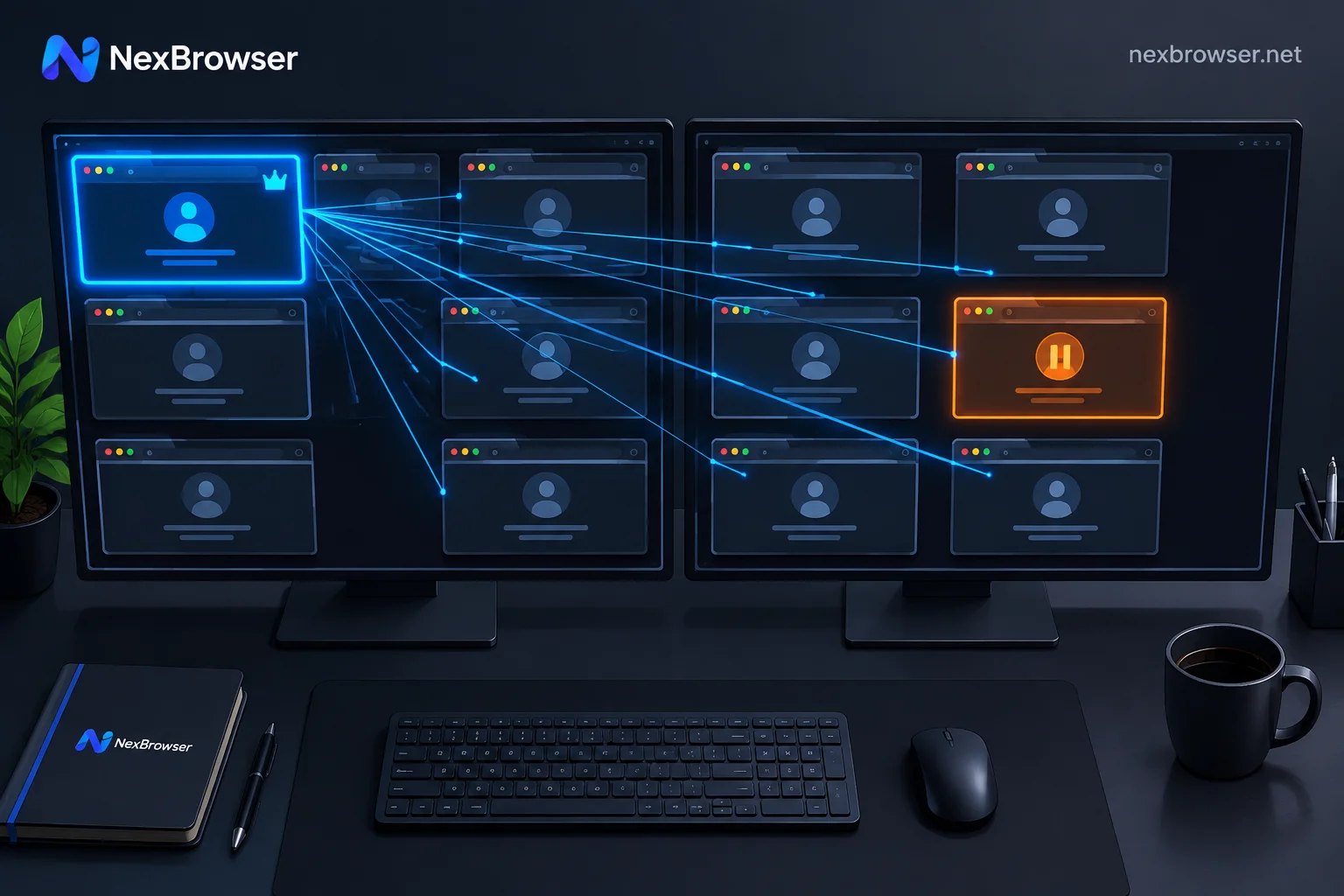
How to Operate Multiple Accounts with Window Sync Without Mistakes: Alignment, Baseline, and Circuit Breaker
Window sync is blind synchronization that copies mouse and keyboard events from the master window to controlled windows by coordinates and doesn't check page content. Misoperations almost always stem from the same issue: the element you see in the master window and the element at that coordinate in the controlled window are not the same. This guide explains, in hands-on order, window alignment, page baseline calibration, delay settings, how to fill differentiated data, how to set up a circuit breaker for exceptions, and when to stop and switch to RPA or script takeover.
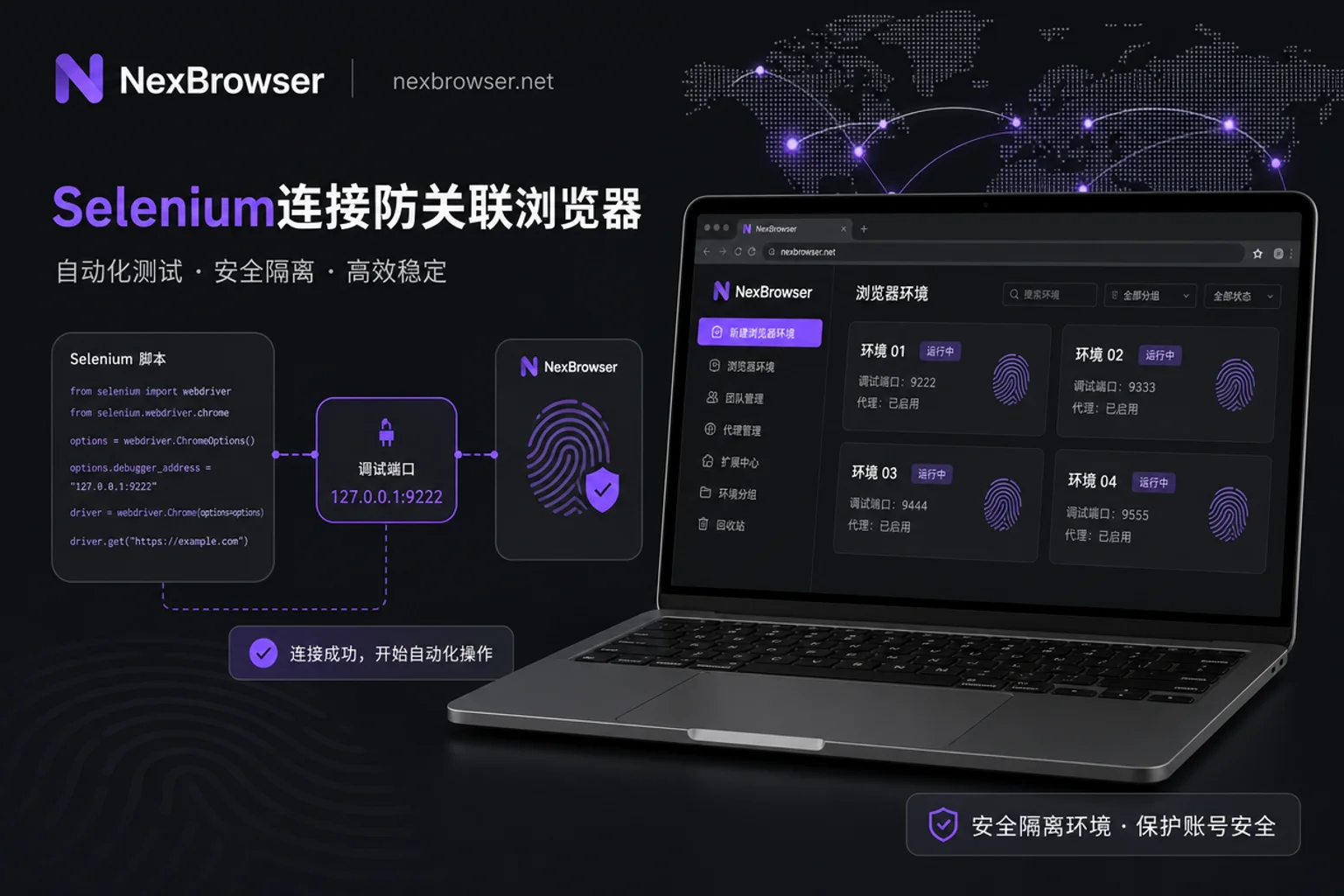
Selenium Integration with Anti-Detection Browsers: A 4-Step Interface Configuration Guide
Learn how to correctly connect Selenium to an anti-detection browser via its debugging port, ensuring you reuse the existing session and maintain fingerprint isolation.
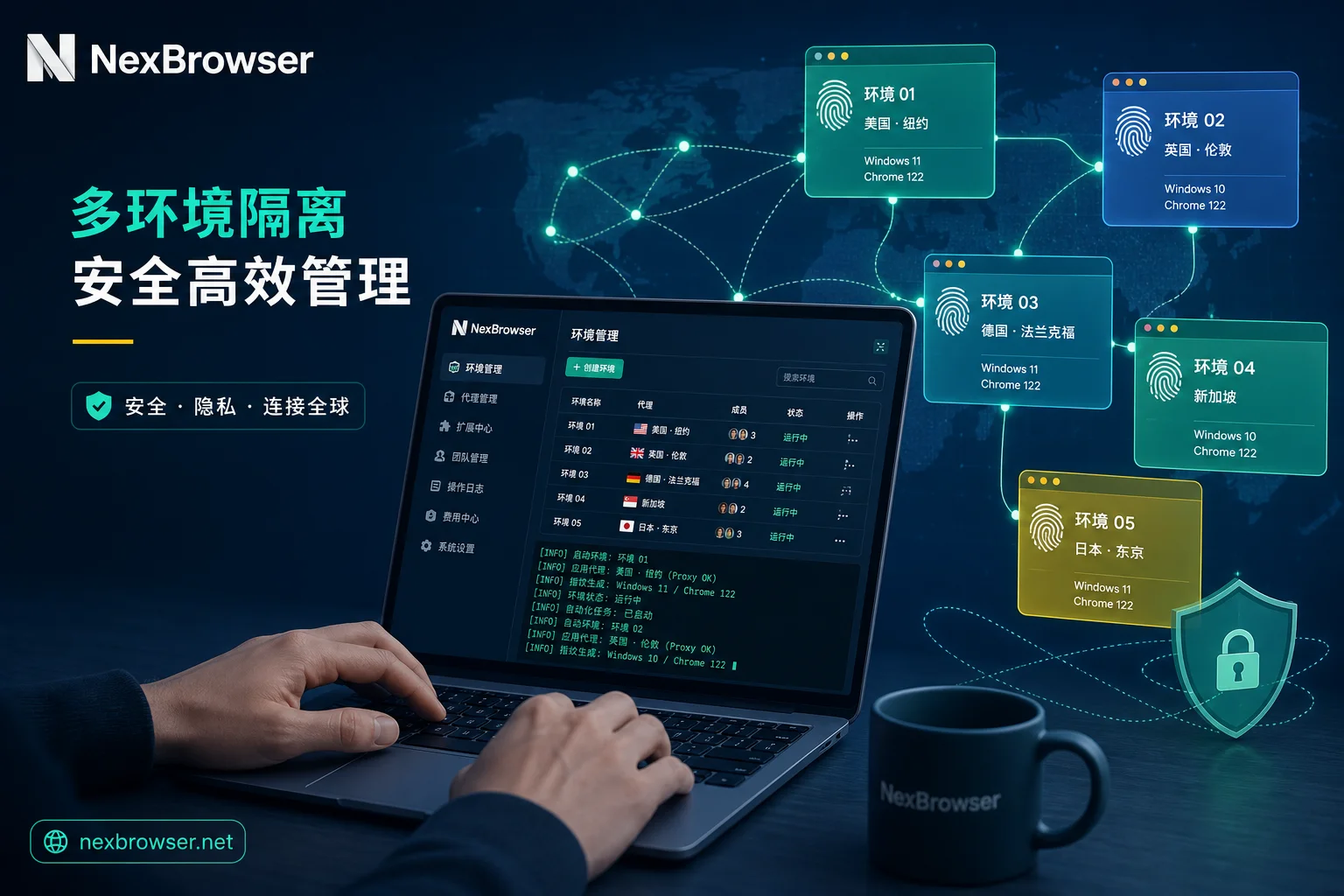
With Competitors Launching AI Agents and CLIs, Fingerprint Browser Automation Boundaries and Selection Checklist
A comprehensive guide to understanding fingerprint browser automation boundaries, comparing AI agents, CLIs, RPA, and local APIs, with practical selection and acceptance checklists.

NexBrowser Fingerprint Browser: Cross-Border Multi-Account Security Management and Privacy Protection Tool
NexBrowser is a professional fingerprint browser designed for cross-border e-commerce, offering multi-account security management, privacy protection, and automation features.