NexBrowser指纹浏览器-官方博客Blog
A Common Misconception: Scripts Pass, But Accounts Get Flagged for Verification After Batch Execution
Many operations teams advancing fingerprint browser automation encounter a similar scenario: The automation flow runs smoothly in local debugging, with no script errors, but when executed across dozens of environments, accounts increasingly show verification prompts. The first reaction is often to check script logic or suspect that interaction intervals are too short. However, the problem may not lie in the script, but in the fact that "script can run" and "environment passes verification" are two independent conditions.
According to DataDome's automation detection research (June 2026), modern risk control doesn't just detect front-end JavaScript properties; it performs multi-dimensional cross-checks from the network layer to the browser kernel, such as CDP underlying variable traces, WebSocket connection patterns, and TLS handshake layer characteristics. Automation improves the efficiency of task distribution and execution, but it cannot change whether the environment itself meets the judgment criteria. This misconception becomes very apparent as team scale increases, and it's a starting point for understanding the boundaries of fingerprint browser automation capabilities.
In May to July 2026, AdsPower's command-line tool and RoxyBrowser's natural language AI Agent were launched, further amplifying this misconception—distribution efficiency increased, but the judgment criteria remained unchanged.
Let's Look at the Facts: From May to July 2026, Competitors Pushed Automation Toward AI Agents and CLIs
Back in May 2026, AdsPower released its official command-line tool, adspower-browser, with --headless and API Key authentication, supporting terminal-based environment startup, proxy management, and providing environment scheduling context to AI Agents (e.g., MCP protocol). This essentially moved environment lifecycle management from the GUI to the command line, allowing automation flows to manage browser environments like code.
Soon after, on July 7 and July 30, 2026, RoxyBrowser released versions v3.9.2 and v4.0.0, porting the Chrome 150 kernel, updating WebGPU rendering performance and WebRTC log diagnostics, and introducing AI Agent automation flows controlled by natural language prompts. Users could describe a task in one sentence, and the AI Agent would decompose and execute it, which seems more "intelligent" than command-line interfaces.
Both competitors, almost in the same time period, pushed fingerprint browser automation toward AI Agents and CLIs. The signal behind this is clear: Mid-to-large cross-border teams are no longer satisfied with manually opening environments and operating them one by one; they want to integrate environment scheduling, task execution, and result tracking into automated pipelines.
Breaking Automation into Three Layers: How Tasks are Distributed, Where They Execute, and Whether Results Can Be Reviewed
To understand the true capability boundaries of fingerprint browser automation, it's recommended to break it into three independent layers:
First, "how tasks are distributed." There are four mainstream approaches: natural language prompts, command-line interfaces (CLI), HTTP API calls (Local API is one), and visual RPA orchestration. Prompts are the most intuitive, but lack a stable intermediate representation between intent and action. CLI and HTTP APIs require coding, but execution logic is fully controllable. Visual RPA sits between the two, suitable for non-technical users.
Second, "where execution happens." Environments can run in a GUI browser on the local machine, in headless mode (a browser without UI, launched via command line, rendering nothing but executing page logic), or remotely orchestrated by a scheduling system. The execution location determines resource usage, concurrency scale, and debugging convenience.
Third, "whether results can be reviewed." Whether the flow can be versioned and leave traceable execution records determines whether issues can still be located as the team grows. If every execution result is like a black box that cannot be traced, then even if scripts pass, you'll have nowhere to turn when risk control issues arise.
For teams operating dozens to hundreds of environments, the third layer is often the most critical because it directly determines the maintainability and risk controllability of automation flows.
Natural Language Prompt-Driven AI Agents: Suitable for What Tasks, and Not Suitable for What Tasks
RoxyBrowser's July 2026 update highlighted AI Agent flows controlled by natural language prompts, which indeed lowers the automation threshold. However, "what are the limitations of AI agents controlling browsers via natural language" is a major concern for teams evaluating.
From a technical perspective, AI Agents are suitable for exploratory, one-off tasks with variable page structures. For example, letting AI research a new platform's publishing process or handle a batch of irregular structured data extraction—prompts can flexibly adjust strategies, saving coding time.
But conversely, if tasks require strict repetition, per-item verification of results, and strong ordering constraints, natural language prompts have obvious shortcomings. Because between natural language intent and actual operations, there lacks a stable auditable intermediate layer. AI might interpret "click submit" differently or skip steps, leading to unpredictable execution results. In scenarios like bulk account nurturing or bulk publishing, which demand high consistency and traceability, this unpredictability can cause chain risk control issues.
So, AI Agents are suitable for "what to do," not for "must do it this way" processes. In scenarios requiring strict reproduction, a more reasonable approach is to use prompts for task planning and let auditable scripts or APIs handle the specific execution.
CLI and Local API: Versionable and Auditable, Prerequisites for Team Scaling
When teams expand from dozens to hundreds of environments, versionability and auditability of automation flows become hard requirements. CLI and Local API excel in this regard.
First, let's clarify "the difference between fingerprint browser Local API and WebDriver." This is a common point of confusion for operations technical staff. Local API is an HTTP REST interface handling environment lifecycle management, such as starting, stopping, modifying configurations, and obtaining debug ports. WebDriver and CDP (Chrome DevTools Protocol, a protocol for communicating with the browser internals) attach to the debug port after the environment starts to execute DOM interactions and page automation.
A widely circulated tutorial claim is that "Local API can directly replace Selenium/Puppeteer/Playwright for page control." Referring to AdsPower's official API documentation (January 2026) on Local API definition, this claim confuses interface layers: Local API only handles environment start/stop, config modifications, and debug port retrieval; page interactions like clicks, form filling, and data scraping still require WebDriver or CDP mounted to the debug port.
The value of CLI lies in encapsulating Local API capabilities into command-line tools, combined with headless mode, making it convenient to batch start environments. For example, adspower-browser's --headless parameter allows environments to run without GUI, reducing resource usage and increasing concurrency. Moreover, command-line tools naturally integrate with CI/CD or scheduling systems, allowing the entire flow to enter version control, with parameter records for each execution, greatly enhancing auditability.
What Automation Can't Change: CDP Traces, Handshake Layer Characteristics, and Exit IP Still Require Independent Self-Checks
When discussing capability boundaries, beyond what automation can do, it's crucial to consider what it can't change. There's a frequently misconstrued claim: "As long as you disguise navigator.webdriver as false, the environment is safe." But DataDome's automation detection research (June 2026) clearly indicates that modern risk control has long gone beyond judging front-end JS properties like navigator.webdriver; it also examines CDP underlying variable traces (e.g., $cdc_ global variables), WebSocket connection patterns, and TLS handshake layer characteristics.
The TLS handshake is the first step in establishing an encrypted connection between a browser and server, and its characteristics (such as JA4 fingerprint, a fingerprinting identifier based on the TLS handshake) can expose the client's real environment. These underlying features are not controlled by front-end scripts and cannot be directly modified by automation tools. Therefore, regardless of whether tasks are distributed via prompts, CLI, or Local API, risk persists unless environment parameters, proxy chains, and handshake layer characteristics align.
This means automation only changes the efficiency of task execution, not the environment judgment criteria. Whether an environment is judged as automated depends on independent variables such as environment parameters, proxy source and exit stability, and TLS handshake characteristics.
Can No-Code RPA Handle Bulk Account Nurturing? Distinguish Task Types First
Many teams considering "is no-code RPA viable for bulk account nurturing" tend to treat RPA as a universal automation solution. In reality, RPA suits repetitive processes with fixed steps and stable page structures, such as scheduled check-ins, fixed template publishing, and batch data organization. It lowers coding barriers via visual orchestration, allowing business users to get started directly.
But bulk account nurturing often involves multiple platforms and accounts, with different page states, network conditions, and account weights per environment, frequently requiring branch decisions based on environment differences. Using RPA to forcibly orchestrate such tasks either results in complex logic that's hard to maintain or breaks when pages change. More critically, whether accounts are flagged as automated depends on environment fingerprints, proxy chains, and operational behavior, not the task distribution method, whether using RPA, CLI, or AI Agent. RPA doesn't change judgment criteria and offers no "security" promises.
Three-Layer Framework → Correspondence to Capabilities: Combining Local API, WebDriver, No-Code RPA, and Team Environment Collaboration in NexBrowser
Once you understand automation boundaries, tool selection has clear basis. NexBrowser's publicly available capabilities correspond to the three-layer framework discussed earlier.
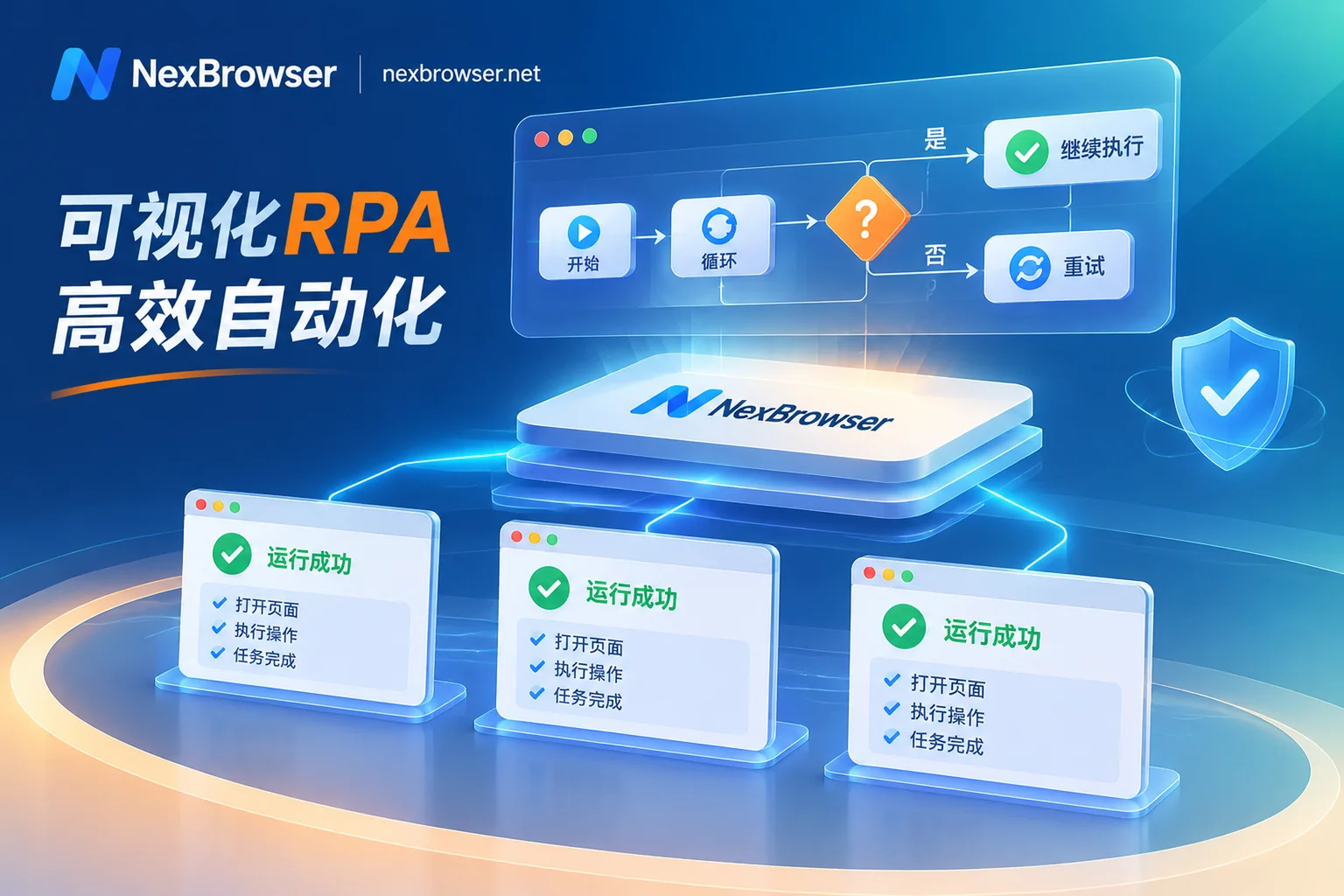
- Task Distribution → No-Code RPA and Local API: No-code RPA targets business users for fixed, repetitive processes; Local API targets developers, providing environment lifecycle management like creating, starting, stopping, and modifying proxy configurations, suitable for integration into custom scheduling systems.
- Execution Location → WebDriver Mounting on Debug Port: WebDriver handles page-level execution, connecting to the browser via the debug port to perform clicks, form filling, scraping, etc.
- Reviewability → Team Environment Collaboration Clarifies Operation Attribution: When multiple people share environments, clarify who is operating which environment to avoid conflicts, and keep operation logs for traceability.
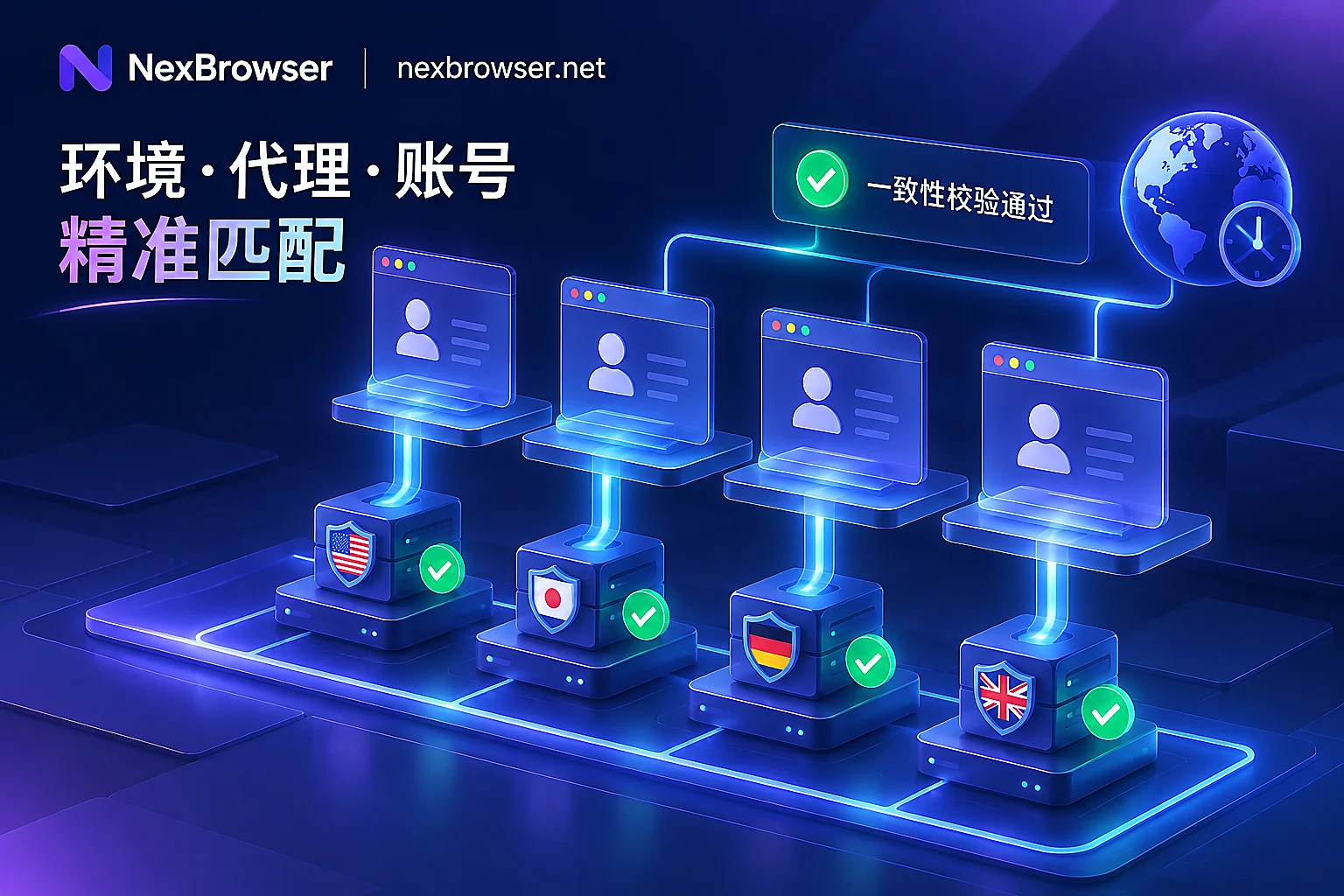
It's important to note that choosing fingerprint browser automation shouldn't rely solely on a single feature. Local API and WebDriver are complementary and indispensable; no-code RPA suits simple, stable processes, but complex logic still requires scripts. Before use, conduct preliminary checks on environment isolation and proxy consistency, including verifying that exit IP matches proxy IP, and that timezone, language, and environment parameters match.
As for "AdsPower automation alternative comparison," it's recommended not to compare by feature names but to assess interface division of labor and traceability. For example, does the alternative's Local API cover environment lifecycle management? Does WebDriver support mounting debug ports? Does RPA record operation logs? Only when interface division is equivalent and traceability isn't compromised can a fair comparison be made.
Automation Selection and Acceptance Verification Checklist (Ready to be turned into a table)
Finally, let's distill the above into an actionable checklist to help you evaluate existing flows or plan new projects.
1. Match Task Distribution Method with Task Repetitiveness
- [ ] Are single exploratory tasks (e.g., researching new platform rules) fit for AI Agent prompts?
- [ ] Are bulk repetitive tasks (e.g., nurturing, publishing) converted to CLI or Local API scripts?
- [ ] Is no-code RPA only used for stable, infrequently changed processes?
2. Ensure Execution Chain is Versionable and Traceable
- [ ] Are automation scripts under version control (e.g., Git)?
- [ ] Does each execution record environment ID, startup parameters, and operation timestamps?
- [ ] On failure, can you pinpoint the specific environment and step (e.g., logs include environment ID)?
3. Pre-Launch Environment Self-Checks
- [ ] Does exit IP match proxy IP?
- [ ] Do timezone, language, User-Agent, etc., match target region?
- [ ] Have you checked CDP traces (e.g., $cdc_ variables) and WebSocket connection patterns?
- [ ] Have you confirmed that the proxy and network chain affect handshake layer characteristics and included this layer in troubleshooting scope?
4. Staged Rollout and Rollback Arrangements
- [ ] Do small-batch tests (e.g., 5-10 environments) before scaling up?
- [ ] Is there an exception circuit breaker (e.g., auto-stop if failure rate exceeds threshold)?
- [ ] Can you quickly roll back to previous script version?
If you encounter "how to troubleshoot multi-account automation scripts flagged by risk control," follow this order: First check network layer and exit IP (whether IP changed or proxy failed), then environment parameters (timezone, language, fingerprint config), and finally script logic (whether operations are too fast or unnatural).
Remember, the core of fingerprint browser automation isn't "replacing humans with AI," but using proper tool layering to make task distribution more controllable, execution locations more flexible, and results reviewable. We recommend using this checklist for a health check of your existing flows before introducing new capabilities. If you're working on interface division, start with Local API and WebDriver documentation, validate on a small batch, then scale up.