NexBrowser指纹浏览器-官方博客Blog
Common Scenario: Detection Page Shows Cookies Isolated, But Switching Accounts Still Requires Verification
A common case: the detection page shows cookies isolated, but switching accounts still prompts verification.
The answer often isn't in the detection page's conclusion, but in the fact that you've only seen a single state, not the full boundary of isolation.
With Chrome's Privacy Sandbox direction getting a new definition in July 2026, third-party cookies are not completely banned but guided toward mechanisms like CHIPS and the Storage Access API. If you're still using "whether a detection page shows isolated" to judge if your entire cookie-isolated browser is qualified, the following three-layer breakdown and two checklists can be directly used for re-verification.
Let's start with official public facts, break down isolation into three layers, and finally give you two actionable audit checklists.
Public Facts: What Does the Preservation of User Choice for Third-Party Cookies Mean Under Chrome's Latest Privacy Sandbox Direction
According to Chrome for Developers' Privacy Sandbox status page (updated 2026-07-02), Google's latest direction does not "mandate a complete shutdown of third-party cookies" but explicitly retains User Choice. Users can still decide in browser settings whether to allow or block third-party cookies; Chrome won't disable them all in one fell swoop.
This means cross-site data usage isn't canceled but normalized. Chrome guides developers to use CHIPS (Cookies Having Independent Partitioned State) and the Storage Access API for cross-site scenarios instead of traditional third-party cookie patterns.
For operators, the biggest implication of this direction is: don't believe the widely circulated misinterpretation that "Chrome has completely blocked third-party cookies." What your cookie-isolated browser actually isolates, and at which layer, needs to be re-verified according to the specifications.
Correcting the Misinterpretation: The Gap Between "Complete Blocking of Third-Party Cookies" and the Official Direction
Many articles and tool promotions claim "Chrome has completely disabled third-party cookies," as if third-party cookies are dead. But in reality, the official documentation explicitly states "user choice is preserved."
This misinterpretation can lead to two types of wrong actions:
One is thinking "cookies are no longer important," thus relaxing checks on cookie isolation and focusing entirely on fingerprinting. The other is assuming "isolation is automatically done by the browser," thinking that using any tool with the word "isolation" makes everything safe.
Both are dangerous. Because according to the official direction, third-party cookies still exist in a controlled manner, and Chrome's Storage Partitioning only addresses cross-site data ownership within the same browser profile—it's different from "different accounts being invisible to each other."
What CHIPS and the Storage Access API Solve: Cross-Site Data Ownership Within the Same Browser
First, explain two terms:
CHIPS (Cookies Having Independent Partitioned State) is a new mechanism that allows developers to bind cross-site cookies to specific top-level site partition jars via the Partitioned attribute. Simply put, when you embed content from site B on site A, cookies set by B are stored separately under A as the top-level site, not globally shared. The description of the Partitioned attribute comes from Chrome for Developers' CHIPS documentation.
The Storage Access API is a set of interfaces that allow embedded content in iframes, after explicit user authorization, to request access to unpartitioned storage (like regular cookies). It solves the question of "can cross-site data be accessed with user permission." The description of authorized access via the Storage Access API comes from MDN Web Docs.
Note that these two capabilities are specification tools for website developers, not operation-side "isolation switches," nor do they constitute platform risk control judgment criteria or anti-detection measures. They determine how data is attributed between different top-level sites within the same browser, not how multiple accounts remain invisible to each other; whether they are associated still depends on environment instance layer and egress layer factors.
What is a Storage Key: Browser Specification Layer Partitioning and Its Scope
Chromium's Storage Partitioning isolates LocalStorage, IndexedDB, Cache Storage, etc., within the same profile based on the Storage Key. The Storage Key is composed of the top-level site, origin, and context chain.
You can understand it like this: within the same browser environment (profile), when you visit site-a.com and site-b.com simultaneously, their respective local storage written will be partitioned into different partitions, invisible to each other. This is the mechanism that has been in effect since Chrome 115+ (see the Chrome for Developers storage partitioning document).
To self-check if partitioning is effective, open DevTools and observe storage attribution by top-level site in the Application panel. If you find data visible across sites, isolation isn't working. But note, this is only a specification-level behavior check, far from "multi-account environment isolation."
Breaking Down Isolation into Three Layers: Browser Specification Layer, Environment Instance Layer, Network Egress Layer
To truly verify the effectiveness of a cookie-isolated browser, you must view isolation in three layers:
- Browser Specification Layer: Determined by the engine, including Storage Key partitioning, CHIPS, and Storage Access API. Addresses "how cross-site data is attributed within the same browser profile."
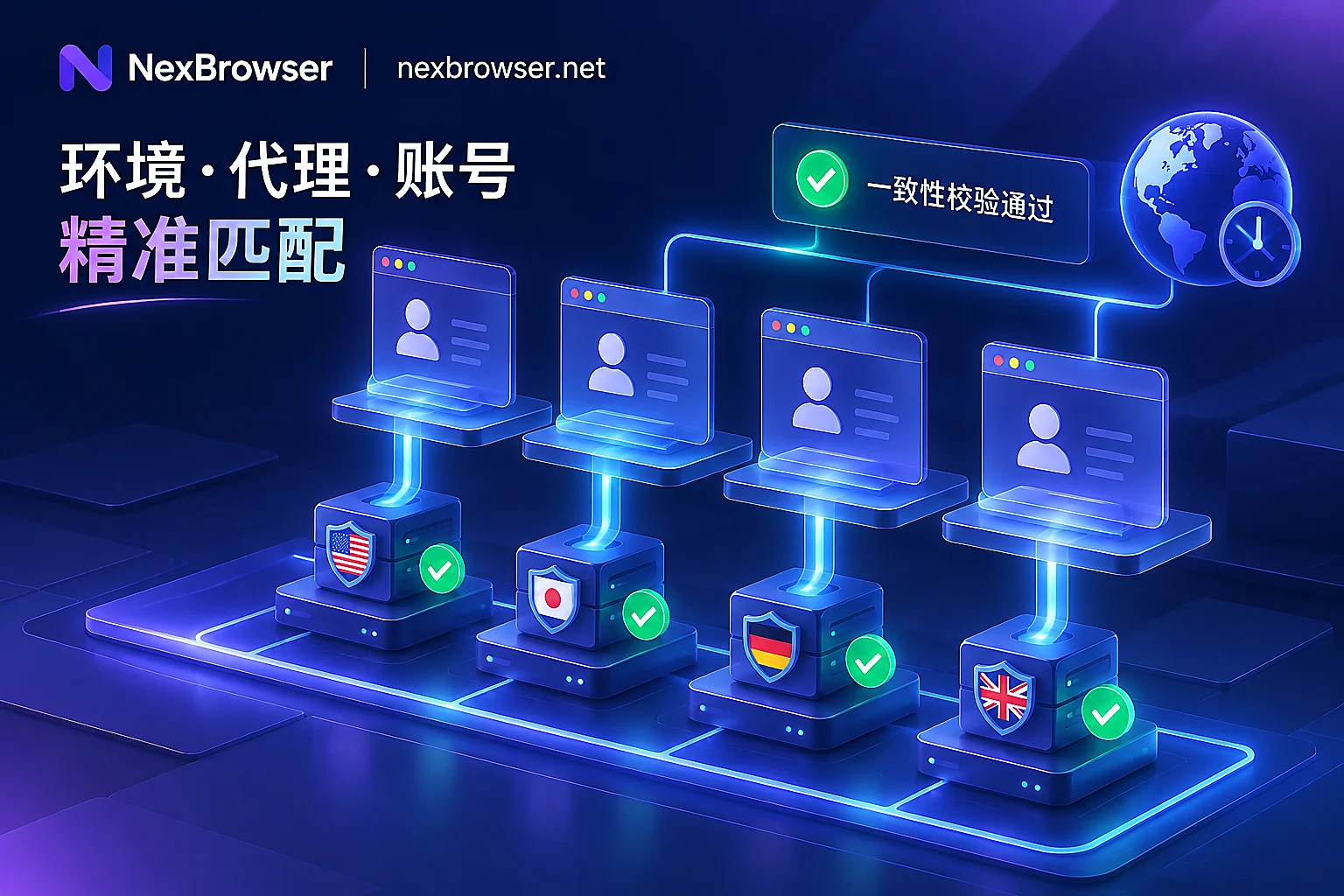
- Environment Instance Layer: Determined by tools or manual configuration, referring to whether different browser environments (profiles) have independent cookies, caches, local storage, and fingerprint parameters. Addresses "whether data is visible between different account environments."
- Network Egress Layer: Determined by proxy and network configuration, addressing "whether each environment's egress IP is consistent and bound to the environment."
These layers are cumulative; missing one leads to the gap of "appears isolated but actually associated."
What Each Layer Cannot Solve: Why Storage Partitioning Does Not Equal Multi-Account Non-Association
This layer must be clearly defined, otherwise you'll be misled by the concept of "storage partitioning."
The specification layer cannot solve cross-profile data visibility. It only manages within a single profile, not between different profiles. In other words, even if the specification layer is perfect, if two profiles share cookies, caches, or local storage, there's still a risk of association.
The environment instance layer cannot solve egress IP and network characteristics. Even if two environments are independent, if they share the same proxy IP, or if proxy switching causes brief exposure, they may still be associated.
The egress layer cannot solve residual data in the environment and login attribution records. Even if the IP is clean, if the environment retains localStorage or cache from a previous login, accounts may still be linked.
Cookie isolation and browser fingerprint isolation are two different things: Cookie isolation concerns the visibility of stored data (cookies, localStorage, etc.), while fingerprint isolation concerns the consistency of device characteristics (like UserAgent, Canvas, WebGL). Doing only cookie isolation may leave device fingerprint association clues; doing only fingerprint isolation may still lead to account cross-contamination via stored data. Both must be done well to avoid leaving obvious association clues.
More directly, account security is determined by IP quality, environment consistency, operational behavior, and the platform's own policies; no single layer guarantees anything.
Browser Environment Audit Checklist 1: Cross-Environment Visibility of Cookie, localStorage, IndexedDB, and Cache
This checklist is specifically for data isolation audit at the environment instance layer, with the following steps:
- [ ] What to check: In environment A, log in with a test account and write a unique identifier to Cookie, localStorage, IndexedDB, and Cache Storage; then in environment B, visit the same website and check each of these storages to see if they are empty.
- [ ] How to check: In environment B's DevTools, inspect the Local Storage, IndexedDB, Cache Storage in the Application panel, and the Cookie request headers in the Network panel. If you find data written in environment A, isolation is failing.
- [ ] What to record on failure: Record the time of discovery, browser engine version, checker, and what operation caused the leak (e.g., manual import of cookies).
Additionally, within the same environment, you can observe storage attribution by top-level site to confirm if Storage Key partitioning is effective. Open DevTools' Application panel and check storage partitions for different sites under Storage; if they are visible to each other, the engine version's storage partitioning has issues.
After each engine upgrade, rerun this checklist because storage partitioning behavior may change with the engine.
Browser Environment Audit Checklist 2: Egress IP and Environment Binding, Environment Ownership and Reuse Records
This checklist targets the egress and management layers:
- [ ] What to check: After starting each environment, immediately verify that the egress IP matches the expected proxy; also confirm whether this IP is shared with other environments.
- [ ] How to check: Within the environment, visit an IP detection website and record the IP address; then check on the team collaboration platform whether this proxy is assigned to multiple environments.
- [ ] What to record on failure: Record the environment ID with IP mismatch, proxy configuration, check time, and any sharing situation.
Additionally, establish an ownership ledger for "who logged into which environment, whether the environment was reused/handed over." Each login or handover should update a record containing environment ID, account, operator, and time. This helps you identify the risk of "the same environment used by different accounts."
How to Implement in NexBrowser: Independent Environments and Data Isolation, Proxy Management, Team Collaboration, API Batch Audits
We map the above three-layer checklists to NexBrowser's public capabilities. It's important to note: browser specification layer behavior is determined by the engine; tools can only verify and partition, not change platform judgment. NexBrowser can do:
- Environment Instance Layer: Provides independent browser environments, each with default independent fingerprints and independent storage, ensuring data is not visible between different environments. Just periodically review according to the above checklist.
- Network Egress Layer: Supports HTTP/HTTPS/SOCKS5 proxy settings; you can configure a separate proxy for each environment and verify egress IP consistency. Record the environment ID and discovery time in the audit checklist when proxy anomalies occur.
- Team Collaboration: Use team environment collaboration to keep an ownership ledger of environment assignment and handover, maintained by the team. Fields can record "who logged into which environment, whether the environment was reused."
- API Batch Audits: Through Local API or WebDriver, you can write scripts to batch retrieve storage readings (e.g., check if localStorage is empty) and egress IPs from multiple environments, then compare with expected values. This helps you conduct periodic automated spot checks instead of manual one-by-one checks.
Note: NexBrowser does not promise "100% anti-ban" and does not change Chrome engine's specification-layer behavior. It only helps you manage the environment instance and egress layers well. Platform risk control judgment is another matter.
Conclusion and Scope: What Has Public Basis and What Is Only Operational Inference
Finally, we summarize in two columns:
With Official Source Support
- Chrome retains user choice for third-party cookies and doesn't mandate complete shutdown. (Chrome for Developers status page)
- CHIPS achieves cross-site cookie partitioning via the
Partitionedattribute. (Chrome for Developers CHIPS documentation) - Storage Access API allows iframes to access unpartitioned storage with user authorization. (MDN documentation)
- Storage Key partitioning isolates cross-site storage within the same profile. (Chrome for Developers storage partitioning documentation)
Belongs to Operational Experience Inference
- Audit checklist frequency, sampling ratio, and ownership ledger field design are all practical experience suggestions, without official standards.
Additionally, this article did not obtain specific update notes for some competitors (such as certain fingerprint browsers), so no relevant details were cited.
Final Suggestions
Solidify the two audit checklists into a fixed-period environment self-check process. Rerun them after each browser engine update or proxy change. If you're organizing multi-environment isolation and ownership ledgers, use this to verify that existing tools' readings at the environment instance and egress layers are consistent.