 NexBrowser指纹浏览器-官方博客Blog
If you are just starting out in cross-border ecommerce, social media marketing, ad placement, affiliate marketing, or TikTok Shop multi-account operations, you will likely face a common choice: VPS or fingerprint browser, which one should you use?
Many beginners, upon hearing these two concepts for the first time, instinctively think "just pick one" and may even come across claims like "VPS alone is enough to prevent association" or "fingerprint browsers are unnecessary."
However, they are actually tools at two completely different levels.
VPS is more like providing you with a "long-term online cloud computer," while a fingerprint browser offers "multiple identities with real device camouflage." They are not substitutes for each other but can complement each other!
Today, NexBrowser will systematically walk you through the differences between VPS and fingerprint browsers, along with their respective strengths and weaknesses. After reading, you can not only reduce trial-and-error costs but also further improve account survival rates and operational efficiency.
What Exactly Is a VPS?
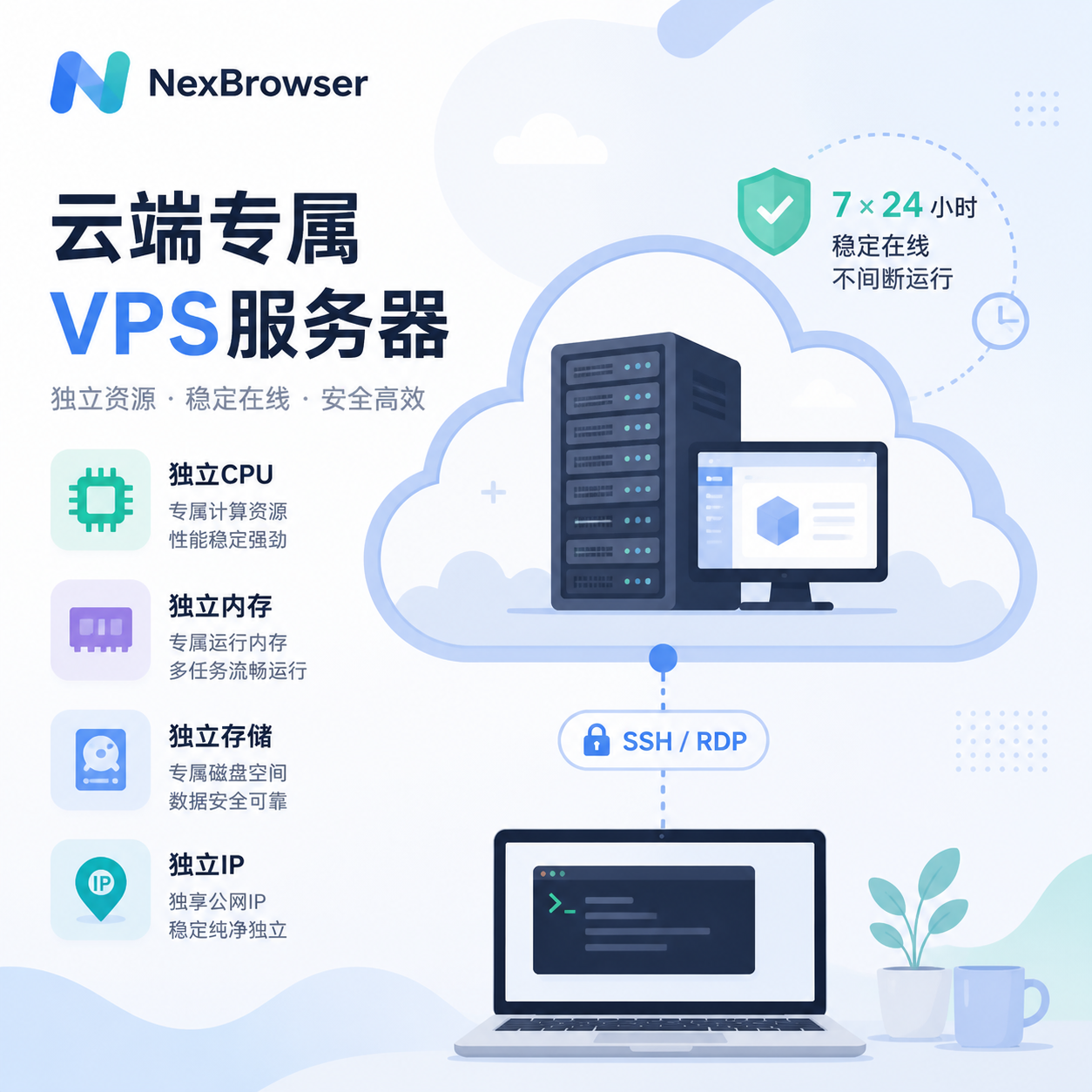
VPS stands for Virtual Private Server. In simple terms, you rent an independent virtual computer running in the cloud from cloud service providers like Alibaba Cloud, Tencent Cloud, Vultr, DigitalOcean, or Contabo. It has its own CPU, memory, hard drive, and IP address. You can connect remotely via SSH (Linux) or RDP (Windows) and install software, run scripts, and deploy services just like on your own computer.
Core Features:
- 24/7 stable online uptime
- Relatively independent resources for more stable performance
- Ability to install different operating systems and various software as needed
Think of a VPS as a house in the cloud with its own utilities and address—you can go in anytime to set up the environment, store data, and keep programs running.
Common Uses:
- Deploying automated crawlers, Selenium/Puppeteer scripts
- Building websites and API services
- Setting up high-quality proxies (residential IP / static IP)
- Running cloud-based fingerprint browsers for remote team collaboration
What Exactly Is a Fingerprint Browser?
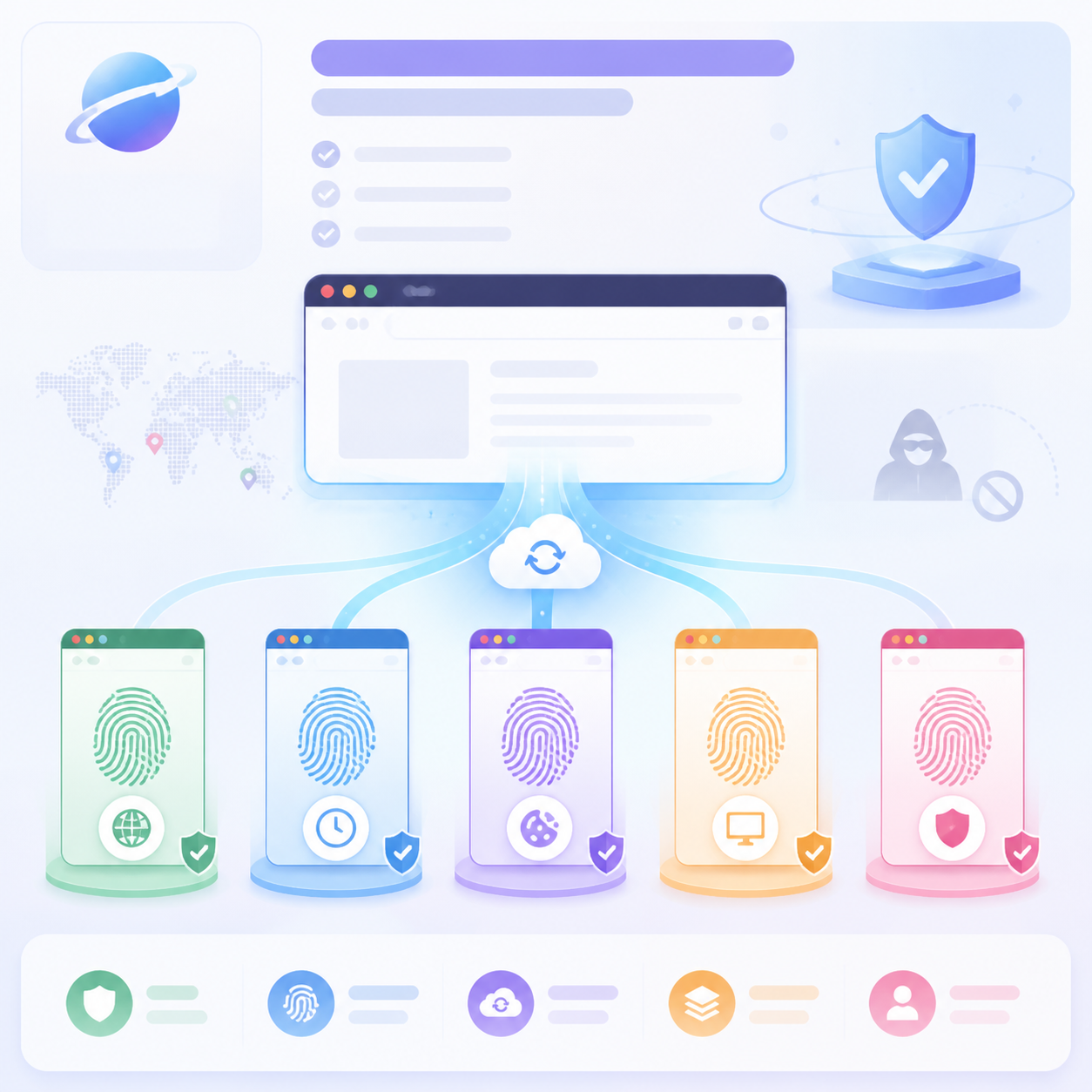
A fingerprint browser (also known as an anti-detection browser or multi-account browser) is a specialized browser tool designed for managing batch accounts. Its key capability is browser fingerprint isolation plus advanced camouflage: each new "browser environment" automatically generates a set of more than 20 independent and customizable browser fingerprint parameters (Canvas, WebGL, fonts, cookies, hardware concurrency, timezone, language, User-Agent, screen resolution, etc.).
Each environment acts like an independent real device, making it difficult for platforms to determine that all accounts come from the same computer or operator.
Additionally, it supports one-click import of cookies, batch synchronization operations, RPA automation, cloud synchronization, and more.
How Important Is Browser Fingerprint?
By 2026, major platforms like Facebook, TikTok, Google, and Amazon have widely adopted advanced device fingerprinting and behavioral analysis. If your Canvas/WebGL shows anomalies, or multiple accounts share the same fingerprint, the system can quickly identify associations and ban accounts. Regular browsers struggle to cope with such detection. A fingerprint browser acts like a super browser that can continuously split, mimicking "real users from different countries, devices, and usage habits" every time a new window is opened, reducing the likelihood of being identified by platforms.
Key Application Scenarios:
- Multi-store / multi-account management for cross-border ecommerce
- Bulk account nurturing and ad placement on TikTok / Instagram / Facebook
- Large-scale testing on Google Ads / Meta Ads
- Affiliate marketing, dropshipping, account trading, etc.
Why Do 90% of Beginners Still Face Association Bans Using Only VPS?
Now, top platforms like Amazon, TikTok, and Meta have increased the weight of device fingerprinting and behavioral trait detection to over 70%. An IP address is just one of many detection dimensions, not the decisive factor.
If you log into multiple accounts on the same VPS using a regular browser—even if you change IPs—critical fingerprints such as system, browser kernel, Canvas/WebGL remain highly consistent. The platform can easily identify these accounts as belonging to the same operator, leading to mass bans.
Even if you use multiple VPSs for different accounts, it is not necessarily safe. Most VPS system images are mass-produced, so default system configurations, browser versions, and hardware information are often very similar. Even if one VPS holds only one account, the underlying device fingerprints may still overlap significantly, triggering platform association risk controls.
Additionally, cheap VPS IPs are often recycled resources that may have been used for violations in the past and blacklisted by platforms. New accounts logging in from such IPs might be immediately flagged as high-risk. Also, if a team manages multiple VPSs separately, data fragmentation and operational chaos can further trigger behavioral risk controls.
Using a VPS alone only fulfills surface-level needs like "24/7 stable operation and IP changes." It does not truly address the core risks in multi-account operations. The keys are underlying device fingerprint isolation, behavioral de-duplication, and full-process data control. This is why many novices invest heavily in VPSs but still fail to avoid full account bans.
VPS + Fingerprint Browser: The Golden Combo for Multi-Account Operations in 2026
To avoid the key ban risks of using only VPS, the most effective approach is to pair a VPS with a fingerprint browser to build a complete security operations loop. Using NexBrowser as an example, let's see what benefits the VPS + NexBrowser combination can bring.
1. 24/7 Uninterrupted Operation + Real-Time Cloud Sync
When running NexBrowser on your local computer, if the computer shuts down, loses power, or disconnects from the internet, ongoing tasks like account nurturing, posting, interaction, and automated ad placement will be forced to stop, and browser sessions will be interrupted. This not only disrupts operational rhythm but, if such anomalies occur frequently, can weaken account stability and increase the chance of triggering platform risk controls.
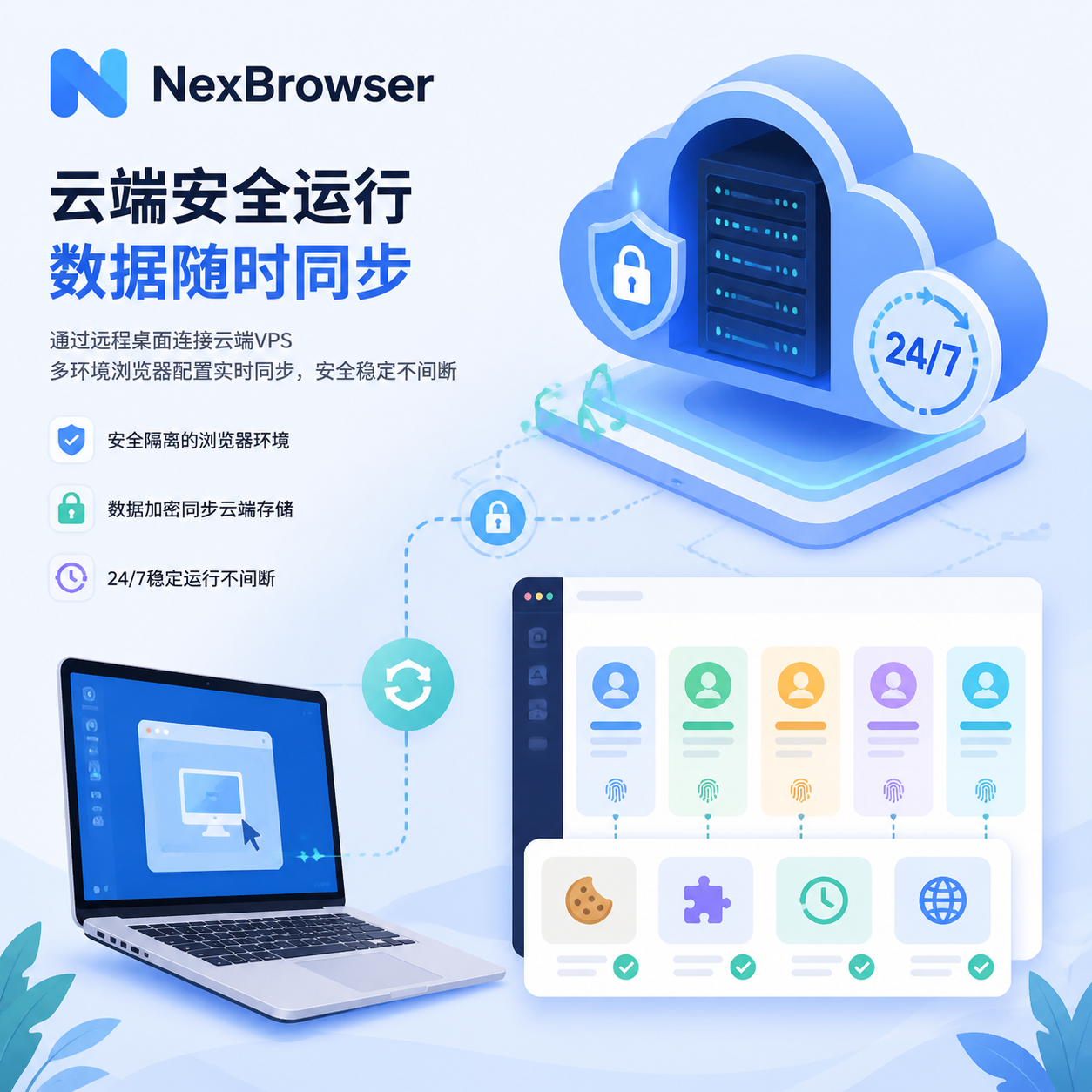
A VPS is essentially a cloud computer that stays online 24/7 without shutdowns. You simply connect to the VPS via remote desktop and install the NexBrowser client just like on a home/office computer. This way, NexBrowser runs stably around the clock on the VPS, no longer interrupted by local device issues.
More crucially, NexBrowser's data sync feature allows you to enable data sync in global settings, backing up all browser environments, cookies, plugin data, and history to the cloud in real time. Even if you switch computers, you can continue operations via the web version or RDP login to the VPS without worrying about data loss or task interruption. All synced data is end-to-end encrypted, ensuring that no third party can read or access it, effectively preventing core account data leaks.
2. Independent IP + Fingerprint Isolation
Although VPSs typically come with relatively clean IPs, using only a VPS + regular browser still allows platforms to identify and link multiple accounts through browser fingerprints like Canvas, WebGL, fonts, and audio. Therefore, relying solely on IP is insufficient to solve account association.
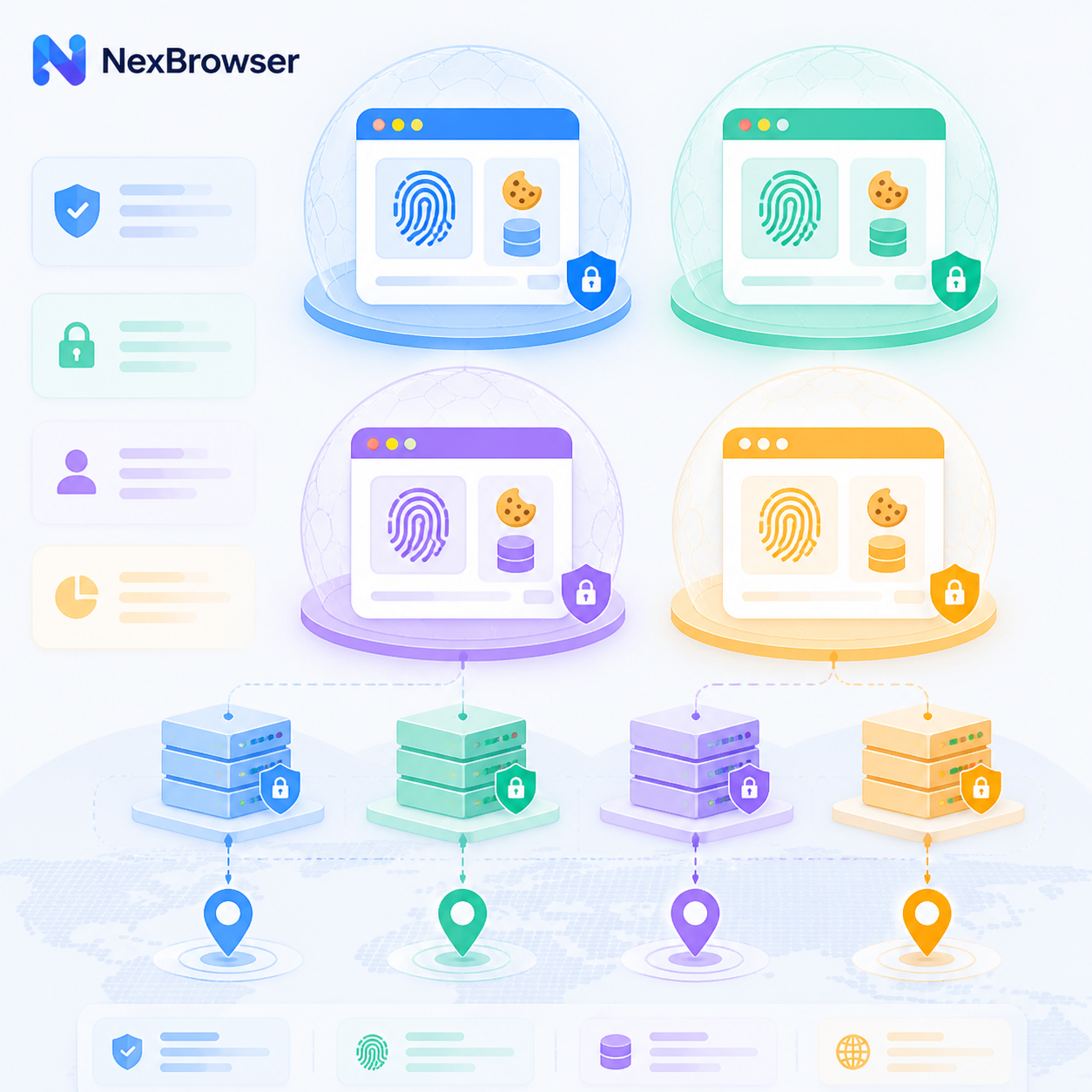
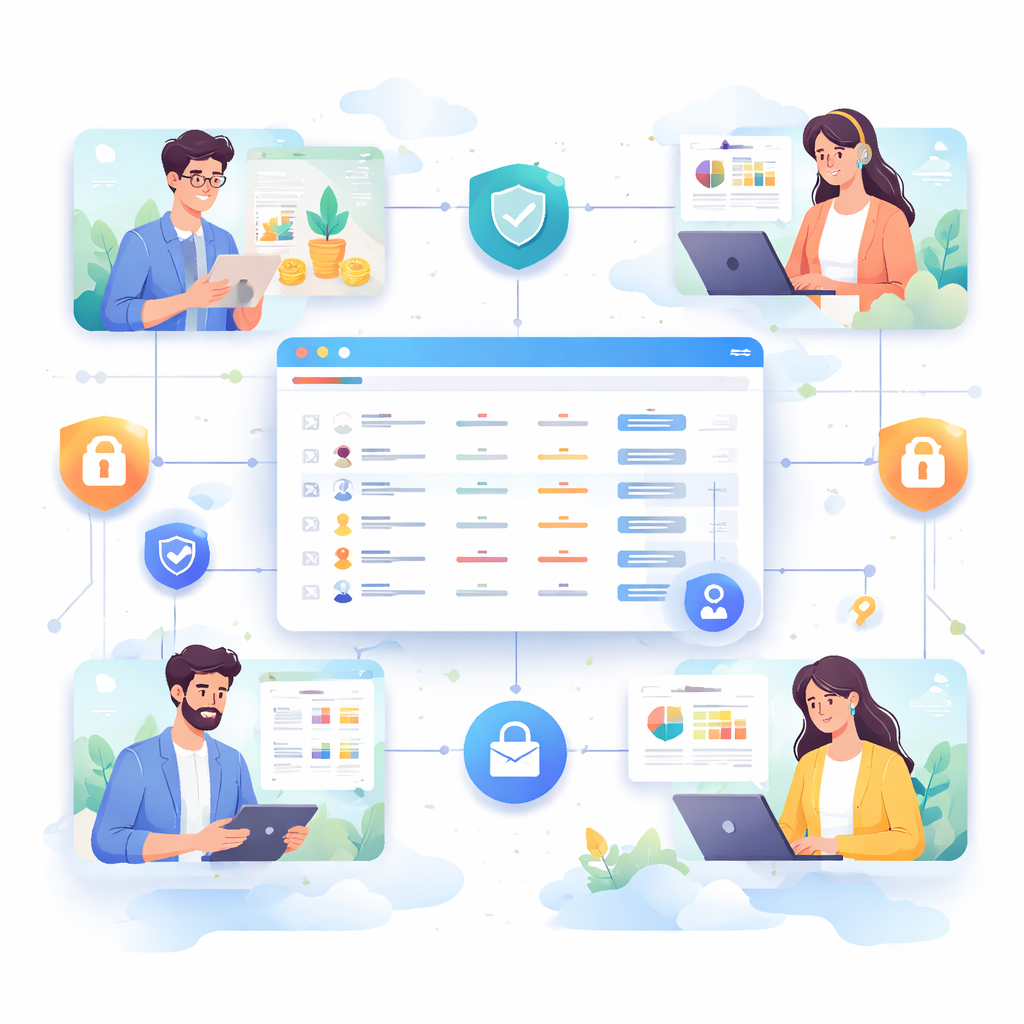
NexBrowser creates an independent, dedicated browser environment for each account, with over 20 fingerprint parameters that can be flexibly adjusted. Each environment has a unique browser fingerprint, with cookies and local storage completely isolated from the host environment, reducing the risk of account association at the device level.
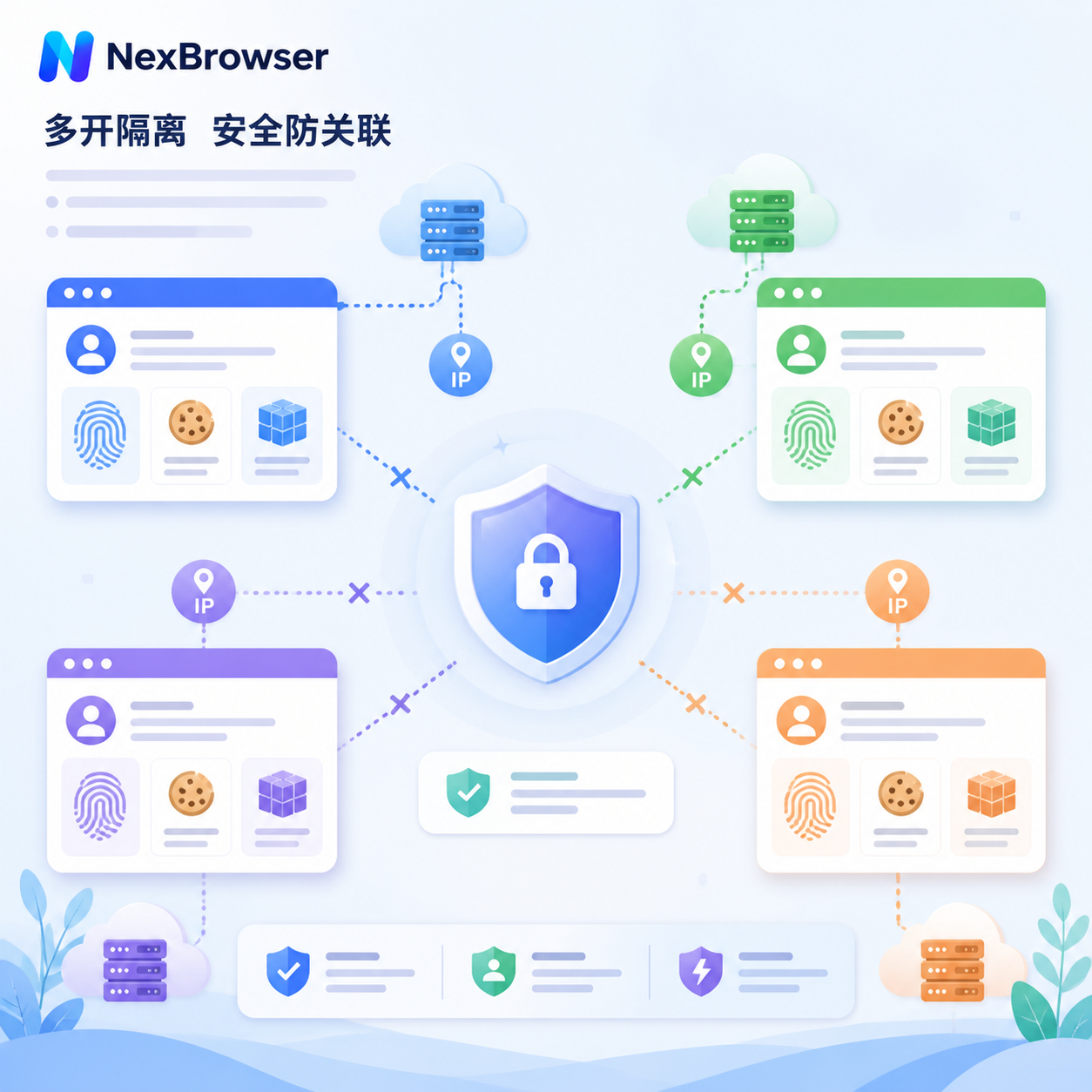
On this basis, NexBrowser also supports using the VPS's native IP as a proxy node in the corresponding browser environment, giving each account both an independent IP and an independent device environment. This achieves dual anti-association protection, significantly reducing the possibility of the platform identifying account associations through IP or device information. Account survival rates will also improve noticeably.
The NexBrowser official help center has published complete configuration tutorials for mainstream VPS providers, so even beginners can follow the steps to configure → "Cloud Server Purchase and IP Configuration Tutorial"
3. Significantly Enhanced Batch Operation Efficiency and Automation
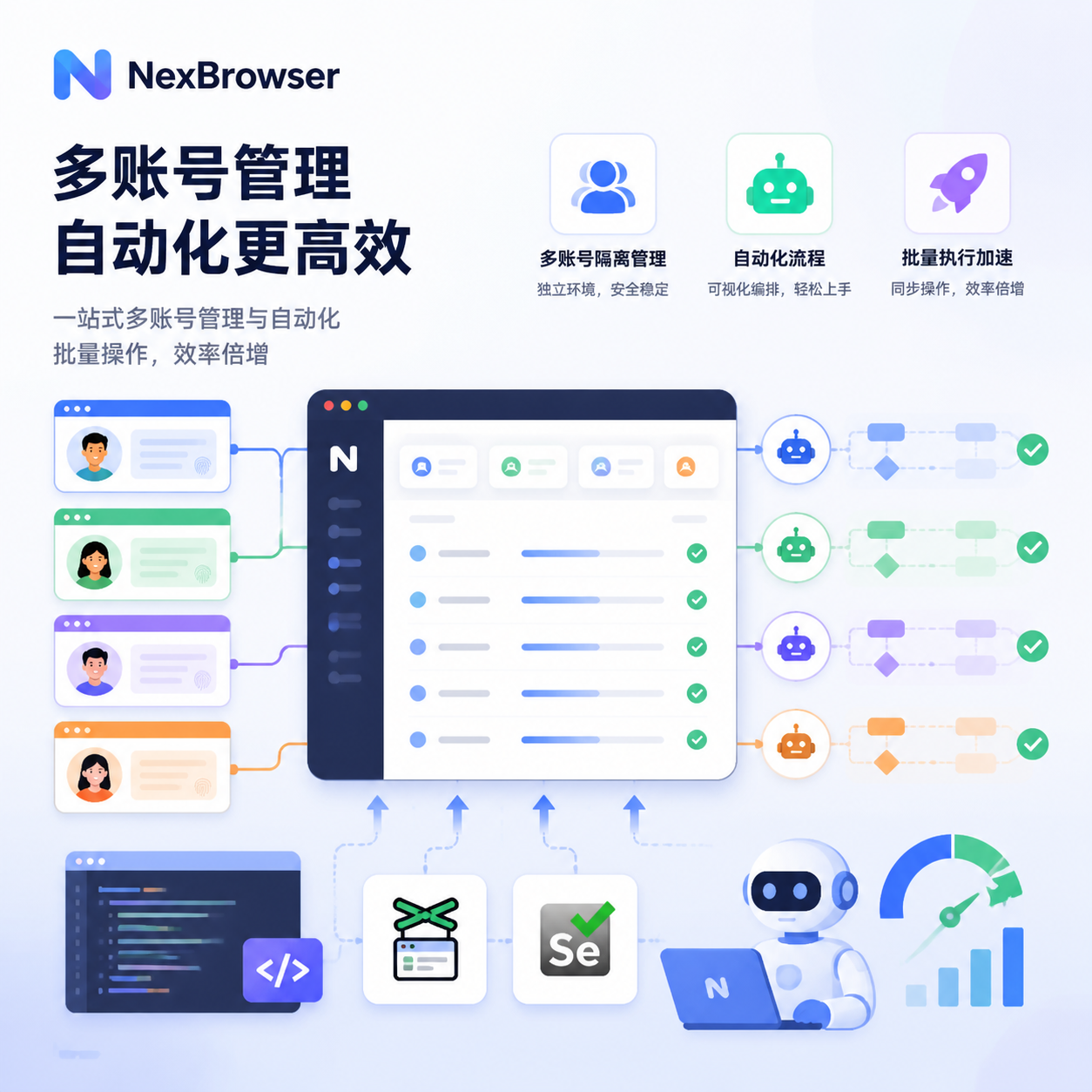
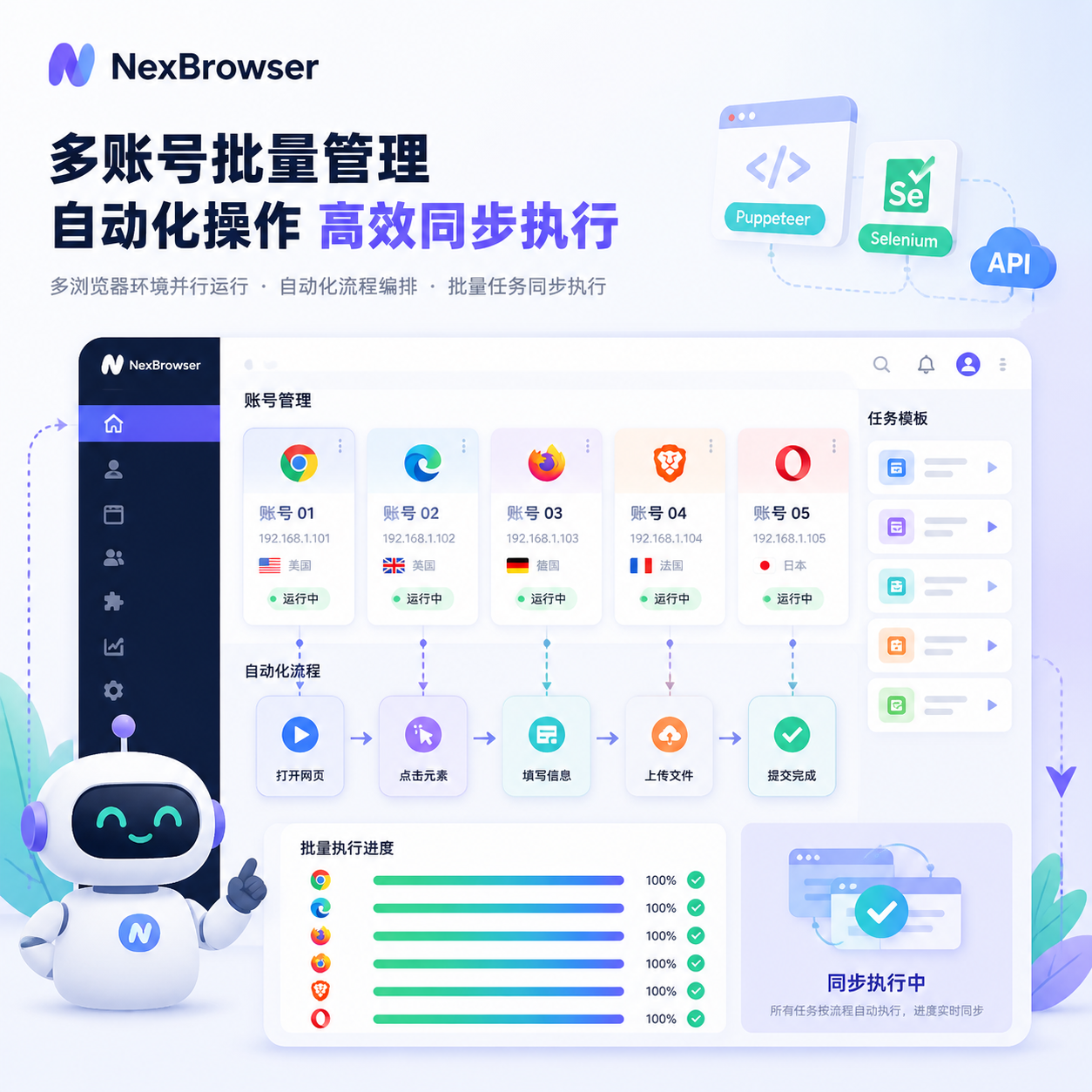
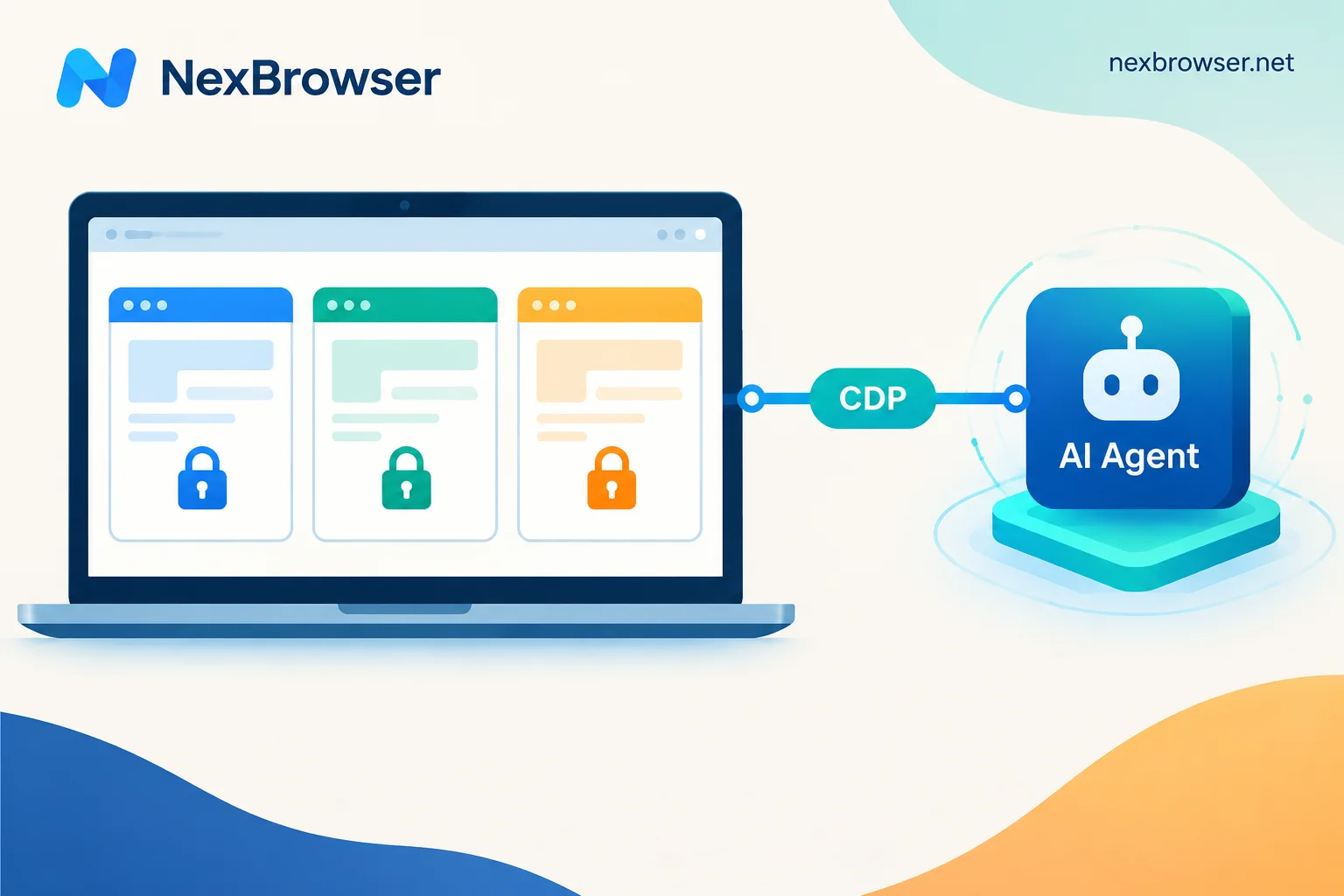
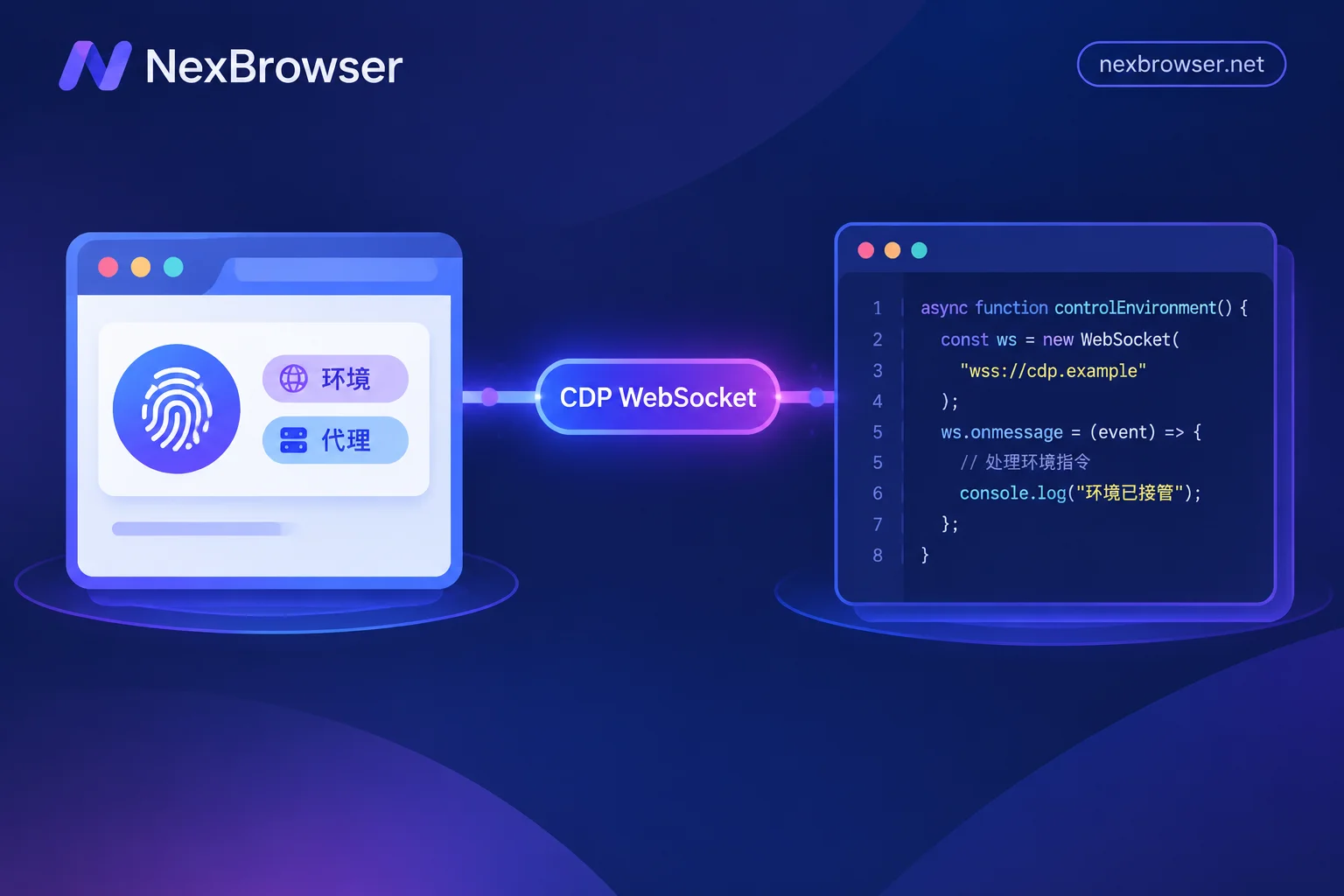
Beyond account isolation, you can directly use the RPA automation module in NexBrowser, or write scripts via Puppeteer/Selenium API to build an efficient operations combination of "process automation + multi-account synchronous execution," making batch operations much easier.
4. Zero-Hassle Team Collaboration
When multiple team members work together, they often encounter issues like data out of sync and chaotic permission allocation.
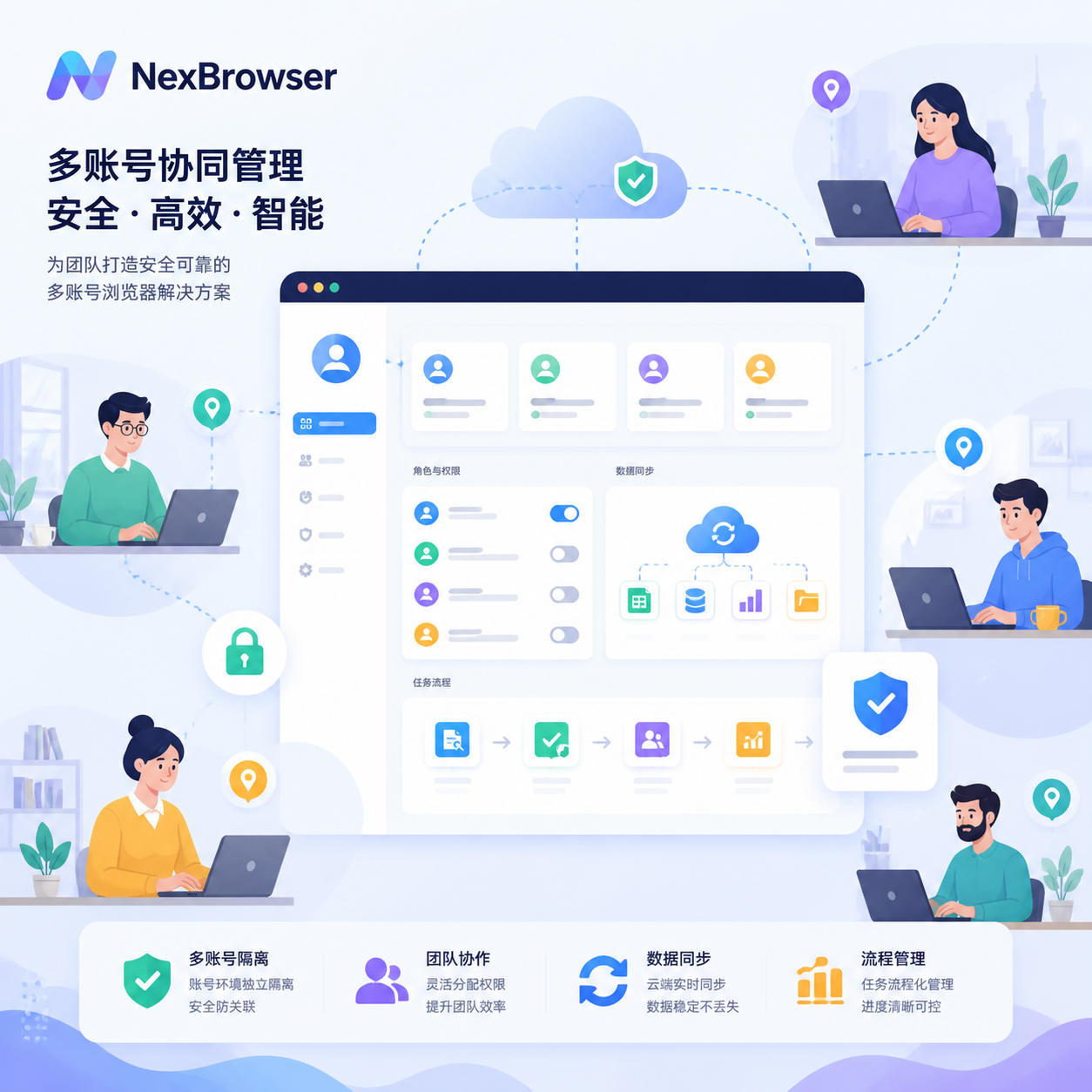
NexBrowser supports team collaboration. Even if team members are in different locations, they can jointly manage accounts through NexBrowser, assign account operation permissions to different members, and collaboratively complete various account management tasks. The entire process ensures data interoperability and controllable permissions. For example, A is responsible for account nurturing, B for ad placement—both safe and efficient.
- More Cost-Effective
A mid-range VPS can host hundreds of NexBrowser environments. NexBrowser itself is flexibly billed based on the number of environments, resulting in much lower overall costs compared to purchasing multiple high-end computers or multiple VPSs.
Final Thoughts
VPS and NexBrowser are never an either-or choice; they are a golden combo that works excellently together. VPS provides a stable and reliable cloud-based operations foundation, while NexBrowser offers professional-grade device camouflage, account isolation, and full-chain team control capabilities. Combining the two truly forms a safe, stable, efficient, and scalable multi-account operations loop.
If you are a beginner or struggling with frequent account bans, try NexBrowser now! Click the link to register and download NexBrowser . We offer new users a permanent free browser environment so you can experience secure account operations without any barriers.


Comments(0)