 NexBrowser指纹浏览器-官方博客Blog
In digital marketing, Twitter/X has become a key platform for brand exposure and personal influence building. However, many operators encounter similar issues: sudden drops in tweet impressions, accounts not showing up in search, and unstable interactions like likes, comments, and DMs. This is often referred to as Twitter rate limiting. Once an account is rate-limited, it not only weakens promotional effectiveness but also poses risks to account security.
For marketing professionals, understanding the rate-limiting mechanism and mastering countermeasures is a fundamental skill in account management. This not only affects the activity of individual accounts but also impacts the safety boundaries when managing accounts in bulk. This article will explain Twitter/X platform security rules, analyze why high-frequency operations trigger restrictions, and provide systematic solutions from environment setup to daily operations. Whether you are a beginner or a team managing hundreds of accounts, these methods can help reduce rate-limiting risks and improve account growth stability.
What is Twitter/X Rate Limiting?
Before discussing solutions, it's important to clarify what "rate limiting" specifically means. In the Twitter platform context, rate limiting does not necessarily manifest as a direct account suspension, but more often as a subtle account de-prioritization.
Definition of Rate Limiting
Shadowban
This type of algorithmic control is very subtle, and account holders often find it difficult to detect at first. The platform does not proactively notify you; actions like posting and liking seem to work normally, but your content may be quietly reduced in visibility—usually only existing followers can see it, while non-followers have significantly fewer chances to see your content, making it harder to gain new followers.
Rate Limiting
This is a more direct platform protection mechanism, mainly used to prevent automated programs from putting excessive pressure on servers. When your operation frequency exceeds the system threshold, the platform may prompt "rate limit exceeded" and temporarily restrict functions like refreshing, following, and sending DMs.
How to Determine if You Are Rate-Limited
If your account shows abnormal behavior, you can start with the following three basic checks:
Tweets not visible in search results (Search Ban)
Your tweets do not appear in relevant keyword search results or hashtag lists, even when switching to "Latest" sorting.
Replies collapsed (Ghost Ban)
Your replies under other users' tweets may be automatically hidden under "Show more replies," or only visible to yourself.
Account not appearing in search suggestions (Search Suggestion Ban)
When other users type your ID in the search box, the system does not automatically display your avatar and full account name; only entering the complete and exact ID can find the account.
Using Self-Check Tools
Rate limiting is often not obvious, so using third-party detection tools can help locate the issue faster. The following two detection platforms remain practical in 2026:
Hisubway
Hisubway is one of the simplest and most intuitive online detection tools. Its advantage is fast feedback, as it simulates Twitter's search algorithm to check your account's current visibility status. Its main detection items include:
- Search Ban: Checks if your tweets appear normally in search results.
- Search Suggestion Ban: Determines if the system auto-suggests your account when others type your username in the search box.
- Ghost Ban: Detects if your replies under others' tweets are deemed low-quality and thus collapsed or hidden.
- Reply Deboosting: Checks if your tweet threads are fully displayed or interrupted by the system.

Usage does not require authorizing your Twitter account—just enter your username to query, reducing security risks from third-party authorization. Results are displayed with red/green lights, making it easy even for newcomers to see which dimensions have issues.
Circleboom Twitter
Circleboom Twitter is a long-term partner of Twitter, and its operations stay within the allowed frequency range, making it suitable for account security maintenance. Its core detection capabilities include:
- Deep Shadowban Test: Uses official API to provide more valuable visibility reports, determining if an account has search restrictions, reply de-prioritization, or severe shadowbans.
- Follower Audit: A large number of bot accounts in your follower list is a common factor triggering rate limiting. Circleboom helps quickly identify and bulk unfollow inactive, fake, or spam accounts, improving account quality.
- Bulk Deletion: If an account was rate-limited due to past excessive duplicate links, you can use it to bulk delete tweets, retweets, or likes. Such "history cleaning" is often a key step to lift rate limits.
- Granular Audience Analysis: Generates detailed interest cloud maps and activity timetables to help you post content that truly interests users, using real engagement rates to mitigate rate limiting.

Circleboom Twitter is more comprehensive and suitable for marketers managing multiple accounts, allowing them to view all account health statuses from a single dashboard.
After understanding the specific manifestations of rate limiting, the next step is to analyze why it occurs. Only by finding the cause can you handle it more effectively.
Common Causes of Twitter/X Rate Limiting
Twitter/X's risk control system is increasingly intelligent, primarily aimed at identifying and filtering bot behavior and low-quality content.
Violating Frequency Limits
This is the most common risk point for multi-account operators. Twitter sets certain thresholds for each account's actions:
High-volume operations in a short time
For example, following 50 people in one minute or liking 100 tweets consecutively can quickly trigger suspicion of automation.
Abnormal automation scripts
Even with scripts, if behavior patterns are too mechanical—e.g., consistent intervals to the millisecond—it can trigger platform alerts.
Content Violations and Spam
The platform algorithm analyzes content from both semantic and structural levels:
Posting duplicate links
Repeatedly pasting the same marketing URL in multiple tweets, especially with shortened links, carries higher risk.
Keyword stuffing
Forcibly adding many irrelevant trending hashtags to tweets to ride trends.
User reports
If your content receives many "hide" or "report" actions, the system may classify the account as harassing.
Environment and Account Security Risks
These are technical risk factors that crucially affect account security:
Unstable IP address:
Frequently changing proxy nodes or switching IPs across regions in a short time (e.g., from US IP to Singapore IP) raises suspicion of account theft.
Linked bans
This is the most troublesome issue when running multiple accounts. If you log into multiple accounts on the same computer and browser environment, even if you switch accounts each time, the underlying hardware fingerprints (e.g., screen resolution, system language, font library) remain highly consistent. Twitter identifies these accounts as possibly operated by the same person through “browser fingerprints”. If one account gets into trouble, others may be linked and banned.
Once you understand the causes of rate limiting, you can formulate targeted solutions to reduce risks and build a more solid defense for account security.
Strategies to Lift Twitter/X Rate Limits
When you confirm your account may be rate-limited, don't panic, and avoid blindly continuing high-frequency posting, as this could worsen penalties.
"Silent Period" Therapy
This is the priority first step to lift rate limits.
Completely stop
Cease all posting, retweeting, liking, and DM actions.
Duration suggestion
Maintain full silence for 24-72 hours. During this time, do not log into the account via any third-party management plugins.
Simulate human behavior
After the silent period, start with a few days of "view only, no posting," occasionally manually scrolling and browsing tweets to help the system recognize the account as normal user behavior.
Optimize Account Weight
Higher account weight increases resistance to risk control:
Complete profile
Ensure avatar, header image, and bio are complete, clear, and professional.
Enable two-factor authentication
Bind a phone number and enable 2FA. In Twitter's risk control logic, this is a significant boost to account security credibility.
Post high-quality original content
Reduce simple link sharing; prepare original text insights or image-based content to encourage real user engagement.
Disable Sensitive Settings
Go to account settings: "Settings and Privacy" > "Privacy and Safety" > "Content you see," and ensure "Display media that may contain sensitive content" is checked. Sometimes rate limiting occurs because the system mistakenly flags your content as sensitive; manually adjusting this setting may help.
Technical Isolation Methods
When running multiple accounts, merely switching logins is insufficient. To ensure each account runs more stably, you need technical "environment isolation."
Each account should operate in an independent browser environment that meets the following:
Hardware differences
- Different computer models
- Independent screen resolutions
- Non-repeating GPU performance data
Software differences
- Different font lists
- Different OS versions
- Different web plugin information
Through such configurations, Twitter is more likely to consider these accounts as coming from real devices with different configurations worldwide, thus improving account security. All environment settings should ensure each account is fully differentiated from others at both hardware and software levels.
Network platforms also identify accounts via IP addresses. If 20 accounts share the same network (same IP), it looks highly abnormal. For more stable use, each account should have an independent and stable IP. This avoids data interference between accounts and reduces the chance of being flagged for abnormal operations like frequent IP changes triggering login restrictions or rate limits.
Although the principle is not complicated, it's very difficult for ordinary users to implement. You can't buy 10 new computers to run 10 Twitter accounts, nor easily apply for 10 different broadband lines. Manually modifying numerous device parameters each time you switch accounts is inefficient and error-prone.
Is there a professional tool that lets you create hundreds of independent browser environments with fully isolated information on a single computer? You can use NexBrowser fingerprint browser—it simplifies complex technical isolation into a single "one-click create" operation.
NexBrowser Fingerprint Browser Provides Long-Term Solutions
To solve rate limiting risks caused by account linking, NexBrowser fingerprint browser has become a common tool for many multi-account operators and cross-border marketers. Its main features include:
Browser Fingerprint Isolation
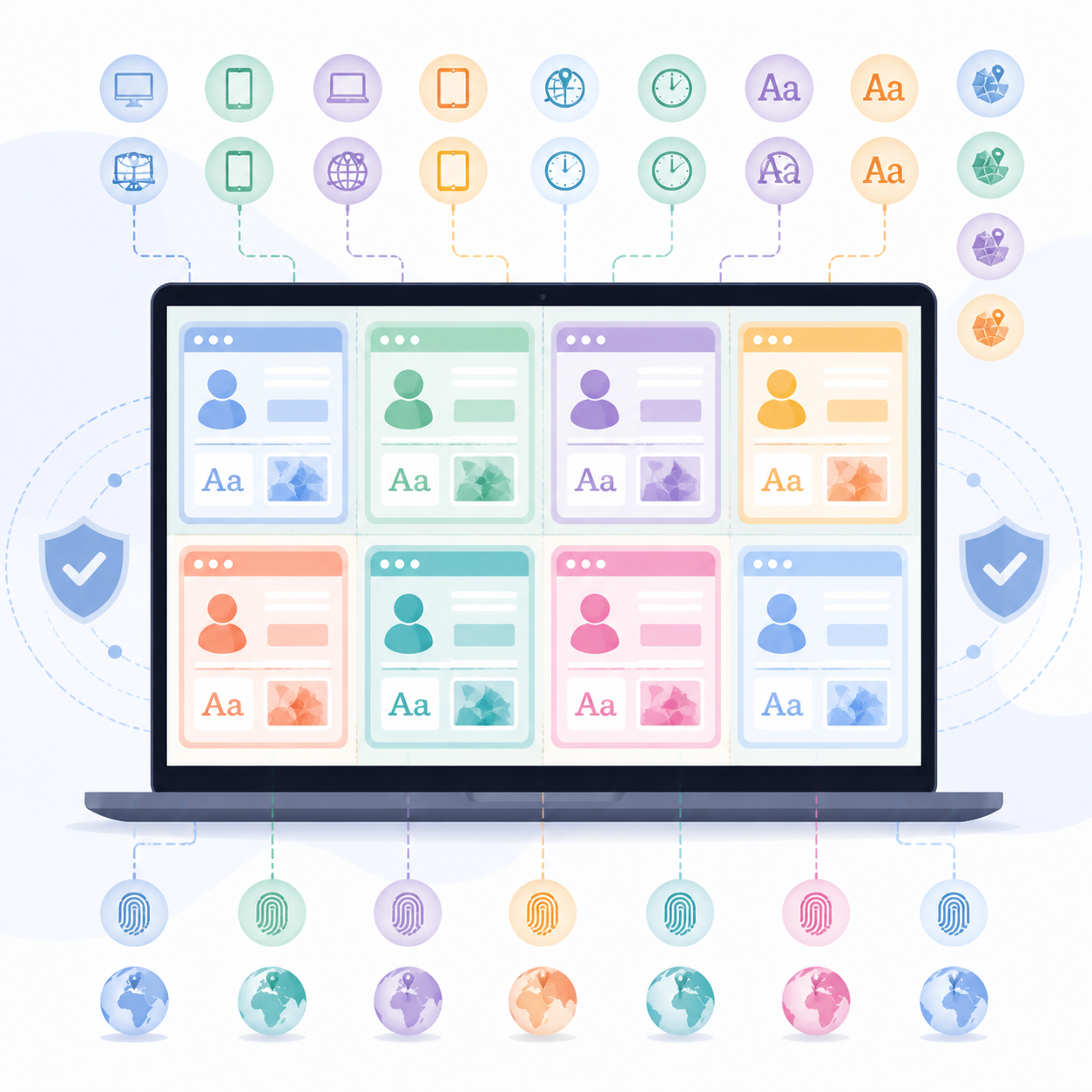
NexBrowser can create numerous independent browser environments. Each environment supports customizing dozens of parameters, such as:
- Operating system
- User-Agent
- Geographic location and timezone
- Font and graphics processing methods (Canvas/WebGL)
By adjusting these parameters, you can make each browser environment show completely different characteristics. Thus, even if you open 100 Twitter windows on the same computer, Twitter will think each account comes from a different device and network environment. This deep isolation effectively reduces the risk of account linking and subsequent bans.
High-Quality Proxy IP
In multi-account operations, having different virtual device information is not enough. If multiple accounts use the same IP, the platform may still identify them as operated by the same person.
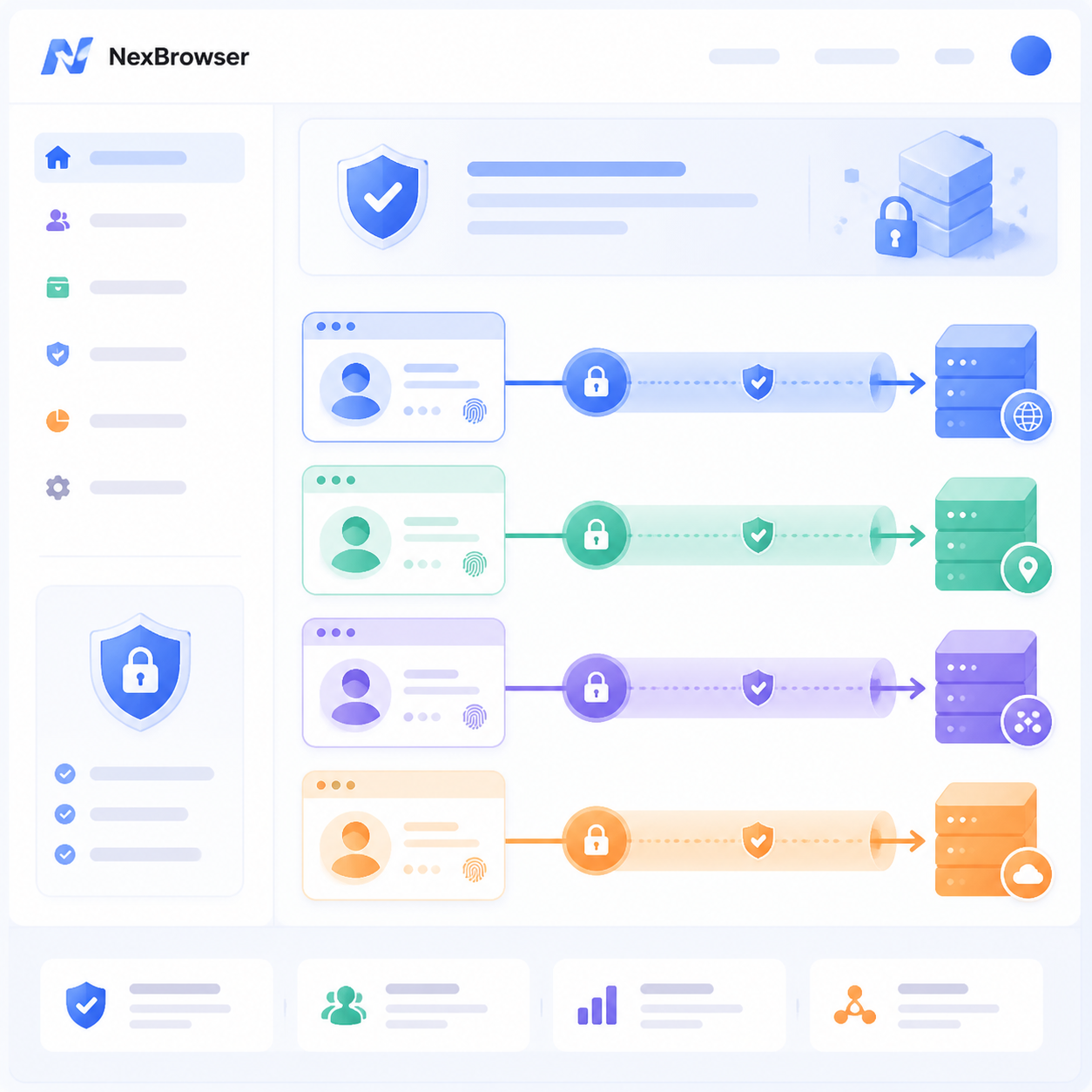
NexBrowser's solution: Bind each account to an independent network exit. For example, Account A uses one network channel, Account B automatically switches to a completely different channel, ensuring network paths are fully isolated.
Through NexBrowser, you can configure:
- Connection protocol (e.g., HTTP/HTTPS/SOCKS5)
- Specify dedicated IP address and port
- Authentication info (username + password)
You can purchase and automatically bind stable static IPs directly within NexBrowser, no complex steps needed.
Account Nurturing
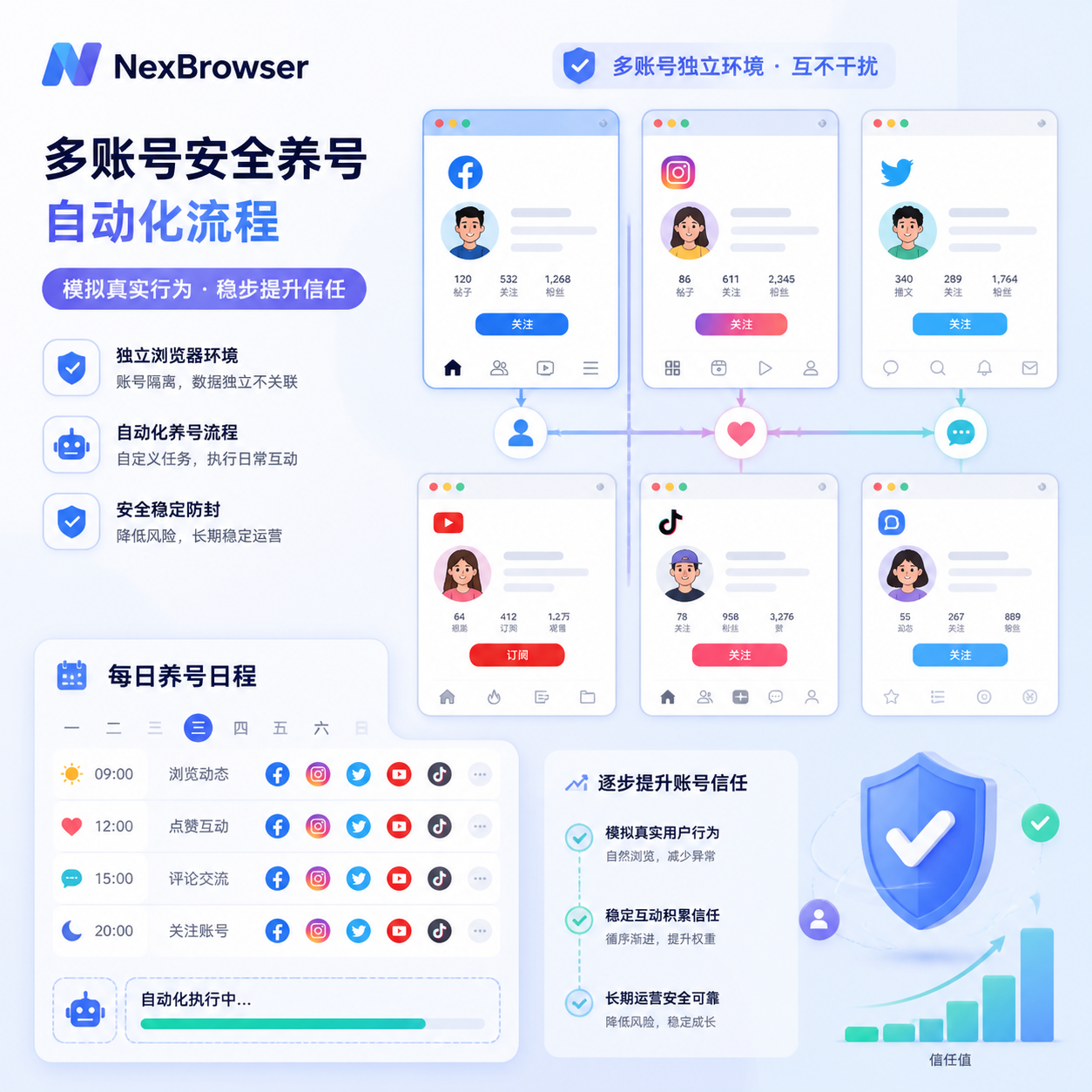
NexBrowser is not just an isolation tool; it also has built-in powerful RPA automation. You can set automation scripts to make accounts automatically browse, randomly like, and simulate real user daily activities. New accounts can be nurtured via RPA for the first 7 days, avoiding high-frequency marketing actions from the start, helping accumulate account security scores incrementally.
Even when managing many accounts, you can synchronize operations with one click, greatly improving multi-account management efficiency.
If you want to stably run multiple Twitter accounts long-term, click here to experience NexBrowser for free, building a truly safe and stable underlying environment for multi-account Twitter management.
Summary
When facing Twitter rate limiting, the worst thing operators can do is to continue repetitive, high-frequency actions without understanding the cause. Such behavior often triggers further platform risk control red lines, leading to longer restrictions.
Using professional tools like NexBrowser can fundamentally improve account security. By keeping each account's operating environment and network connection fully independent, you can cut off the risk of linked bans from a technical level. Only by combining compliant daily operations with advanced technical isolation can you maintain a stable advantage in the increasingly competitive social media landscape and achieve long-term, sustained value growth from your account assets.
Frequently Asked Questions
How long does Twitter rate limiting usually last?
Typically, minor first-time violations result in rate limiting lasting 48 to 72 hours. For severe abuse, like large-scale automation, restrictions may extend to 7 days or longer.
Why am I rate-limited even though I didn't post violating content?
This is often related to the login environment. If your proxy IP has been flagged as a "spam block" or your browser fingerprint is highly similar to a banned account, the system may preemptively rate-limit your account for security reasons.
How can I increase my Twitter account security weight?
Good practices include enhancing account "verification" and "activity." Bind a phone number, enable 2FA, maintain regular daily browsing and interaction, and aim for blue verification. These significantly improve account weight.
Does frequently changing login devices cause rate limiting?
Yes. Twitter records each login environment. If you log in with Chrome today, Firefox tomorrow, and a different device the day after, the system may suspect the account is compromised, triggering frequency limits or forced password changes. It's recommended to use NexBrowser to fix each account's login window environment.
Can I like others' posts during a rate limit period?
Not recommended. Any active interaction during rate limiting may be seen as testing platform limits. A safer approach is complete silence, waiting for the account weight to recover naturally.


Comments(0)