 NexBrowser指纹浏览器-官方博客Blog
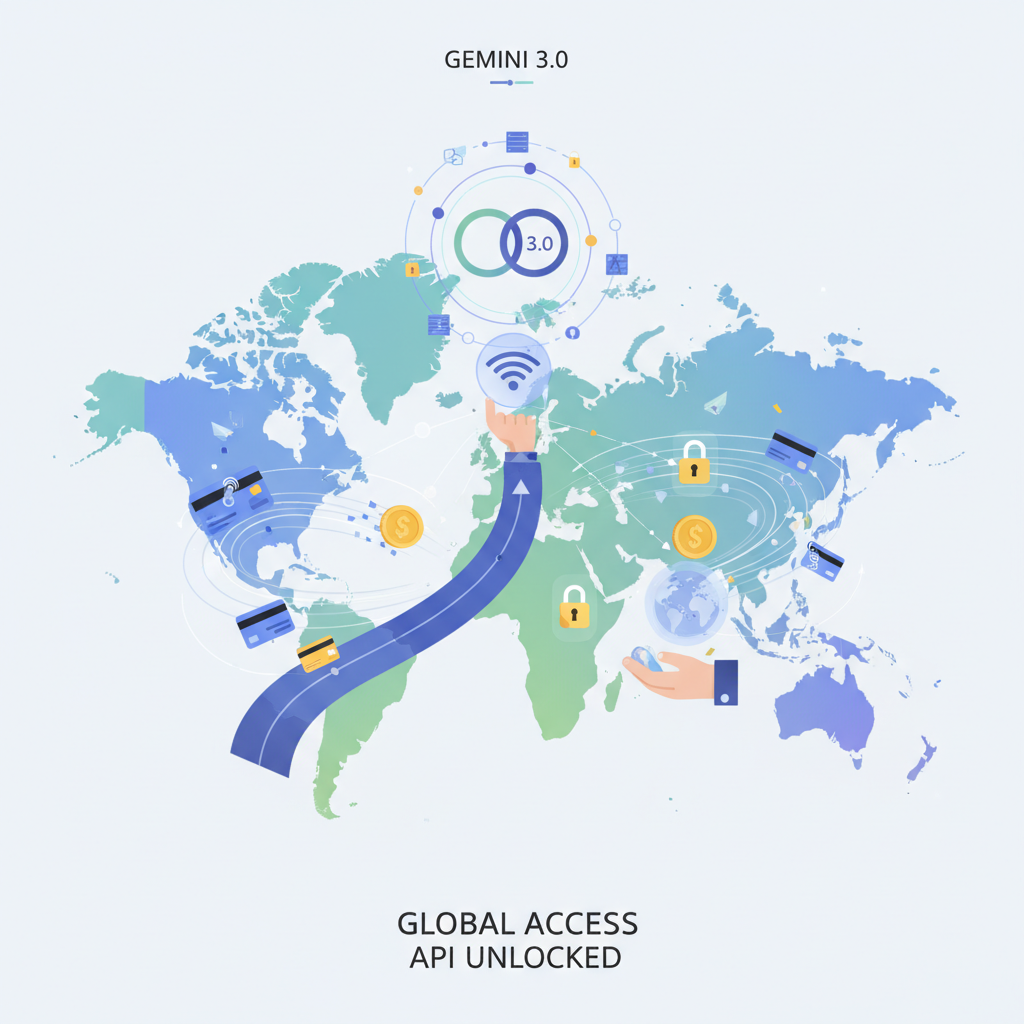
For AI enthusiasts in China, trying out Google's latest Gemini model usually involves two major hurdles: regional restrictions and cost issues. Today I'm sharing a legal way to get $300 free Gemini usage and solve regional access problems.
How to Get $300 Free Gemini Quota
The method is actually simple—it leverages Google Cloud's new user promotion:
Detailed Steps
- Log in to Google Cloud Account
Go to the Google Cloud Platform website and log in with your Google account (Note: your account's registration region must be in a Google-supported area). - Bind a Credit Card
Bind any Visa or MasterCard credit card (Note: UnionPay cards are not supported; an international credit card is required. The system will verify the card's authenticity but won't charge immediately). - Get $300 Free Quota
After binding the card, you automatically get $300 trial quota, valid for 90 days. Set a calendar reminder to cancel before expiry. Apply for API Key in Google AI Studio
- Log in to Google AI Studio with your Google account
- Apply for an API key; this key shares the $300 quota from Google Cloud
Now you can call the latest Gemini 3.0 model!
Can't Enjoy It Fully? Two Core Problems: Restricted Access and Quota Exhaustion
However, many domestic users find that even with the above method, they still can't fully enjoy Gemini 3.0. After all that effort, you'll hit two big issues: restricted access and quota exhaustion.
Problem A: "Service not available in your region"—You're locked out.
This could be due to:
- Unstable network environment that can't reliably connect to Google services.
- Your Google account registration region not in a supported area.
- IP address not matching account region, triggering Google's risk control.
Problem B: "Quota exhausted, but I want more!"—You're stuck inside.
If you've already claimed the quota once, you naturally think: "How can I claim again with a new account?" But you'll quickly find:
Google's free quota is strictly one per person.
Creating new accounts from the same environment easily leads to account linking and failure.
How to safely manage multiple accounts becomes a tricky technical challenge.
Whether you want to knock on Gemini's door or get more "passes" inside, the core issue boils down to one thing: you need a professional tool that perfectly simulates an independent, real user environment.
One Trick to Break Limits: NexBrowser Anti-Detection Browser
To completely solve these problems, you need more than a simple network tool—you need a professional browser environment management solution—NexBrowser.
NexBrowser Hands-on for Gemini 3.0
With NexBrowser, we can smoothly bypass regional restrictions, access restricted sites, log into Google accounts, and start enjoying Gemini 3.0!
Operation Flow:
Download and install NexBrowser
Choose the client for your computer system and download NexBrowser.
Create a browser profile with a service-supported region
- Register and log in to NexBrowser with your email, then click "Create Window". Select a corresponding IP proxy, e.g., USA. The system will automatically match IP timezone, language, and other parameters.
Tip: Complete the newbie tutorial first! Claim a free US IP proxy + 7-day full feature unlock!
- If you have already claimed the free quota and want to continue "free-riding"—create more windows and Google accounts, bind overseas payment, and easily enjoy high-quality Gemini 3.0 API keys!
- Register a Google account in this environment
- Apply for Google Cloud $300 quota as before, and get the API key in Google AI Studio
- Start using the latest Gemini 3.0 for free!
When you successfully access Google AI Studio, you can easily get an API key by clicking "Get API key" at the bottom left. Start enjoying Gemini 3.0 now!
Get ahead with Gemini 3.0!
New NexBrowser users get 5 free configuration windows!
Download now!
Log in to Google Cloud with Your Existing Gmail Account:
- Switch environment with NexBrowser and change account region
Log into your Google account settings in NexBrowser with a US IP, and apply to change account region to USA. After submitting, be active (search, Maps, etc.) in the same IP NexBrowser window.
Tips:
- How to check account region: Visit https://policies.google.com/terms?hl=en → The third line of terms shows the current country/regional version of your account → The displayed country is that Gmail account's region.
- How to change account region
a. Visit Google's Request to Change Associated Region page: https://policies.google.com/country-association-form
b. Select a Google-supported country (e.g., USA), and check/write a reason (it's recommended not to choose VPN).
c. Fill in the above and submit. (This request requires manual review; you'll receive an email notification in about an hour.)
Note: Changing account region requires manually selecting a reason; it takes 0.5-1 hour to take effect, but may take longer or even be rejected by Google.
- Log in after the change takes effect
Once the account change is confirmed, try logging into Google Cloud with your Google account.
Important Notes
- Ensure the credit card supports international payments.
- Remember to cancel before the 90-day trial ends to avoid charges.
- Maintain consistency in your NexBrowser profile; don't switch IPs frequently.
- Use API quotas wisely to avoid abnormal calls that could trigger Google's limits.
How NexBrowser Helps You Break Limitations
1. Stable IP Environment
- Supports IPs from 195+ countries and regions worldwide
- Can pinpoint to city level
- Supports residential IP, mobile IP, etc.
- Ensures network stability when accessing Google services
2. Perfect Account Region Matching
- Create browser fingerprints matching the target region to protect online privacy
- Automatically match timezone, language, geolocation, etc.
- Each profile simulates a real local user environment
- Avoid Google security checks due to region mismatch
3. Secure Multi-Account Management
- Each Google account has an isolated browser environment
- Prevents account linking
- Supports managing multiple accounts simultaneously
- Create multiple Google accounts to maximize free quota usage
Why Choose NexBrowser?
Compared to ordinary tools, NexBrowser's core advantages are:
- Fingerprint Anti-Detection Technology: Dynamically generates real device fingerprints (GPU, fonts, OS, etc.), making it impossible for Google to identify your real environment.
- Complete Isolation: Each browser profile has independent cookies, cache, and local storage, ensuring zero correlation between accounts.
- One-Click Template Creation: Quickly create browser configurations for different regional requirements.
- Permanent Free Plan: Provides 5 free configuration windows, enough for personal testing (new users get 7-day full feature unlock + 1 free US IP!).
Summary
With Google Cloud's new user promotion, you can get $300 free Gemini quota. But for domestic users, a stable network environment and a region-matched Google account are key.
NexBrowser's professional browser fingerprint management and IP environment simulation can perfectly solve these pain points, letting you truly enjoy Gemini's power.
Start now! Enjoy NexBrowser + Google Cloud free quota for zero-cost access to the most advanced AI model!