 NexBrowser指纹浏览器-官方博客Blog
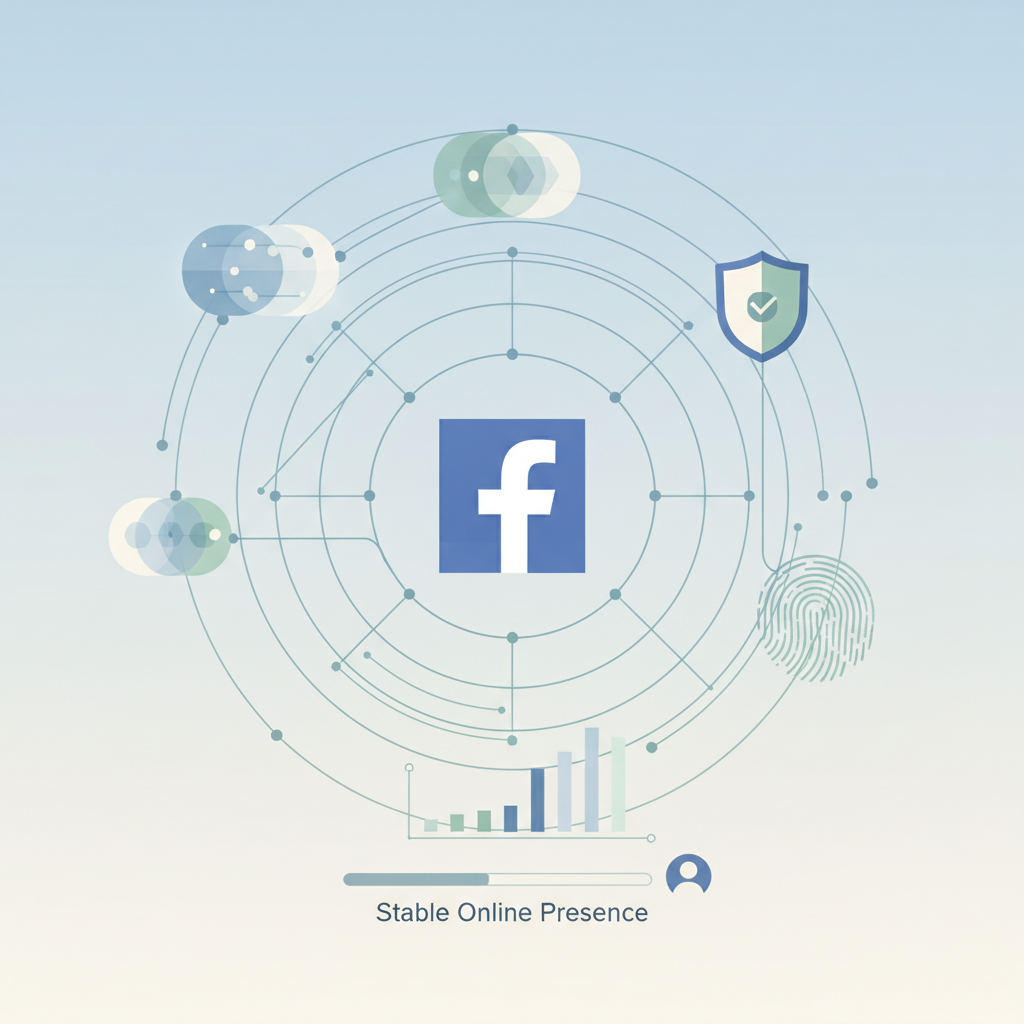
On the Facebook platform, whether you are engaged in cross-border e-commerce, content promotion, or ad placement, a stable and usable account is the starting point for all business. However, countless newcomers (and even veterans) have faced the same dilemma: a newly registered account enters safe mode or gets banned shortly after, rendering all efforts futile.
This is because Facebook has one of the most complex AI risk control systems in the world, and any "non-human" or suspicious behavior can trigger an alert. The key to account nurturing is to simulate real user behavior and environment to build your "digital credibility" within the system.
This article will analyze the Facebook new account nurturing process from three perspectives: underlying environment isolation, real user behavior simulation, and risk triggering mechanisms. It will highlight those seemingly insignificant but easily overlooked "silent killers" that lead to account bans, helping cross-border marketers build high-authority account assets.
1. Step One for Nurturing: Prepare from the Registration Environment
A stable, secure, and independent environment is the prerequisite for nurturing accounts. If the account running environment has correlations, any nurturing techniques will be ineffective.
1. Use a Clean and Stable Network Environment
The quality of the IP directly determines the account survival rate. Try to avoid using data center IPs. Many cheap VPNs use data center IPs, where thousands of accounts share the same IP range. Such IPs are often heavily abused and flagged as high-risk by Meta's system. Once Facebook bans one account in that range, all accounts under that IP are likely to be banned as well.
Additionally, ensure that the IP does not change frequently and that the geographic location matches the account profile location. If the IP changes frequently (e.g., from Los Angeles to New York), the platform may consider it a hijacking attempt or bot operation, triggering risk control restrictions.
If possible, use static residential IPs. These simulate the home network environment of real overseas users, and static means the IP remains fixed, which is crucial for new accounts.
2. Browser Fingerprint Isolation
Facebook uses technologies such as Canvas, WebRTC, and AudioContext to precisely track users' browser fingerprints. Note that even on the same device, switching accounts by clearing cookies or using incognito mode cannot hide the inherent hardware characteristics of the device, and the platform will still identify it as the same operator.
To avoid such risk control, you can use professional fingerprint browsers like NexBrowser. It creates an independent browser environment for each account, ensuring each account has a unique UserAgent, font list, resolution, and graphics rendering features, achieving physical-level isolation between multiple accounts and significantly reducing the risk of being detected.
2. Facebook Account Nurturing Strategy: How to Nurture to Avoid Bans?
Let's be realistic: there is no "absolutely safe" way to nurture accounts; we can only minimize risks. Effective nurturing is not a single action but a behavioral rhythm.
Phase 1: Identity Establishment (Day 1 - Day 3)
Many people rush to verify this and try that right after registering. But from the platform's risk control logic, the core task for a new account initially is only one thing: let the system determine that it's a real user operation, not an automated script or batch-operated account.
Day 1: After registration, upload a clear profile picture and cover photo (recommended to clear EXIF data). Complete basic information (city, hometown, education background), and enable 2FA. After finishing, let the account sit for 24 hours.
Day 2: Stay online for 20-30 minutes. Browse the News Feed, like and follow high-authority public pages recommended by the system (e.g., media, brands). Strictly avoid proactively searching for friends to add.
Day 3: Continue browsing the News Feed. If you see interesting posts, engage with simple interactions (likes or short comments). Try to join 1 local group related to the account's persona.
Phase 2: Trust Accumulation (Day 4 - Day 7)
This phase requires continuous normal interactions to increase the account's activity weight.
Day 4-5: Increase online time to about 40 minutes. Play Facebook Instant Games or watch Facebook Watch videos; such behaviors are considered high-value real human actions by the system.
Day 6-7: Start passively adding friends. Accept "people you may know" from the system's recommendation list, or add 1-2 members you interacted with in groups. At this point, you can bind a phone number or email to further complete the profile.
Phase 3: Feature Unlock (Day 8 - Day 14)
The account now has some resistance to bans and can begin light business setup.
Day 8-10: Maintain normal browsing and interaction frequency daily. Try to create a Fan Page and complete the page information (logo, description).
Day 11-14: Post non-marketing life updates or industry news on the Fan Page, slowly update content, and attract some organic followers. You can enter Business Manager (BM) for basic settings and bind a payment method (ensure the card segment is clean). Note: Still not recommended for large-scale ad placement at this time.
After a month, you can gradually start placing ads. Even when starting ads, continue to "nurture" the personal account by maintaining daily social behaviors like occasional likes, comments, and posting some personal life content to make the account persona richer and more realistic.
3. Easily Overlooked Risk Control Triggers
In practice, many accounts get banned even after following the above process, often due to neglecting these details:
- Timezone and language conflict. This is the most common environment configuration error. If the IP shows the US but the browser timezone is set to UTC+8 (China time), or the system language is Chinese, this logical inconsistency directly triggers risk control. Typically, using a fingerprint browser like NexBrowser can resolve this, as it has a feature to automatically match timezone and language based on IP.
- Non-human behavioral characteristics. Mechanized operation trajectories (e.g., fixed click coordinates, millisecond typing speed) are recognized as bot behavior by AI. It's recommended to maintain randomness in operations. Pause when browsing, type with intervals, and avoid frequent use of copy-paste.
- Ignoring two-factor authentication (2FA). Bind a phone number or email early in the nurturing process and enable 2FA. This not only enhances account security but also significantly increases the system's trust in you.
- Image and media metadata. Images downloaded from the web or previously used by banned accounts contain EXIF data. Facebook's system can identify that this image has a "history." Before posting, use tools to clear metadata, or screenshot and re-save, or even tweak pixel dimensions and brightness to generate a new MD5 value.
- One card for multiple accounts. Many matrix operators use fingerprint browsers for isolation but bind all accounts' 2FA to the same phone number or use the same virtual card for all ad payments. Payment cards should be one card per account (or one card for few accounts), and verification phone numbers must not be reused.
- Adding spam accounts. When the system recommends friends in the early stage, some are "spam accounts" that only ad accounts would add. If you accept many spam friend requests from click farms in India or Southeast Asia, your account weight will decrease. In the early stage, only add high-quality, authentic Western users (if your target market is Western).
Facebook's risk control is not a single-point judgment but a comprehensive score.
When an account is already at a "low trust starting point," even conservative operations may not withstand a small fluctuation. Account stability is built on rigorous environment isolation and compliant operational logic. For cross-border marketing teams, using professional tools (such as NexBrowser) to manage account matrices can not only reduce the risk of bans but also greatly improve operational efficiency.
In summary, nurturing accounts is a process that requires patience; do not rush for quick success. Only with a solid foundation can subsequent ad placements and traffic monetization be sustainable.