 NexBrowser指纹浏览器-官方博客Blog
Grok 4.6 API free credit is $25 one-time testing credit: claim it by creating a new developer account on the xAI developer console (console.x.ai). It's typically valid for 30 days and can be used to call APIs including Grok 4.6. But before you rush to register, follow the 5-step environment check below to avoid common pitfalls.
Grok 4.6 was officially released on August 12, 2026, supporting a 500k token context. API pricing is $2/1M input tokens, $0.5/1M cached tokens, and $6/1M output tokens. It was integrated into GitHub Copilot on August 14. These parameters and credit details are based on xAI's official model documentation and release notes (docs.x.ai / x.ai). Roughly converting based on official pricing, $25 covers about 12.5M input tokens or 4.16M output tokens (excluding cache billing differences); actual consumption depends on your console billing.
Why Two Common Claims Don't Hold Up
Two rumors about Grok 4.6 API free credit circulate online: "unlimited $150 data-sharing credit" and "fingerprint browsers can bypass SMS verification." Neither is accurate.
Data-sharing credit requires prior real spending on the account (e.g., $5+), and the policy is tightening. New accounts only get a one-time $25 credit, not endlessly. Rules follow xAI's official announcements and are subject to change. Fingerprint browsers handle client device feature isolation and anti-association, but they can't replace real phone verification or a valid payment method.
Layer 1: Account Essentials – Prerequisites That Browser Environments Can't Change
Before registration, prepare: an email that can receive verification messages, a phone number that can receive SMS, and optionally a valid payment method. This layer is the "identity and credential layer," and no browser tool can substitute for it. Typical issues here: verification codes not sent or page returning to registration after submission.
Layer 2: Exit IP and ASN Attribution – Datacenter vs. Residential IPs
During registration, WAF and risk controls are more sensitive to datacenter-range exits; residential exit ASNs look more natural. Proxies should be bound per browser environment, not set as system-wide, to avoid multiple accounts sharing the same exit, causing timezone/language and IP attribution conflicts. Check: exit IP, ASN/location, timezone, language, and whether WebRTC leaks your local or real public address. For detailed binding methods, refer to Proxy IP Binding for Browsers.
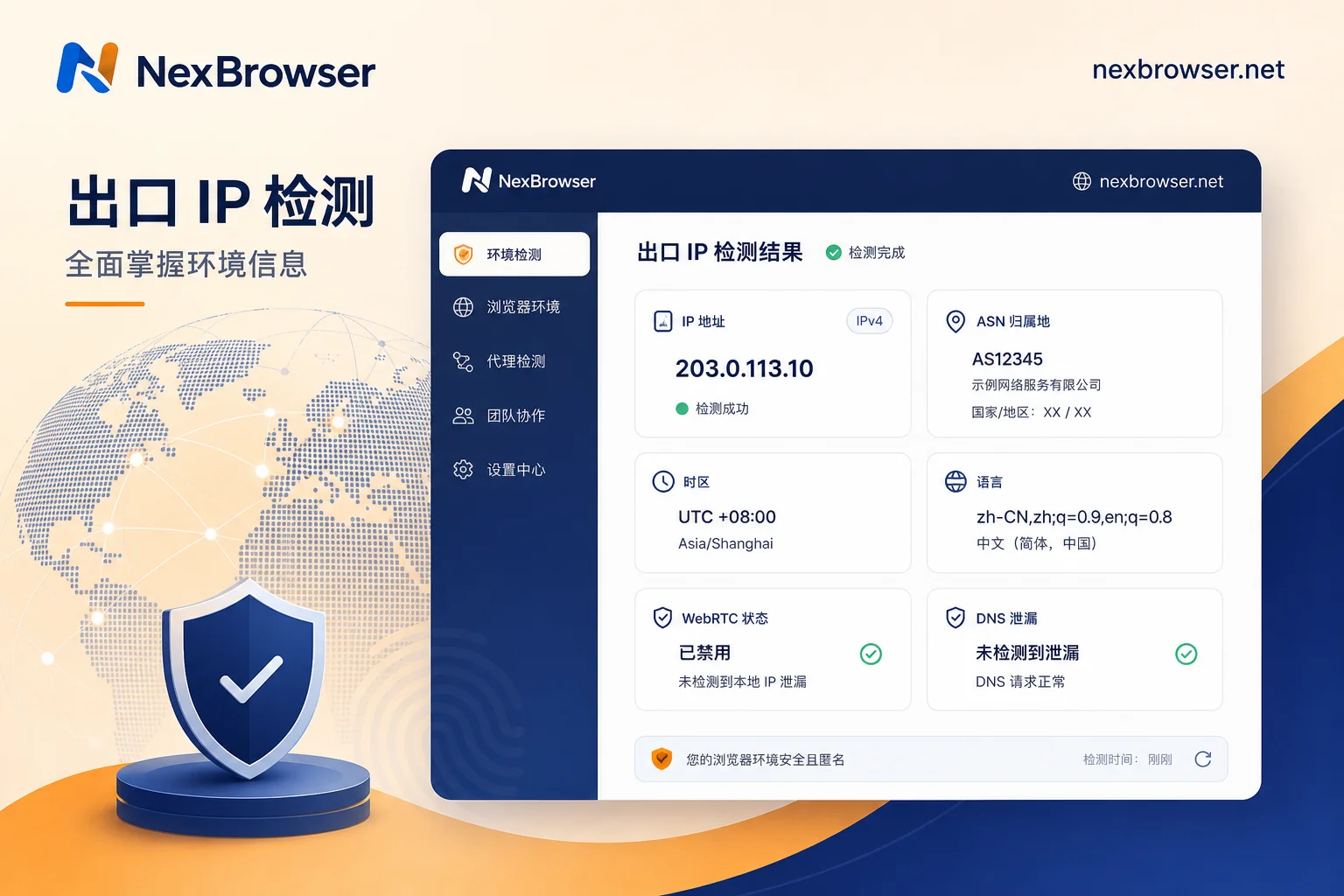
Layer 3: Browser Environment Consistency – Fingerprints, Cookies, Storage, and Cache
When running multiple xAI developer accounts on the same machine, the most common association points are shared Cookie/LocalStorage/cache and identical fingerprint readings. Self-check: UA and Client Hints consistent with the engine version; timezone/language match the exit IP; Canvas/WebGL/audio readings are independent per environment; Cookie and Storage are physically isolated. Note that "consistency" is more important than "uniqueness." See Fingerprint Browser Independent IP Configuration Common Errors and Troubleshooting.
Layer 4: Multi-Account Parallel Management – Environment Ownership and API Key Storage
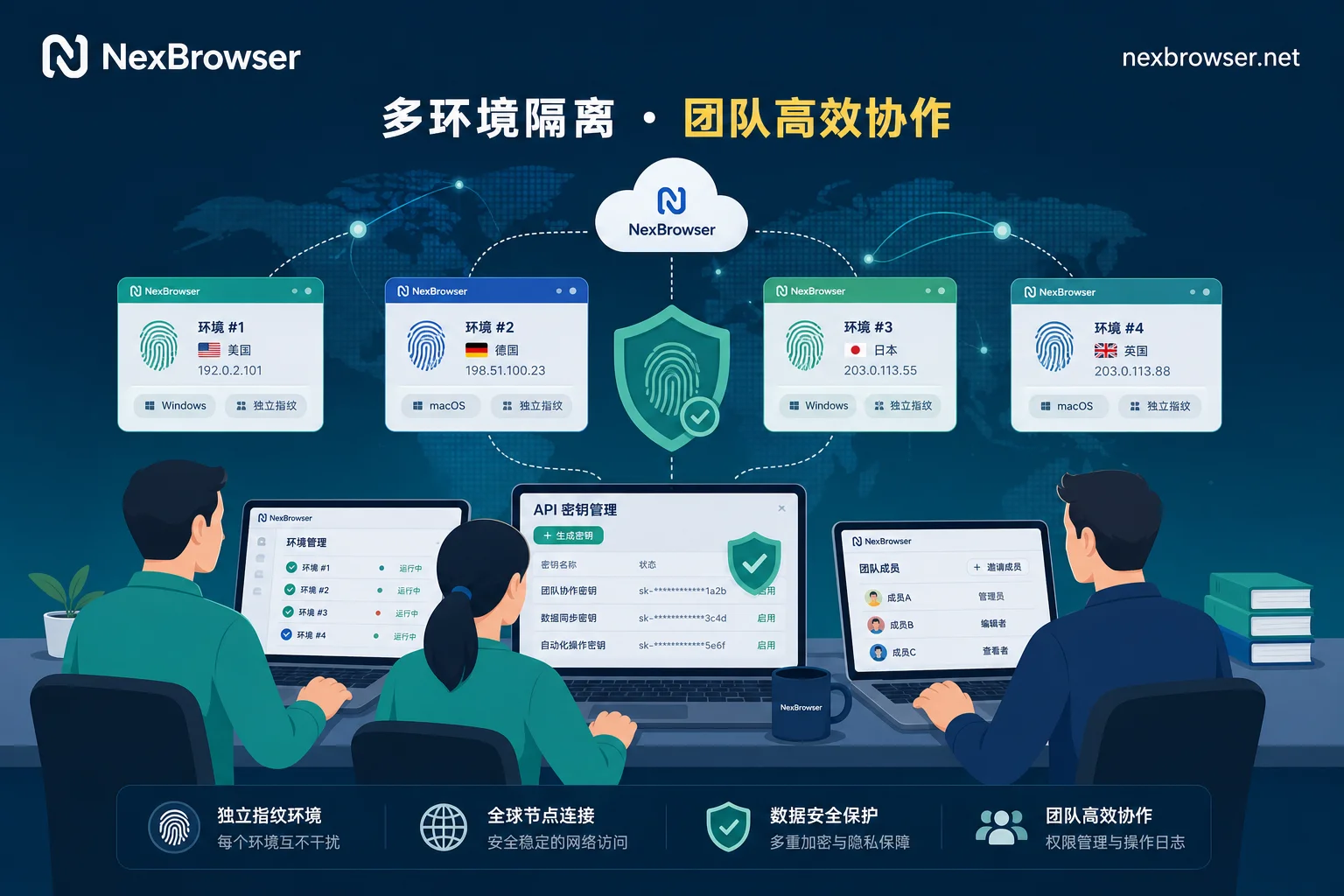
In team scenarios, naming and ownership records for one-account-per-environment, who uses which environment, where API Keys are stored and who can read them, and how to hand over when personnel change are all process and permission design. Fingerprint browsers provide a vehicle for environment collaboration and permission distribution, not automatic compliance.
Pre-Registration 5-Step Checklist
Below is a checklist for environment verification before claiming Grok 4.6 API free credit.
| Step | Action | Acceptance Criteria |
|---|---|---|
| 1 | Confirm credit terms and expected usage | $25 one-time, valid 30 days |
| 2 | Prepare account essentials | Email/phone can receive verification; payment method verifiable |
| 3 | Create a new isolated browser environment and bind a dedicated proxy | Proxy active inside the environment, not global |
| 4 | Open a detection page and check exit IP/ASN/timezone/language/WebRTC/fingerprint | All readings consistent, no leaks |
| 5 | Record environment ownership and Key storage location | Ownership table and permission records established |
Put the Credit to Use: Local API / WebDriver to Take Over the Environment
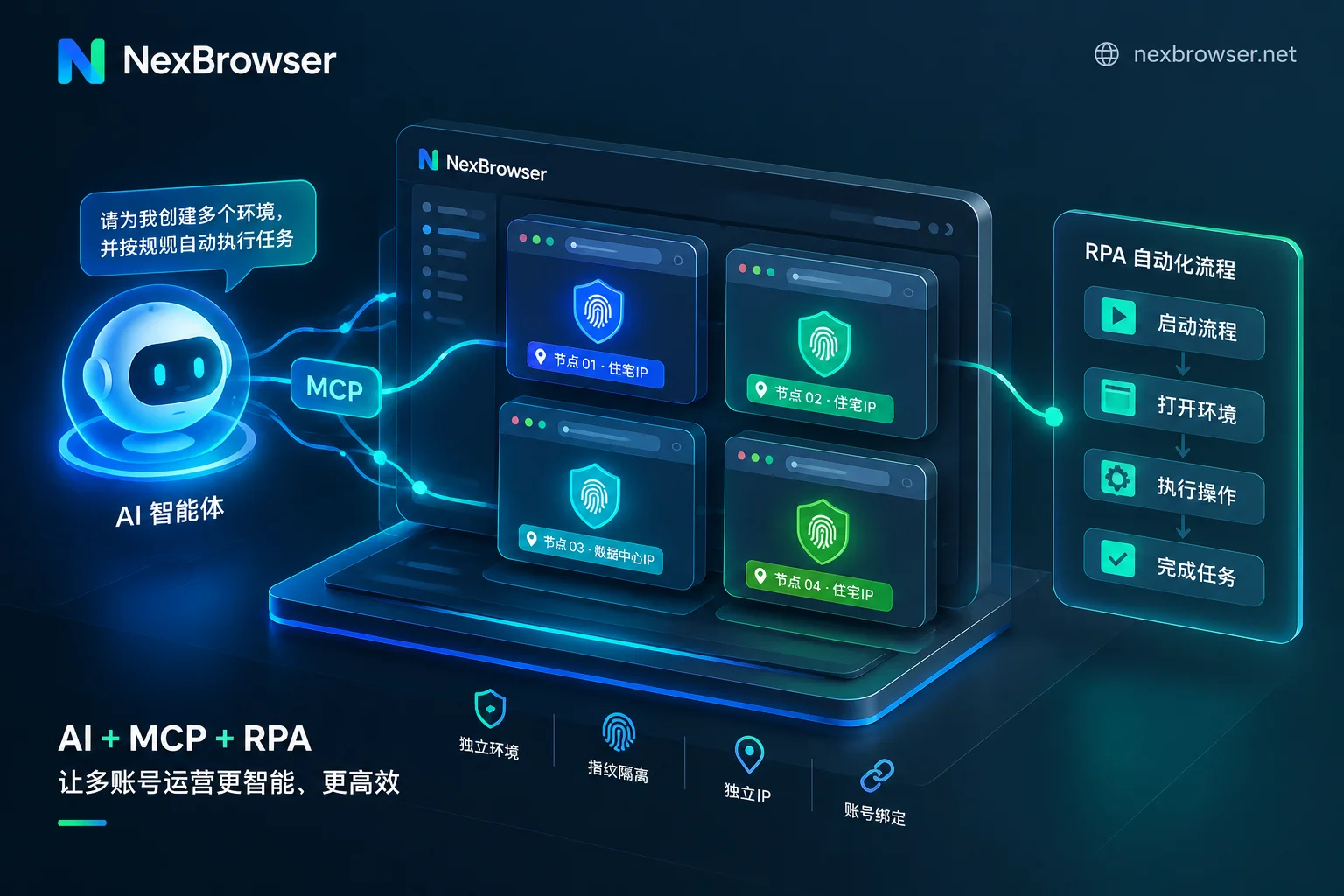
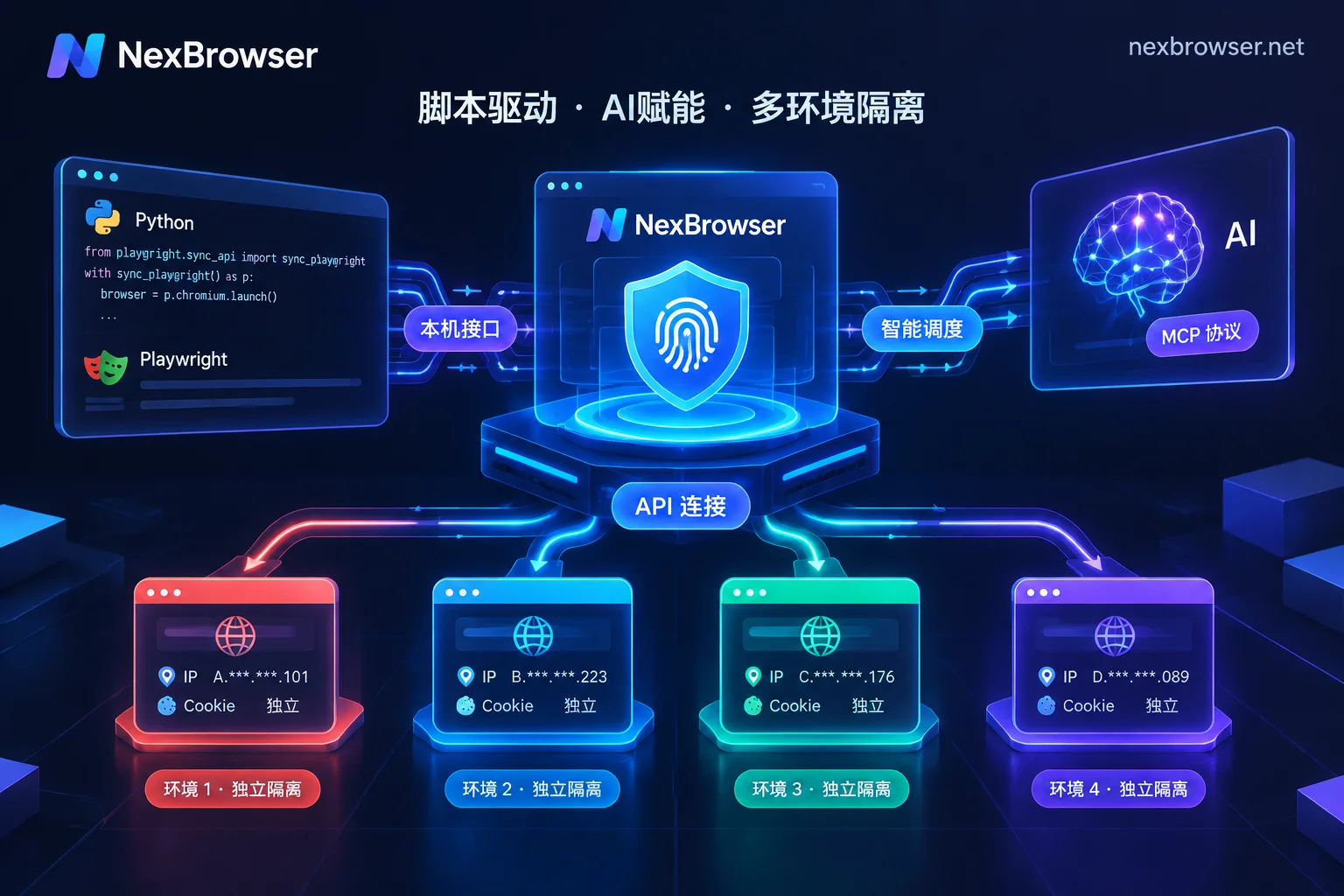
After receiving the credit, use the fingerprint browser's Local API / debug port to connect Playwright, Puppeteer, Selenium to the pre-configured environment, reusing its proxy and fingerprint context. Launching a native headless browser directly often results in environment characteristics inconsistent with those at registration. For example, Selenium Connection to Anti-Association Browser Interface Configuration Tutorial provides detailed methods.
Implementing in NexBrowser: Isolated Environments and Batch Sampling
NexBrowser supports creating isolated browser environments, binding HTTP/HTTPS/SOCKS5 proxies per environment, fingerprint and Cookie/cache isolation, team environment collaboration and permission distribution, and Local API with WebDriver for batch sampling across environments. It handles client-side environment isolation and consistency, but does not intervene in xAI's verification or payment processes.
FAQ
Can the $25 Grok 4.6 API free credit be renewed?
No. It's a one-time introductory credit for new accounts, typically valid for 30 days, and cannot be claimed repeatedly. After exhaustion, you need to recharge or subscribe at official pricing.
What if I don't receive the SMS verification code during console.x.ai registration?
First check if your phone number supports international SMS. Then verify your exit IP is residential and not flagged by risk controls. If still failing, troubleshoot in order: account essentials → exit IP → environment consistency → ownership records.
Will multiple xAI accounts be deemed associated?
If accounts share the same browser fingerprint, cookies, or exit IP, the risk is high. Using isolated environments and residential IPs can reduce association likelihood, but you must comply with platform terms and open accounts for real business needs.
Residential IP or datacenter IP for registration?
Prioritize residential IP, as datacenter ASNs are more likely to be intercepted by WAF. Ensure the proxy is bound to a single environment, and check timezone/language consistency with the IP's location.
How to distribute and manage API Keys in a team?
It's recommended to isolate by environment, with one API Key per environment, and use a management tool that supports environment-level permission distribution to record ownership and handoffs.
xAI has not disclosed risk control scoring thresholds or blacklist update cycles. The troubleshooting order in this article is based on verifiable readings (exit IP, ASN, timezone, language, WebRTC, fingerprint) and does not guarantee registration success or non-association.


Comments(0)