 NexBrowser指纹浏览器-官方博客Blog
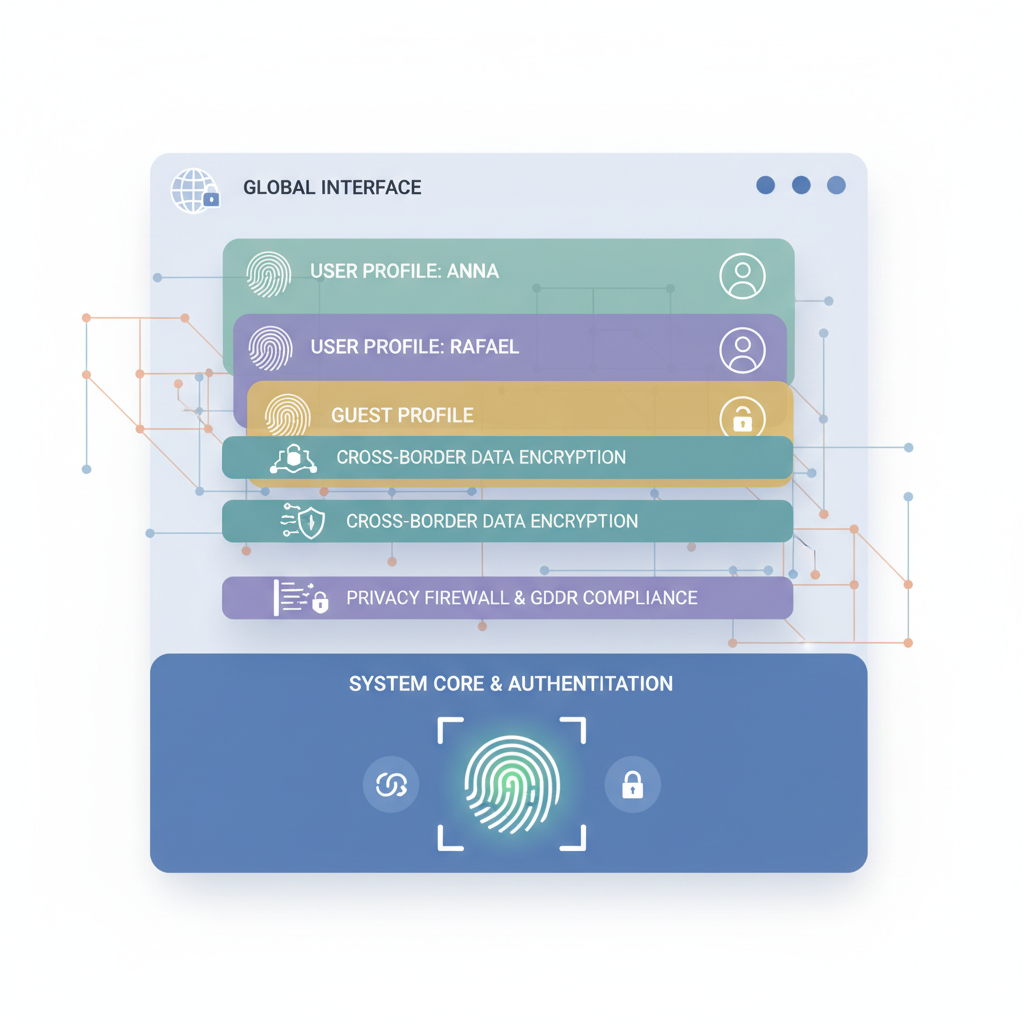
NexBrowser is a fingerprint browser that has become an essential tool for going global, thanks to its superior features and security. It focuses on secure management of multiple cross-border accounts, providing isolated and clean multi-store and multi-account environments to effectively prevent account association risks. Whether for ad campaigns, affiliate marketing, or social media marketing, NexBrowser enhances marketing efficiency and reduces business costs. By simulating different browser fingerprint information, NexBrowser fingerprint browser provides a secure network environment for accounts, ensuring privacy and data security.
Features of NexBrowser Fingerprint Browser
1. Privacy Protection
Management of Multiple Browser Fingerprint Parameters
NexBrowser's core function is creating browser profiles with different browser fingerprints. By simulating different browser fingerprint information, it provides a secure network environment, preventing unauthorized access and data leaks. Users can confidently manage multiple accounts without worrying about privacy issues.
When simulating different browser environments, NexBrowser allows setting and changing over 20 browser fingerprint parameters, such as:
- Operating System (Windows, macOS, Linux, iOS, and Android mobile fingerprints)
- User-Agent
- Cookie
- Timezone
- WebRTC
- Geolocation
- Language
- Screen Resolution
- Fonts
- Canvas
- WebGL
- MAC Address
Dual-Core Browsers for Enhanced Security
NexBrowser offers two browser core options — SunBrowser (based on Chromium) and FlowerBrowser (based on Firefox), adding flexibility in protecting user privacy and simulating different user environments.
- SunBrowser:
SunBrowser is based on the open-source Chromium project, which is the foundation of many popular browsers like Google Chrome and Microsoft Edge. However, unlike Chrome, SunBrowser does not send user data to Google, helping protect user privacy. SunBrowser adds browser fingerprint management features, allowing users to change and manage their device's browser fingerprint, reducing the risk of being tracked. Even though SunBrowser blocks data sent to Google, it still supports Google account usage, which is important for users who need Google services.
- FlowerBrowser:
FlowerBrowser is based on Mozilla Firefox, inheriting Firefox's emphasis on online privacy, and adds browser fingerprint management features on top of that. FlowerBrowser provides enhanced privacy protection measures, including stricter tracking protection and fingerprint spoofing capabilities, to improve user security and anonymity online.
2. Multi-Account Management
Account Isolation
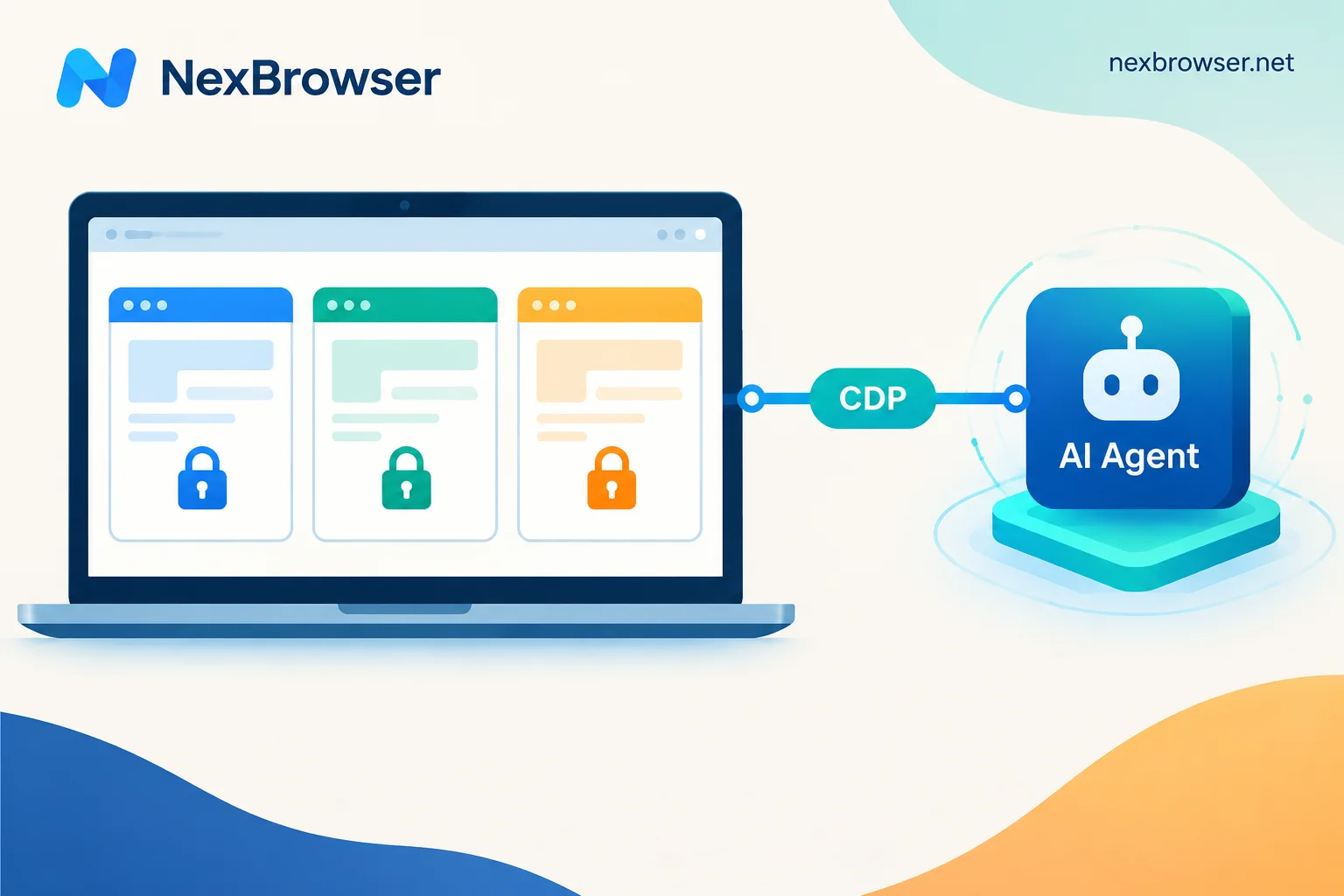
In cross-border e-commerce, managing multiple accounts is a common need. For users who need to operate multiple online accounts simultaneously, NexBrowser fingerprint browser provides an independent browsing environment for each account, including cookies, cache, and browsing history, making it appear as if logging in from different devices. This avoids cross-account interference and reduces the risk of being flagged by platforms. NexBrowser supports managing accounts for any overseas platform and social media, including but not limited to Amazon, Facebook, Google Ads, LinkedIn, Twitter, Discord, etc.
Efficient Management
NexBrowser fingerprint browser makes multi-account management efficient. It supports batch management of environments, helping users create multiple accounts simultaneously and manage multiple accounts easily. It also supports batch modification of browser fingerprints and updating environment information by simply selecting environments. Users can quickly create and change accounts programmatically, saving repetitive operations and improving work efficiency.
3. Proxy IP Configuration
Support for Main Proxy Types
NexBrowser fingerprint browser supports various mainstream proxy types to meet different user needs. Whether you need HTTP, HTTPS, or SOCKS proxies, it provides support. Simply choose an appropriate proxy service based on business needs and configure it in NexBrowser to ensure the proxy works properly, allowing flexible configuration of independent proxy IPs for different accounts, achieving one account one IP, thereby ensuring network connection stability and security.
Auto-Matching Dynamic Proxy
To simplify the operation process, NexBrowser fingerprint browser offers auto-matching dynamic proxy IP functionality. NexBrowser has integrated multiple well-known proxy service providers, such as Bright Data, Oxylabs, etc. Users only need to specify the desired country information, and NexBrowser will automatically search and match a suitable proxy IP from the proxy IP pool.
4. Browser Automation
In cross-border e-commerce, repetitive tasks often take up a lot of time. NexBrowser fingerprint browser, through its no-code automation (RPA) feature, helps easily complete these tasks, even for those without a programming background. You can choose local API and RPA bots to automate routine operations, such as editing webpage actions (click, scroll, input), batch creating and changing accounts, etc. NexBrowser also provides RPA automation templates for different overseas platforms, such as posting tweets, likes, comments, Amazon review scraping, YouTube video watching, etc., saving time and improving work efficiency.
5. Window Synchronization
For users who need to perform the same operations across multiple browser instances, NexBrowser's window synchronization feature is a must. You can perform operations in one master browser window — like opening new tabs, clicking buttons, entering text — and these operations are replicated in real-time to all other controlled windows. This means you can synchronize operations across multiple accounts, saving significant time and effort, especially in activities like account nurturing, ad campaigns, affiliate marketing, and other multi-account management tasks.
6. Team Collaboration
Success in cross-border e-commerce relies on team collaboration. NexBrowser fingerprint browser offers powerful support for team collaboration. You can set up to 40 permissions for each team member, ensuring everyone works efficiently in a secure environment. Through NexBrowser, you can easily manage team member permissions, ensuring data security and operational efficiency. The team collaboration feature helps better coordinate team work and improve overall operational efficiency.
Pricing of NexBrowser
NexBrowser offers flexible pricing plans to suit users and businesses of different sizes. From a permanent free version to various paid tiers, users can choose the appropriate service based on their needs and budget.
Permanent Free Version
For users who want to try NexBrowser fingerprint browser, NexBrowser offers a permanent free option. You can experience its basic features before purchasing, providing a risk-free opportunity.
- Create up to 2 browser environments, suitable for individual users
- Chrome and Firefox dual-core fingerprint browsers
- Custom browser fingerprint features
- Supports window synchronization
- Provides RPA robot automation tools
Paid Version
- Starting from $9 per month, with discounts for annual subscription
- Includes one user and 10 browser environments. For more environments, choose configurations of 50, 150, 400, or 1000 browser environments
- To add more users, an additional $5 per user per month
Getting Started with NexBrowser Fingerprint Browser
- Go to NexBrowser's official website and click the "Register" button to start creating an account.
- Download the NexBrowser client, select the appropriate version based on your operating system, and log in with your registered account.
Users encountering difficulties while using NexBrowser can refer to the Help Center documentation for answers to common questions and tutorials. Or contact our online technical support directly for faster problem resolution.
Summary
NexBrowser fingerprint browser provides exceptional privacy protection and multi-account management features for cross-border e-commerce users. Through its no-code automation and window synchronization features, it significantly improves work efficiency. As an essential browser for going global, it excels in security and functionality while offering flexible pricing plans to suit different user needs. You can choose the free plan to experience its powerful features firsthand. Whether for individual users or corporate teams, NexBrowser fingerprint browser provides strong support for cross-border businesses. Try it now and experience the convenience and security it brings.