NexBrowser指纹浏览器-官方博客Blog
只是一个默认分类
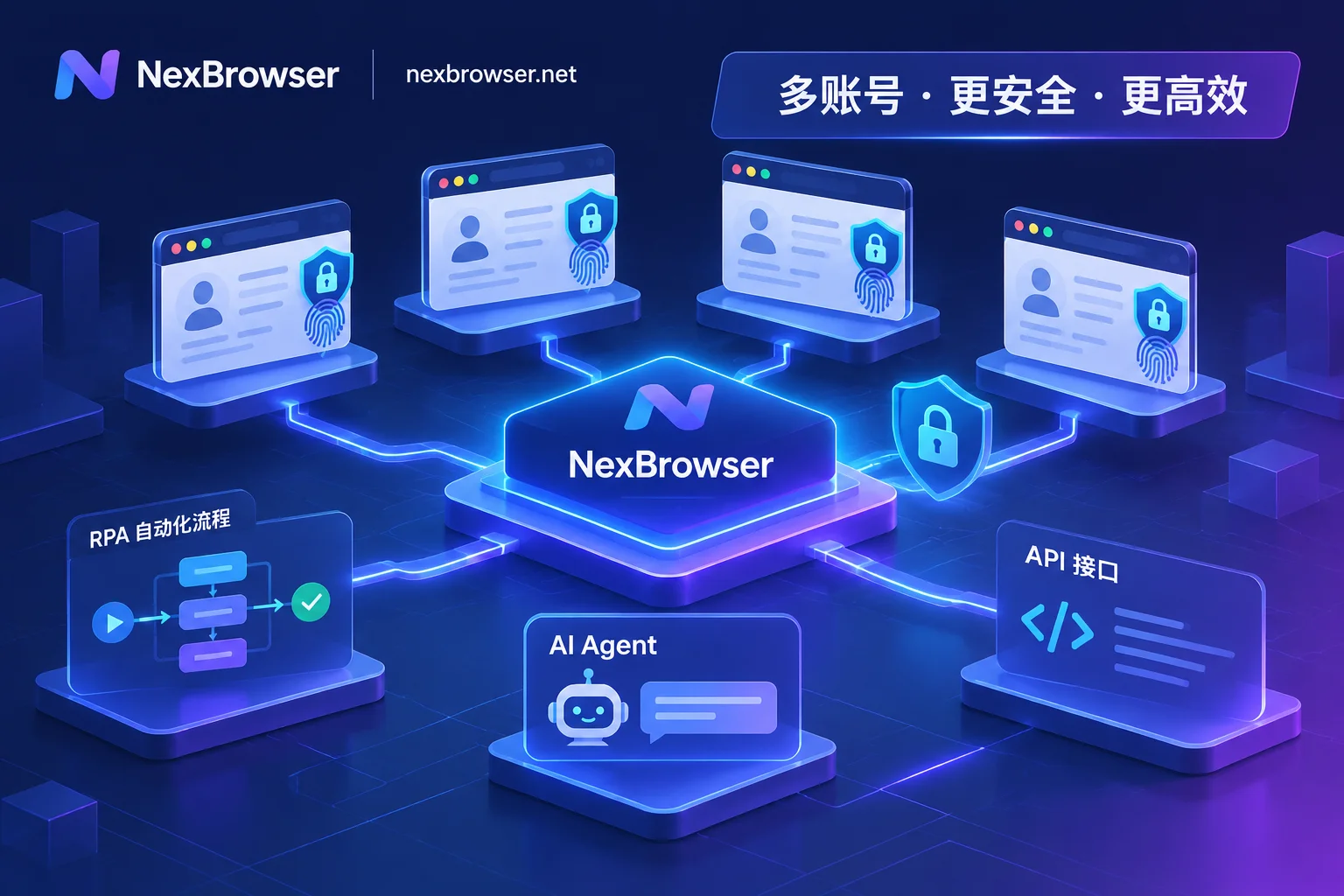
How to Avoid Mass Account Bans in Fingerprint Browser Automation: A Practical Guide from Signal Drift Prevention to Multi-Pipeline Coordination
As platform risk controls cross-check fingerprints, behavior, and network signals, crude automation focused only on getting scripts to run now faces mass bans. This article breaks down how to build a low-loss fingerprint browser automation workflow with NexBrowser across four dimensions: environment continuity, choosing among four automation pipelines, proxy and CAPTCHA closed loops, and human-machine safety boundaries.
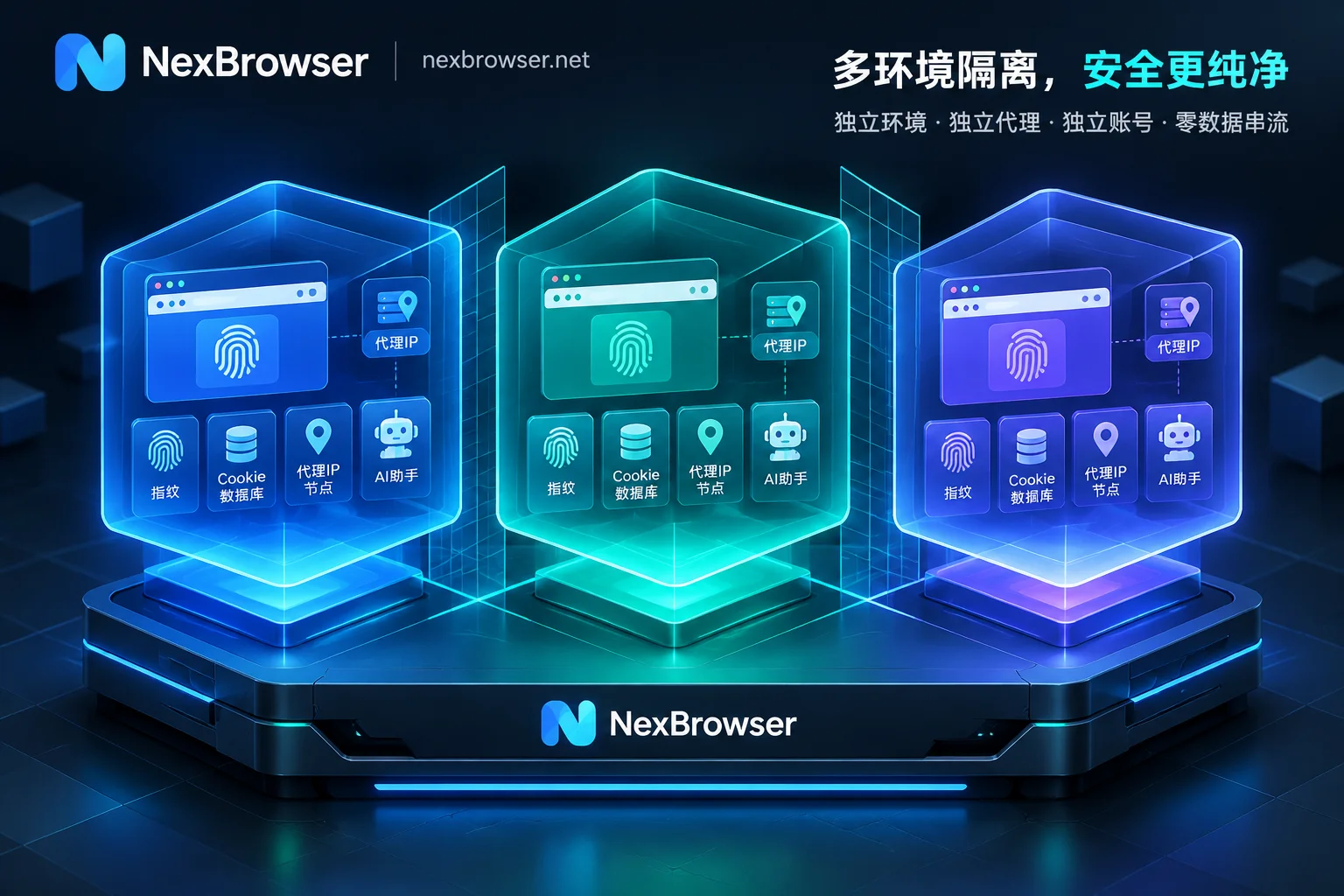
How to Achieve Thorough Browser Environment Isolation: From IndexedDB Anti-Cross-Contamination to AI Agent Multi-Account Sandbox in Practice
A deep dive into the browser environment isolation standards for multi-account operations and automation scenarios in 2026: why incognito mode and ordinary browser profiles cannot prevent IndexedDB and device fingerprint detection? How to use NexBrowser to achieve local storage islanding, fingerprint and proxy alignment, secure AI Agent takeover, and team passwordless collaboration.
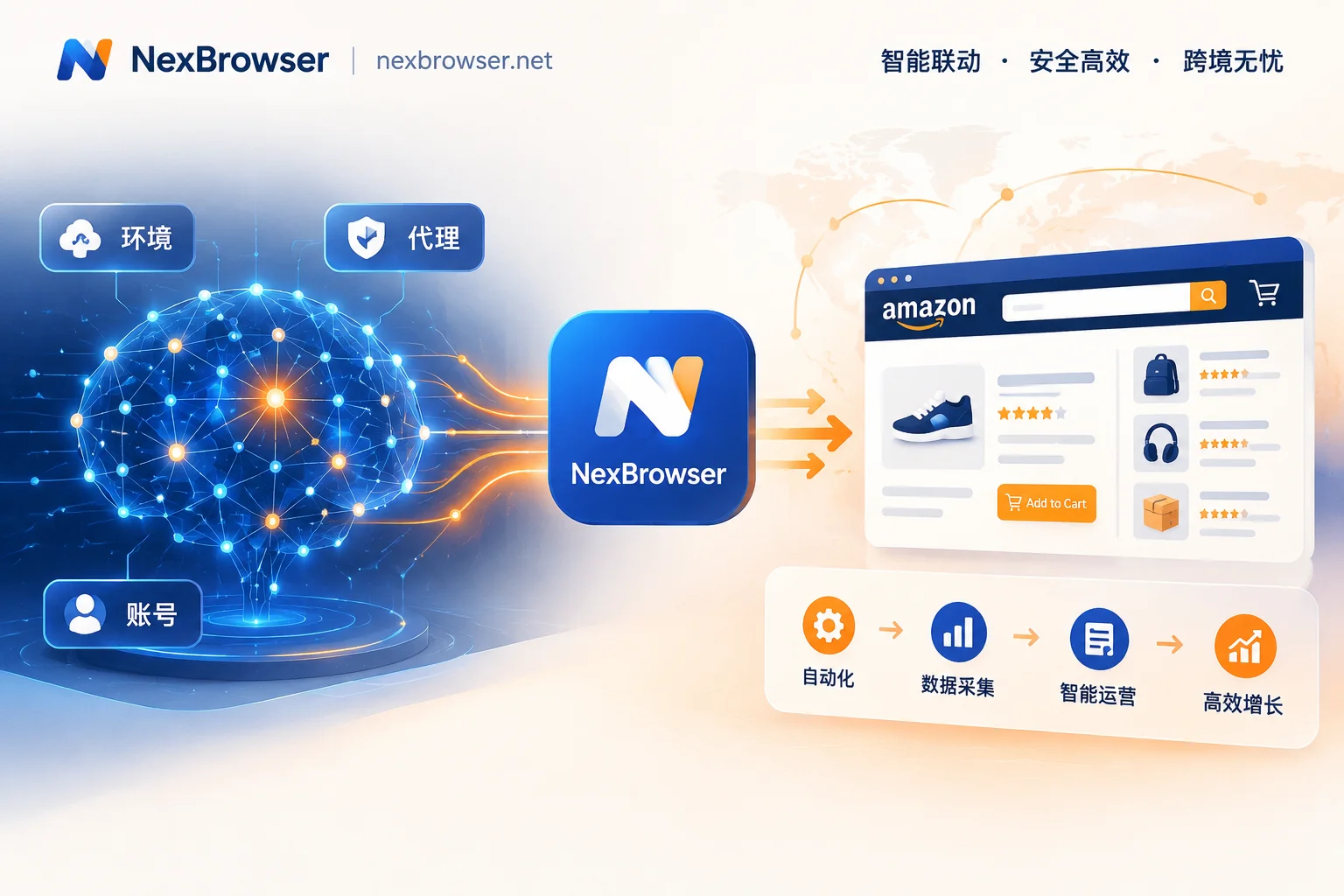
The New Landscape of Amazon Multi-Account Operations: Building an Anti-Association Moat in the Age of AI Automation
Amazon risk controls are becoming increasingly aggressive, and traditional manual anti-association methods can no longer keep up. This article explores how Amazon multi-store operators can use NexBrowser to achieve efficient and secure workflows, from environment isolation to automation, in an era where AI Agents and automation tools are widespread.

Facebook Multi-Account Anti-Association Full Process: From Profile Warming to BM and Page Authorization Anti-Ban Guide
Addressing the issue that Facebook personal profiles, Pages, and Business Manager (BM) multi-level assets are prone to chain bans, this article breaks down a full-chain anti-association实战 solution from environment fingerprint isolation, residential IP verification, cloud number verification to automated account warming and team permission isolation.
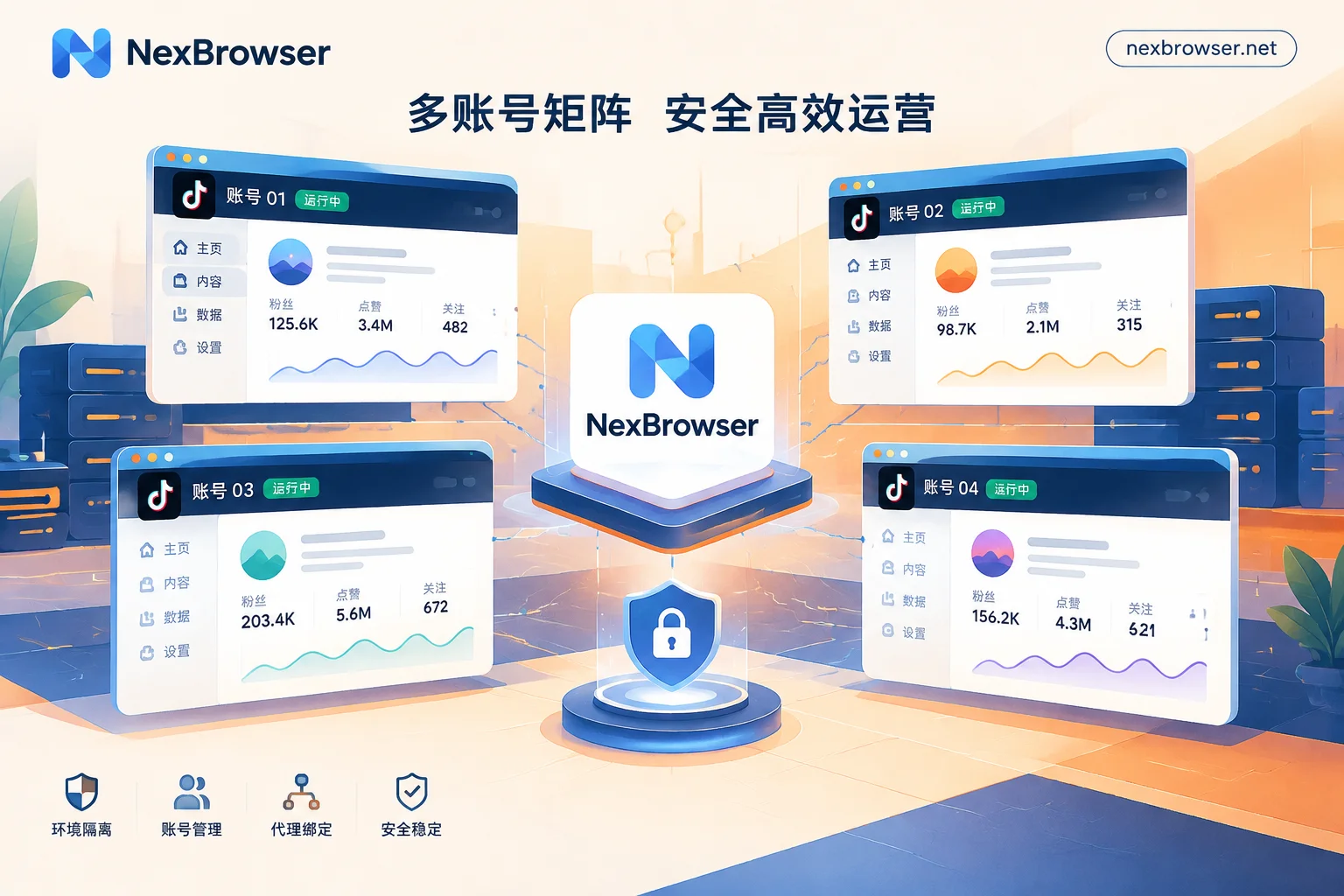
TikTok Multi-Account Management Challenges? NexBrowser Builds an Automated Matrix Anti-Detection Defense
TikTok's risk control is escalating—how can multi-account operations break through? This article explores the pain points of TikTok matrix operations and introduces how NexBrowser enables efficient and secure multi-account matrix management through底层 fingerprint isolation, automated AI Agents, and RPA technology.