 NexBrowser指纹浏览器-官方博客Blog
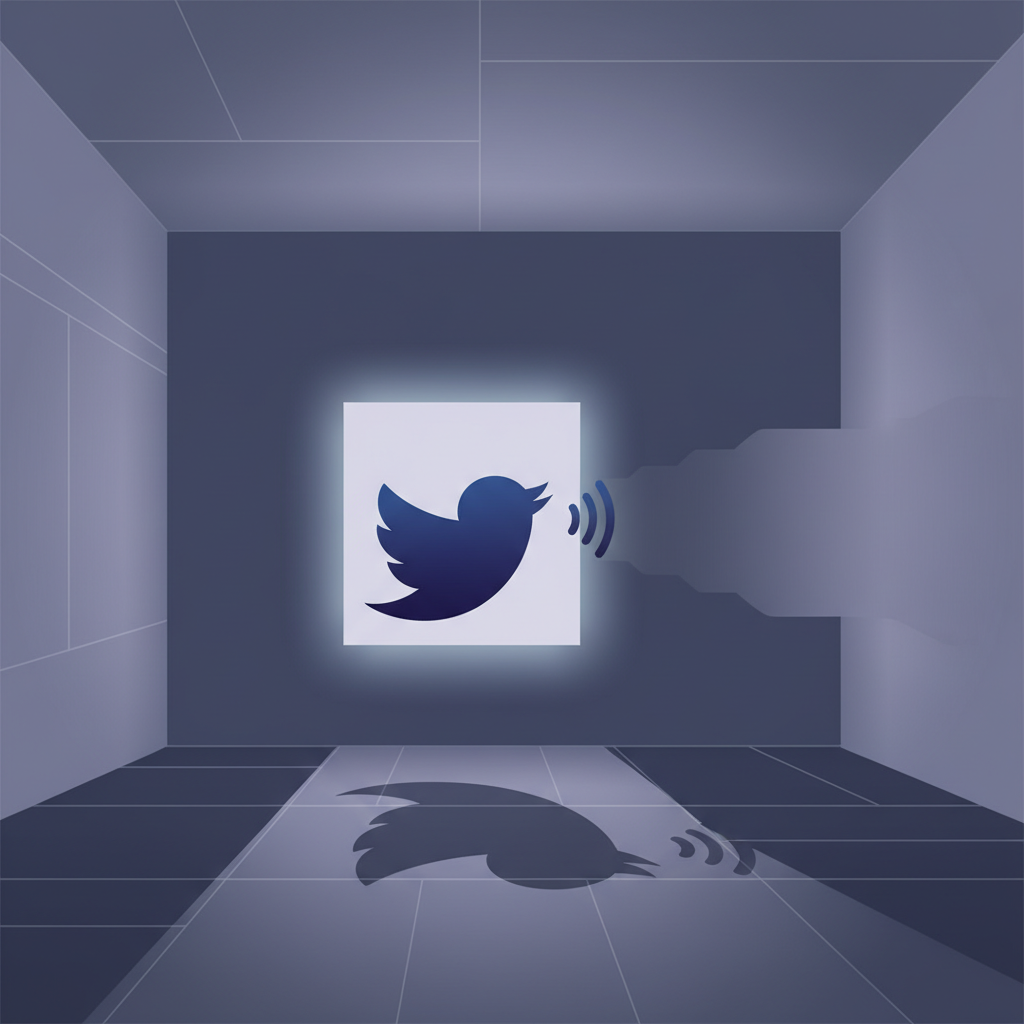
Have you noticed a sharp drop in tweet engagement recently? Replies seem ignored? Or followers privately ask if you've stopped posting, even though you're still active? If so, your Twitter/X account may be shadowbanned—a hidden platform restriction that limits your content's visibility.
Don’t worry, whether you’re a regular user or content creator, this guide will teach you how to check for a shadowban, why it happens, and exactly how to restore normal reach.
1. What Is a Twitter Shadowban?
A shadowban secretly reduces your account's content visibility without any official notification. Unlike a full suspension, you can still tweet, reply, and like, but the system suppresses your content in recommendations, search, and feeds.
It’s like “talking in an empty room”—you think you’re speaking, but no one hears you.
2. 4 Common Signs You’ve Been Shadowbanned
Early detection is key. If multiple signs appear, be alert:
- Your tweets don’t show up in search even with exact keywords.
- Your thoughtful replies are hidden or marked as low-quality.
- A sudden cliff dive in likes, retweets, and impressions.
- Friends say they only see your content if they visit your profile directly.
If these happen suddenly and together, your account is likely shadowbanned.
3. How to Confirm If Your Twitter Account Is Shadowbanned
Since Twitter never notifies you, you need to investigate. Here are practical methods:
Method 1: Use a Third-Party Shadowban Checker
Search for a “Twitter shadowban checker” online, enter your username, and get a preliminary assessment. Note these tools aren’t official—results are for reference only.
Method 2: Check Reply Visibility
Find a popular tweet (preferably from someone you don’t follow) and write a substantive reply. Then log out or use incognito mode, find the original tweet, and check replies. If yours is missing or buried, you may be reply-de-ranked.
Method 3: Post a Tweet and Check Search Results
Create a tweet with a unique hashtag no one else uses (e.g., your name + date). Log out and search that hashtag, switching to the “Latest” tab. If you can’t find your tweet, your account is likely shadowbanned.
Method 4: Monitor Twitter Analytics
Check your analytics dashboard. Be wary if:
- Impressions drop sharply.
- Profile visits decrease suddenly.
- Engagement rates plummet.
Data doesn’t lie. Consistent poor performance may indicate a shadowban.
Tip: Shadowbans can be temporary. Test multiple times at different hours to avoid false positives.
4. Why Is Your Twitter Account Shadowbanned?
Twitter’s algorithm monitors platform activity using machine learning. When suspicious patterns are detected, automated shadowbans may be applied without human review. The algorithm evaluates not just what you post but how you interact.
Common causes:
- Mass following/unfollowing in a short time.
- Sudden influx of low-quality or fake followers.
- Extremely high tweeting/reply frequency, especially with repetitive or low-quality content.
- Using automation tools (bots for likes, retweets, replies).
- Repeatedly posting the same link.
- Overusing or misusing irrelevant hashtags.
- Violating rules (harassment, impersonation, manipulation, illegal promotion).
- Being reported by multiple users.
- Unusual login behavior (frequent IP changes, proxies).
5. 6 Ways to Restore Twitter Reach
Most shadowbans are temporary. The system periodically checks accounts and lifts restrictions if behavior improves. However, repeated violations may lead to longer or stricter bans. Act quickly:
- Stop spammy behavior immediately: Pause mass following, high-frequency posting, and automation.
- Delete problematic tweets and replies: Remove potentially violating, controversial, or hashtag-abusing posts.
- Limit hashtags: Use 1-2 relevant hashtags per tweet.
- Take a break for a few days: Let your account “cool down” to reset the system’s assessment.
- Contact Twitter support: If no improvement, use the Help Center to politely appeal for manual review.
- Maintain natural interaction after recovery: Post original content and engage authentically to avoid triggering restrictions again.
While these steps help, they often only address symptoms. For a permanent solution, professional tools like fingerprint browsers can isolate your environment completely.
6. Permanently Solve Shadowban Issues with NexBrowser Fingerprint Browser
Twitter’s algorithm detects not just single account behavior but also associates accounts via digital fingerprinting. Even with different accounts, Twitter can link them through:
- Browser fingerprints (Canvas, WebGL, Fonts, etc.)
- Device hardware info
- IP address and network environment
- Behavior patterns and interaction networks
That’s why accounts following all rules can still be shadowbanned due to cross-account associations. NexBrowser is designed to solve this.
How NexBrowser Eliminates Shadowbans
- Run multiple accounts safely: Each browser profile has a unique digital fingerprint, preventing Twitter from linking your accounts and reducing mass shadowban risk.
- Stay undetected: NexBrowser simulates a real, natural browsing environment, making each account appear as a real user from a different device.
- Full identity control: Easily set independent proxy IPs, geolocation, and browser hardware/software parameters for each account, achieving true identity isolation.
- Protect your work: Whether you’re a marketer, researcher, or growth strategist, NexBrowser helps manage accounts efficiently without triggering platform risk controls.
NexBrowser doesn’t just solve current problems—it prevents future shadowbans. To get started, download the NexBrowser client and follow the setup guide.
New users get a limited-time bonus: 5 free browser windows upon download, each with independent fingerprints and IP addresses! Need to fix a Twitter shadowban? One window is enough!
Restore reach and permanently solve Twitter shadowban issues!
Give your Twitter account a safe, stable browser environment with NexBrowser—no more shadowbans!
Conclusion
While being shadowbanned is frustrating, remember that most bans are temporary if you take prompt, correct action. More importantly, by implementing the prevention strategies above, you can not only solve the immediate problem but build a solid foundation for long-term account health.
The only constant on Twitter is change. Algorithms update, rules shift. But as long as you deliver genuine value, interact naturally, and use the right management tools, you can face any risk control challenge and build truly stable social influence.