 NexBrowser指纹浏览器-官方博客Blog
Conclusion First: The 6-Step Sequence for Employee Offboarding Account Security and Browser Environment Migration
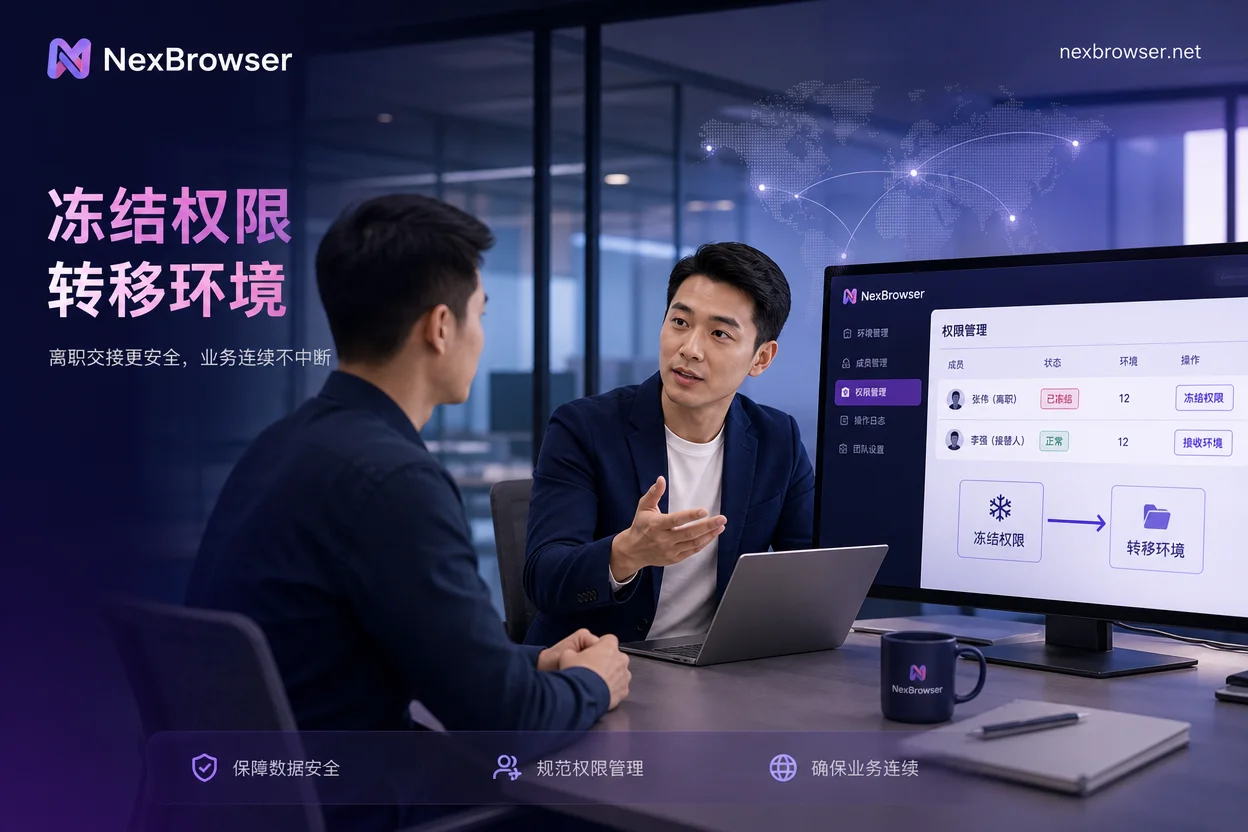
On the day an employee leaves, the correct sequence for account handover is: first freeze visibility, then transfer environment ownership, then verify exit and login status, then reclaim credentials and 2FA devices, then clean up local remnants, and finally review logs and confirm. The core principle behind this sequence is "the environment entity is not rebuilt, but credentials must be changed." In August 2026, RoxyBrowser, one of the fingerprint browser competitors, strengthened team operation log audit features in version V4.0.3, turning the final step of log review from a mere verbal agreement into a practical checklist item.
Why "Change Password + Recover Account" Is Not a Proper Handover: Two Lines to Consider
Many teams think that when an employee leaves, they just need to change the password and recover the account. However, a secure account handover involves two lines: the credential line (password, 2FA authenticator, linked email and phone) and the environment entity line (environment ownership, cookie login state, proxy exit, local cache). Doing only the credential line leaves the environment still on the departing employee's local client, and the visibility scope has not been reclaimed, leaving risk exposure. On the other hand, rebuilding the environment means losing long-term accumulated session data, and the successor is more likely to trigger platform risk controls when logging in again.
Step 1: Freeze Visibility Scope - Cut Off Visibility Before Transfer
The first action in the handover is not to change the password but to revoke the departing member's visibility and operation permissions for relevant environments in the team workspace. This prevents accidental operations during the handover window. After this step, you should see: The departing member cannot see the target environment group after logging in, cannot start the environment, and cannot adjust proxy settings.
Step 2: Transfer Environment Ownership - No Export, No Rebuild, Login State and Proxy Binding Stay Intact
By adjusting member groups or transferring environment ownership at the workspace level, the underlying fingerprint, cookie login state, and proxy configuration remain unchanged, and the successor does not need to re-enter account credentials locally. This answers "How to transfer a browser environment to another colleague" and "Can a fingerprint browser environment be exported to others" - no export needed; simply transfer ownership directly. After this step, you should see: The successor logs in from their own account and enters the same environment, with the platform page still logged in.
Step 3: Exit and Login State Verification - What Successors Should Check When First Entering
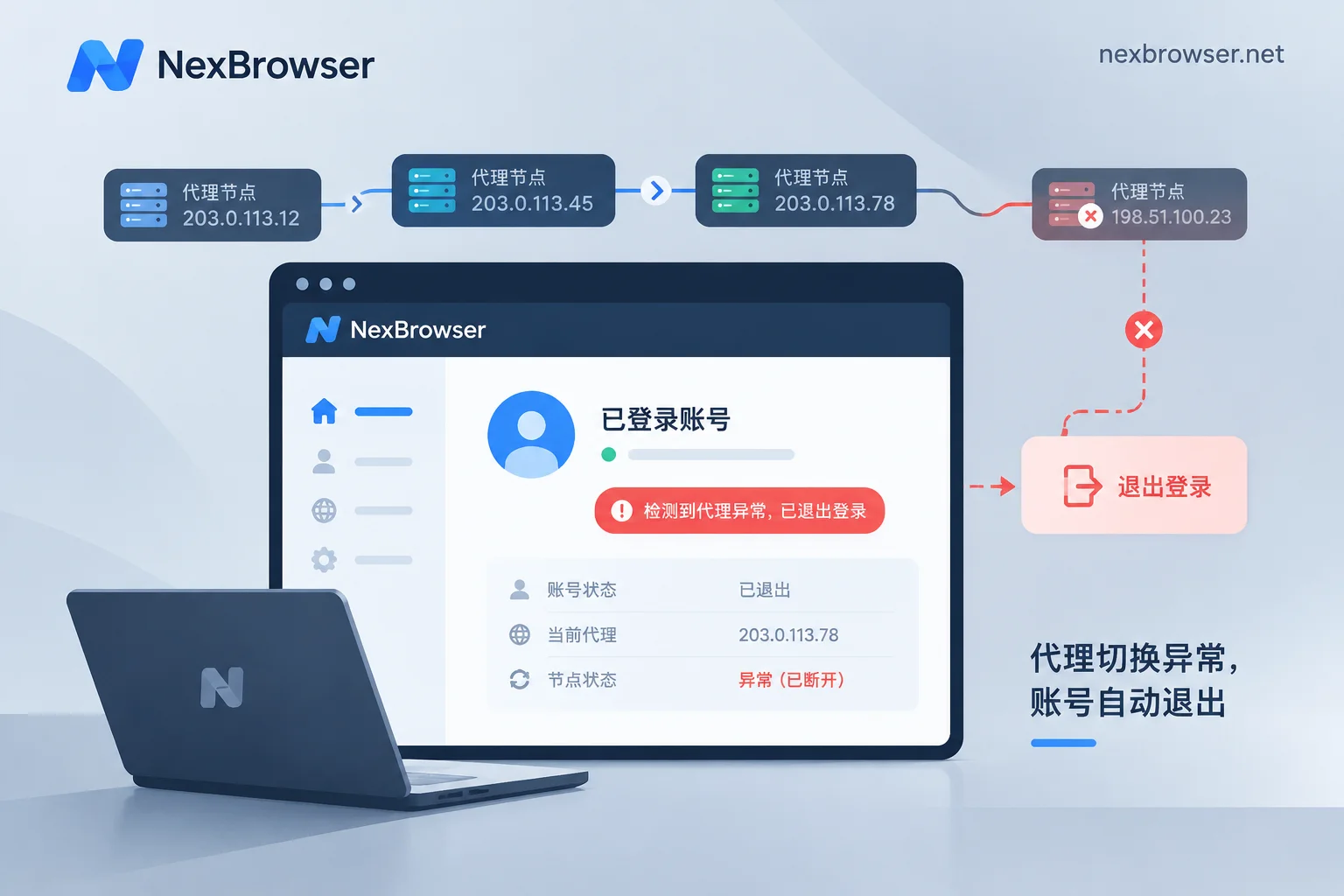
When the successor first enters the environment, they need to check three things: whether the exit IP and region are consistent with before handover, whether timezone/language and exit are coherent, and whether the target platform is still logged in without triggering security verification. If there's a "login alert after offboarding handover" issue, first check if the proxy has changed. You can refer to Fingerprint Browser Independent IP Configuration Common Errors and Troubleshooting. Then confirm whether anyone logged in with credentials outside the environment. For risk control tips, refer to Cross-border Account Risk Control. It's worth noting that no process can guarantee that the platform's verification mechanism won't be triggered.
Step 4: Reclaim Credentials and 2FA Devices - Password, Authenticator, and Linked Email Ownership
Environment transfer does not mean credential security. The password must be changed, the 2FA authenticator must be rebound to a team-controlled device, and linked email and phone should be recovered to company domain accounts. It is recommended to change the password and rebind 2FA within the environment to avoid changing credentials while also changing devices or networks. This answers "How to change password safely for departing employee account": modify it within the environment, with the network exit unchanged. After this step, you should see: The departing employee cannot log in or recover the account using any single credential they hold.
Step 5: Clean Up Local Remnants - What Remains on the Departing Employee's Local Client, Cache, and Autofill
Local remnants include: client login state, cached environment files, passwords and autofill saved in system browser, and exported account tables and screenshots. Tools can only manage workspace permissions; the local device side requires administrative process to retrieve the device, which tools cannot replace. Therefore, local cleanup should be added to the handover checklist and executed by admin or IT.
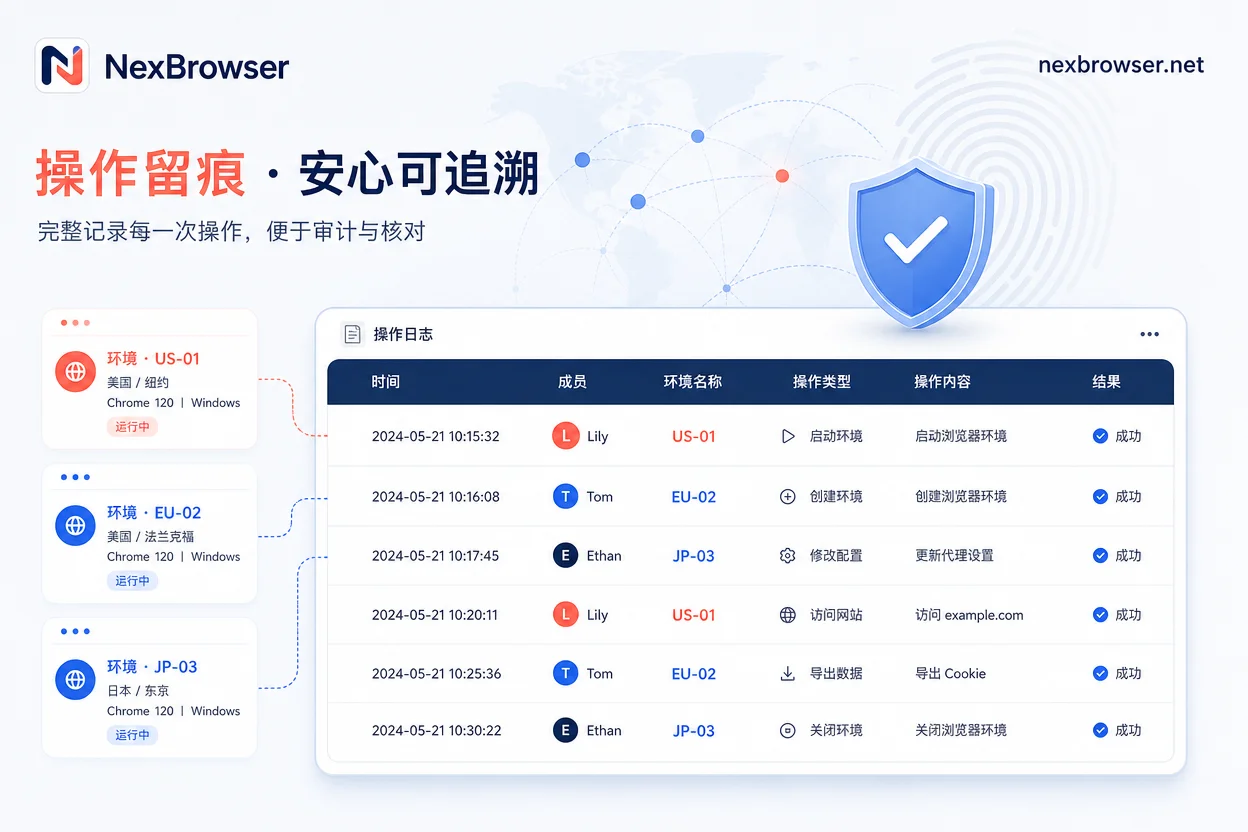
Step 6: Audit Log Review - What Can and Cannot Be Seen in Operation Logs
In August 2026, RoxyBrowser, one of the fingerprint browser competitors, enhanced team operation log auditing in version V4.0.3, making this step a practical checklist item: who opened which environment at what time, and which proxies or permissions were adjusted. However, logs record tool-side actions, not platform-side business behavior, and cannot be used to determine if the platform flagged associations. This answers "How to check which accounts a departing employee logged into" - you can see environment open records from operation logs, but platform-side behavior details cannot be fully reconstructed from tool logs.
Comparison of Three Common Mistakes: Directly Deleting Environments, Directly Giving Account Passwords, and Only Changing Passwords Without Touching Environments
These three approaches deviate from the correct path of employee offboarding security and browser environment migration. The table below outlines their consequences and the correct approach:
| Mistake | Consequence | Correct Path |
|---|---|---|
| Directly deleting the environment | Loses long-term cookies and sessions; successor re-login may trigger risk controls | Keep environment entity, transfer ownership |
| Directly giving account passwords | Environment remains with departing employee; visibility not reclaimed; password may be misused | Freeze permissions first, then reclaim credentials |
| Only changing password without touching environment | Environment visibility and local remnants remain; risk not eliminated | Environment ownership transfer + credential change |
Implementing in NexBrowser: Adjusting Visibility, Verifying Proxy Binding, and Batch Spot Checks
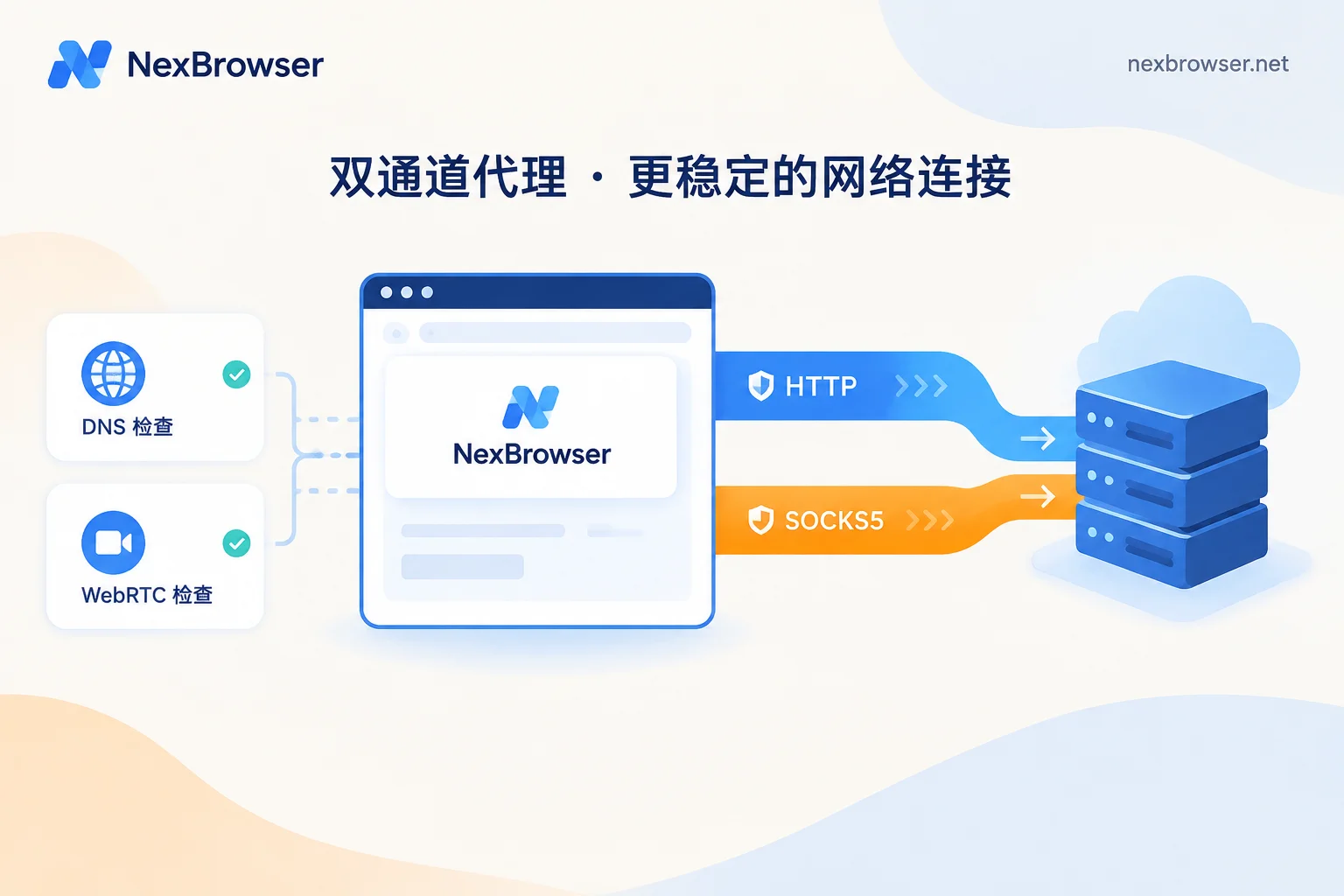
In NexBrowser, team environment collaboration features allow adjusting members' visibility and operation permissions, completing steps 1 and 2; proxy management features are used to verify whether the exit is consistent before and after handover; Local API can batch check exits and login states of multiple environments for centralized acceptance after handover. These capabilities help teams implement the six-step process for employee offboarding security and browser environment migration.
A One-Page Offboarding Six-Step Checklist You Can Copy
| Step | Action | Acceptance Criteria |
|---|---|---|
| 1 | Freeze departing member's visibility and operation permissions on environments | Departing member cannot see target environment or start it |
| 2 | Transfer environment ownership to successor | Successor can enter the environment, and the page remains logged in |
| 3 | Verify exit IP, timezone, and login status | Exit consistent, no security verification popup |
| 4 | Change password and rebind 2FA, recover linked email | Departing employee cannot log in with old credentials |
| 5 | Clean local client, cache, and autofill | No residual login traces locally |
| 6 | Export operation logs to review the entire handover | Logs cover all critical actions, no anomalies |
For related permission management details, see Cross-border E-commerce Team Multi-account Permission Classification Management Plan. For proxy configuration, see How to Configure Proxy IP Binding in Browser.
FAQ
Should the fingerprint browser environment be deleted after an employee leaves?
No. The environment contains long-term accumulated cookies and session data. Deleting it forces the successor to log in again, which is more likely to trigger platform risk controls. The correct approach is to transfer environment ownership while preserving the environment entity.
Can a fingerprint browser environment be exported to others?
It is not recommended. Exporting typically involves configuration files, which may lose login state and some data, and carries leakage risks. The correct approach is to transfer environment ownership within the workspace so the successor takes over directly.
What if the account shows a login alert after offboarding handover?
First check if the proxy has changed, then confirm whether anyone logged in with credentials outside the environment. Typically, troubleshoot in this order: proxy consistency, login device, historical login records. If all are fine, it might just be regular platform risk control; try re-verifying within the environment.
How can I safely change the password for a departing employee's account?
Change the password within the environment, keeping the network exit unchanged, then immediately rebind the 2FA authenticator, and finally recover the linked email and phone. Avoid changing credentials at the same time as changing devices or networks to reduce the chance of triggering risk controls.
How can I check which accounts a departing employee logged into?
You can view environment open records from operation logs, but you cannot see platform-side business operations. Logs show tool-side actions, but they are not a basis for platform-side behavior records.
Before the next personnel change, it's advisable to use the six-step checklist to conduct an inventory of current environment groups and member permissions, clarify "who can see which environments," and then discuss the handover process.


Comments(0)