 NexBrowser指纹浏览器-官方博客Blog
TL;DR: By 2026, LinkedIn's risk control has penetrated a five-layer fingerprint stack (network, hardware, browser, cache, behavior). Common multi-account methods are no longer stable in most use cases. The safer approach is a three-layer architecture: fingerprint browser + quality residential proxy + automation nested in isolated environments. This article provides a 5-step actionable checklist and a failure troubleshooting guide.
In the B2B marketing landscape of 2026, LinkedIn remains a key customer acquisition channel. However, as the platform's risk control algorithms tighten, traditional single-account operations struggle to support growth.
For businesses aiming to capture market share quickly, multi-channel, scaled outreach is almost inevitable. LinkedIn's risk control is particularly strict among social platforms, presenting a key challenge for B2B marketing teams: how to safely and efficiently manage multiple LinkedIn accounts while minimizing mass bans due to environmental correlation?
This article goes beyond basic multi-account setup, offering a practical guide covering underlying technical logic and cross-team collaboration. Based on research into anti-correlation technology, we dissect LinkedIn's compliance boundaries and explain the core principles behind device fingerprinting and network isolation.
Why Do You Need Multiple LinkedIn Accounts?
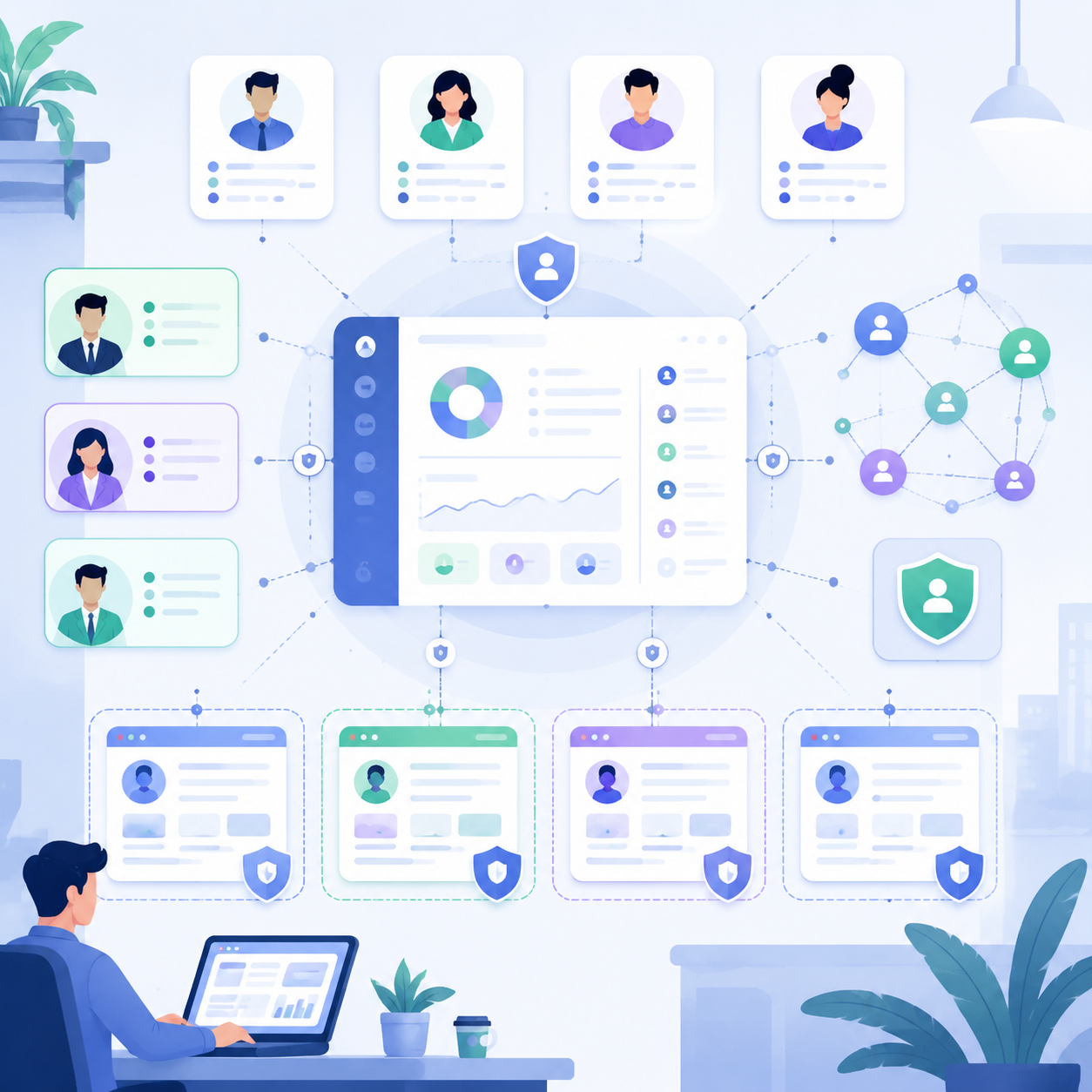
In today's competitive landscape, single-account operations quickly hit growth limits. For true scale, a multi-account matrix is standard for mature teams.
1. Bypass Single-Account Weekly Connection Limits
To ensure user experience, LinkedIn imposes strict weekly invitation limits per account. For B2B companies needing rapid market expansion, a single account's quota is often insufficient for top-of-funnel traffic. Managing multiple LinkedIn accounts distributes outreach pressure across different digital identities, increasing lead generation without triggering risk alerts. (Source: LinkedIn's User Agreement restricting single-account invitation limits.)
2. Agencies Managing Dozens to Hundreds of Client Accounts
Agencies face more complex environments: they must represent clients from various regions and industries. Each client account is an independent asset, and operators often switch between accounts on the same device. Ensuring complete environmental isolation is critical for protecting client assets and maintaining agency credibility.
3. Recruitment Agencies Managing Multiple Recruiter Seats and Employee Accounts
Large recruitment agencies or corporate HR departments often have multiple LinkedIn Recruiter seats. LinkedIn's permission system supports multi-seat collaboration for Recruiter and Sales Navigator. Administrators can assign independent seats to team members. This is officially compliant, but if multiple employee accounts are frequently switched on the same device with highly overlapping fingerprints, the risk control system may mistakenly flag them as "one person multiple accounts," leading to correlation risks.
4. Multilingual, Multi-Region Sales Matrix for Global Markets
For globalizing companies, creating localized sales accounts for markets like North America, Europe, and Southeast Asia builds trust with prospects. This requires language localization and matching IP geolocation. Managing a cross-border sales matrix demands accurate simulation of different regional access patterns, making each account appear as a local employee.
Why Does Your LinkedIn Multi-Account Setup Always Get Banned?
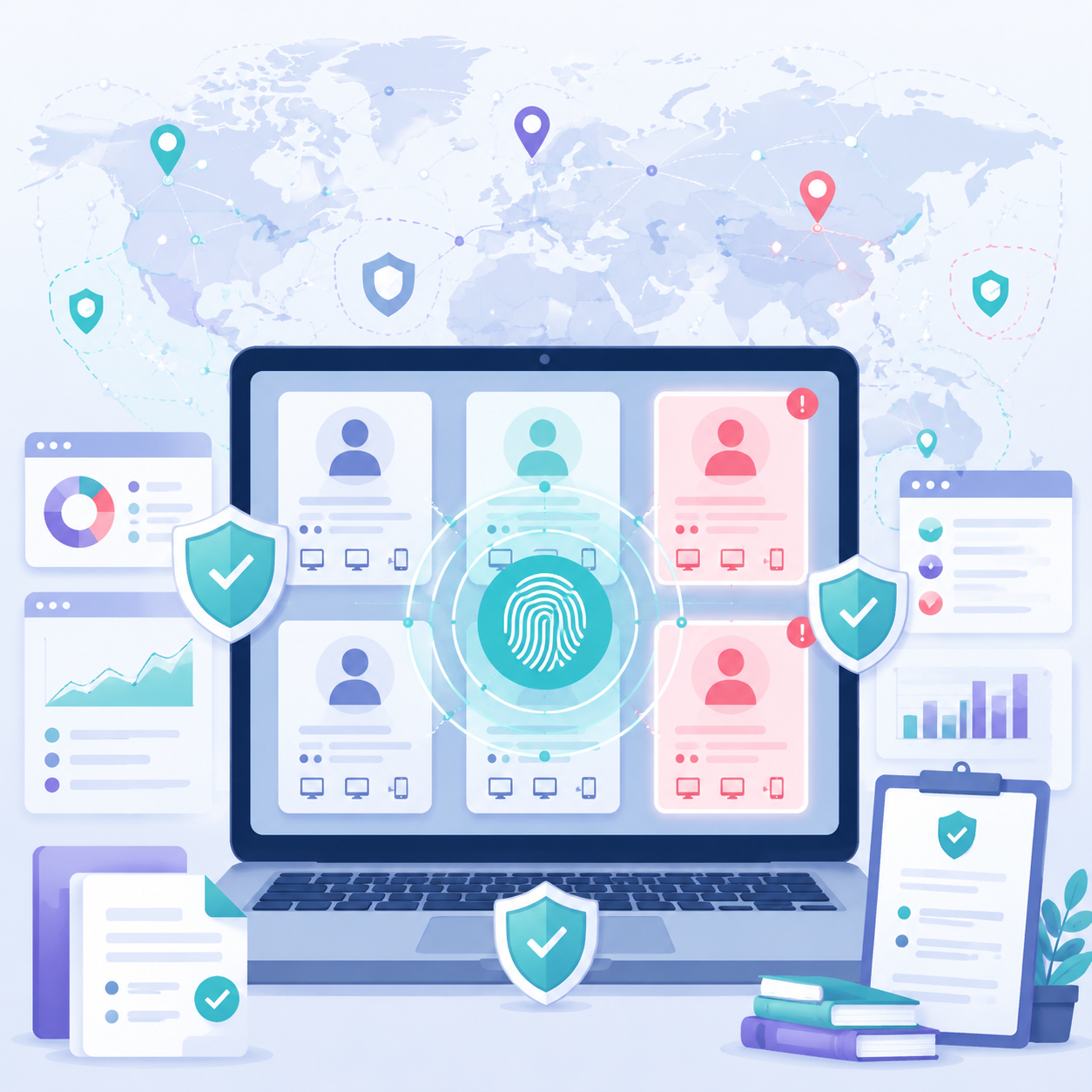
The root cause is clear: LinkedIn's five-layer fingerprint detection stack can identify multiple accounts on the same device. Traditional methods like switching IPs or using incognito mode cannot bypass device-level correlation. Many marketing teams find that despite doing technical isolation, accounts still get banned, typically because they haven't kept up with LinkedIn's dynamic compliance boundaries.
2026 LinkedIn Compliance Boundaries
As of May 2026, LinkedIn's Professional Community Policies state the platform is committed to a real-identity professional ecosystem. To help B2B teams manage multiple accounts compliantly, we've created a comparison table based on the latest User Agreement and Recruiter Compliance Terms:
| ✅ Compliant | ❌ Violates Agreement |
|---|---|
| Agency management: Authorized agencies manage personal accounts using dedicated environments. | Duplicate identity: One person creates and operates multiple personal profiles. |
| Corporate seat management: Administrators assign Recruiter seats via official agreements. | Fake persona: Creating fake identities, using AI-generated avatars, or impersonating non-existent professionals. |
| Multiple product seats: Same user holds multiple Recruiter or Sales Navigator seats for business needs. | Account trading: Using purchased "aged" or "white" accounts from third parties to impersonate real identities. |
| Matrix page management: One real identity manages multiple company pages or showcase pages. | Engagement manipulation: Cross-account liking, fake comments, or other "engagement farm" behavior via controlled accounts. |
LinkedIn's Five-Layer Fingerprint Detection Stack
To accurately detect and combat bulk operations, LinkedIn has built a deep five-layer detection system.
Layer 1: Network & Geolocation
This layer focuses on IP overlap and anomalous geographic jumps. If multiple matrix accounts log in from the same public IP, the system quickly flags them as a high-risk group. Worse are illogical location changes: an account active in Shanghai one minute and posting in Los Angeles three minutes later typically triggers stricter bans.
Layer 2: Hardware & OS
Your physical device acts as a transparent digital ID. The platform can read exposed GPU model, screen resolution, and even approximate RAM range via underlying APIs. If hardware features are highly consistent, even with a different network, the platform may assume the same person is operating.
Layer 3: Browser Fingerprint
This is where beginners often trip up. Traditional incognito mode offers little protection against hardware scans. Incognito only prevents local history storage, not the reading of underlying rendering data. Platforms typically use two independent mechanisms: Canvas fingerprinting generates a cross-session stable device ID, and WebRTC may leak real public and private IPs via ICE candidates, bypassing proxies. The former identifies "who," the latter determines "where." Combined, they expose most shallow disguises.
Canvas fingerprinting: The browser draws shapes/text using a hidden canvas element. Due to slight differences in GPU, driver, and font rendering across devices, the final pixel output generates a unique hash. Sites call toDataURL() to extract base64 pixel data, then hash it (MD5/SHA-1) as a device ID. Even with the same browser version, different devices produce different hashes.
Layer 4: Cache & Session
This is a hidden factor causing mass bans. Switching accounts in the same browser leaves overlapping local storage and deep caches. If one account is flagged, the correlated features can spread via cached data, putting the entire matrix at risk.
Layer 5: Behavior & Automation Monitoring
The system continuously analyzes interaction patterns, focusing on "low-quality machine behavior." If an account shows mechanized, fixed-frequency likes and connections, or if requests contain headless browser traits (e.g., Puppeteer, Playwright default mode), the risk engine quickly labels it as bulk automation.
Why Traditional Multi-Account Methods Fail Against LinkedIn's Risk Control?
Many operators still use five-year-old habits, and this lag is a key reason for mass bans. Here's a comparison of common methods.
| Method | Anti-Correlation Strength | Team Collaboration | Monthly Cost | Learning Cost | Recommendation |
|---|---|---|---|---|---|
| Browser multi-user | ★ | ❌ | Free | Low | ❌ |
| Incognito mode | ★ | ❌ | Free | Low | ❌ |
| Multiple browser profiles | ★ | ❌ | Free | Low | ❌ |
| Multiple physical devices (phone/computer) | ★★★ | Partial | Very high | High | ⚠️ |
| VPS/Cloud PC | ★★ | Partial | High | Medium | ⚠️ |
| Virtual machine | ★★★ | ❌ | Medium | High | ⚠️ |
| Fingerprint browser + Residential proxy | ★★★★★ | ✅ | Medium | Low | ✅ |
As shown, traditional methods that cut corners on environmental isolation often lead to mass bans.
Browser multi-user and incognito mode are essentially "naked" against hardware fingerprinting. VPS or cloud PCs change IP addresses but pool addresses with poor reputation, potentially triggering risk alerts. Multiple physical devices involve high procurement and maintenance costs, limiting scalability and team collaboration.
Today, fingerprint browser + quality residential proxy is the more balanced solution for isolation, collaboration, and cost efficiency.
Core Anti-Ban Foundation: Fingerprint Browser + Quality Residential Proxy
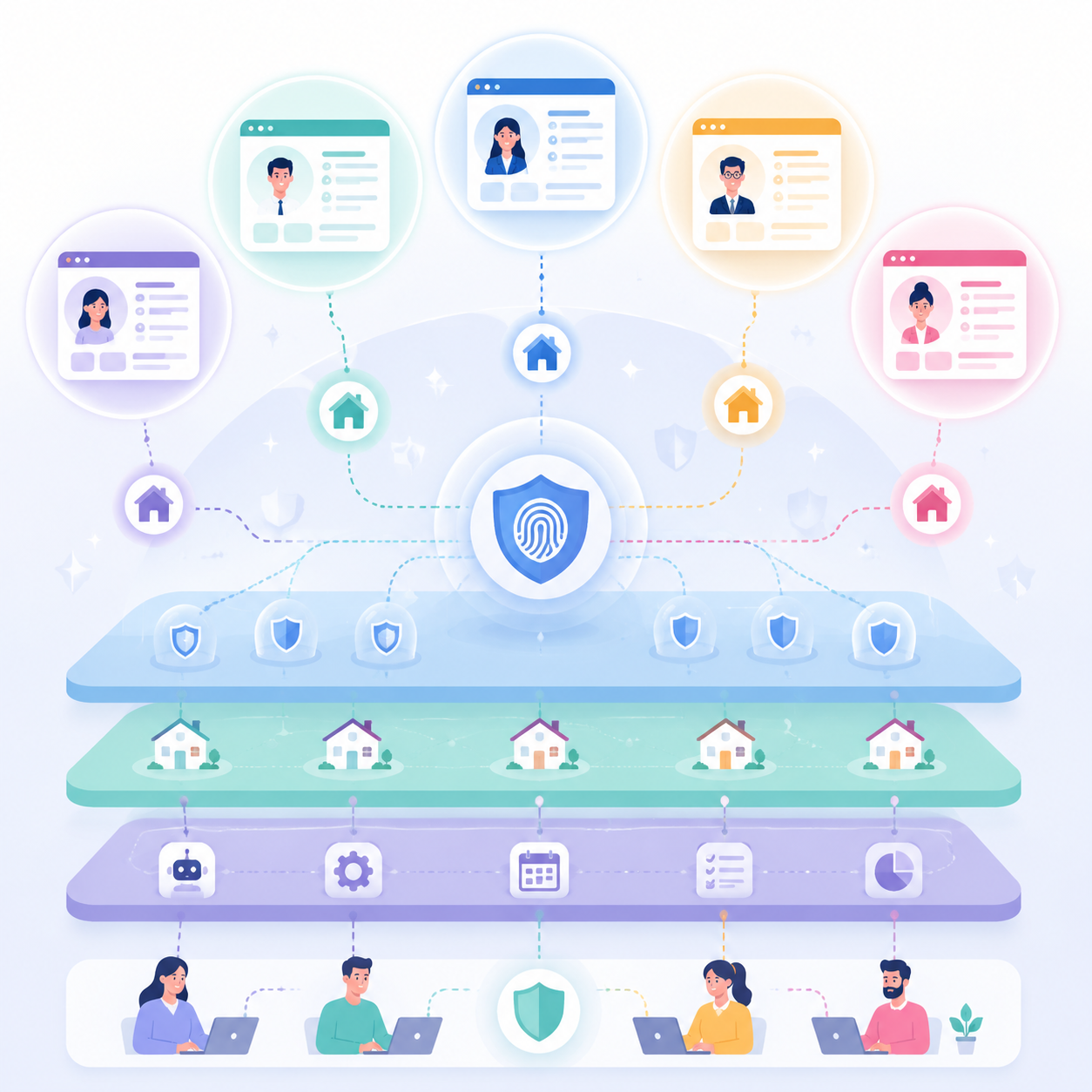
Combining deep-level fingerprint spoofing with high-reputation real residential IPs reduces the probability of being identified as the same device, allowing account matrices to coexist safely. This strong anti-correlation architecture consists of three technical layers: isolation, network, and automation.
Layer 1 - Isolation: Fingerprint Browser
To block LinkedIn's risk detection at the root, physical-level isolation is required.
Key difference between fingerprint browsers and regular browser profiles: Regular multi-user profiles only separate browsing history at the application layer, but still share underlying OS APIs and screen resolution. Fingerprint browsers intervene in the rendering kernel, virtualizing unique hardware parameters (e.g., canvas rendering, audio context) for each isolated window.
Creating independent "digital genes" for each account: This kernel-level disguise makes each account appear as a completely different physical device to LinkedIn's five-layer detection stack, significantly reducing correlation risks from device overlap.
Layer 2 - Network: Quality Residential Proxy vs. Datacenter Proxy
After securing a clean device shell, the network must be equally authentic, as network reputation directly affects account security.
Ban rates of three proxy types: Datacenter proxies (hosting networks) use IP ranges often flagged as high-risk, easily identified as machine behavior, leading to higher ban rates. Residential proxies come from real home broadband users, carrying higher initial trust. Static residential proxies combine real-user stealth with high-speed stability, resulting in even lower ban rates.
Why use residential or static residential proxies: For managing multiple LinkedIn accounts, do not compromise on network nodes. Only quality residential proxies can match the local professional persona simulated by the fingerprint browser, ensuring login IPs align with account locations and avoiding anomalous geographic jump alerts.
Layer 3 - Automation: Nesting Outreach Tools Safely in Isolated Environments
Once hardware and network environments are clean, teams often introduce automation tools for scale.
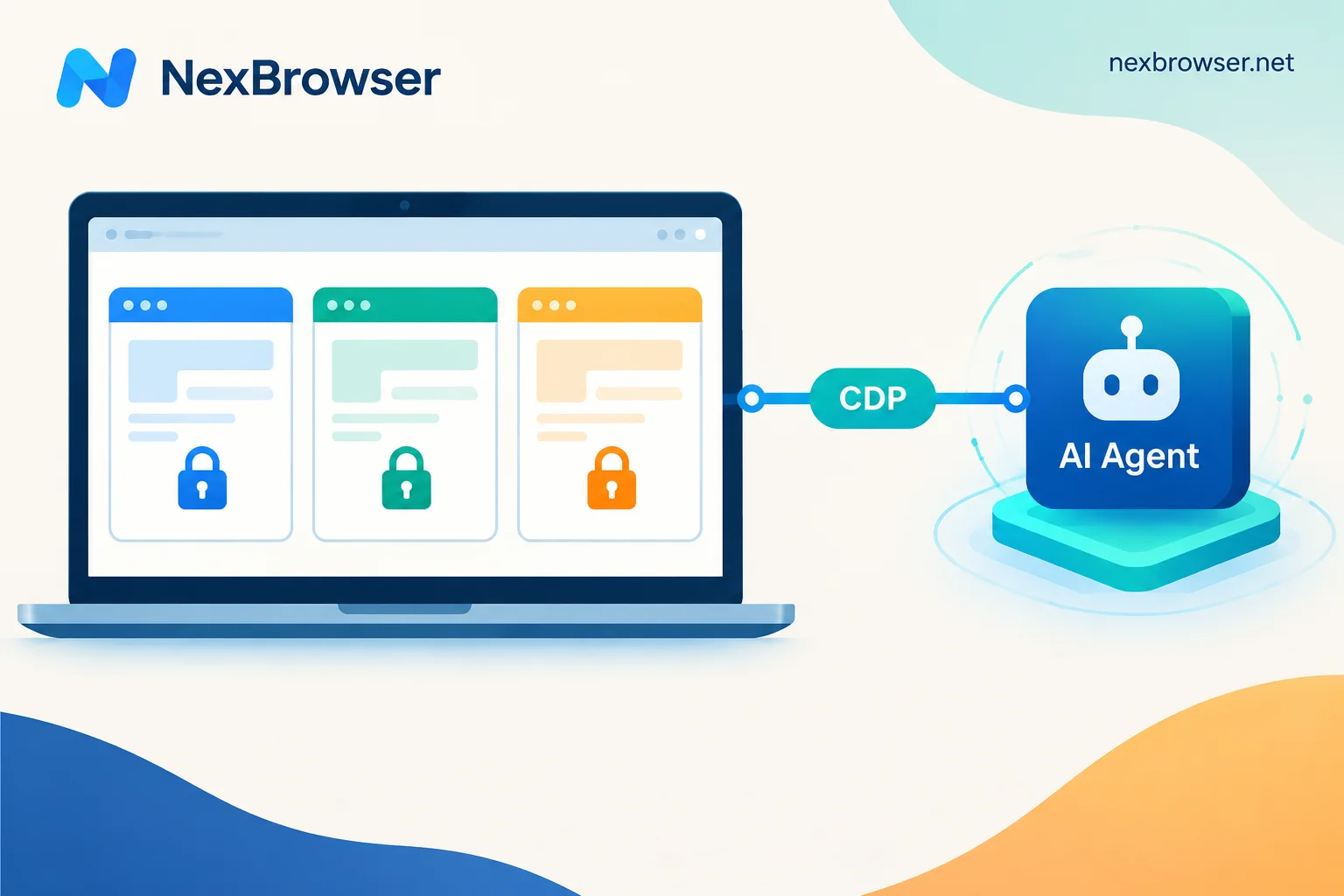
Correct posture and safe pacing for running mainstream plugins: A common high-risk practice is running scripts without isolation. The better approach is to strictly place automation plugins inside each fingerprint browser environment, preventing tool traits from leaking outward.
Simulating human behavior rhythms: Operation pace must be tightly controlled. Introduce human behavior emulation: set random operation delays and non-linear scrolling patterns. Avoid high-frequency, fixed-interval bulk likes or connection requests. Make automation mimic real user habits.
How to Create Your First Isolated Account Environment
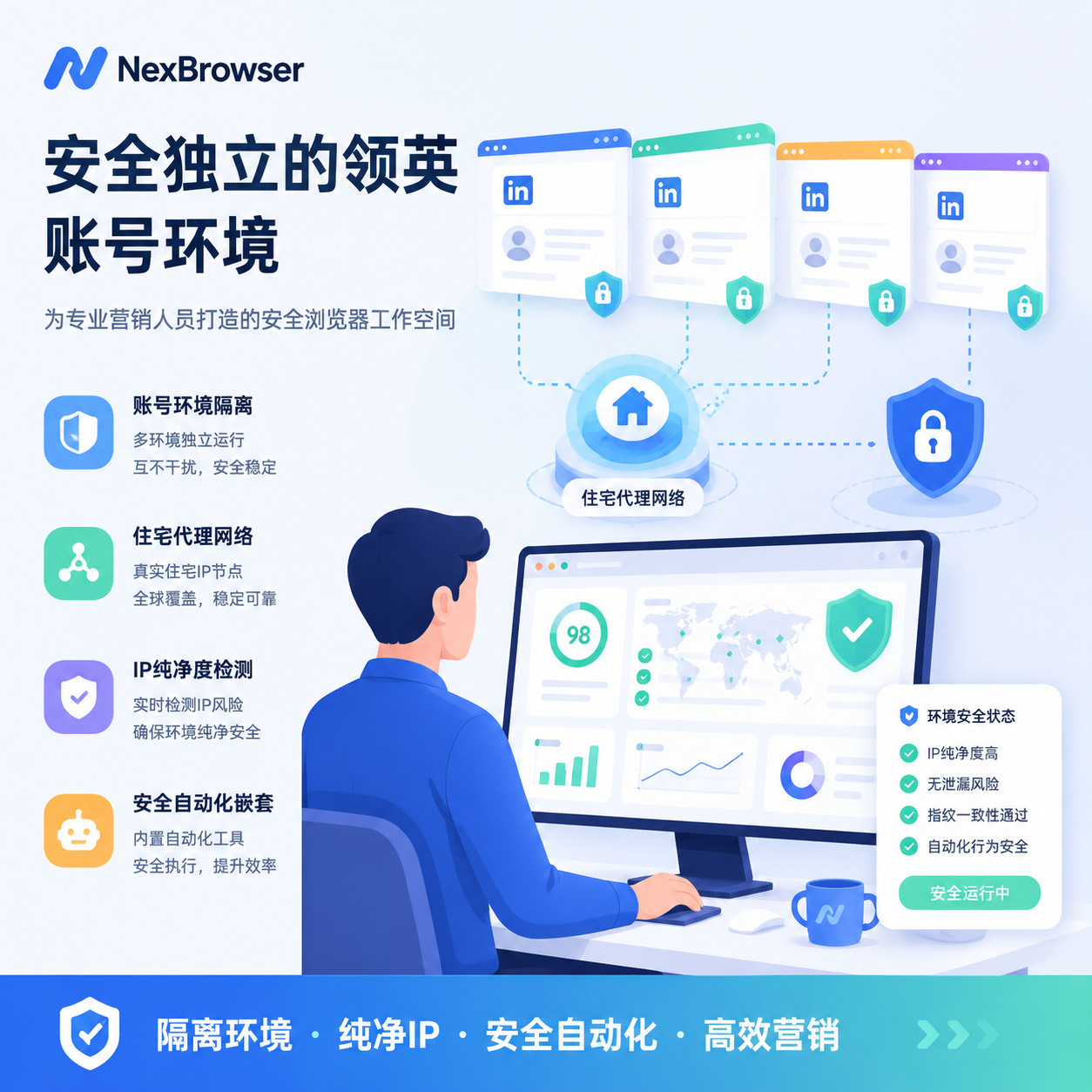
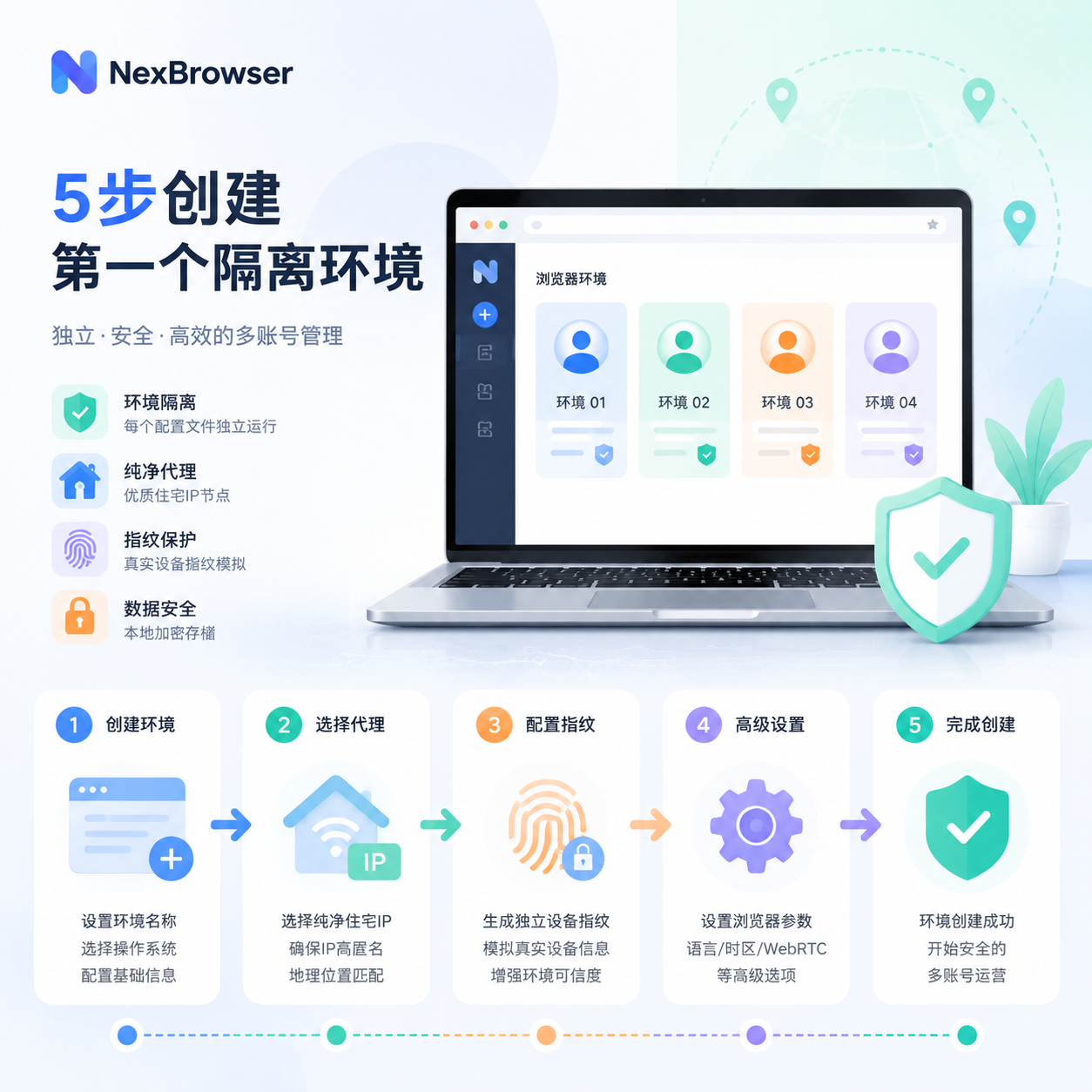
Execution is key to successful scaled outreach. Follow these five steps to build a high-strength anti-correlation isolation space. Each step has verifiable acceptance criteria; do not proceed until met.
Step 1: Prepare Network Proxy (Select Type and Test Purity)
Network nodes are the foundation of digital identity. At this stage, abandon cheap datacenter nodes and prioritize quality residential or static residential proxies. Before using a node, check its fraud score and blacklist status with professional tools. Recommended combination:
- IPQualityScore – Check Fraud Score
- Scamalytics – Cross-validate blacklists
- IP2Location – Query ASN type
Cleaner nodes mean lower initial deweighting risk.
Acceptance criteria: Fraud Score ≤ 25 (ideal ≤ 10), ASN type ISP (not Hosting/VPN), not on any major blacklist.
Step 2: Create a New Profile in Fingerprint Browser (Key Parameter Configuration)
Open your fingerprint browser and create a new digital profile. Popular tools include Multilogin, NexBrowser, and others. For this guide, we recommend NexBrowser for three reasons:
- Based on independent Chromium kernel with full fingerprint coverage.
- Supports multi-user group management for matrix operations.
- Free tier offers 5 profiles, ideal for beginners.
When creating a profile in NexBrowser, configure these parameters:
- Canvas fingerprint: Enable "Noise" mode (inject subtle noise, not full randomization).
- WebGL fingerprint: Randomize Vendor and Renderer, but keep consistent with OS.
- AudioContext fingerprint: Enable randomization.
- Timezone/Language/Geolocation interlock: Proxy IP in New York → timezone America/New_York → language en-US → geocoordinates correspond to New York.
- User-Agent: Strictly match OS and Chromium version; do not manually alter.
Acceptance criteria: At pixelscan.net, Consistency shows "Consistent." At whoer.net, anonymity score ≥ 90%.
Step 3: Bind Proxy and Verify Leaks (WebRTC and DNS Leak Detection)
Configure the proxy from Step 1 to the new profile. NexBrowser supports HTTP/HTTPS/SOCKS5; prefer SOCKS5. Before accessing LinkedIn, perform strict leak tests:
1. WebRTC leak: Visit browserleaks.com/webrtc. Check:
- Public IP must equal proxy exit IP.
- Local IP must not reveal real private IP.
- mDNS hostname (Chrome 76+ replaces private IP with xxxx.local as mitigation, but still a weak identifier; profiles should not overlap).
2. DNS leak: Visit dnsleaktest.com and run Extended Test. Confirm DNS servers belong to the same country/region as the proxy IP.
3. Comprehensive fingerprint test: Visit pixelscan.net; confirm Browser Fingerprint Consistency is green.
Acceptance criteria: No local/real IP exposure in all three tests; DNS matches proxy region; Pixelscan score is Consistent.
Step 4: First Login and Device Verification (Real Email and Phone)
In the clean environment, open LinkedIn. For existing accounts, use a real backup email or a legitimate physical phone number to receive security codes. Do not use virtual numbers like Google Voice, TextNow, or SMS-Activate; the platform has low tolerance for virtual prefixes and may trigger permanent bans. For new accounts, use a domain email (own domain) and a local physical SIM or eSIM. Do not edit any profile information within 24 hours of registration.
Acceptance criteria: Receive LinkedIn's "New device login" email; no secondary verification or face recognition prompt; profile is accessible without any risk warning banners.
Step 5: Start Account Warm-Up Mode
After setup, do not begin high-intensity outreach immediately. A rigorous warm-up period is required. Follow this schedule:
| Phase | Time | Daily Online Duration | Allowed Actions | Prohibited Actions |
|---|---|---|---|---|
| Cold Start | Day 1-3 | ≤ 15 min | Browse feed, read 2-3 articles | Add friends, send messages, edit profile |
| Soft Activation | Day 4-7 | 20-30 min | Like 3-5 posts, follow 2-3 companies | Send connection requests |
| Trust Building | Day 8-14 | 30-45 min | ≤5 connection requests/day (only 2nd-degree) | Bulk add friends, send promotional DMs |
| Normal Operation | Day 15+ | As needed | ≤20 connection requests/day | Exceed 30/day |
Simulate real user habits: log in at different times (morning, noon, evening) for 5-10 minutes each. Do not stay online continuously for long periods at fixed times.
Acceptance criteria: 14 consecutive days without any risk warnings; search functions normal; connection request acceptance rate ≥ 30%.
Failure Signal Checklist
After completing the above steps, monitor account status for the first 30 days. If any of the following signals appear, stop all proactive actions immediately and return to the corresponding step to troubleshoot:
- LinkedIn displays a "Security check" CAPTCHA after login.
- Connection requests are sent but immediately removed (ghost requests).
- Profile visit notifications disappear completely.
- Search functionality severely restricted (e.g., no search results).
- Automatic logout or password reset prompts.
- Visible warning banner: "We noticed unusual activity on your account."
If any of these occur, contact support only after fixing the environment issues.
Summary
Managing multiple LinkedIn accounts safely requires more than just creating multiple profiles. By using a fingerprint browser for hardware isolation, quality residential proxies for network authenticity, and automation tools with proper pacing, you can build a scalable and compliant account matrix. The five-step process above provides a practical path, but continuous monitoring and adaptation to LinkedIn's evolving risk controls are essential.
Remember: prioritize quality over quantity. A smaller number of well-maintained accounts always outperform a large number of poorly managed ones.


Comments(0)