 NexBrowser指纹浏览器-官方博客Blog
TL;DR
- Account legitimacy: TikTok's community guidelines explicitly allow users to hold multiple accounts for different creative purposes; what is banned is using multiple accounts for spam, fake engagement, mass manipulation, or ban evasion.
- Single-device limit: As of May 2026, TikTok's public help documentation does not specify a hard number; based on current app operation and common industry practice, 3 is a safe planning value per device, beyond which professional solutions are recommended.
- Linkage red flags: Reusing registration info (email, phone, recovery), WebRTC real IP leakage, cross-account likes, and cross-account same-video distribution are the top four reasons for account clusters being banned.
- Tiered solutions: 2-3 accounts use official app switching → 4-10 accounts use fingerprint browser + exclusive residential proxy → 10+ accounts add TikTok Business Center + team permissions + mobile/ISP proxy pool.
- Account nurturing rhythm: The new account's first 30 days (soaking → engagement → posting → scaling) directly determine its traffic ceiling for the next 12 months.
Introduction
You can have multiple TikTok accounts. TikTok's Community Guidelines clearly state: users may create multiple accounts for different expression purposes, but cannot use them to deceive, manipulate the platform, or evade bans. In other words, multiple accounts are not the problem; the problem is strong linkage signals and abnormal behavior.
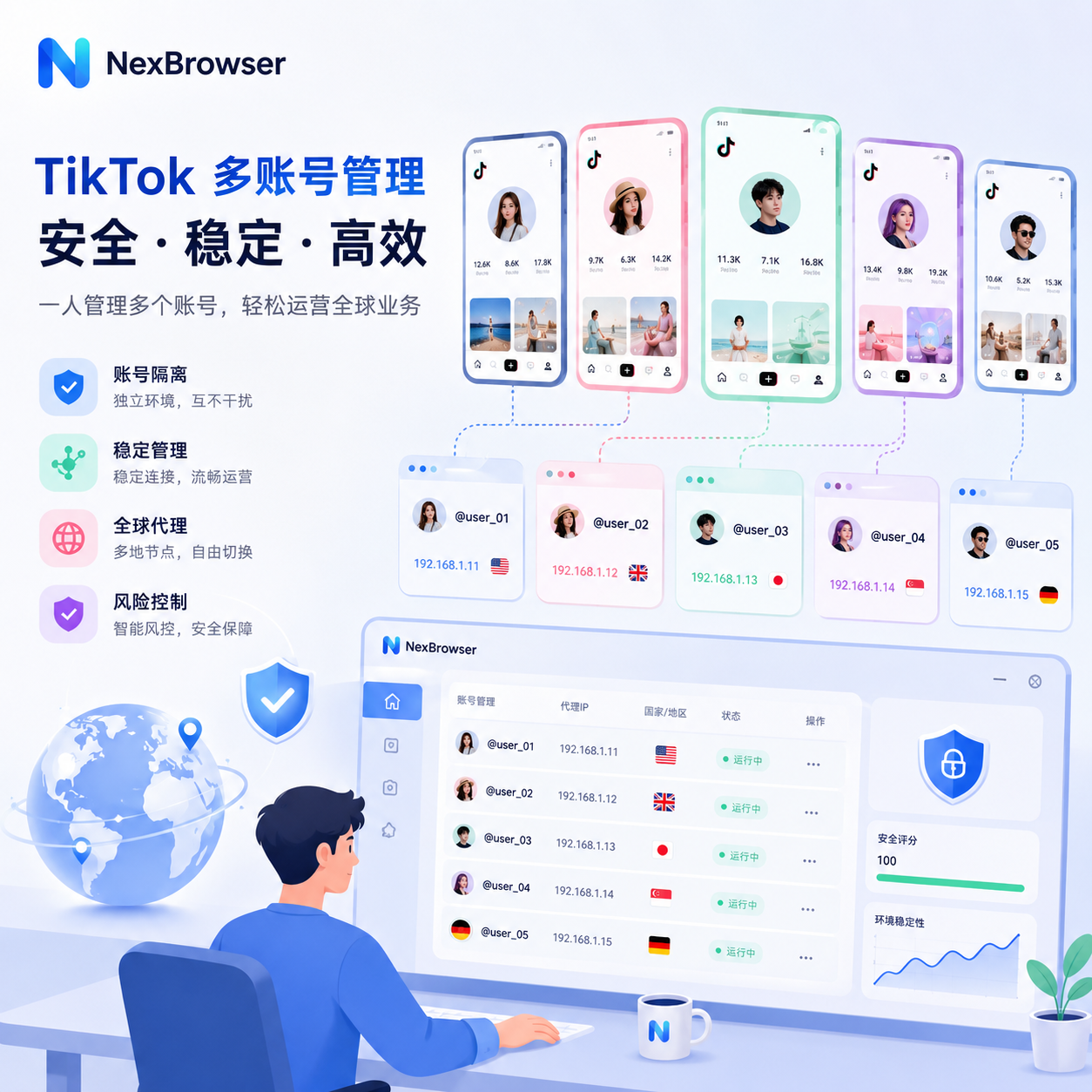
What truly matters is not "how many accounts you open," but whether these accounts appear to the platform's risk control system as distinct, stable, and real users. This article follows the logic of "can you open → how to open → how to manage steadily after opening," explaining official rules, risk control principles, tiered matrix management, and account nurturing SOP in one go.
1. Can You Have Multiple TikTok Accounts?
Direct answer: Yes. However, "the official policy allows multiple accounts" is not the same as "allowing unlimited expansion on one device."
TikTok's community guidelines explicitly prohibit the following four types of behavior, regardless of the number of accounts:
- Spam: Mass publishing similar videos, keyword stuffing, machine-generated low-quality content;
- Inauthentic Engagement: Liking, following, or commenting between your own accounts to create artificial buzz;
- Ban Evasion: Immediately using a new account with the same persona and content after the main account is banned;
- Coordinated Manipulation: Using multiple accounts to coordinate likes, chart manipulation, or topic boosting.
That is, normal needs like personal + creator account, brand main + test account, cross-country market sub-accounts are all compliant; the official account type explanation even suggests separating business content from personal content. What gets banned is using multiple accounts as a "cheating amplifier."

Official Multi-Account Restrictions Quick Reference Table
| Resource Dimension | Official Public Info | Industry Common Safe Practice | Key Red Line Triggering Risk Control |
|---|---|---|---|
| Allow multiple accounts | Allowed | Allowed | Used for deception, manipulation, or evading penalties |
| Accounts per device | Not explicitly specified | 3 (industry experience) | Over 3 or frequent switching |
| Phone/email binding | Requires valid registration info | 1:1, non-reusable | Gmail "+alias" also gets normalized |
| Active accounts under same IP | Not disclosed | ≤3 (industry experience) | Same IP clustering + synchronized behavior |
| Accounts per device fingerprint | Not disclosed | 1 (requires environment isolation) | Shared Canvas/WebGL fingerprint |
When You Don't Need Multiple TikTok Accounts?
Not everyone is suited for a matrix. If any of the following applies, it's better to focus on a single account:
- Content direction not yet validated, single account followers below 1,000;
- You are an individual creator who can only produce 1 video per day;
- Main use is personal recording and socializing, no business monetization need.
Marginal benefits from a matrix only appear after content production is standardized. Before that, spreading effort across multiple accounts may prevent any from reaching the threshold to tap into natural traffic pools.
❌ Bad example: Without finalizing content direction, register 5 accounts on the same iPhone, share a commercial VPN, and switch daily to like each other's posts. On day 3, all accounts get 0 views, some receive violation notices.
✅ Good example: First, use one account to validate content direction → standardize production SOP → when moving to 4 accounts, switch to fingerprint browser + exclusive proxy → when moving to 10 accounts, adopt Business Center and team permissions.
2. How to Create Multiple TikTok Accounts
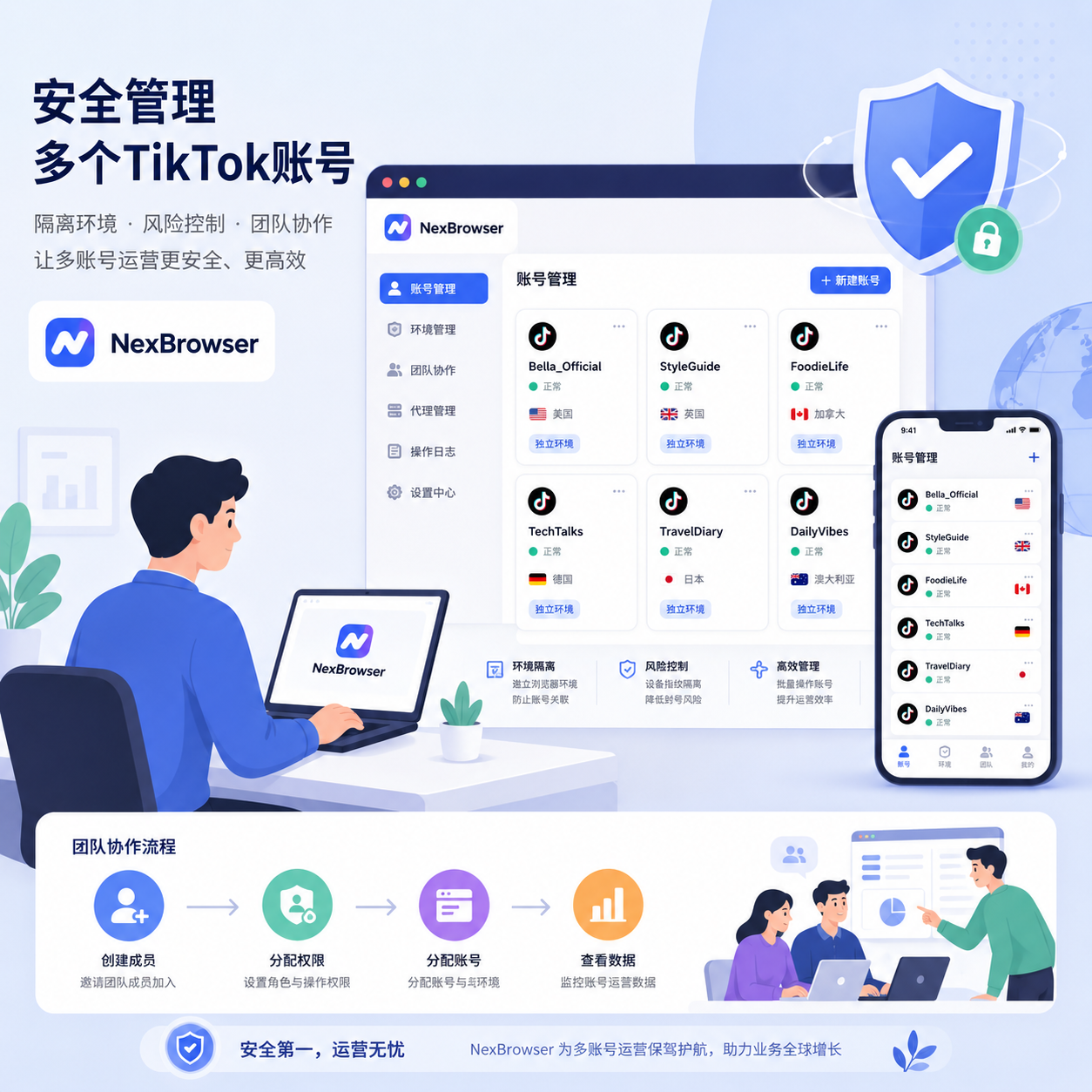
When creating multiple TikTok accounts, the safest principle is not "fast" but "independent." TikTok's account creation guide requires a valid phone number/email for registration to facilitate login and recovery. Below, we break it down for iOS, Android, and web, highlighting common pitfalls.
2.1 Creating a Second Account on iPhone
- Open TikTok App, go to Profile;
- Tap the dropdown arrow next to the username at the top;
- In the pop-up menu, select Add account;
- Choose Sign up – do not select "Log in to existing account";
- Verify with a new phone number or email never used on TikTok;
- Complete basic info: nickname, avatar, birthday (recommend 18+), region;
- Return to the main page, tap the username arrow to switch between accounts.
Common Pitfall: Using Gmail "+alias" (e.g., [email protected]) in step 5. TikTok's registration check normalizes the email and identifies it as duplicate, leading to later bans. Always use a fully independent email address.
2.2 Creating on Android
The process is similar to iOS, but with two key differences:
- Google account binding logic: Android's one-tap login with Google sends the device ID, Android ID, and Play Services ad ID bound to the current Google account. Even if you change the phone number, TikTok may still detect multi-account origins via Google's device fingerprint. It's recommended to use manual email/phone input to bypass one-tap login.
- Android ID reset difficulty: Unlike iOS's IDFA (Ad Identifier) which can be turned off in settings, Android ID usually changes only after a factory reset – this is the fundamental reason why Android multi-account isolation is harder than iOS.
2.3 Registering on Web (tiktok.com)
Desktop browser registration is the preferred path for matrix operations for three reasons:
- Web can work with fingerprint browser to modify Canvas, WebGL, AudioContext, fonts, timezone, and other browser fingerprints at the core level;
- Web does not actively collect IDFA, Android ID, or other hardware unique identifiers;
- The fingerprint written during registration is permanently stored in the account's profile – even if you later log in via the app, the platform will use the "birth fingerprint" as the account's baseline.
Steps: Visit tiktok.com → Register → Choose phone or email → Complete verification → Set username and password → Log in with the same account on the app.
Key Reminder: After web registration, the first app login must use the same network environment as registration. If registered in the US region but the app first login appears in the UK region due to VPN drift, the new account may be placed in a low-weight pool before even starting the soaking period.
2.4 When Is Official Multi-Account Switching No Longer Enough?
When any two of the following conditions are met, app switching is insufficient and you must upgrade to a professional solution:
- Operating 4 or more TikTok accounts simultaneously;
- Accounts are for cross-border business, requiring localized identities for different country markets;
- Accounts involve commercial monetization (shop, affiliate, ad campaigns) where a single account outage causes significant loss;
- Team collaboration requiring permission tiers and operation logs.
These scenarios share the common feature of "cannot afford a total loss" – once the platform identifies the account cluster as linked, bans usually occur in bulk.
3. How to Switch Between Multiple TikTok Accounts
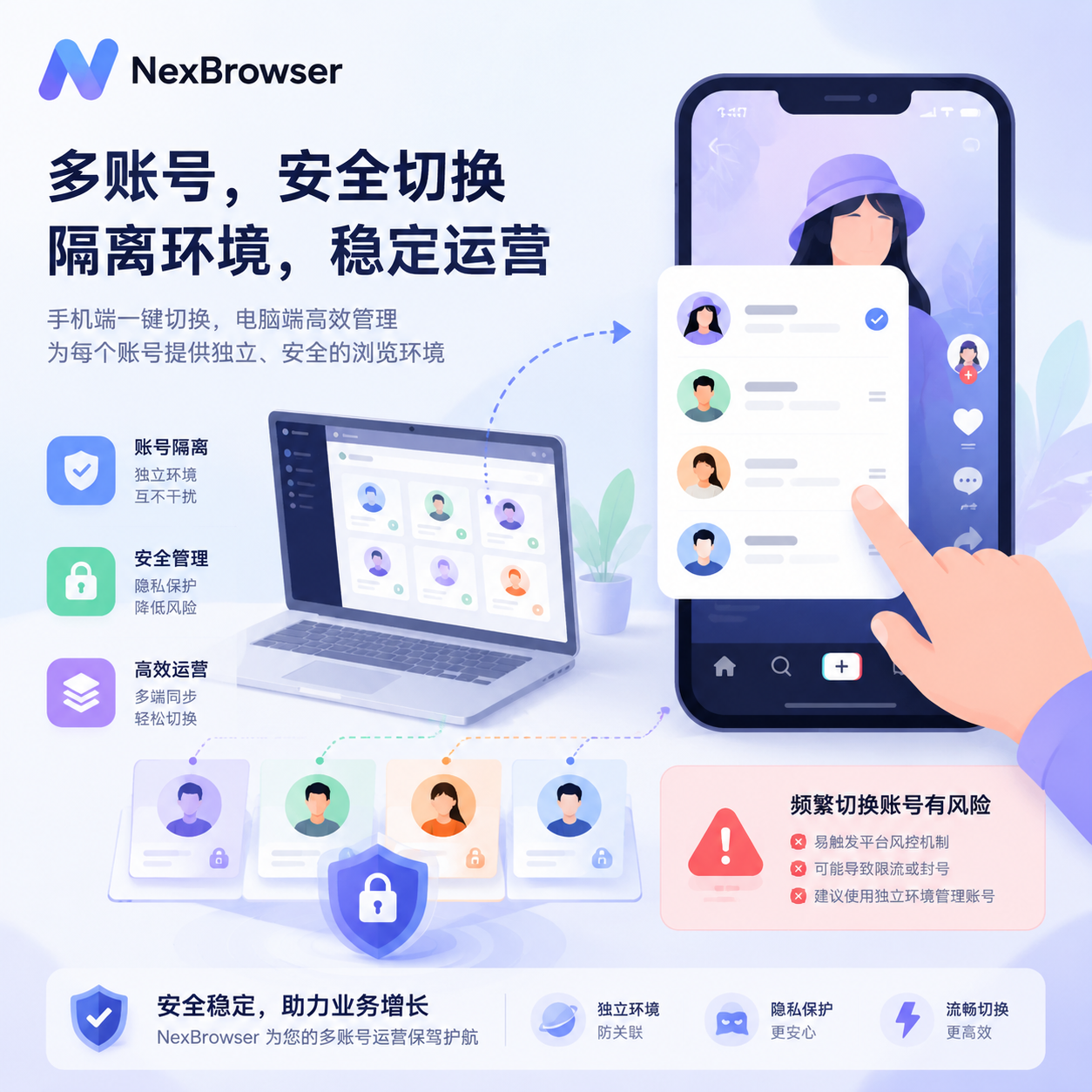
The switching action itself is low risk; what truly matters is the behavior and frequency after switching.
Switching Paths by Platform
- iPhone/Android: Profile top username → dropdown arrow → select target account from the list;
- Web: Top-right avatar → Switch account → re-enter credentials. Web does not auto-save multi-account sessions, so each switch requires re-login – this actually works better with fingerprint browser for strong isolation.
Does Frequent Switching Trigger Risk Control?
Yes. The following thresholds are industry experience, not official TikTok parameters:
- More than 3 switches within 5 minutes: Likely flagged as suspicious session flow;
- More than 3 active accounts on the same device within 24 hours: May trigger device clustering alerts;
- High-interaction actions immediately after switching (continuous likes/follows/comments): Likely judged as bot behavior.
A safer rhythm: Maintain at least 15-20 minutes of natural browsing after each switch – scroll FYP (For You Page), watch full videos, occasionally like posts – to make the session appear as independent real user activity, not a cold start batch operation.
If your operation rhythm significantly exceeds these thresholds, you've outgrown the official app's capacity and should turn to professional environment isolation.
4. How to Manage Multiple TikTok Accounts
The core challenge of multi-account management is: the more accounts, the denser the actions per unit time, making it easier for the platform to cluster and identify them. The solution is to tier by scale, matching tools, processes, and permissions.
4.1 Three Tiered Solutions by Scale
| Account Scale | Recommended Solution | Monthly Cost (Reference) | Core Logic |
|---|---|---|---|
| 2-3 | Official TikTok App switching | ¥0 | Single stable network, low-cost account positioning |
| 4-10 | Anti-association browser + exclusive residential proxy | ¥200-¥600 | Physical isolation of browser fingerprints, one account one independent IP |
| 10+ | Fingerprint browser + mobile/ISP proxy + team permissions + Business Center | ¥1,000+ | Collaboration, audit, batch execution, enterprise pipeline |
- 2-3 accounts: Well within official app capacity; focus on maintaining content verticality and avoiding persona contamination between accounts.
- 4-10 accounts: Enter "semi-professional" territory; must prepare independent browser environments for each account (Canvas, WebGL, AudioContext, UA, timezone, language fully isolated) and bind exclusive residential IPs, with IP geography matching the account's target market.
- 10+ accounts: Team operations phase. Besides environment and proxy, introduce team collaboration, permission tiers, and operation logs to prevent operators from accidentally logging into others' environments and causing linkage.
4.2 Official Compliant Path for Brands/Agencies: TikTok Business Center
If you are a brand or agency, prioritize enrolling accounts into TikTok Business Center. It mainly solves 4 issues:
- Account ownership: Account assets belong to the "organization" rather than an employee's TikTok account; departing employees cannot take accounts;
- Permission allocation: Assign members different permissions like "Deliver ads" or "Manage account";
- Collaboration flow: Organizations can authorize accounts, ad accounts, and Pixels to each other without sharing passwords;
- Organic + Paid integration: Natural traffic content accounts and paid ad accounts can be linked and tracked in one panel.
According to the official Business Center help document, a single Business Center can request access to up to 200 TikTok accounts. Note: Business Center solves "account ownership and collaboration permissions," not "anti-association"; it works alongside fingerprint browsers, not as a replacement. Together, the two layers form a complete enterprise matrix structure.
4.3 Six Golden Rules of Multi-Account Management
Regardless of tools, the team must strictly follow this SOP:
- One account, one strategic role: Each account takes a clear content positioning (vertical seeding, traffic driving, customer service, testing); do not let one account serve as both brand official and traffic test;
- No cross-account identical video distribution: TikTok deduplicates based on video file hash, BGM hash, subtitle OCR, and caption semantic similarity; cross-account distribution triggers originality penalties;
- Stagger posting and active times: Accounts in the same matrix should post at different times; avoid all accounts posting similar content at 8 PM daily; stagger posts by at least 15-30 minutes;
- No self-liking between own accounts: Cross-account interaction is one of the most direct signals for the platform to identify account clusters;
- Record data per account: Maintain separate dashboards tracking fingerprint config number, bound proxy IP, completion rate, engagement rate, follower growth curve, and anomaly records;
- Establish content calendar and SOP: Standardize posting rhythm, topics, hashtags, and interaction scripts so that "who, in which environment, posts what" is documented.
These six rules boil down to one principle: Make each account appear to the platform as an independent real user, not a puppet node under a central command.
5. How TikTok Identifies and Links Multiple Accounts (Risk Control Principles)
Why do accounts still get banned en masse even after using a VPN, clearing cache, and changing UA? Because TikTok's linkage detection system doesn't rely on a single signal but on whether multiple signal groups corroborate each other. Think of it as a multi-signal scoring model (Account Linkage):
1
2
3
4
5
6
7
8
9
[TikTok Risk Control Engine]
   │
   ├── Device Fingerprint Layer ─ Canvas/WebGL/AudioContext/UA-CH/Fonts/Sensors
   │
   ├── Network Topology Layer ─ IP/ASN/DNS/WebRTC Real IP Leak
   │
   ├── Behavioral Dynamics Layer ─ Keystroke Dynamics/Mouse Trajectory Entropy/Switch Frequency/Cross-Account Interaction
   │
   └── Content Metadata ─ Video Hash/BGM Hash/EXIF Residue/Subtitle OCR/Caption Similarity
If two or three layers show high overlap, the accounts enter stricter review.
5.1 Device Fingerprint Layer
Risk control scripts run Silent JS Challenges in the background, collecting:
- Canvas fingerprint: Pixel hash differences when GPU renders specific shapes;
- WebGL fingerprint: Features based on graphics driver and rendering pipeline output;
- AudioContext fingerprint: Spectral response characteristics of audio processing hardware;
- UA Client Hints (UA-CH): According to MDN's explanation of navigator.userAgentData, websites can read high-entropy fields for cross-validation;
- Sensor fingerprint (mobile only): Minor hardware deviations in accelerometer, gyroscope, magnetometer.
App-level fingerprint signals are harder to modify than browser signals – this is why web registration is preferred for matrix operations.
5.2 Network Topology Layer
- IP address: Basic linkage signal; multiple accounts sharing the same IP are directly clustered;
- ASN (Autonomous System Number): Even if IPs differ, if they come from the same data center ASN, they are highly suspicious;
- DNS resolution path: DNS server address can reveal the real ISP;
- WebRTC real IP leak: According to MDN's explanation of RTCPeerConnection, WebRTC's ICE mechanism may bypass regular proxies and directly expose the device's real public IP and local IP to the server – this is the most overlooked "hidden killer."
Illustrative case (anonymous review from cross-border operation community): A team operated 50 US TikTok accounts steadily for 3 months, all using exclusive residential proxies. After a Chrome update, WebRTC policy changed, causing all environments to expose the same real public IP to the same STUN server. The next day, all 50 accounts were throttled in bulk. Professional fingerprint browsers must block WebRTC leakage at the Chromium kernel level, not just via extensions.
Self-check method: Visit https://browserleaks.com/webrtc in the browser address bar and confirm the displayed Public IP exactly matches your proxy exit IP, and the Local IP field is empty or a placeholder address. If any field exposes real information, WebRTC isolation has failed.
5.3 Behavioral Dynamics Layer
Real users' input and browsing behavior have natural fluctuations: keystroke dynamics show jitter, pauses, and different daily activity rhythms; batch operations appear too regular – a group of accounts going online at the same minute, changing avatars simultaneously, posting first videos on the same day, following the same accounts. This "organizational consistency" leads risk control to classify them as one entity.
Ordinary Selenium or Playwright headless browsers produce mouse trajectories that are too smooth, nearly straight, with low entropy, easily triggering headless browser detection.


Comments(0)