 NexBrowser指纹浏览器-官方博客Blog
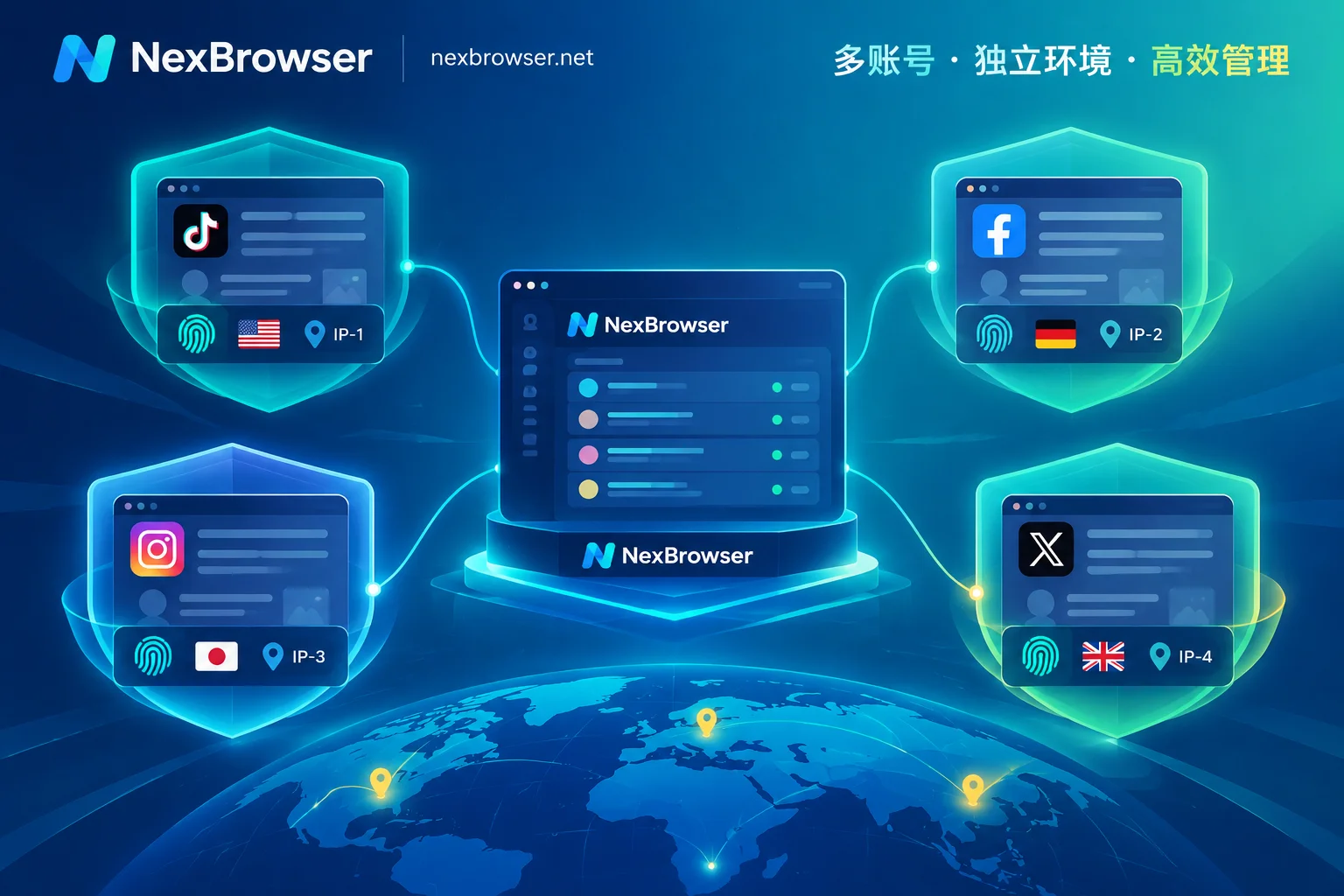
The essential difference between free and paid fingerprint browsers goes beyond the number of environments—it encompasses a full leap across four layers: kernel maintenance, proxy granularity, team audit, and automation APIs. Many new sellers overlook the hard requirements of underlying kernel versions and system compatibility when configuring accounts, leading to anomalies in newly registered stores. The correct approach is to first verify whether the tool's kernel update frequency keeps pace with mainstream browser iterations before considering other features. For instance, tools like NexBrowser integrate per-environment proxy binding and team environment collaboration within the same backend, revealing the deeper logic behind the free/paid divide: not just opening more windows, but a comprehensive leap in security isolation and management capabilities across the entire chain.
Three Typical Symptoms When Free Version Hits Its Limits
In practice, users often encounter obstacles manifesting as three specific symptoms, each pointing to different capability gaps.
First, the physical cap on environment count. For example, AdsPower's official statement indicates its permanent free version allows up to 2 environments with independent fingerprints. This may suffice for a single-store seller just starting out, but once expanding to multiple platforms or sites, the quota quickly exhausts, leaving new accounts without a home.
Second, rigid proxy configuration. Free versions often only allow global settings, or changing an IP requires tedious exiting of the current process to modify configuration files—not allowing an "one environment, one exit" approach. When needing to match region-specific static residential IPs for different countries' sites, such coarse-grained management severely hampers efficiency.
Finally, security blind spots during multi-user collaboration. When a second team member starts operating the store, passwords transmitted in plaintext via chat tools become the norm, and if a misoperation or data breach occurs, it's impossible to trace who accessed which account and when. These three symptoms correspond to missing dimensions of capacity, network isolation, and permission auditing, not merely price tag differences.
Where Kernel Update Lag Shows Up First
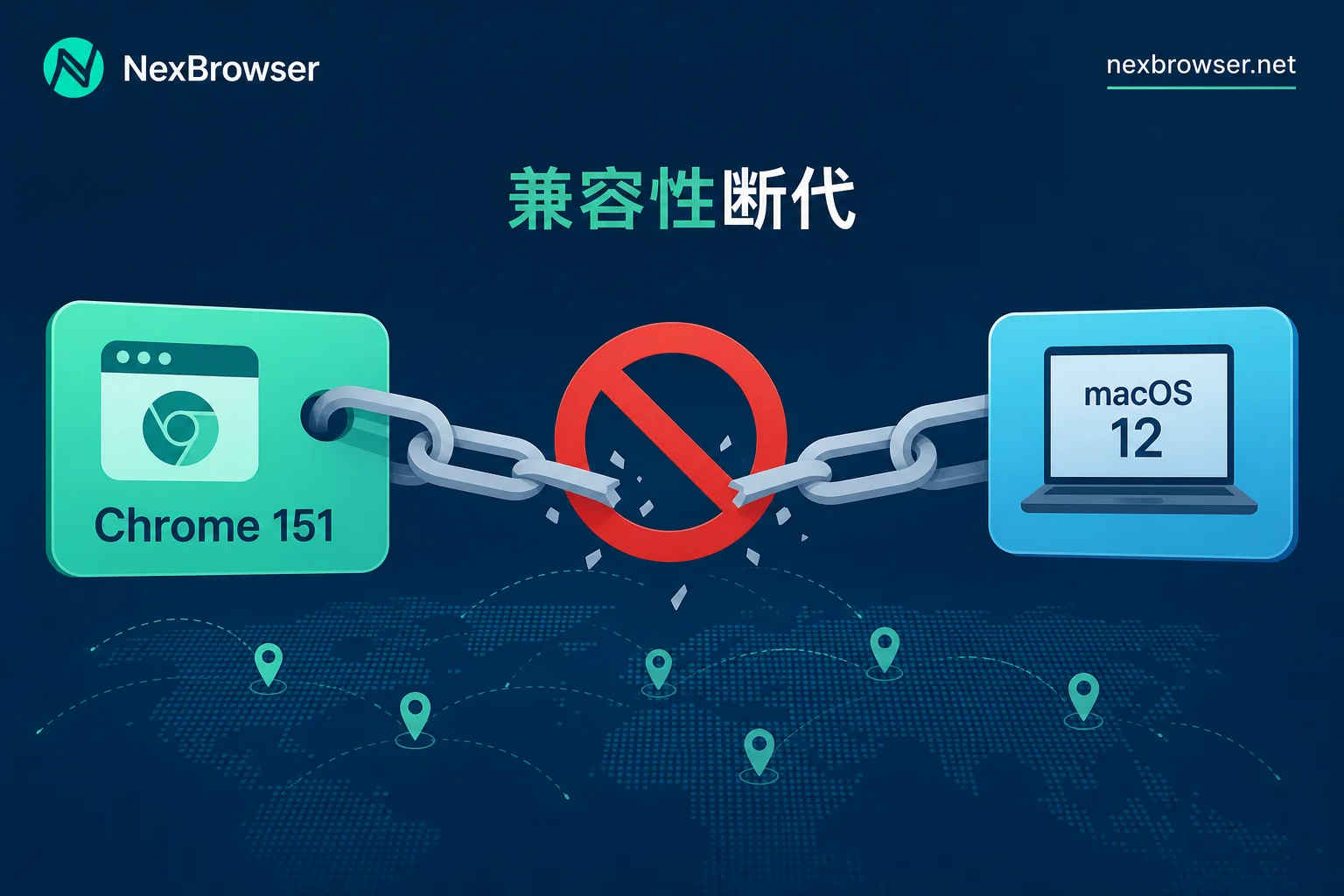
Kernel update cadence is the first hard metric distinguishing free from paid tools. In mid-to-late August 2026, AdsPower and RoxyBrowser nearly simultaneously upgraded to the Chrome 151 kernel. RoxyBrowser's RoxyChrome 151 focused on adjusting WebRTC initialization logic and aligning with Chrome's native WebGL output. Notably, both vendors stated that due to underlying Chromium architecture changes, the kernel no longer supports macOS 12, forcing users to upgrade to macOS 13 or later.
This change offers operators a clear observation point: check whether the User-Agent major version of the local environment differs from the current mainstream Chromium version. If a tool hasn't updated its kernel for a long time, the WebGL and WebRTC readings it generates tend to diverge from current mainstream Chromium—readers can verify this themselves. Additionally, older Macs stuck on macOS 12 cannot run the latest kernel, signaling not just a software issue but a hardware obsolescence signal. Kernel lag most visibly surfaces as abnormal readings in scenarios involving graphics rendering (WebGL) and real-time communication (WebRTC).
Proxy Binding Granularity: Operational Difference of One Environment, One Exit
The second gap manifests in the operational granularity of proxy links. Competitors are shortening proxy maintenance chains; for example, AdsPower provides a dynamic proxy refresh entry directly on the environment launch page to reduce operational path switching costs. However, this represents only that vendor's public statements, not an industry-wide standard.
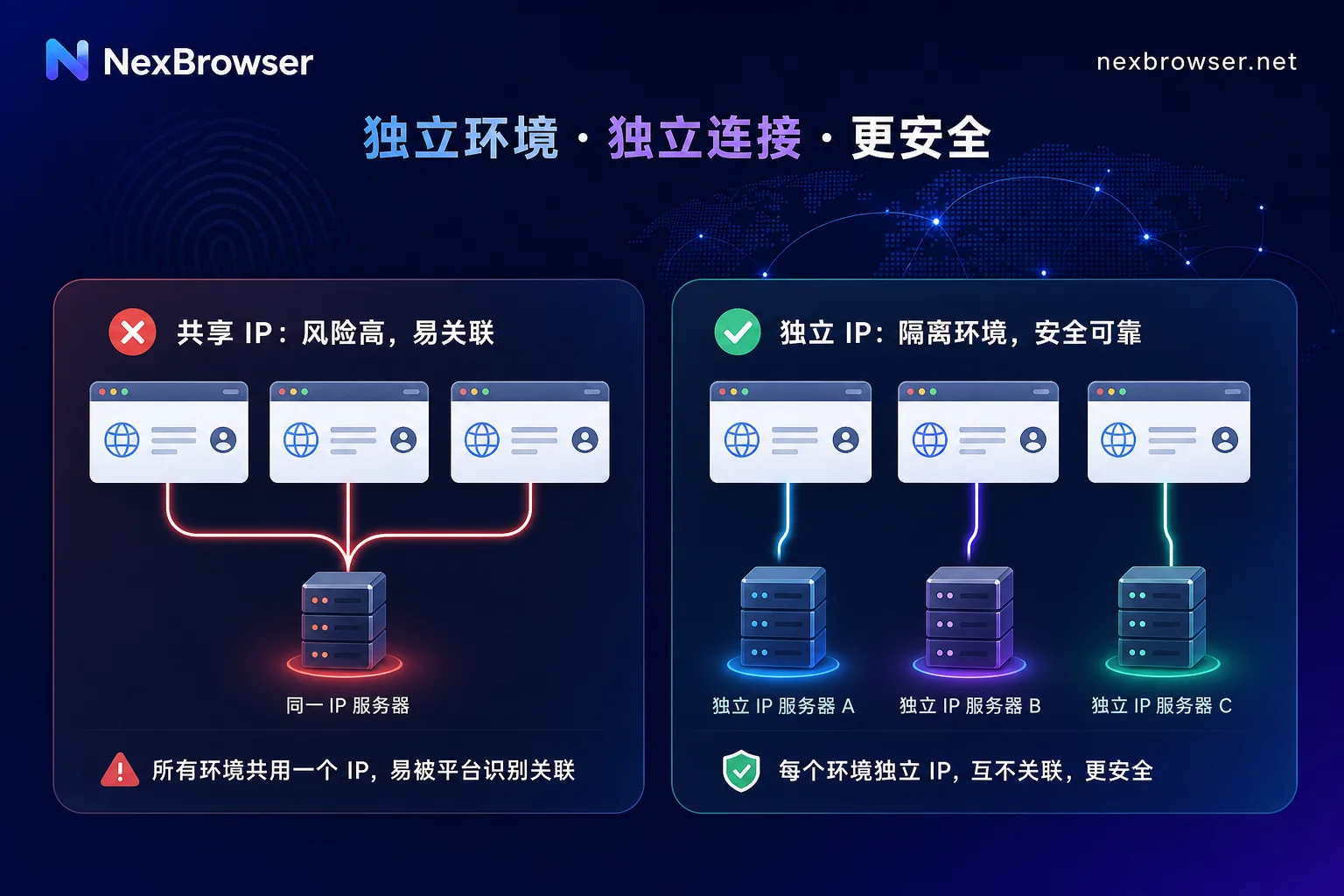
The evaluation criterion is straightforward: open two different environments and visit ipinfo.io or similar exit query pages. If you see two completely different geolocations, real isolation is achieved; if it's the same address, there's an association risk. Beware that frequently changing IP mid-session can invalidate long-lived cookies and even trigger remote logouts, so dynamic IP changes are more suited for stateless scraping or configuration before a session begins.
| Dimension | Readily Observable Evaluation Points |
|---|---|
| Proxy binding method | Whether the geolocations seen when two environments simultaneously access an exit query page differ |
| IP switching efficiency | Whether switching exit requires closing the environment |
| Operational path length | Whether the proxy is bound to the environment or the entire machine |
Team Activity Logs and Plaintext Password Masking
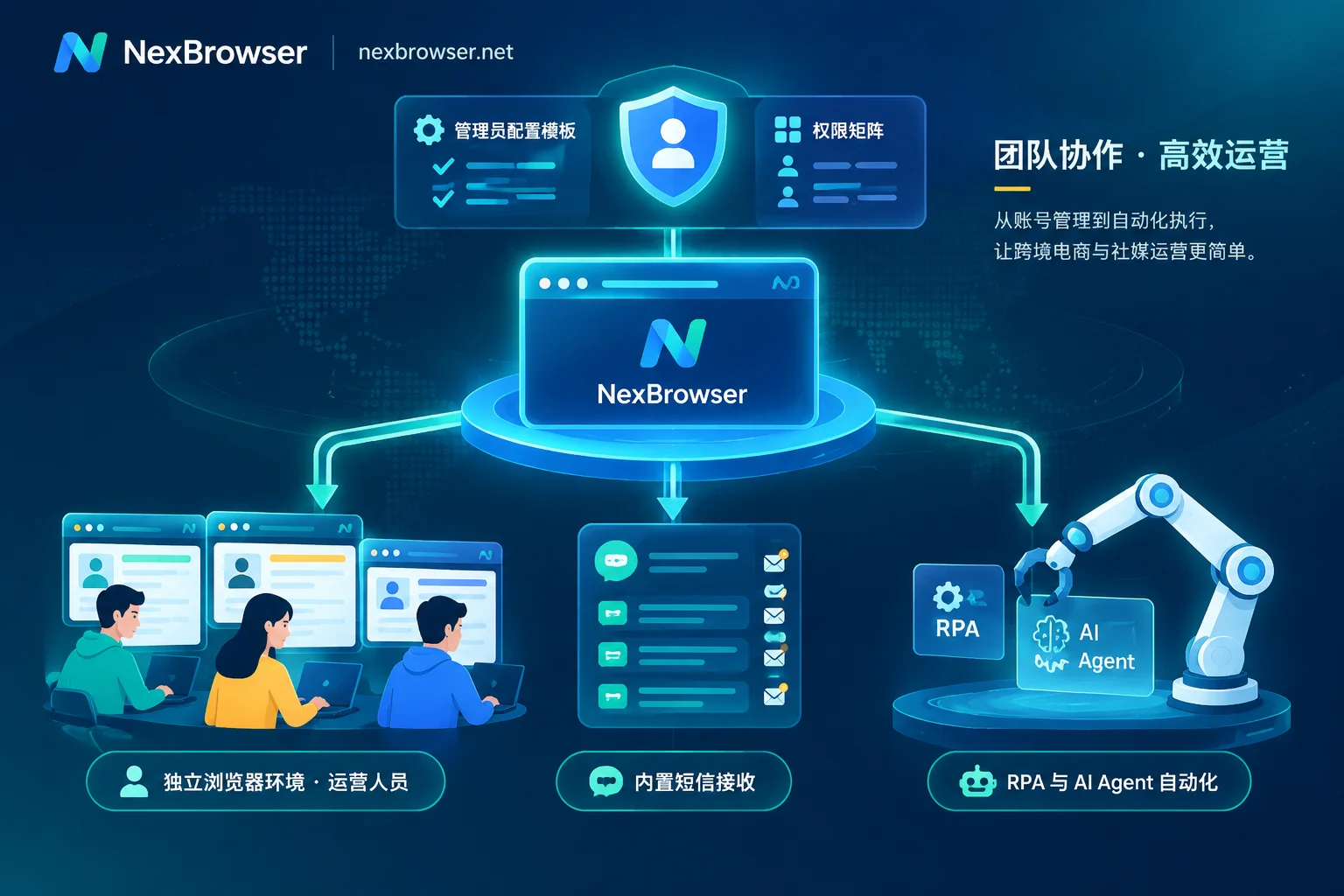
The third gap lies in internal leak prevention and behavioral traceability. In August 2026, RoxyBrowser launched Team activity logs in version 4.0.3, paired with a quick account creation mechanism to record member operation streams; AdsPower continues to enforce strict plaintext password masking controls. This indicates that paid team editions are shifting focus from mere multi-accounting to compliance auditing.
Assessment criteria include: After a member leaves or makes an error, can admins pinpoint the specific time window and operator? Can sub-accounts see plaintext credentials when logging into store backends? Can visibility ranges be assigned per person? Without these features, security risks amplify exponentially as the team grows. Multi-user collaboration anti-association browser log audit features are key modules addressing this pain point.
Free Boundary of Automation APIs
The fourth gap lies in automation capabilities. Basic local APIs are usually available for trial on the free tier, but headless command-line startup and api-key for multi-machine calls often sit behind the paywall. AdsPower's official API specification clearly states that headless services and api-keys are only available in paid plans; this represents only that vendor, not the industry.
Readers should first determine their script requirements: whether they need to take over an already-launched visible environment or run batch tasks headlessly on a server. The former relies less heavily on free quotas; the latter hits the threshold once concurrent execution is needed. If the business involves large-scale data scraping or automated publishing, free API limits become a bottleneck. Self-built VPS anti-association vs professional fingerprint browser: cost-effectiveness comparison details resource investment differences in such scenarios.
Three Scenarios Where Free Version Suffices and Upgrade Signals
Not all situations require immediate payment. In the following three scenarios, the free version is sufficient: first, only for tool usability verification, not formal operations; second, single-person operation with account numbers still within the vendor's published free quota; third, stateless temporary access tasks that don't involve long-session logins.
Consider upgrading when these signals appear: account count hits the cap and you start reusing environments; a second co-operator joins; you need to fix an exit per environment for long-session logins; scripts need to run in batch in a headless environment; your machine is stuck on macOS 12 and cannot run the new kernel.
What Paid Version Cannot Change
Boundaries must be drawn: payment enhances local environment isolation, proxy operational granularity, team permissions, and automation scheduling, but the historical misuse records of exit IPs, registered entity details, payment information, and actual operational behavior do not change with the plan. Online claims like "buying the paid team edition with the latest kernel guarantees no association bans" are false advertising. Account security is jointly determined by proxy purity, business data, and operational behavior; no tool can guarantee absolute immunity from association.
Items to Recheck After Upgrade or Tool Switch
Immediately after going paid, recheck: open each environment and first verify the exit geolocation matches the bound proxy; then compare WebRTC readings with the HTTP exit to ensure they point to the same address, and that timezone/language align with the exit region; finally, confirm in permissions that team member visibility ranges and logs can truly trace operators. Long-term signals to watch: whether local versions follow kernel major releases, availability of old OS machines, permission revocation after member changes, and whether geolocation changes after proxy renewals.
Frequently Asked Questions
Can a single-store test log into the backend with the free version?
Yes, but only for a small number of accounts. For instance, AdsPower's free version supports 2 environments, suitable for single-store testing. If you exceed that count or need multi-user collaboration, the free version lacks permission isolation, leading to management gaps like inability to assign visibility per person or trace operators.
What features are missing when the team expands?
Mainly high-frequency kernel updates, per-environment independent proxy binding, team operation log audits, plaintext password masking, and Headless automation APIs. These features address security and efficiency issues in scaled operations.
What is the difference between team and personal fingerprint browsers?
The core difference lies in permission management and auditing. Team editions support sub-account assignment, operation log traceability, and sensitive information masking to prevent internal leaks; personal editions focus on single-user multi-environment management without collaborative attributes.
When should I switch to a paid fingerprint browser?
When the number of accounts exceeds the free quota, multi-user collaboration is needed, automated scripts for batch operations are required, or the operating system cannot support the latest kernel. At these times, the free version's capability gaps directly affect business continuity and security.
How many environments can a free fingerprint browser create?
Different vendors have different policies; rely on their official public statements. AdsPower's permanent free version limits to 2 environments, mainly for preliminary verification.
It is recommended that readers, based on their current account volume and collaboration size, first use free quotas to conduct spot checks on three items—exit geolocation, WebRTC consistency, and permission visibility—before deciding whether to upgrade; if planning to run this verification on NexBrowser, create two environments bound to different exits for a comparative test, using measured results instead of marketing comparisons.


Comments(0)